| Author |
 Replies: 11 / Views: 1,885 Replies: 11 / Views: 1,885 |
|
|
Valued Member
Netherlands
207 Posts |
|
|
|
Hi all,
just tried to upload an image (from an USB stick) in the test section, didn't work. File format is jpg, size is 50 Kb, file name is "Mexico", so what went wrong???
Klaus
Edit: I just right-clicked on the image, then on "properties" and file size and file type are indicated as "not available". On my PC the file format IS indicated as jpg. ?????
Edit no.2: I saved a pic from one the forum threads to the USB stick and tried to upload that pic, didn't work. Again, file type and size are not known when right-clicking on the image.
|
|
Send note to Staff
|
| Edited by KlausR - 05/15/2012 02:46 am |
|
|
|
|
Pillar Of The Community
United Kingdom
1361 Posts |
|
|
Hi, Take a look in the Tutorials section in the sidebar <---  There is an 'Uploading photos' topic. |
Send note to Staff 
|
|
|
Valued Member
Netherlands
207 Posts |
|
|
Hi Anthony,
I had a look at the tutorial before trying to upload, also used the image optimizer. File format is ok, size is ok, file extension is ok, the upload was not rejected but no pic appears in the post. In my 3rd attempt (edit no. 2), when right-clicking on the pic, file type is identified as "text/html", and that pic was one I took from the forum!
What could be the problem/error?
Klaus |
|
Send note to Staff
|
|
|
Forum Dad

USA
2055 Posts |
|
|
Works fine, no other reports at all. Must be something on your end. "text/html" is not a valid file type. 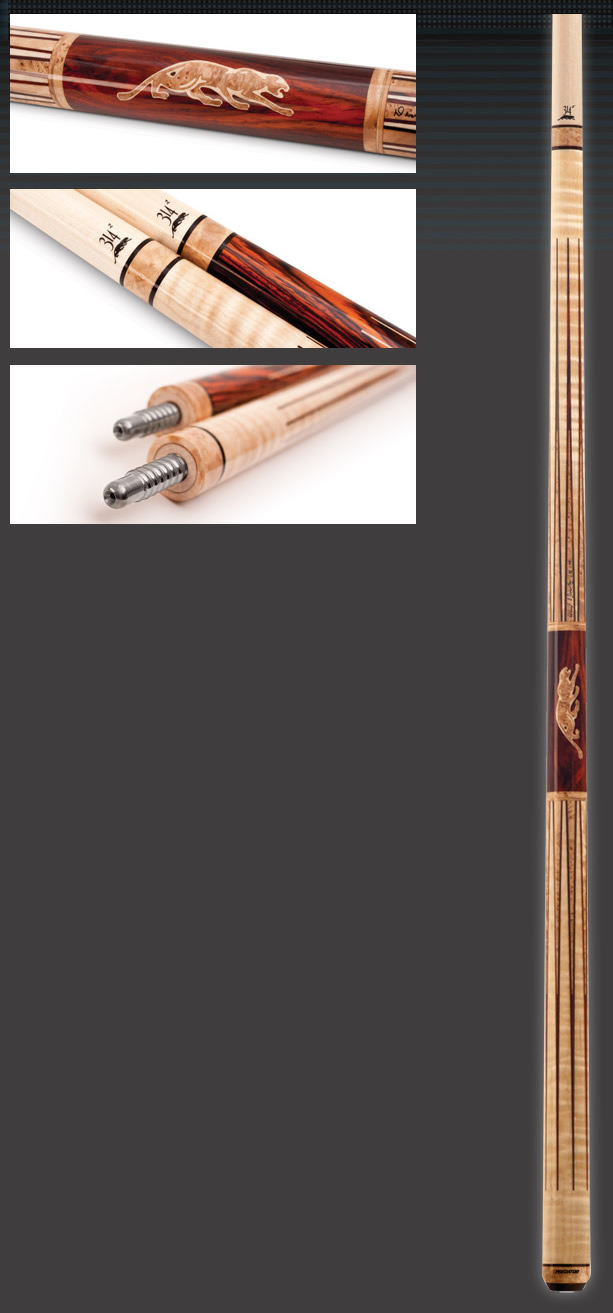 |
|
Send note to Staff
|
|
|
|
Valued Member
Netherlands
207 Posts |
|
|
Ok, I saved your panthera image to the desktop of my office PC, and I'll try to include it in this reply. Klaus  Edit: failed. View image info tells me: type (text/html), size (unknown), dimensions (0px x 0px). Same result on home PC and office PC, both running on Windows XP. Edit 2: changed file name, try again.  |
|
Send note to Staff
|
| Edited by KlausR - 05/15/2012 04:57 am |
|
|
Pillar Of The Community
Finland
753 Posts |
|
|
I suspect it's the dot on the end of your username that mixing up things. |
|
Send note to Staff
|
|
|
|
Pillar Of The Community
Australia
898 Posts |
|
|
After you right click Properties, do you HIGHLIGHT and copy before clicking OK. |
|
Send note to Staff
|
|
|
Pillar Of The Community
United States
4106 Posts |
|
|
Moderator
United States
4788 Posts |
|
|
Those "text/html" things are called MIME types -- yours may be corrupted.
Did you try a different browser? Firefox, Chrome, etc...
Kirk |
|
Send note to Staff
|
|
|
Valued Member
Netherlands
207 Posts |
|
|
Thanks for the answers.
The problem occurs both in Firefox and IE, I used the right click PROPERTIES only to view the info, not for inserting the URL into the post. I just mailed the administrator about that problem, mentioning the possibility of the dot corrupting things, in which case the user name without that dot would be the solution, maybe he can help.
Klaus |
|
Send note to Staff
|
|
|
Forum Dad
USA
2055 Posts |
|
|
Valued Member
Netherlands
207 Posts |
|
|
Thanx. And here goes... 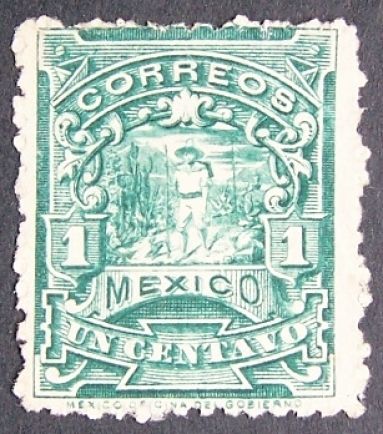 Edit: Success, hooray. Thanx scb and Bobby. |
|
Send note to Staff
|
| Edited by KlausR - 05/18/2012 04:09 am |
|
| |
Replies: 11 / Views: 1,885 |
|



 Posted 05/15/2012 01:01 am


