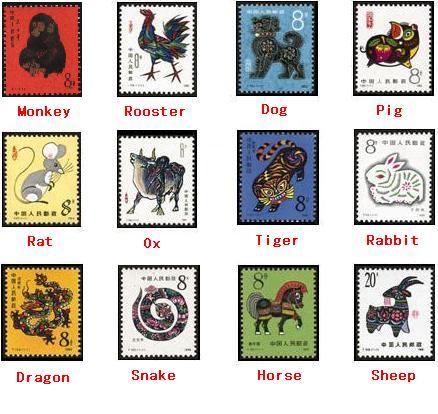
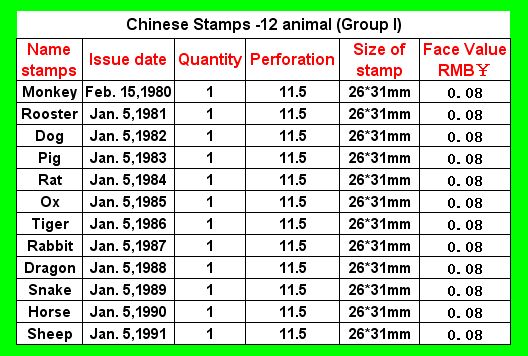
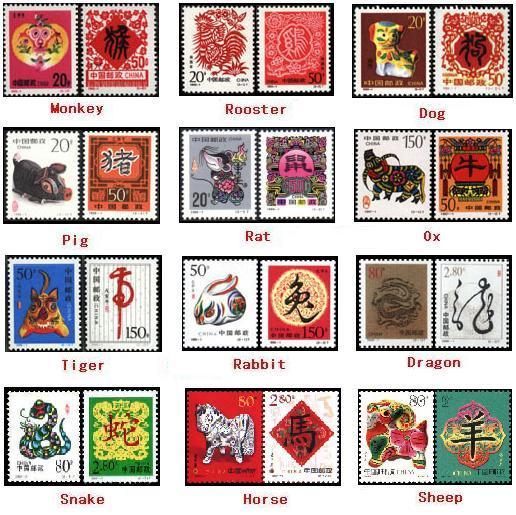
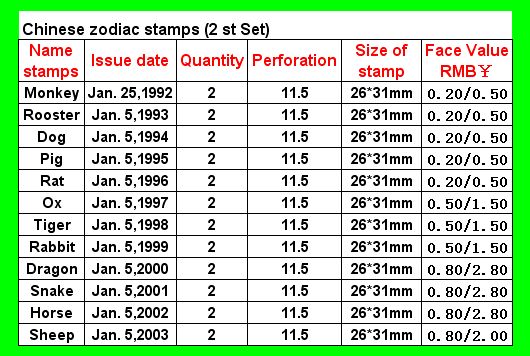
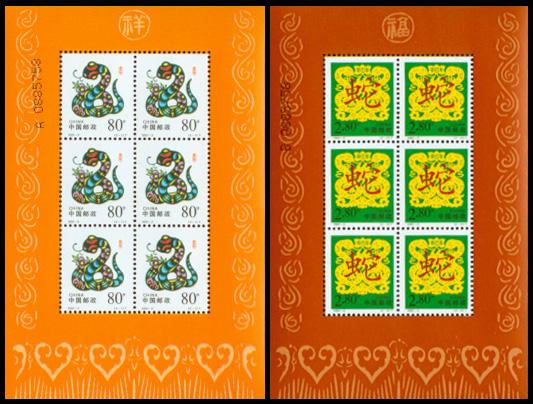
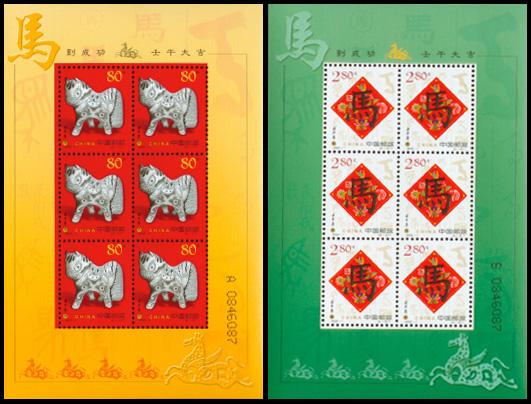
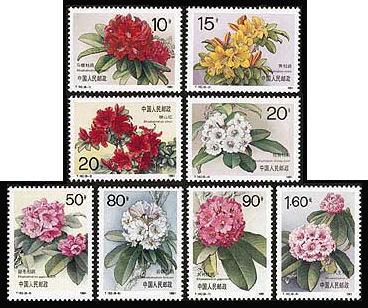
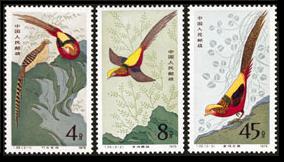
Two problems here:
1) baidu.com is blocking links from stampcommunity pages to your pictures on baidu.com
2) photobucket.com is blocked in China
Solution:
Please upload your pictures to stampcommunity.
Here are the steps:
Get the picture file on your computer's hard drive:
set your browser to the URL for the picture (http://):
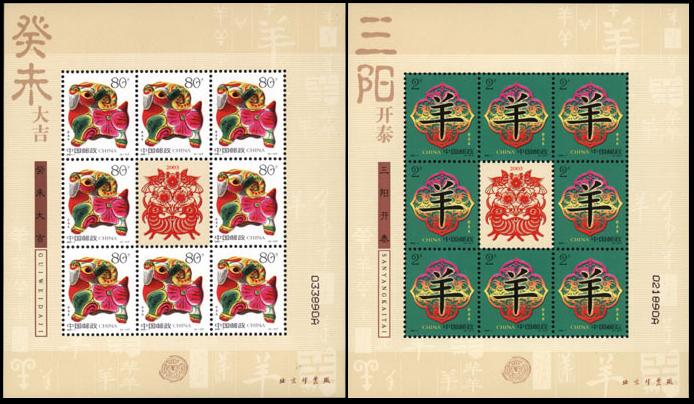
hiphotos.baidu.com/shenkaihai/pic/item/280f123b13f622e415cecb82.jpg
right click on picture you see
save image in file 280f123b13f622e415cecb82.jpg on your computer's hard drive
Upload image to stampcommunity:
set your browser to
https://goscf.com/t/208#208click

Reply to Topic
Click on

Add Image DO NOT use special characters or spaces in filenames, letters or numbers only!
In the popup window:
click Choose...
select the file 280f123b13f622e415cecb82.jpg on your computer's hard drive
click Upload File to China's post
click close window
In the message box for your post:
Delete the extra characters in your post to leave only [
img](URL of picture on stampcommunity)[
/img] like this:
[
img]
https://www.stampcommunity.org/280f...15cecb82.jpg[
/img]
Repeat the steps for your other two pictures, here are the URLs on baidu.com (http://):
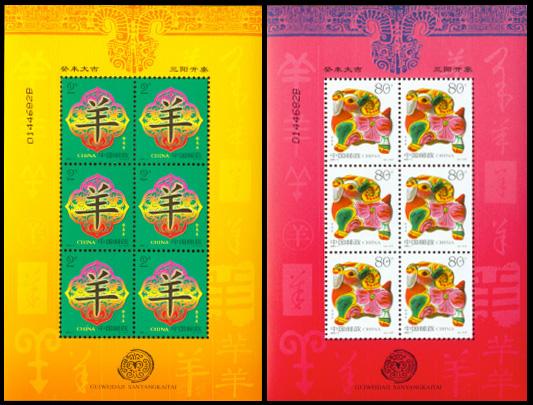
hiphotos.baidu.com/shenkaihai/pic/item/1fdb69f01e2944cd7931aaa7.jpg
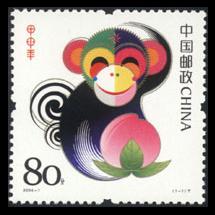
hiphotos.baidu.com/shenkaihai/pic/item/af8fa15105066d16367abea7.jpg
When you have finished uploading all three pictures,
Click Preview
If everything looks OK in the Preview popup window,
click Post New Reply





 Posted 01/19/2008 09:31 am