I scan stamps at 1200dpi, entire documents at 600dpi. If I'm wanting to grab particular flyspecks or other varieties, I'll occasionally scan up to 2400dpi. If I want to get fibre detail, I use a USB microscope.
I find that a black background gives better framing and more accurate color than white. If I'm scanning for long-term archival, I'll scan with my scanner lid up, creating a texture-free black background. If I'm doing quick-and-dirty for
ebay, I'll scan in white sales card.
Experiment with the TWAIN (scanner software) settings. Some of the worst problems I've seen with other people's scans that make me cringe every time I see them:
1. Auto-sharpening cranked up too high. This creates horrible edge artifacts.


2. Auto-contrast and auto-color can be BAD, depending on how the maker implements them. They blow out the highlights and you lose all surface texture/detail.

3. When saving an image, don't try to save file size be overcompressing the image; it results in ugly artifacts.

You're better off scanning with all enhancements turned off, and then tweaking in Photoshop or other image manipulation software.
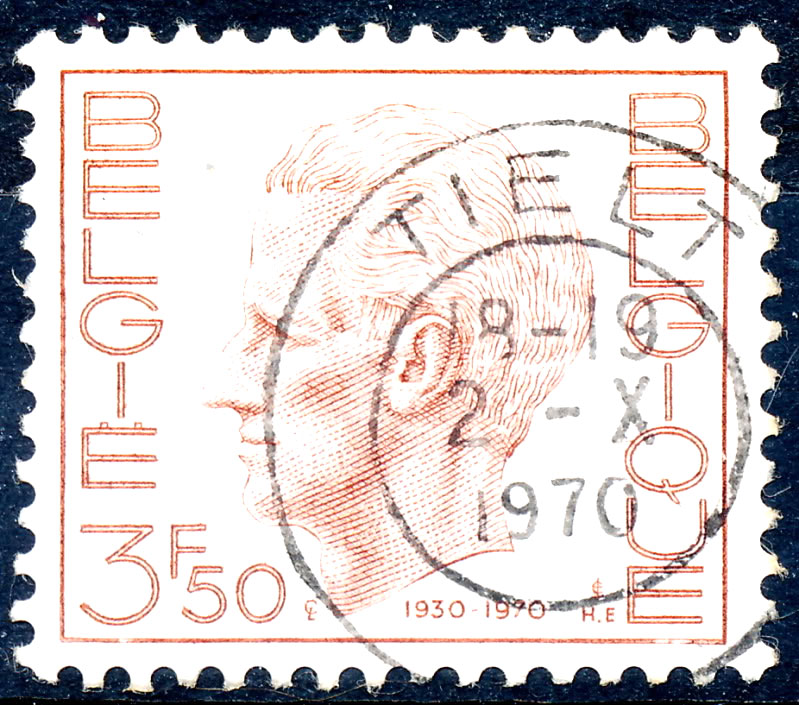
A couple of my scans, showing both black and white backgrounds:





 Posted 01/01/2012 10:24 am





