| Author |
 Replies: 253 / Views: 62,603 Replies: 253 / Views: 62,603 |
|
|
|
Pillar Of The Community
2013 Posts |
|
|
Pillar Of The Community
United States
898 Posts |
|
|
Unless they've changed things in the last couple of months, that feature is disabled in the demo. I was thinking about buying it, and I was so desperate at the time that if I had been able to successfully test it, I would've bought it outright. Instead, I ended up exploring some other options. |
Send note to Staff 
|
|
|
|
Pillar Of The Community
2013 Posts |
|
|
The main thing for me will to be use thumb image on the album link to an enlarge scan, so I can appreciate the design of the stamps so from this 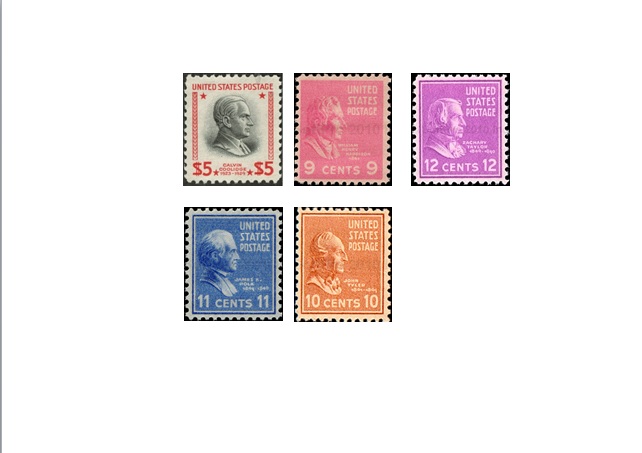 to this 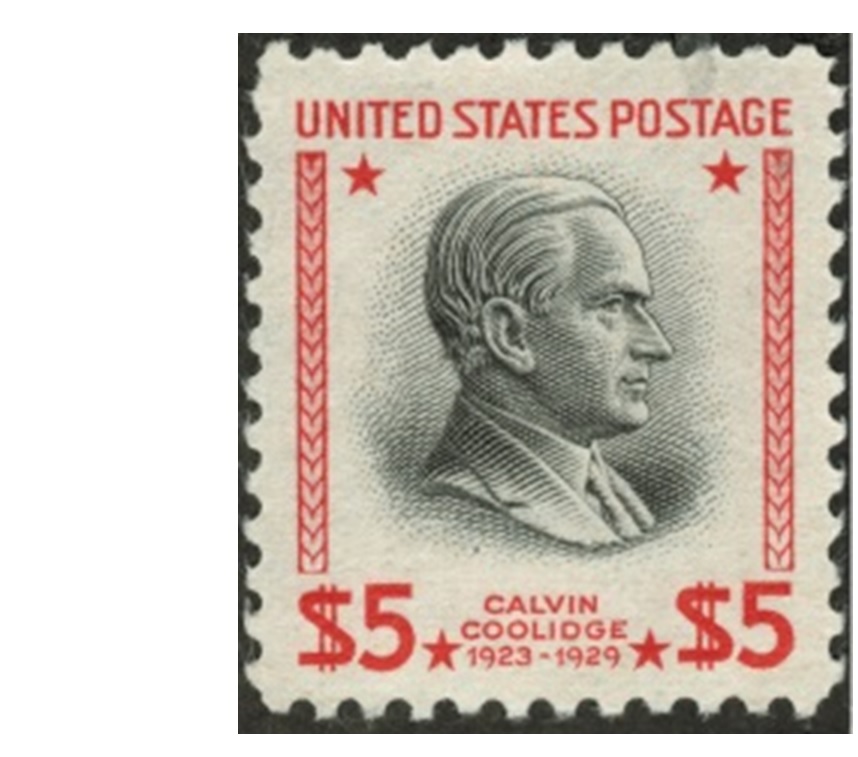 |
|
Send note to Staff
|
|
|
Pillar Of The Community
United States
1026 Posts |
|
|
II have thought many times about changing my online display format to a database of stamp images and pages built 'on the fly'. I've even made abortive attempts a couple of times to get the database format down, but I typically end up bogged down in the details, which takes me back to just scanning my paper pages at 300 DPI and cropping stamp images from the larger scans. I still end up very far behind my actual collections (Czechoslovakia and the Netherlands have been waiting for years now), but I can mostly catch up by just putting effort in. My biggest problems come up when I have my full compliment of items for a particular stamp. I'll have both an unused and postally used example and sometimes a CTO as well. On the page they stack, so to scan I have to remove the stack from the mount, scan using a strip mount, then restack and place them back in the mount on the page. Switching to the database would allow me to just scan the newest acquisition, enter it as a new item in the database and tell the database to display it along with the others when someone clicks on the stamp image on the web page. |
|
Send note to Staff
|
|
|
Pillar Of The Community
Norway
1661 Posts |
|
|
Area66 - thanks, but my slow internet do not allow me to download the trial version of EZImage. Quite clever with the thumb for a high res. scan!
Philatarium - did you find any other working software for the automatic split/crop/straighten topic?
billsey - welcome to the party! Seems you're getting the benefit of the digital thing.
I feel your pain when it comes to removing the stamps for scanning... I have the same challenge, except I have to do that for every single stamp as I cannot scan the complete stockbook pages... |
|
Send note to Staff
|
|
|
Pillar Of The Community
United States
898 Posts |
|
|
Blaamand: What I ended up doing was investing in the full version of Photoshop, and with the help of a very experienced Photoshop user, created some scripts to accomplish it. It works pretty well, but not flawlessly, and requires some adjustments along the way. I would not say that I have mastered it yet, but am just beginning a new scanning project, so hopefully I'll get better at it.
In my research at that time, I understand that someone developed scripts to be used in GIMP (an open-source Photoshop-like software) to accomplish the task, but I felt the learning curve was too great for me to invest time in, so I went with the Photoshop approach instead.
- - - - -
Billsey: Good to see you here! Welcome! |
|
Send note to Staff
|
|
| Edited by Philatarium - 03/25/2015 4:07 pm |
|
|
Pillar Of The Community
Norway
1661 Posts |
|
|
Philatarium - thanks - I don't even know what a script is ! ... so I would need something less complicated. Glad you found something almost working, best of luck with your new project! |
|
Send note to Staff
|
|
|
Pillar Of The Community
United States
1026 Posts |
|
|
Blaamand I purchased one of the Brother wide carriage all-in-one printers. It gives me a large scanning area (B size in US terms, about 280x430mm) that handles pretty much any album page I toss at it. Other large format scanning options are much too expensive IMHO. |
|
Send note to Staff
|
|
|
Pillar Of The Community
2013 Posts |
|
|
Ok I will probably go for it. here what I'm gone do:
Scan the stamps with EZimage
Place the image in EZstamp
Place the image on a Steiner page open in LibreOffice Draw
Save the page in PDF, no print
Place the stamp in my Scott Int. Albums
If not fit in Scott, place the stamp in a binder
Using Steiner pages will save me to redo 80,000 pages. I will have a Steiner Virtual Album with place for all major Scott # stamps of the World, I will fill my Scott Albums and finally I will save a lot of paper , toner, drum, mounts and hinges
Having the pages in PDF, can be very useful for someone who want to sell the album, he just send the PDF to a potential buyer. |
|
Send note to Staff
|
| Edited by area66 - 03/25/2015 11:52 pm |
|
|
Pillar Of The Community
Norway
1661 Posts |
|
|
billsey - thanks for the suggestion. My challenge is not only the format of the stockbook but also that the pockets are not clear, so any scan will be poor anyway...  area66 - I think your last 'plan' is good! Compared to your old plan (mounting your collection on re-designed Steiner pages) I think you will save both lots of time, money, shelfspace and frustration - and with the added bonus of getting your collection digitalized with the possibilities it provides. The main challenge I think you will face is the time consuming process of actually scanning, cropping, straightening for each image - hopefully the EZImage will ease the job - when you gain any experience in this I will be glad to know  |
|
Send note to Staff
|
|
|
Valued Member
United States
262 Posts |
|
|
Blaamand says: Quote:
My challenge is not only the format of the stockbook but also that the pockets are not clear, so any scan will be poor anyway... Jon, hopefully this will help (I never scan from a stockbook.) First get you a few Vario Clear Sheets. - I have several with various pocket sizes. I use clear (instead of the ones with a black background) for two reasons. First,I want the stamp to look like it would on an album page, and second I scan both sides of the stamps, so it is easy to just turn the sheet over to scan the other side. If you would rather have a black background, then you can put a piece of black paper behind the sheet when you scan.  Put the stamps into your Vario Clear stock page and scan. (I only had these stamps from Italian Castelrosso so I didn't fully fill the sheet for the scan. 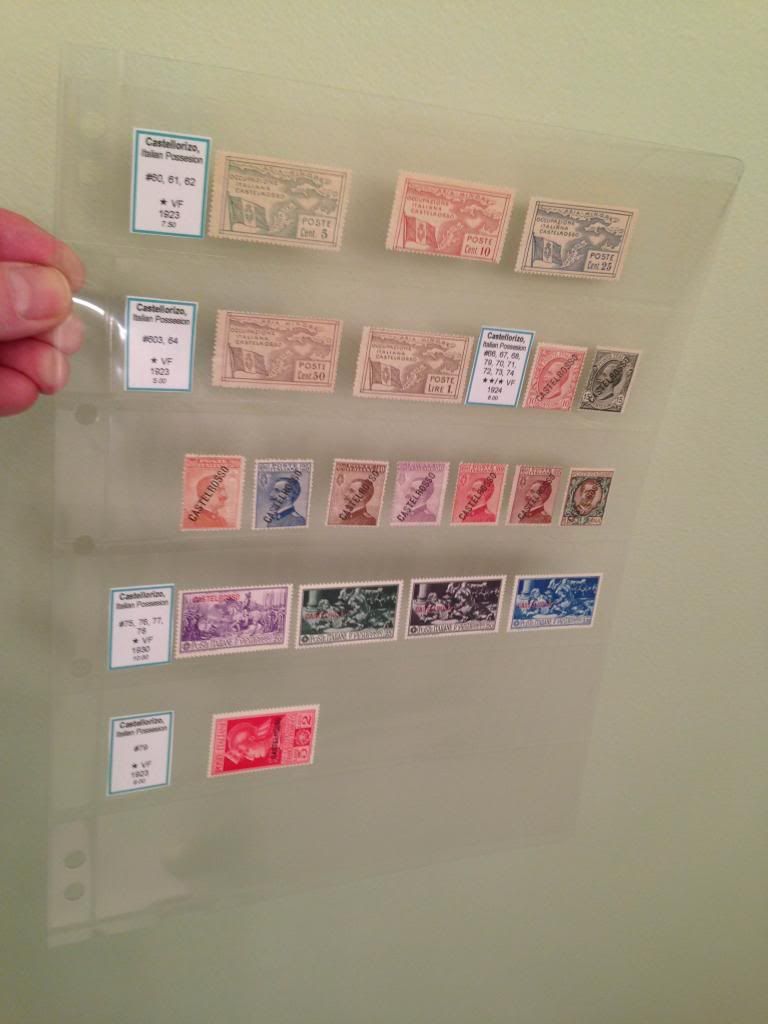 This gives your scans a much higher quality look without the Stock Book page lines. The downside of course is that you have to put them in the Vario page for the scan and return them to your Stock Book page, but to me the quality was very important as I wanted the digital album to look like it had my stamp actually in it. Her is an image of the actual scanned page. 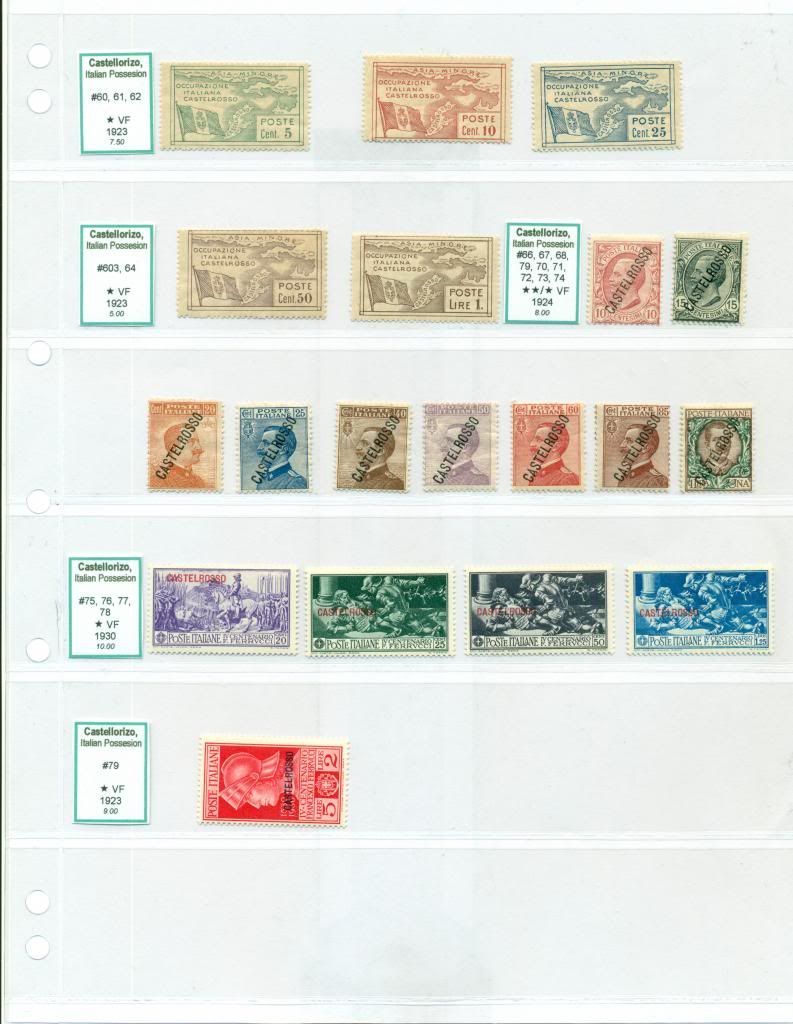 Hope this helps |
|
Send note to Staff
|
|
|
Valued Member
United States
297 Posts |
|
|
DC:
I like your approach to this topic. It's always fun seeing how others display their collections.
Also, just wanted to let you know that there is a typo in the second row of your Castellorizo stamps -- #603 should be #63. |
|
Send note to Staff
|
| Edited by Neeskens13 - 03/27/2015 12:21 pm |
|
|
Valued Member
United States
262 Posts |
|
|
Yes, I realize the typo, thanks. I use these tags to easily id my stamps in my stock book, and I often notice the typos after they are printed out. I don't worry so much about them as no one ever sees them (except in a picture like this) except me. What is most important is that my digital album is correct. I usually update the tags that need changing (including adding ones for new stamps I acquired) every couple of years or so. |
|
Send note to Staff
|
|
|
Valued Member
United States
297 Posts |
|
|
Valued Member
United States
262 Posts |
|
|
Replies: 253 / Views: 62,603 |
|




 Posted 03/24/2015 8:30 pm


