Just a suggestion for anyone wanting to create both a digital and print album simultaneously. The digital album will be in PDF format.
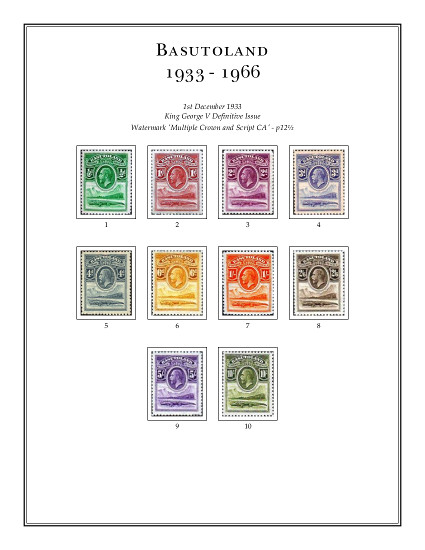
To create the digital album using AlbumEasy, include the full-colour scanned images of the stamps in the boxes with AlbumEasy set to draw the images actual size:
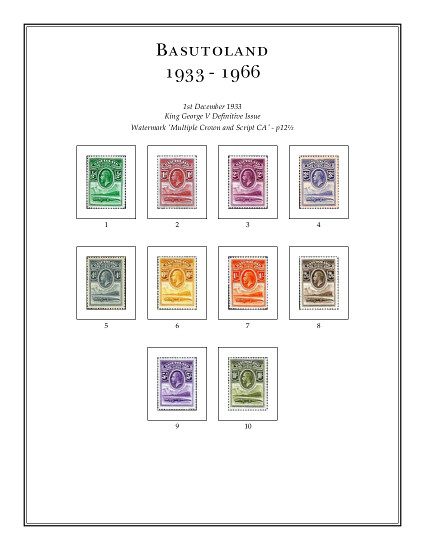
For the print album, one simple setting can be used to reduce the sizes of all images throughout the album. Ten seconds later:
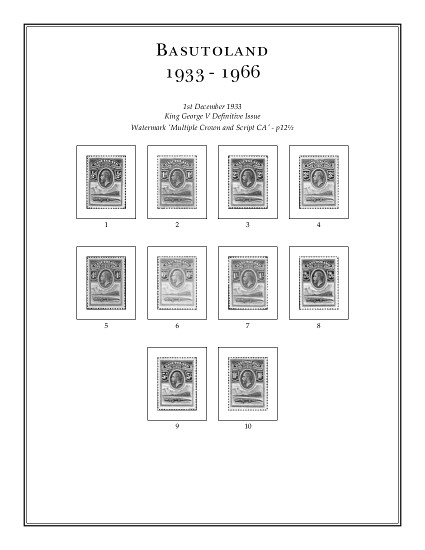
If you prefer your print albums to have grey images, a single setting can change the whole album to grey:
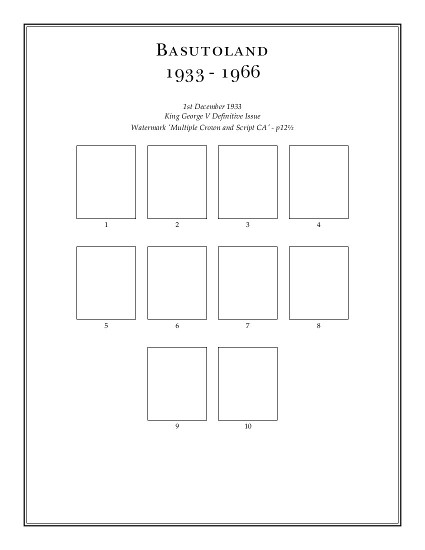
Or if you prefer blank stamp boxes for the print album, another setting can do this for the whole album in seconds:
Note: the stamps images in this example are not my own stamps.
Clive





 Posted 05/05/2021 10:52 pm


