| Author |
 Replies: 25 / Views: 4,272 Replies: 25 / Views: 4,272 |
|
|
|
Pillar Of The Community
United States
770 Posts |
|
|
Hi David - if you are scanning using those settings your resulting scan should be this size and look something like this: 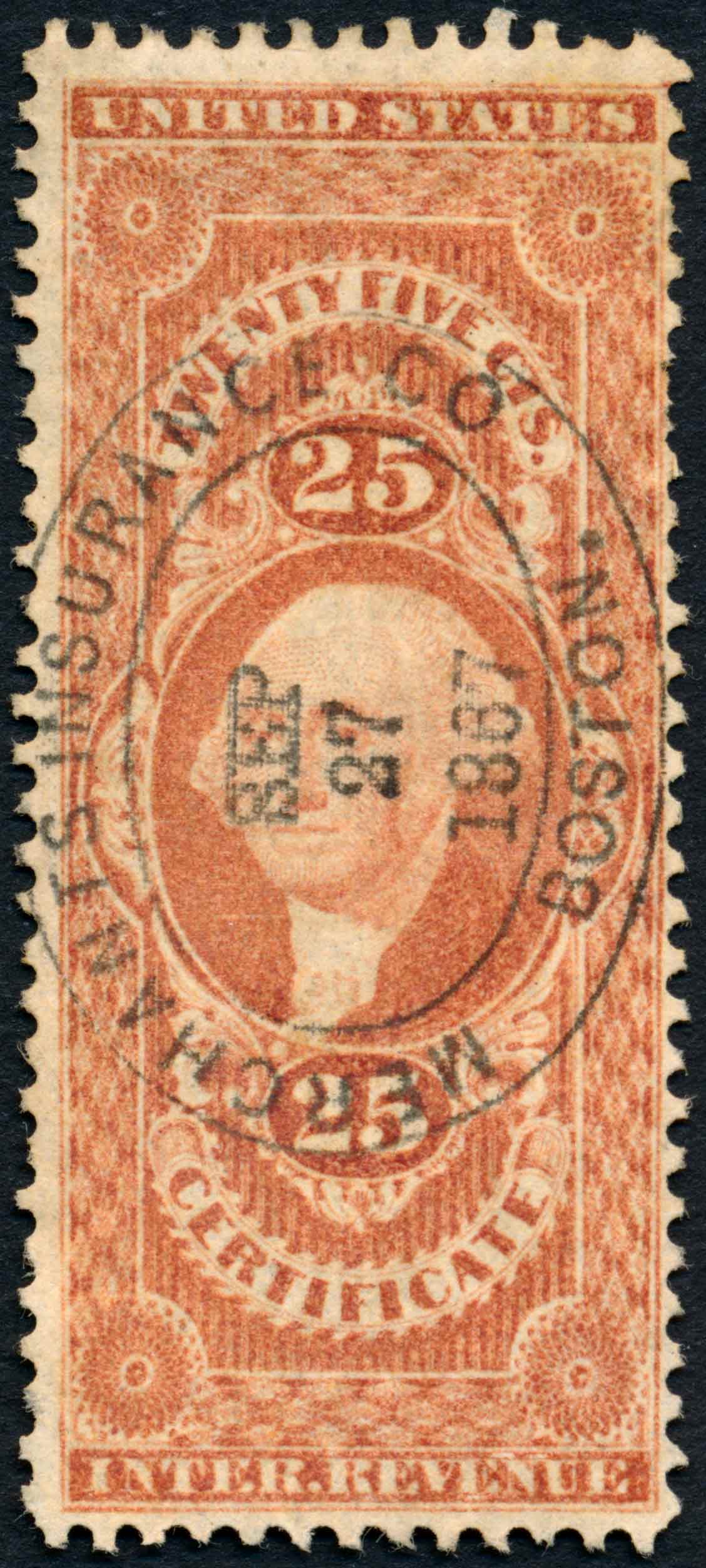 scan size: .94" x 2.088" (100%, or actual size) ppi: .94" x 1200 = 1128 pixels in width 2.088" x 1200 = 2506 pixels in height this is a bit of a large stamp so I had to set the jpeg quality to low to get it below 200k file size limit for SCF. (very high compression) In saving process after your stamp is scanned, you somehow are downsizing the scan to 350 x 720 pixels. Hope this helps! |
Send note to Staff 
|
|
|
Pillar Of The Community
1151 Posts |
|
|
Southpaw, I scanned the stamp at the setting shown in my previous posting image of the set up. But it was to many k's (what ever a k is), so used the thingie on the post an image, and finally got it to where it would accept my image, I do not understand what I could have done different.
I'm sure you have seen my other images, if they are ok then its just this stamp in question, that's what it look like.
Sorry, but all that stuff (scan size, ppi, very high compression, 200k file size, 350 x 720 pixels) means nothing to me.
You can tell me all the tech stuff, but I just do not understand it, this is the best I can do.
But hey thanks for trying to help, getting help is very difficult.
Cheers
David (Stampmaster)
|
|
Send note to Staff
|
|
|
Pillar Of The Community
1151 Posts |
|
|
southpaw, check out the image on my latest posting R15C, scanned the exact same set up and way as this Certificate 25 Center. The 25 Center just looks the way it does, nothing wrong with my set up.
But, thanks for your help.
David (Stampmaster)
|
|
Send note to Staff
|
|
|
Pillar Of The Community
United States
770 Posts |
|
|
No, your scan set up is not wrong, but you can get more resolution (larger pixel size) when saving the file by adding a bit more jpeg compression. For the R44 stamp, this would have gone a long way to making the stamp's details easier to see. The R15 is a smaller stamp, hence it's pixel width is much wider than the R44; 597 vs 350. If you add a bit more compression, you would be able to get the pixel size of both those images probably 2x. This will help see the details better in both cases.
Of course there is a trade-off. Add too much jpeg compression and you will really start to see "artifacts" which will start to blur the edges of the engraving details.
|
|
Send note to Staff
|
|
|
Pillar Of The Community
1151 Posts |
|
|
OK First image, a new scan same setting as my original posting, but now only the size of the R15C. Second image, same setting, the stamp in question in the middle, two other 25 cents left and right. 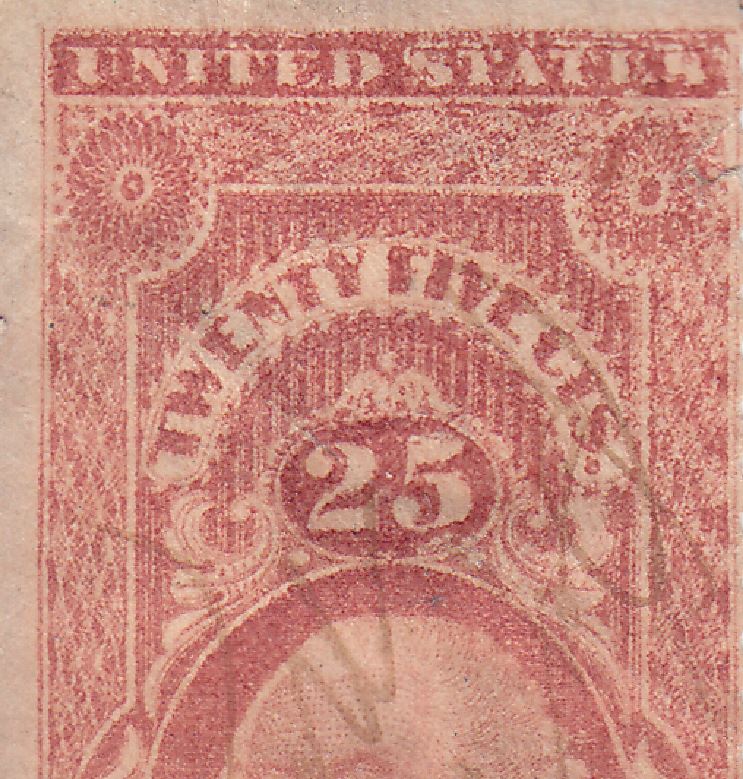 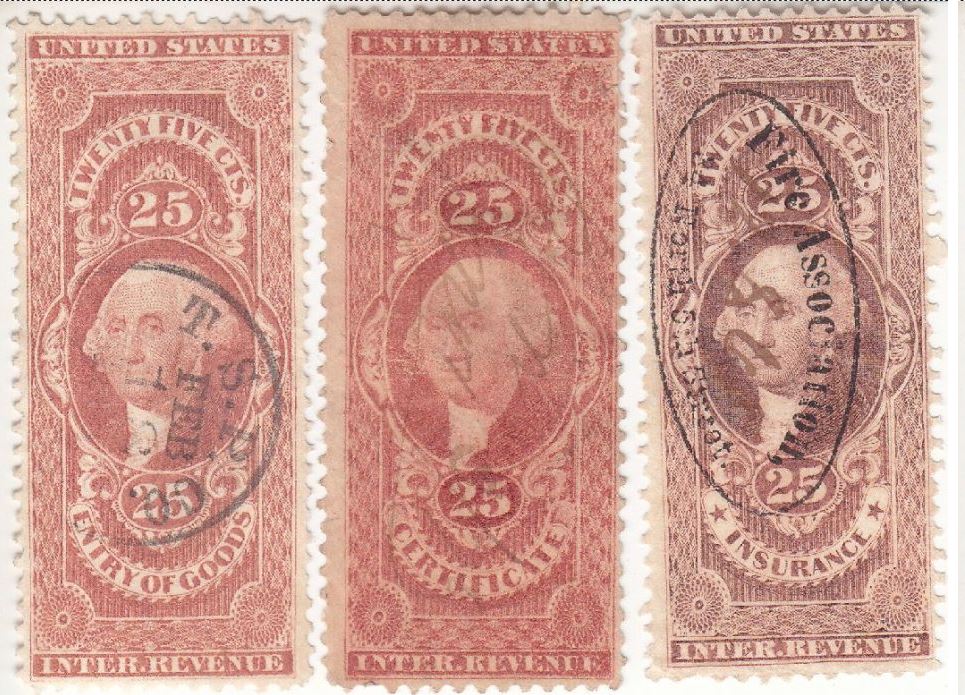 So now hope this settles this, my two images above will clearly show, the stamp in question just look like it does. Same setting I've always used for all my posting. Right and proper image, just the way the stamp looks. Same orientation as before. Cheers David (Stampmaster) |
|
Send note to Staff
|
|
|
Pillar Of The Community
United States
1024 Posts |
|
|
Bedrock Of The Community
United States
10812 Posts |
|
|
Absolutely not a forgery. Yes it is a DT. Just not an especially nice example. |
|
Send note to Staff
|
|
|
Pillar Of The Community
United States
770 Posts |
|
|
Excellent stampmaster. Yes that last scan you uploaded is much better, almost 1000 pixels wide and very easy to see the details. |
|
Send note to Staff
|
|
|
Pillar Of The Community
1151 Posts |
|
|
southpaw, same set up as the image in my original posting!
Cheers
David (Stampmaster) |
|
Send note to Staff
|
|
|
Pillar Of The Community
United States
2947 Posts |
|
|
Replies: 25 / Views: 4,272 |
|




 Posted 06/02/2015 10:28 pm


