Stamp Community Family of Web Sites
Thousands of stamps, consistently graded, competitively priced and hundreds of in-depth blog posts to read


Stamp Community Forum
 
Username:
Password:
Save Password
Forgot your Password?

This page may contain links that result in small commissions to keep this free site up and running.

Welcome Guest! Registering and/or logging in will remove the anchor (bottom) ads. It's Free!

Experimenting With A Phone As Attached Scanner

 
To participate in the forum you must log in or register.
Author Previous TopicReplies: 9 / Views: 399Next Topic  
Pillar Of The Community
United States
4488 Posts
Posted 09/09/2026   08:02 am  Show Profile Bookmark this topic Add angore to your friends list Get a Link to this Message
I found you can link your phone to your computer beyond USB transfer. Using Link Phone in Windows and a Link to Windows app, you can connect phone real time such as to use the camera. I have been looking for a faster way than scanner but with better quality (lighting, cropping, etc) than a casual phone pic. I use web app to identify apps and prefer the computer interface. The question which has best workflow. The above allows real time viewing on your computer like a video camera but not sure the quality.

Send note to Staff
Al
Edited by angore - 09/09/2026 08:05 am

Pillar Of The Community
United States
6466 Posts
Posted 09/09/2026   10:41 am  Show Profile Check revenuecollector's eBay Listings Bookmark this reply Add revenuecollector to your friends list  Get a Link to this Reply
Looks interesting. Can you post some actual results?
Send note to Staff  Go to Top of Page
Valued Member
Switzerland
496 Posts
Posted 09/09/2026   11:40 am  Show Profile Bookmark this reply Add drkohler to your friends list  Get a Link to this Reply
The general problem with phone cameras is their extremely simplistic lens system (basically a glass ball). So you get really bad image distortions, depending on quality and setup. Actual images using your setup would tell.

Adding taking pictures under uv light (sw and lw). I decided to buy a camera and an additional 85mm Macro lens for the job.
Send note to Staff  Go to Top of Page
Pillar Of The Community
United States
4488 Posts
Posted 09/10/2026   07:19 am  Show Profile Bookmark this reply Add angore to your friends list  Get a Link to this Reply
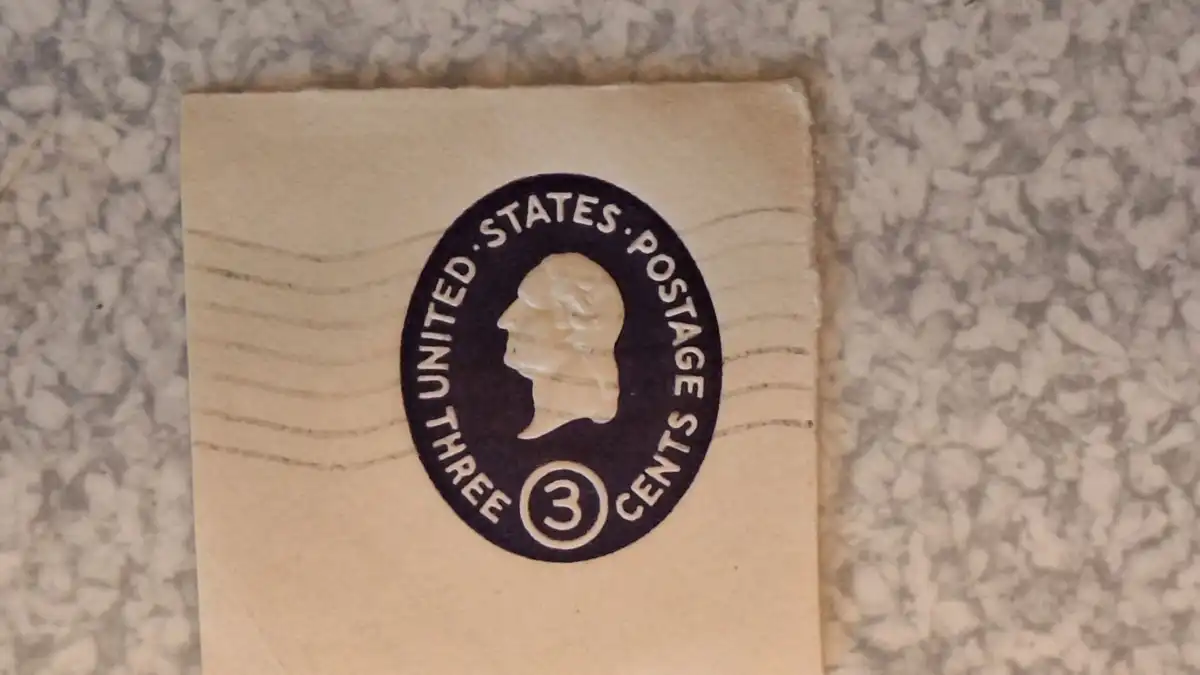
I have a mid-price Samsung and did not really see issues with distortion and much has to do with the care you take to compose. It is all about composition, angle held relative to subject, and even lighting. The phone handles the focus and autoexposure fine, The goal is an image better than 90% of pics of stamps taken with a phone.

I experimented yesterday with a usb attached phone using file transfer and in the end I would need a dedicated phone for high production work. I did not like the phone locking (need to disable that), and ergonomics of reaching over to take the picture on a touch screen above me. If USB was disconnected I had to deal with entering the password to give permission to attach. I plan to try the Link to windows. I did mount my DSLR and there was a simplicity to attachment and actuating shutter (does not tie up my phone.)

This was without any supplemental light using 2x zoom feature (likely optical zoom). This phone is not noted for any great camera.

Send note to Staff  Go to Top of Page
Al
Edited by angore - 09/10/2026 07:23 am
Pillar Of The Community
United States
6466 Posts
Posted 09/10/2026   09:09 am  Show Profile Check revenuecollector's eBay Listings Bookmark this reply Add revenuecollector to your friends list  Get a Link to this Reply
Yeah, uniform lighting and focus will be the major battles. That's why even though I have a DSLR and dedicated macro lens, I still do 99% of my imaging of stamps and covers on either my Epson Perfection V550 or for large documents an Epson Expression 10000XL. It's so much easier to control light and uniformity and not have to worry about focus.
Send note to Staff  Go to Top of Page
Pillar Of The Community
United States
4488 Posts
Posted Yesterday   07:06 am  Show Profile Bookmark this reply Add angore to your friends list  Get a Link to this Reply
I use a scanner album pages and other full size work. It is the smaller work where I want it cropped that can save time.

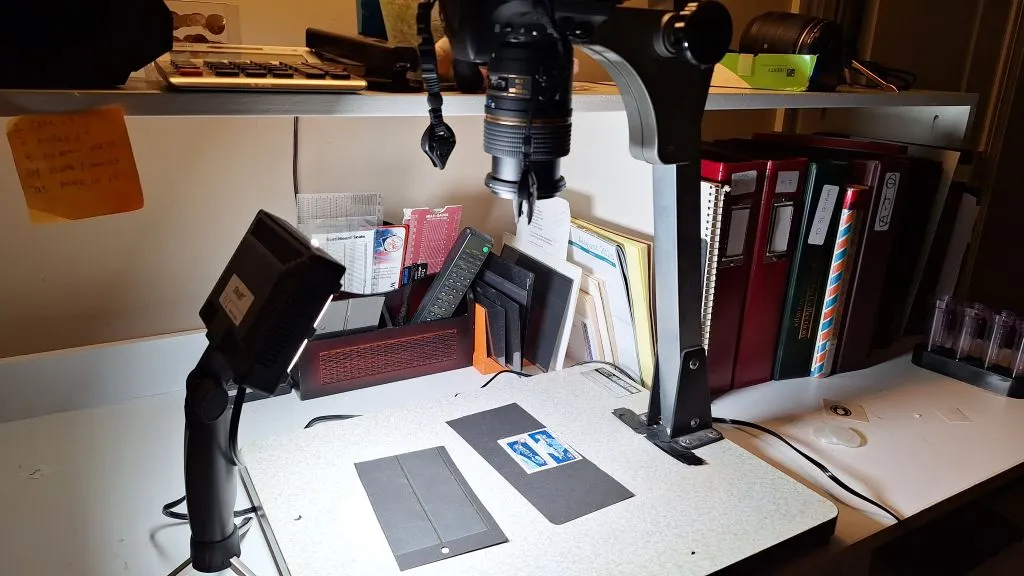
This was taken with a DSLR yesterday as I tweaked light. My DLSR with a macro beats my Epson V600 for upclose work in terms of sharpness and the ability to control light angle.


I got in a pair of LED lights but have not tried to use them.
Send note to Staff  Go to Top of Page
Al
Edited by angore - Today 7 Hrs 5 Min ago
Pillar Of The Community
United States
4488 Posts
Posted Today  7 Hrs 1 Min ago  Show Profile Bookmark this reply Add angore to your friends list  Get a Link to this Reply
Here is one of the lights. This spot lighting will help me with other up close work (not with camera) since it puts a decent amount of light in a small space,

Send note to Staff  Go to Top of Page
Al
Pillar Of The Community
United States
570 Posts
Posted Today  3 Hrs 48 Min ago  Show Profile Bookmark this reply Add jconey to your friends list  Get a Link to this Reply
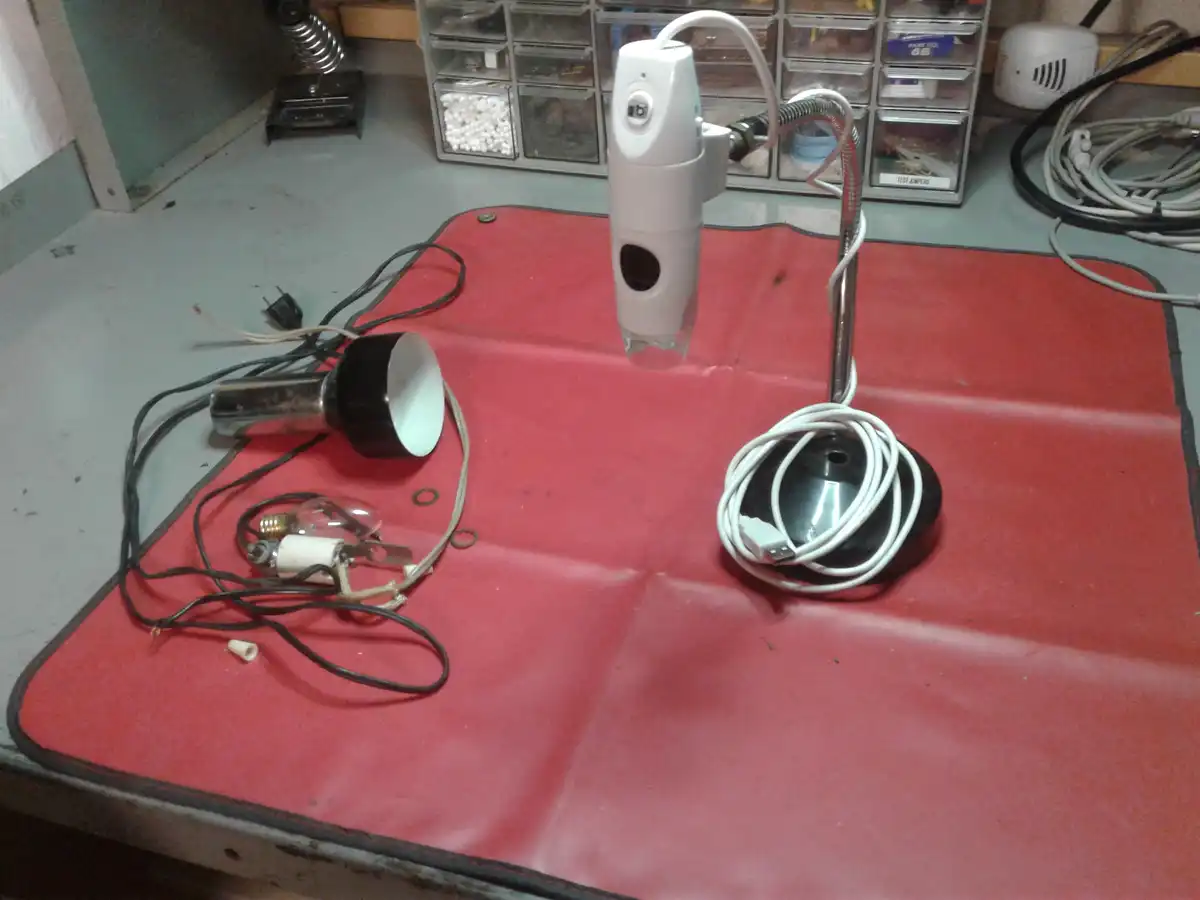
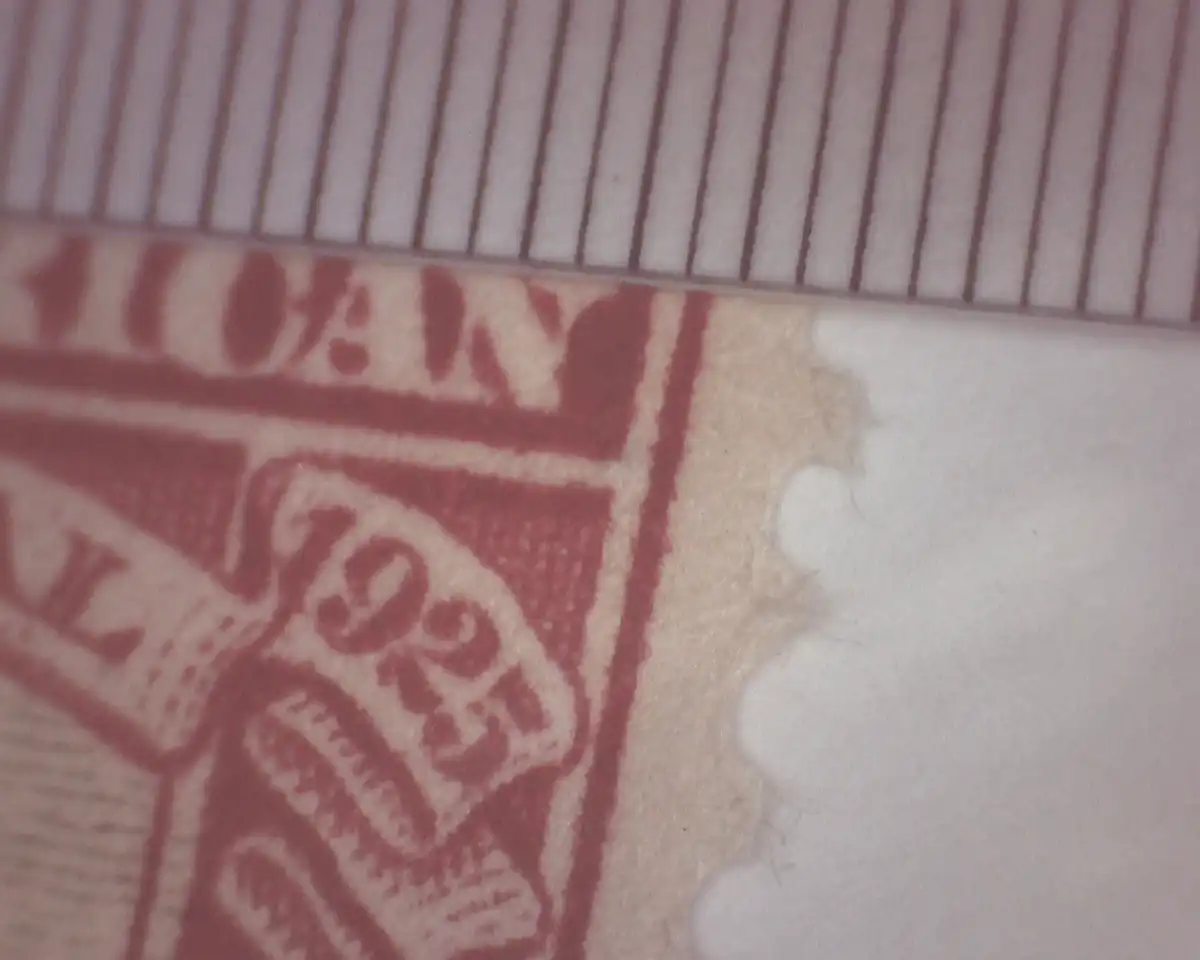
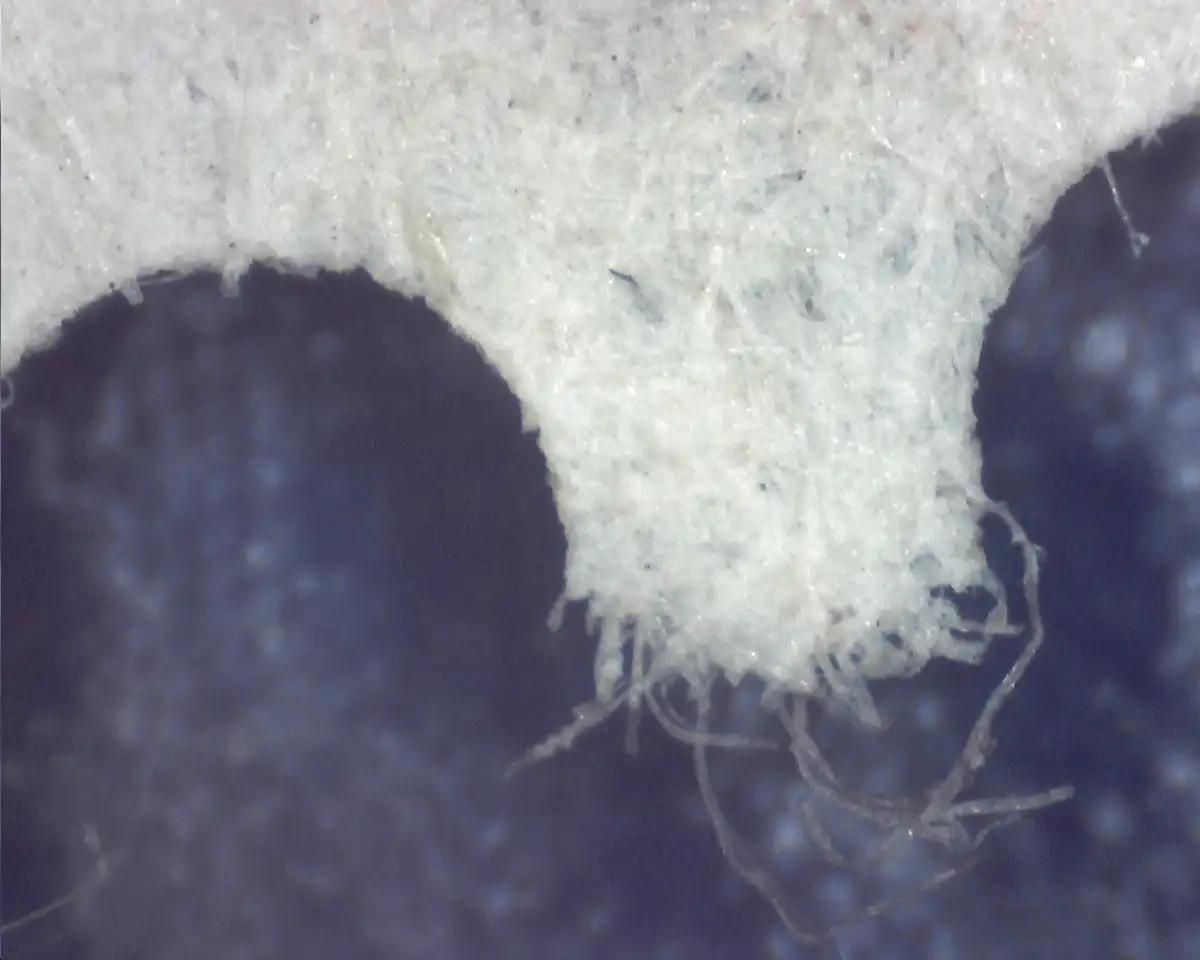
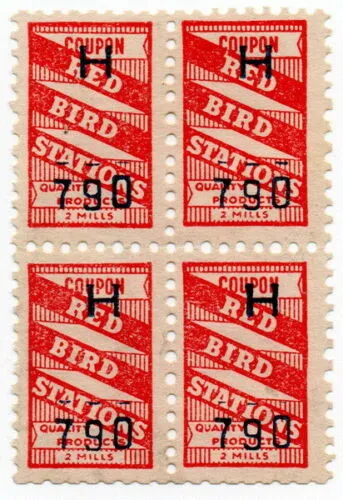
I made this a while ago out of an old desk lamp. While it has its limitations and idiosyncrasies it still works well with an inexpensive digital microscope/webcam that I bought many years ago. This is not a rock steady rig and although focus is manual, once it is set, the photo(s) can be snapped from the PC.

Although I recently 3D printed out the parts to build a rig to hold our DLSR based on an old enlarger stand we have, I was thinking about one for the phone as well. Thanks for the info above about phone to pc connections. Might give that a try.

I do think the DSLR does the best job over all but depending on the task at hand and need for portability, the others still have their place. Lighting can make or break any good camera setup.
Send note to Staff  Go to Top of Page
Edited by jconey - Today 2 Hrs 24 Min ago
Pillar Of The Community
700 Posts
Posted Today  1 Hr 15 Min ago  Show Profile Bookmark this reply Add StateRevs to your friends list  Get a Link to this Reply
I would suggest for the vast, vast, vast majority of people, a simple $90 flatbed scanner will work just fine! And if you are an ebay "seller", it will spare us all the tsunami of blurry/crappy pictures from weird angles and the thoughtful candle for illumination.

For those trying to plate and flyspeck, I agree a $90 scanner won't cut it.

Get a flatbed scanner people!
Send note to Staff  Go to Top of Page
Pillar Of The Community
United States
6466 Posts
Posted Today  1 Hr 11 Min ago  Show Profile Check revenuecollector's eBay Listings Bookmark this reply Add revenuecollector to your friends list  Get a Link to this Reply
The Epson V500, V550, and V600 are IMO the best bang for the buck when it comes to scanning stamps and covers. Even though the V500 was released in 2007, it is perfectly viable today and you can find them on the used market for under $100.

Best surface texture imaging of any flatbed scanner IMO.
Send note to Staff  Go to Top of Page
Edited by revenuecollector - Today 1 Hr 10 Min ago
  Previous TopicReplies: 9 / Views: 399Next Topic  
 
To participate in the forum you must log in or register.

Go to Top of Page

Disclaimer: While a tremendous amount of effort goes into ensuring the accuracy of the information contained in this site, Stamp Community assumes no liability for errors. Copyright 2005 - 2026 Stamp Community Family - All rights reserved worldwide. Use of any images or content on this website without prior written permission of Stamp Community or the original lender is strictly prohibited.
Privacy Policy / Terms of Use    Advertise Here
Stamp Community Forum © 2007 - 2026 Stamp Community Forums
It took 0.28 seconds to lick this stamp. Powered By: Snitz Forums 2000 Version 3.4.05