Quote:
I have seen plenty of prior postings from this member where the images are otherwise very crisp -- and while I might be wrong on this -- It looks like the conversion to a WEBP file format resulted in a loss of resolution -- to the point where the next reply was to ask the OP for a better image.
It's 6 stamps, spaced very wide apart, and not cropped. Over 50% dead space. It is what it is. If you take those stamps, put them close together, and crop them properly, I'm sure that image would be fine.
The software resizes to 1400 pixels on the longest side, which is perfectly fine if you crop and plan your images better. Put 2 stamps next to each other, crop it and the image will be fine.
I got a guy complaining that an album sheet with 36 coins in it lost too much quality on the coin forum right now. That's simply not what it's designed for.
It's designed to show 1 or 2 well-placed, cropped stamps or coins, with not a ton of dead space.
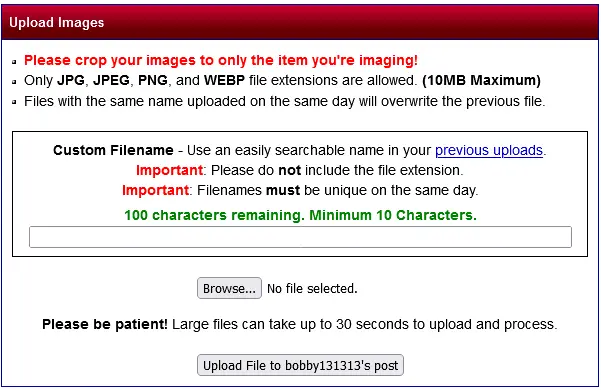
Look at the first line in bright red....
Here's an image that I uploaded on the coin forum today, properly spliced and cropped. It was 2.2MB on upload. Click it to enlarge, and there's plenty of detail to do whatever you need. The same should work even better for stamps.
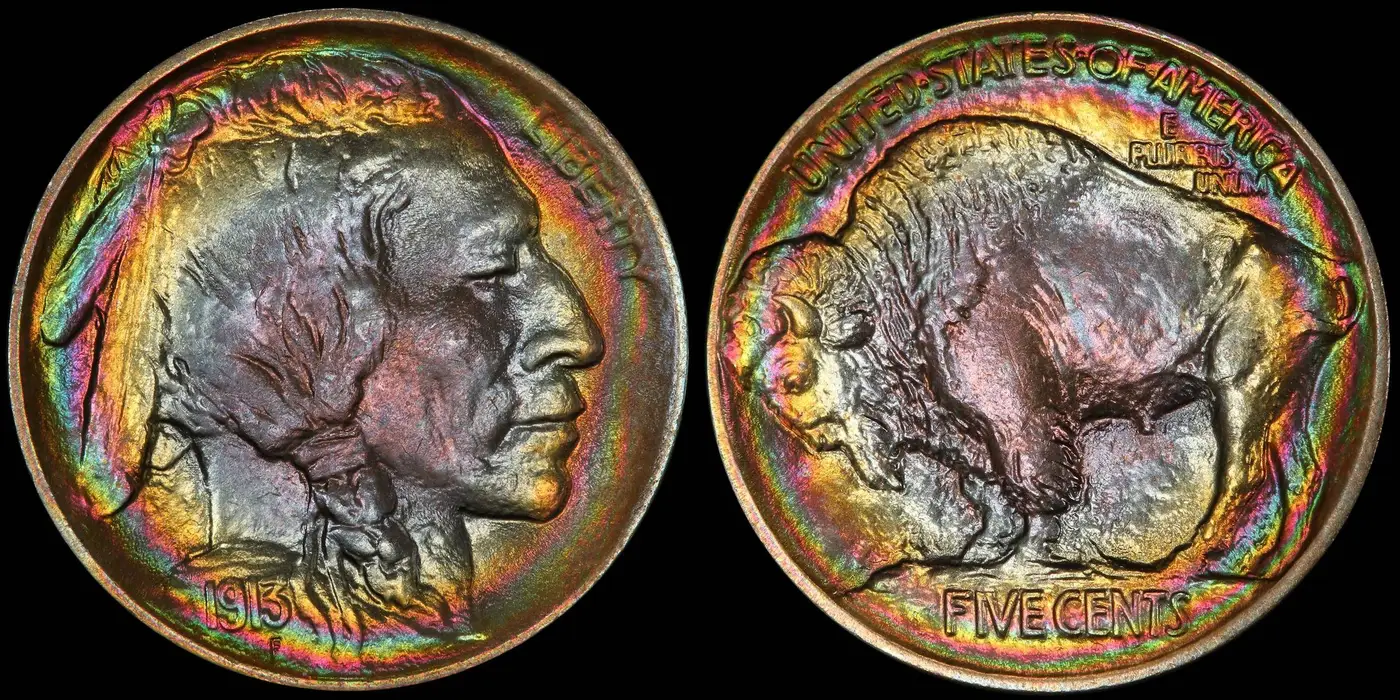
Edit: Uploaded it here.



 Replies: 40 / Views: 2,842


 Posted 01/11/2026 12:54 pm