Wanting to bring my US Air Mail collection up to date, I not only need stamps, but pages to put them on as well. Buying 28 years of Scott album page supplements was obviously impractical. I didn't want them to be in pencil, and I only has a limited number of old blank pages in the album. I decided to create a "Master" Air Post Stamp page on Photoshop and modify it as needed as enough stamps became available. I started with an old yellow-from-age sheet…
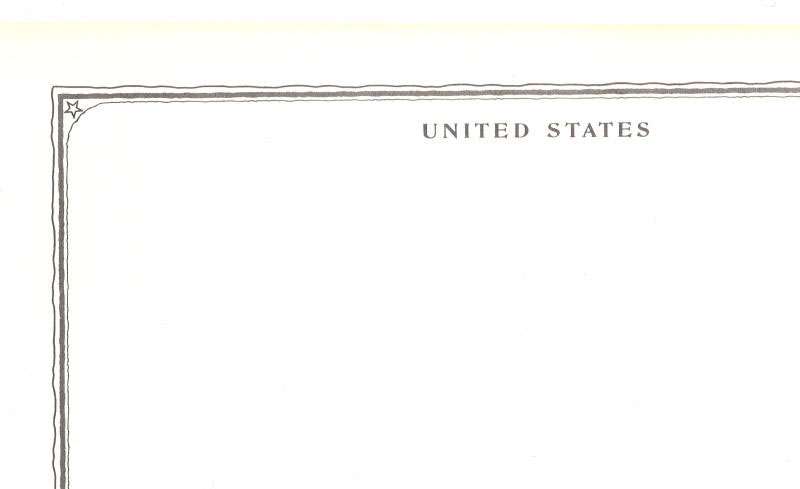
I took this to OfficeMax nearby, and had it scanned onto a disk there. I brought it home with the purpose of doing what I needed to in Photoshop to get what the sheet needed on it. My next problem was what font to use, but sifting thru the printed pages I had of fonts, I found one
very close to the font already on the page. The printing on the page was either faded or just printed that way, so I had to play with the opacity of the text to get it to match. I created this new heading…
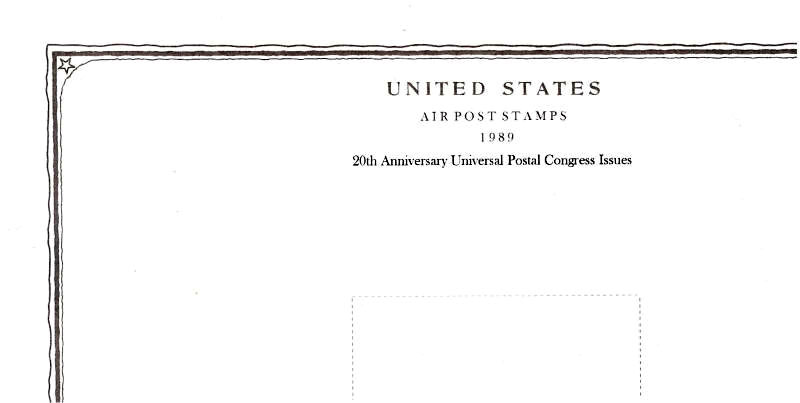
Creating the dashed line boxes for the stamps was more interesting. I couldn't use the Edit > Stroke command because I couldn't get a dashed line around a selection. I only have Photoshop 7.0, and it's always served my needs. I had to make dashes with the text command, putting a space between each dash until it was as long as needed. I couldn't do vertical text because the dashes came out like a step ladder, so I had to copy/rotate horizontal dashed lines. After trimming the corners with the eraser, I came up with this…
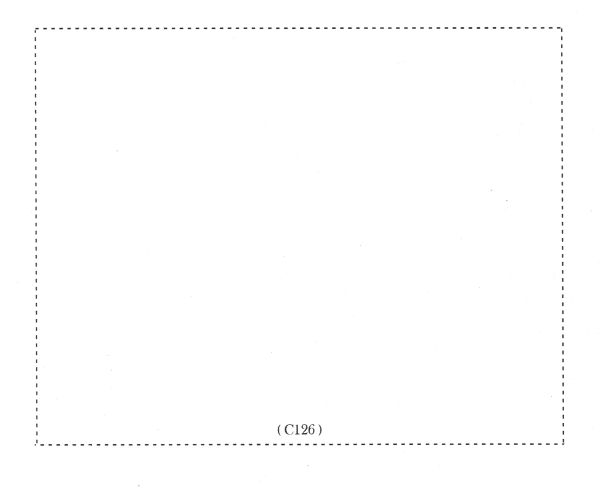
I had to create a second box for this particular page. Then I mounted the stamps, and here is the finished result in the album…
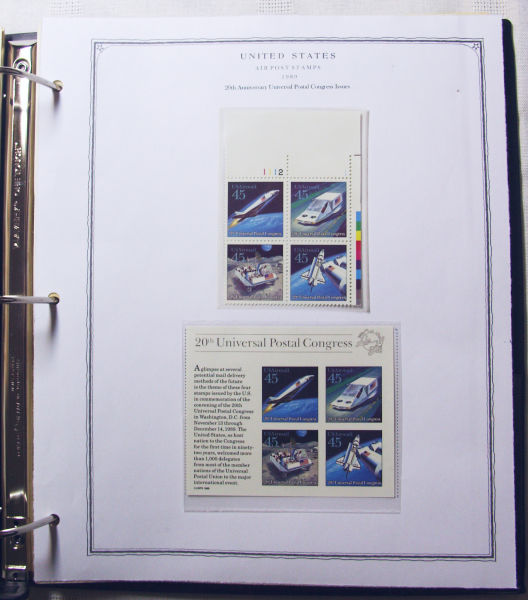
The cost for the scan to the disk was $2.00. The cost for having it printed was 22 cents. I will only have to do this a few more times as needed.
-IBFS





 Posted 05/15/2014 4:40 pm


