| Author |
 Replies: 253 / Views: 62,612 Replies: 253 / Views: 62,612 |
|
|
|
Valued Member

United States
447 Posts |
|
|
Quote:
DCStamps said:
(I don't know how many times in the past I have bought things, only to find I already have them when I got back home). I did the same thing last year when I purchased a nice US Classic at the Dealer Show in NYC, only to find the same stamp already nicely tucked into my album when I got home. I need to go digital.  Printed references are too bulky for travel. I've recently started using the 2014 Scott US POCKET Stamp Catalogue as my updated list of owned US stamps. But even it's too clunky to carry around at stamp shows. 568 pages, hardbound cover and spiral bound; it's a heavy little sucker. Plus, I care more about the stamps issued prior to 1940 which are illustrated on 150 pages or so. |
Send note to Staff 
|
|
|
Valued Member
United States
262 Posts |
|
|
PDFs of my digital pages on an IPad at a stamp show ----- Priceless
Used it today at the ASDA show in Fort Lauderdale. Lots of fun, and spent more than I should have.
However ---- I still doesn't replace stupidity (as I did today in not checking close enough that the dealer had correctly labeled the stamp.) Oh well, it wasn't too expensive of a mistake.
|
|
Send note to Staff
|
| Edited by DCStamps - 02/13/2016 04:22 am |
|
|
Pillar Of The Community
United States
772 Posts |
|
|
Quote:
Oh well, it wan't too expensive of a mistake. Michael, The price of an education  |
|
Send note to Staff
|
|
|
Pillar Of The Community
Norway
1661 Posts |
|
|
Pillar Of The Community
2013 Posts |
|
|
So Michael how do you proceed to scan . I was thing to put larger than usual stamp mounts on a white paper and scan a bunch in 1 shoot. I want to use large enough mount to not see the edge on the scan once I crop individual stamp |
|
Send note to Staff
|
| Edited by area66 - 02/13/2016 8:54 pm |
|
|
Valued Member
United States
262 Posts |
|
|
Here is how I scan my stamps: First step I put my stamps into Vario Clear stock pages for scanning. You can see the image below. In that case, I only have 19 stamps, they all fit into one sheet. If I have lots of stamps, I completely fill the stock sheet. 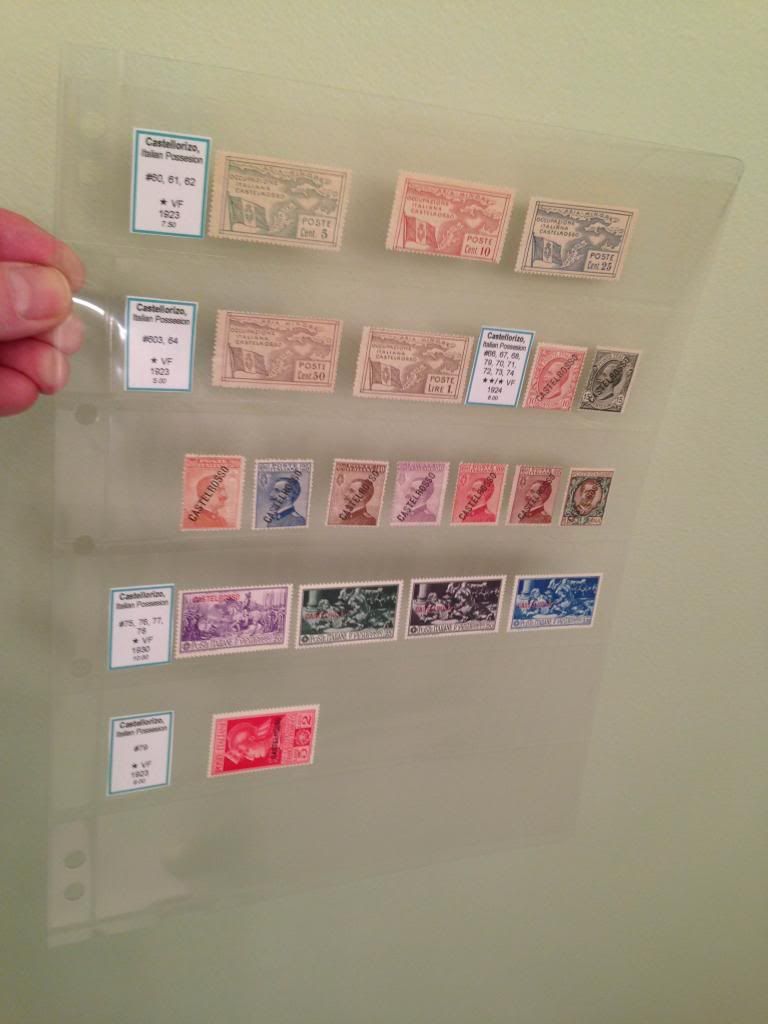 Next step I scan the front of the sheet. I put a white piece of paper behind the sheet to have a white background, but if you prefer a black background, use a black piece of paper. I then turn the sheet over and scan the back. I like to have a copy of the back in case there is something interesting. Also, sometimes you can easily see watermarks or potential flaws in the stamp which are hard to see with the naked eye. As an FYI, I scan the front at 600ppi and the back at 300ppi |
|
Send note to Staff
|
|
|
Pillar Of The Community
2013 Posts |
|
|
I'm sick and tire to redo pages scrap a lot of mounts, so I have to go digital So here I place some Hungarian in a landscape page ( I did the one at right and copy them for left just for a quick setup ) The border is just temporary I also made a busy page to see 2 type of fonts, first photo is plain Steiner and the second I use the same as the Hungary 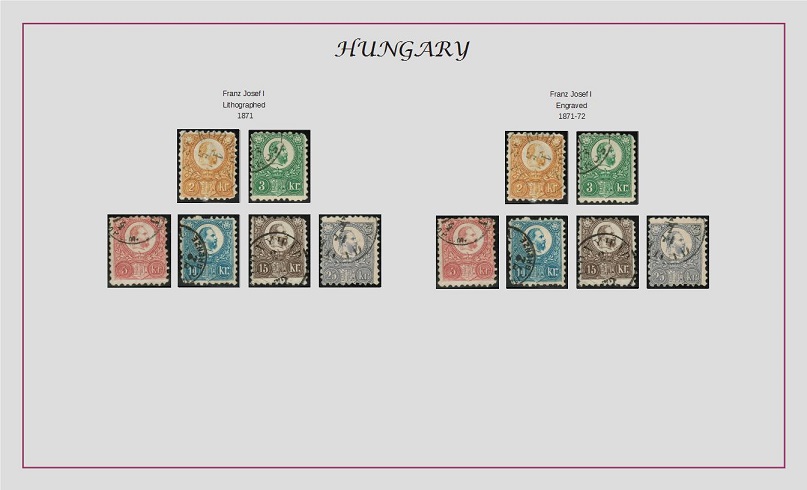 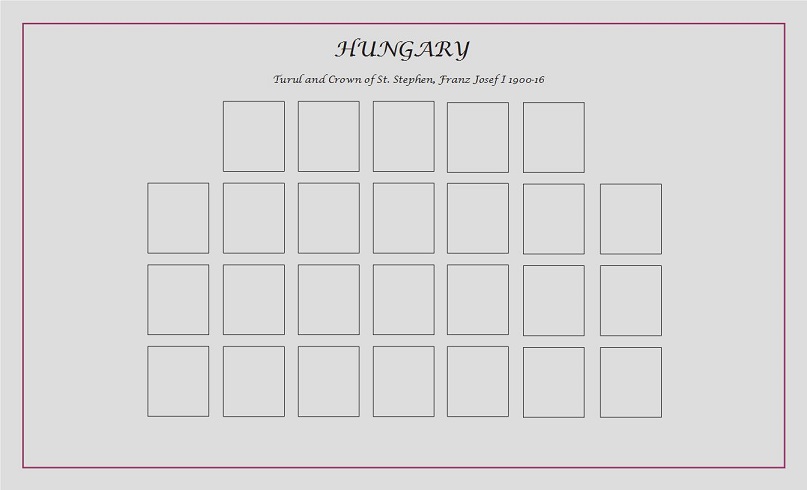 |
|
Send note to Staff
|
| Edited by area66 - 02/16/2016 3:39 pm |
|
|
Pillar Of The Community
2013 Posts |
|
|
I used PMGS StampFix to give a try , the stamps was not in need of rotation, PMGS make a nice job to crop and put the same amount of black around the stamps https://goscf.com/t/47957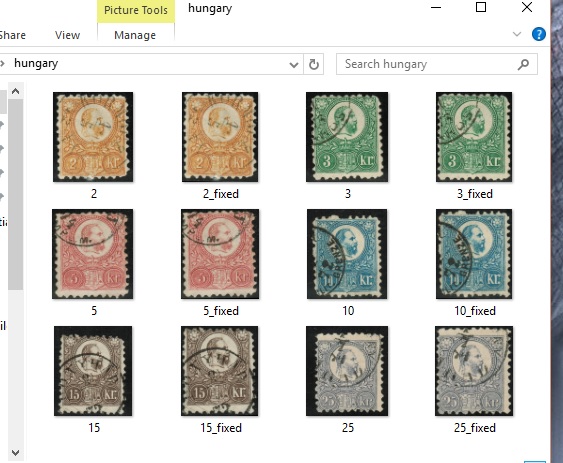 |
|
Send note to Staff
|
| Edited by area66 - 02/16/2016 3:38 pm |
|
|
Pillar Of The Community
2013 Posts |
|
|
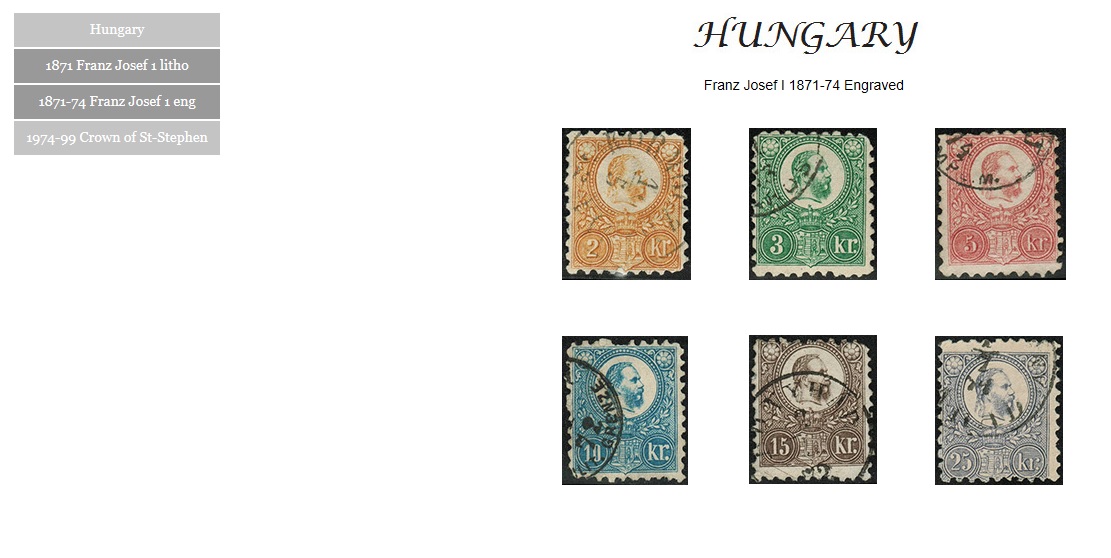
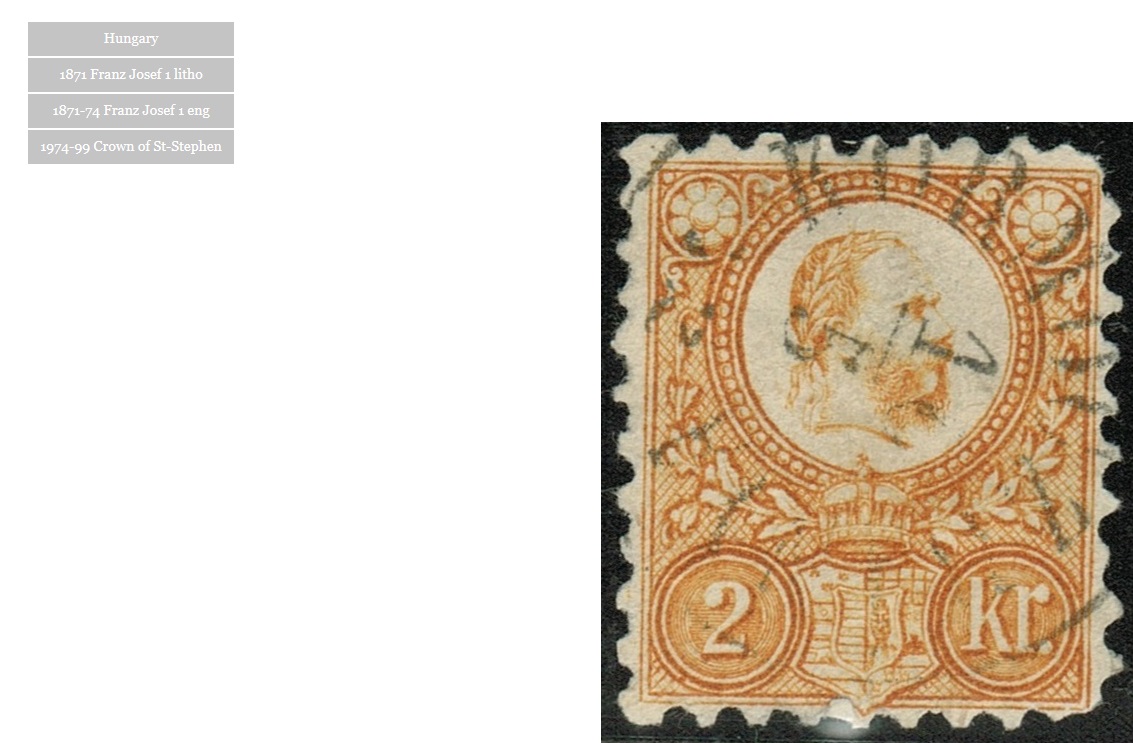
I can add hyperlink on the side to navigate faster, this work in Powerpoint and PDF. No I have to work on make them HTML with zoom option on individual stamp 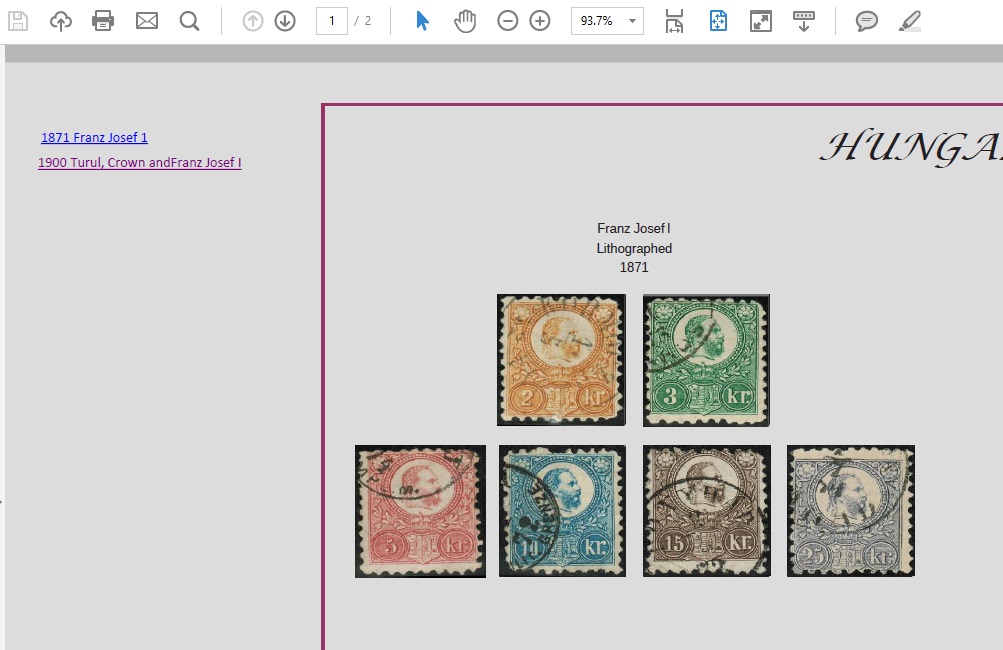 |
|
Send note to Staff
|
|
|
Pillar Of The Community
2013 Posts |
|
|
Pillar Of The Community
Norway
1661 Posts |
|
|
Pillar Of The Community
2013 Posts |
|
|
I want something quick to find and open the pages, with html it's gone be like on the web but on my server a first pages will make choose continent and after country , like stampsworld. So a full Virtual Worldwide album on Intranet, not Internet |
|
Send note to Staff
|
|
|
Valued Member
United States
262 Posts |
|
|
Opening the pages is one thing, however opening the pages and then opening each stamp becomes a little more complex. Do you use any front end like WordPress?
For DCStamps, I have toyed with using a lightbox java script (there are many available out there). Ultimately I just found embeding pdfs on the page was the easiest. You can link to the pdf and zoom in as close as you like.
|
|
Send note to Staff
|
|
|
Pillar Of The Community
2013 Posts |
|
|
You will laugh I use Adobe Muse it's so easy to see the plan of the website with it |
|
Send note to Staff
|
|
|
Valued Member
United States
262 Posts |
|
|
Nothing to laugh about, Muse is fine for static web sites and pages. Although If you want to begin to add some complexity (e.g. interactive pages like you are suggesting). I don't know if they have the widgets available to handle it. However, I have never tried Muse, and I could be wrong.
Good Luck. |
|
Send note to Staff
|
|
|
Replies: 253 / Views: 62,612 |
|




 Posted 02/05/2016 2:44 pm