WRT the first question -- (1) What OS are you on, (2) if Windows, is it 32- or 64-bit Windows, and (3) did you download the version with JRE bundled or not?
WRT understanding the interface, did you take a look at the instructions and/or videos on the download page?
I can save you even more time on this process, if you've got the latest version.
Quote: hit the stampfix icon select "image" a window pops up for your selected folder select the scan select "extract to file"
Try this:
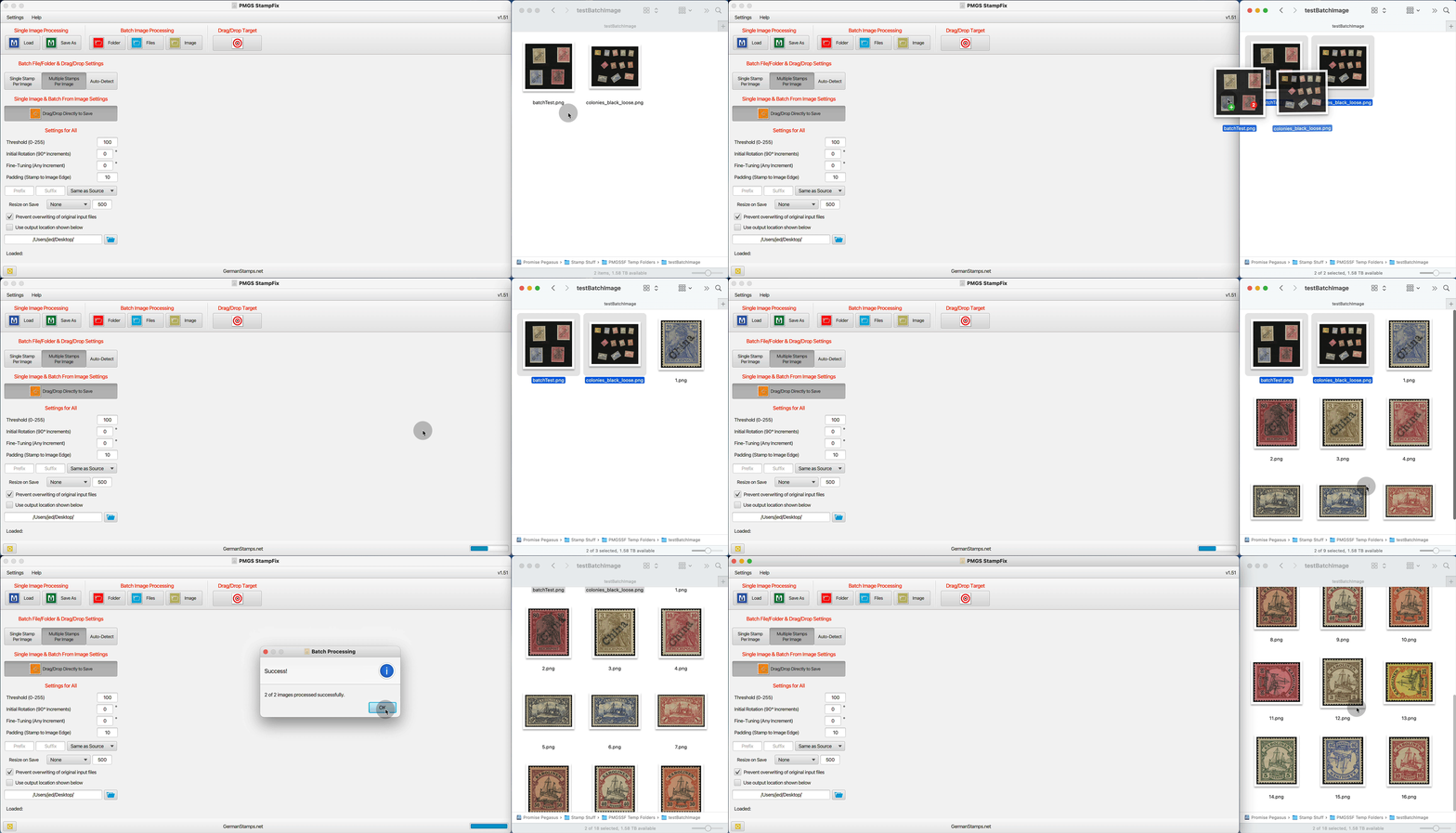
1. Open StampFix 2. Ensure the "Drag/Drop Directly to Save" and either "Auto-Detect" or "Multiple Stamps Per Image" are selected. These can also be saved as default settings if this is your most common setup. 3. Drag and drop the file, files, or entire folder of files over the window. 4. Grab a beverage and move on to the next batch.
Quote: The drag and drop did not work with "image" (as I was used to) I had to select "Files"
Rod,
With drag and drop, you don't use any of the buttons on the top (Folder, Files, or Image). You just drag the folder or files over the app, release, and it does its thing.
It's not currently possible to change the default window size. I'll take a look and see if I can make the window size persistent so that it opens to the same size it was the last time you closed it.
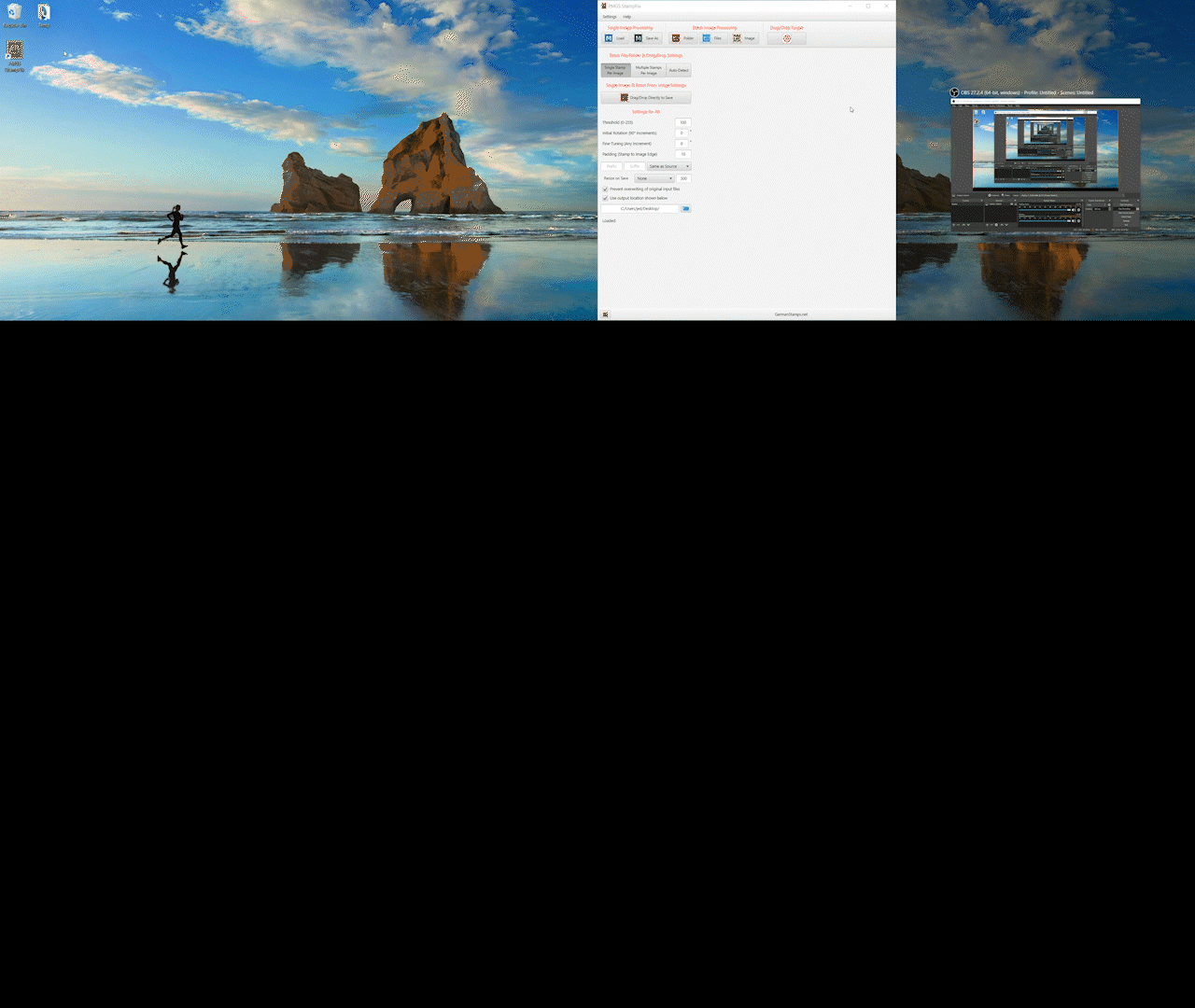
I'm still working on the window persistence. In the meantime, are you aware that with newer versions of Windows, you can snap any window to half-screen? Sorry for the low-quality demo. I don't have good screen recording software on my Windows computer.
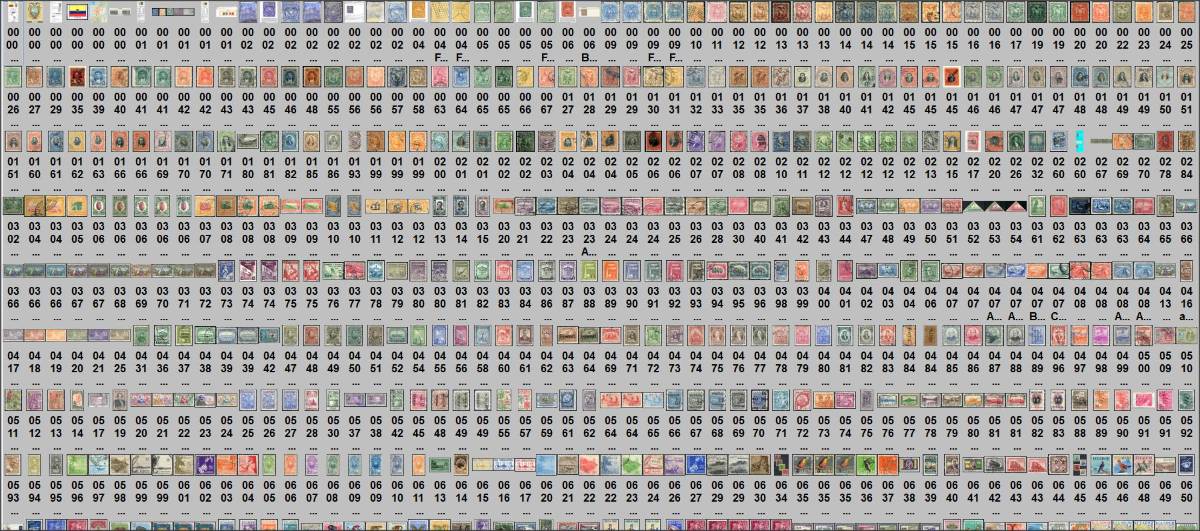
Scanner : Epson V370 Photo Bulk alignment (rotations) : PICASA Bulk de-skew : Postmaster GS "Stampfix" Scripting and general movement of files : XYPlorer Catalogue : Scott Searching subset on "Surcharge" I have 76 Ecuador stamps
Postmaster, if you don't mind a couple questions I had while using this recently, specifically the batch processing from image functionality.
Is there the ability to have an incrementing prefix for file naming? - e.g. using prefix set at "1234" and suffix at " canada", so the first image file is named, "1234 canada.jpg", next one is "1235 canada.jpg", etc.
Related, is there an specific pattern to how the images are sorted/named, both in the edit viewer or when extracted to file? I had a batch image with 11 stamps, but the ordering seemed somewhat random - i.e. the 1st image in the batch image was numbered as 7, etc. I have screenshots if I didn't explain that well.
There isn't currently a way to increment the prefix or suffix. With the Batch from Image, the core filename (the part between prefix and suffix) will increment from 1 (or higher, depending on what's already in the folder), but the prefix and suffix are static. I'll look into the possibility of adding that as a feature in the next update.
WRT the order, the order is that in which the stamps are detected by the algorithm. IIRC, that's roughly bottom to top, but it's not exact. I'll look into the possibility of making it re-order them from top-left to bottom-right when assigning a file name/number.
My Epson V300 professional scanner batches bottom to top.
I dump blocks of 4 stamps to folder and move the blocks on-mass to Stampfix.
Indexing is not important to me from Stamfix. I employ XYPlorer file manager to do the indexing.
Say I have 20 German Huess stamps I pick them out (Highlight) in XYPlorer, (F2) type in ...
0702 1954 A150 02pf Pres Theo Huess P14
Hit enter, and they are all done, all I have to do is alter the Cat# and the value. (Worldwide collector hack)
--------------------- Recent experience As I now use XYPlorer as my main digital interface I could not get Stampfix to work, I thought stampfix had corrupted, till it suddenly dawned on me
Cannot load stampfix from XYPlorer (all it offers is "move")
I have to do it from ACDSee
But that's OK ----------------------------------------
Disclaimer: While a tremendous amount of effort goes into ensuring the accuracy of the information contained in this site, Stamp Community assumes no liability for errors. Copyright 2005 - 2026 Stamp Community Family - All rights reserved worldwide. Use of any images or content on this website without prior written permission of Stamp Community or the original lender is strictly prohibited. Privacy Policy / Terms of UseAdvertise Here





 Posted 03/28/2022 9:14 pm