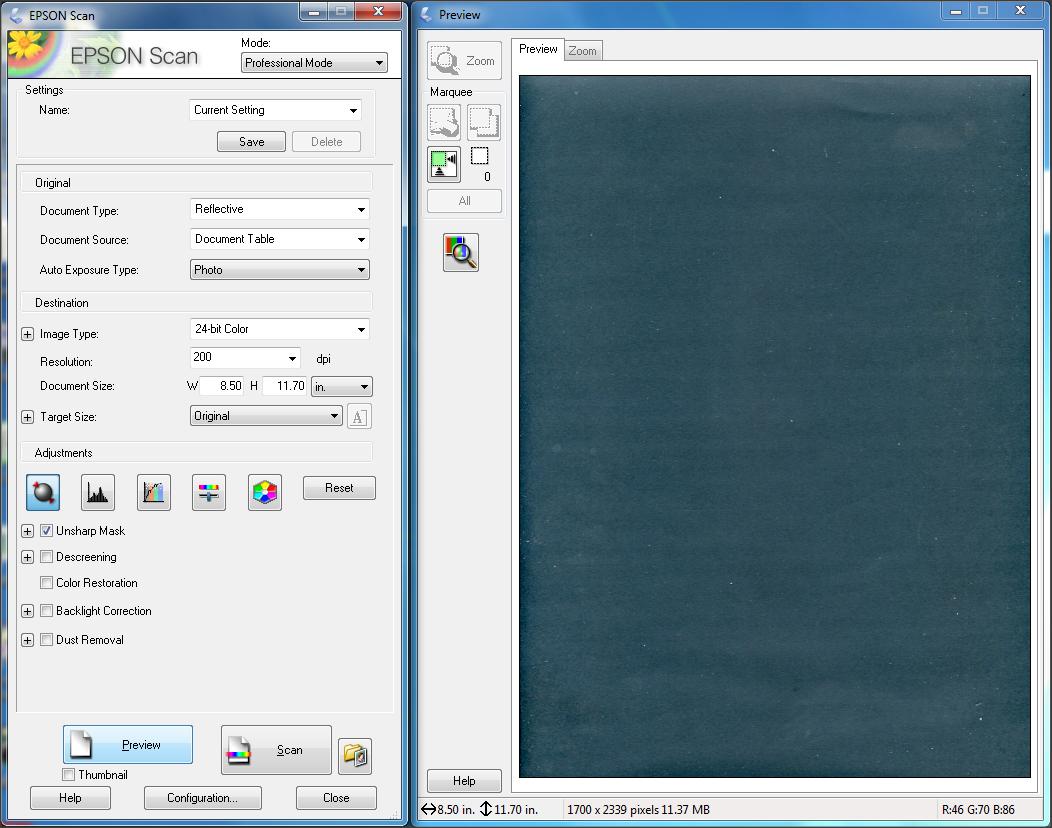
3. Where do you want your scans to go?
There is a little box on Right Hand Side of "Scan"
A folder with a picture of a face...click that and set where the scans are to go to.
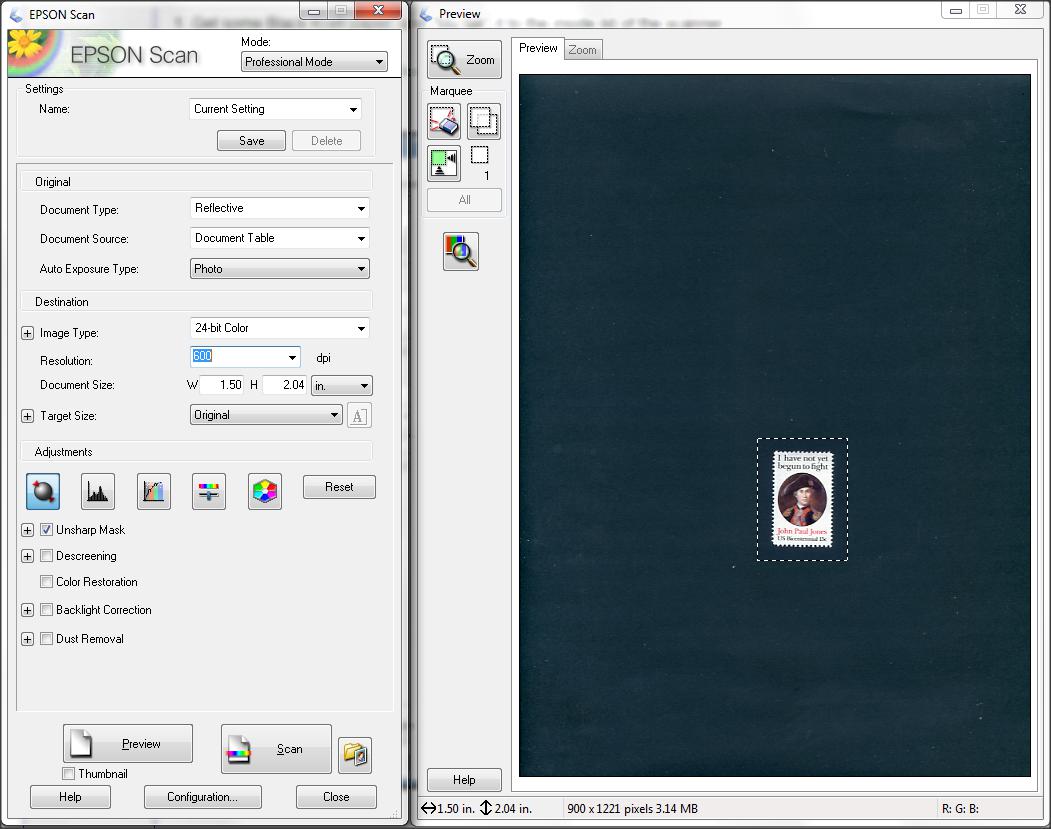
Plop a stamp on the platen. (Face down)
CLICK "Preview" (The scanner will scan a preview of the platen)
Right mouse hold down and draw a "carousel" or "Marquee" around the stamp.
Set Resolution to 600
Scan !
Let us know if you hit problems
TIP: You can draw up to 40 or so, "Carousels" and the scanner will do each stamp separately, whilst you have a cuppa, and an Iced Vo Vo.





 Posted 01/26/2019 6:52 pm


 Well done you.