If you click on the 'edit; symbol that is a piece of paper with the pen, you can edit your post.
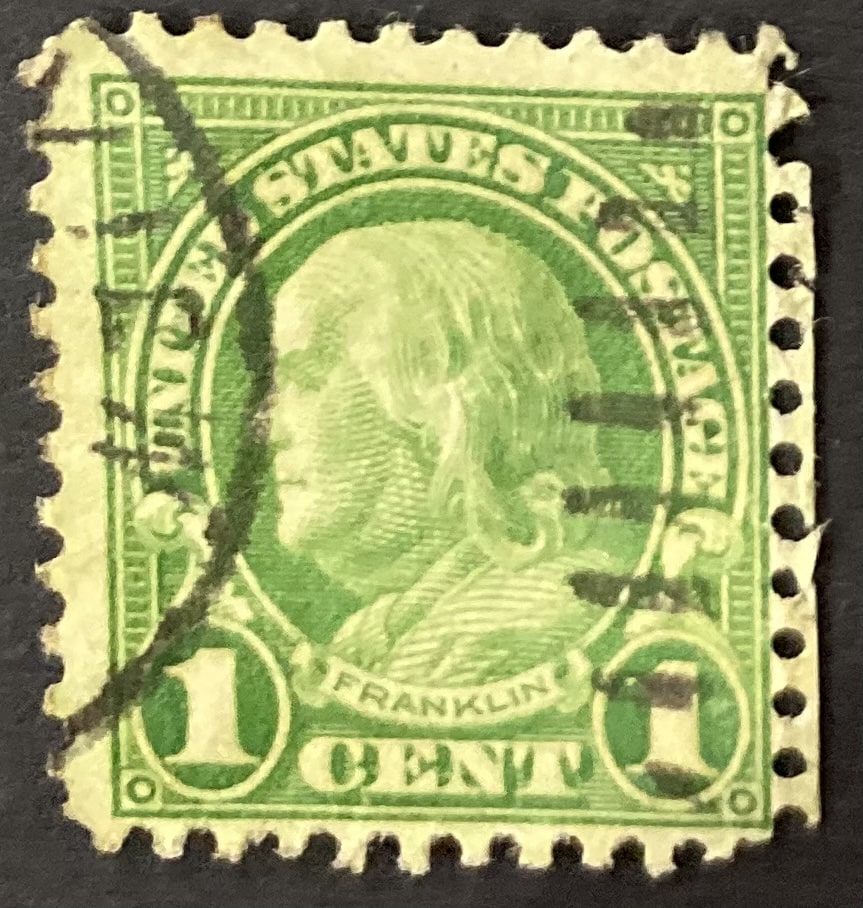
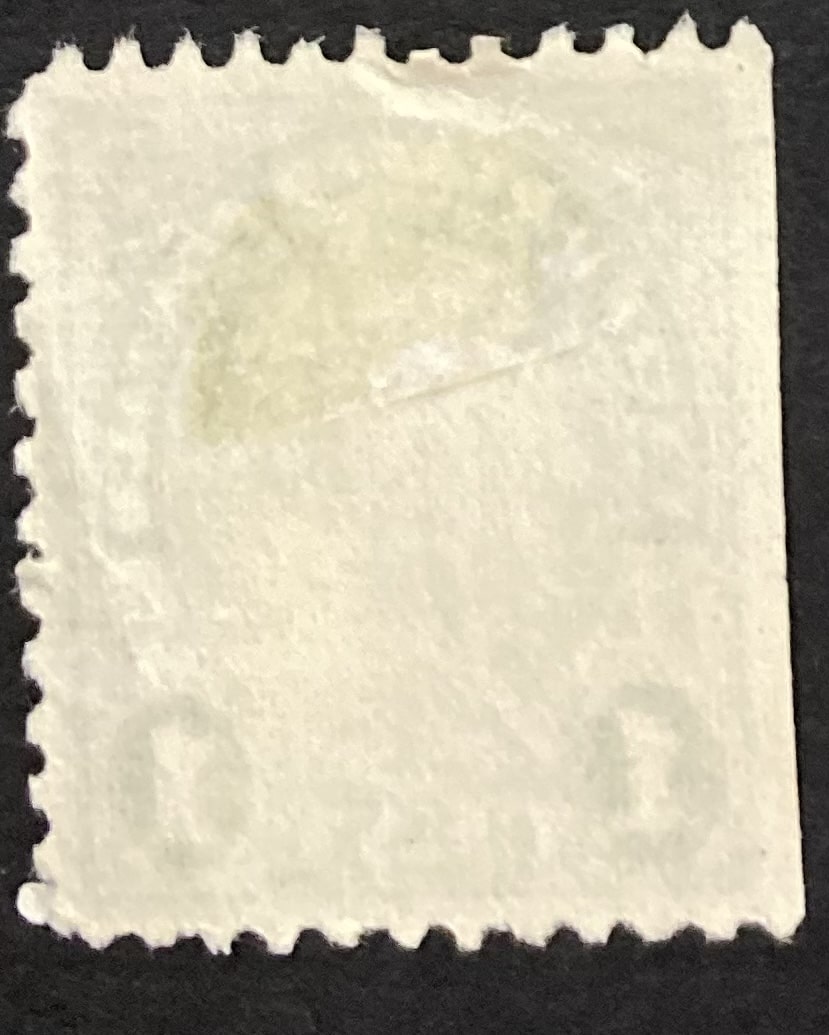
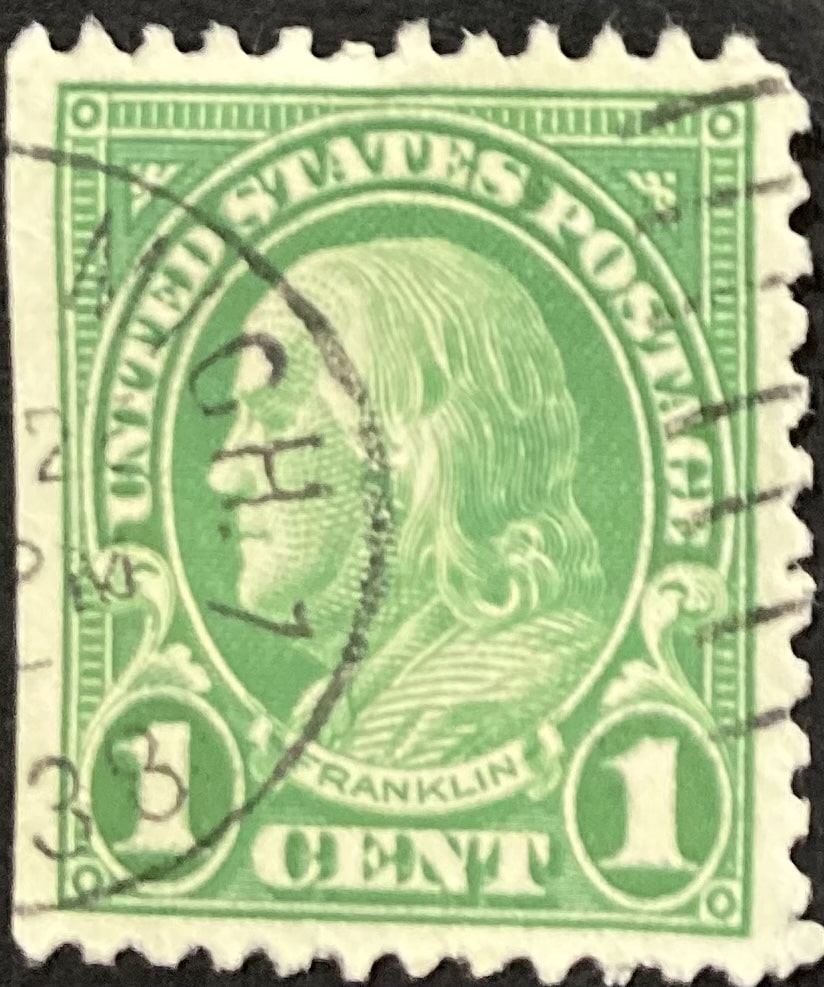
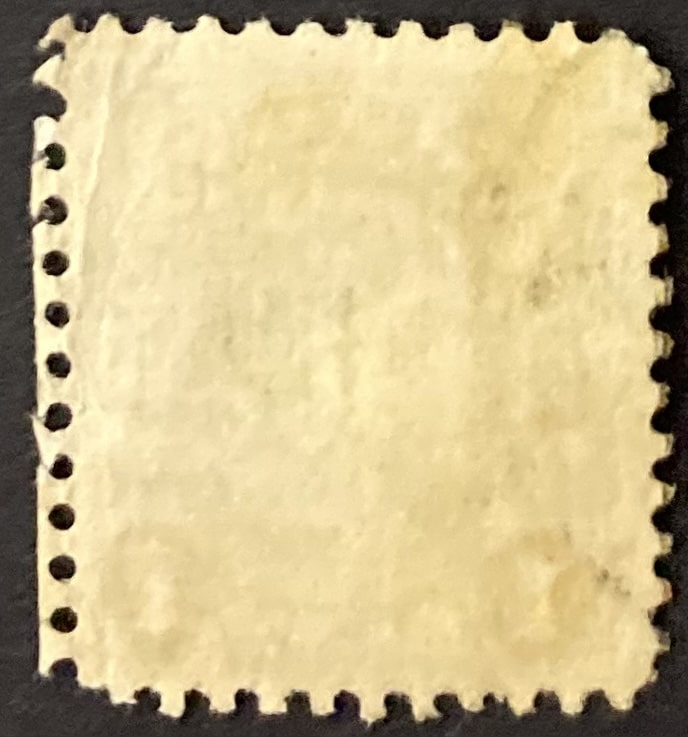
You should see four sections that start with '[ img]' and end with '[ /img].' If you move the fourth to the second position and - thereafter - third section to the end, you will put the images in sequence; showing the front followed by the back.
note, there is no space in '[ img]' but if I do not add it here, the code will try to post an image that is not there.
Disclaimer: While a tremendous amount of effort goes into ensuring the accuracy of the information contained in this site, Stamp Community assumes no liability for errors. Copyright 2005 - 2026 Stamp Community Family - All rights reserved worldwide. Use of any images or content on this website without prior written permission of Stamp Community or the original lender is strictly prohibited. Privacy Policy / Terms of UseAdvertise Here





 Posted 02/22/2022 05:42 am