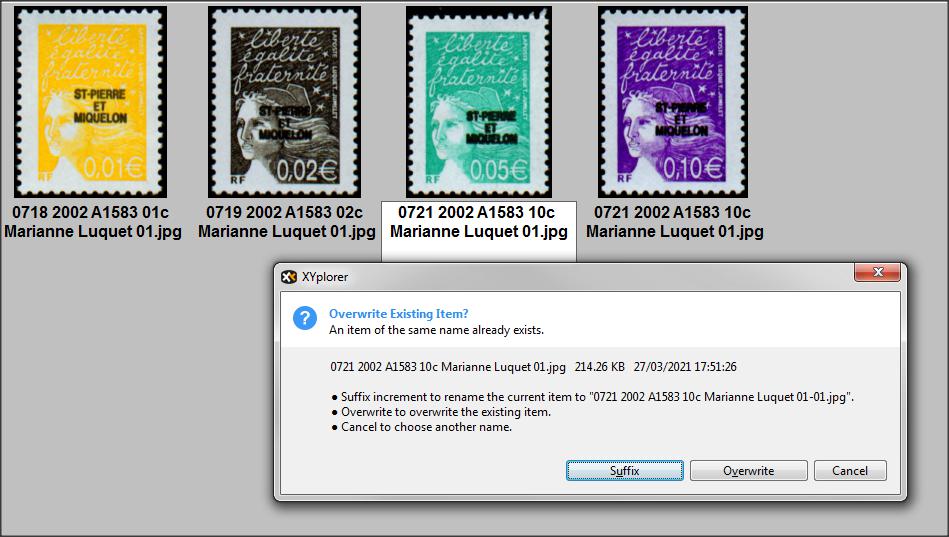
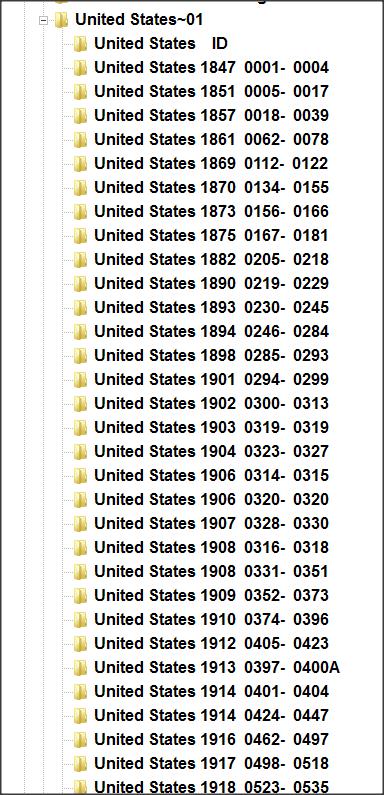
XYPlorer File Manager for Windows
https://www.xyplorer.com/$34.95 Licence never expires 1 user, any amount of computers
For anyone who employs an image based Philatelic Database.
Some tips and tricks
(Caveat XYPlorer noob)
Global Search F3 (Across all Folders)
(Can also check Visual Filter)
Back to File Tree (Left Arrow)
Preview pane CTRL F11
Floating Image (Your stamp full screen) F11
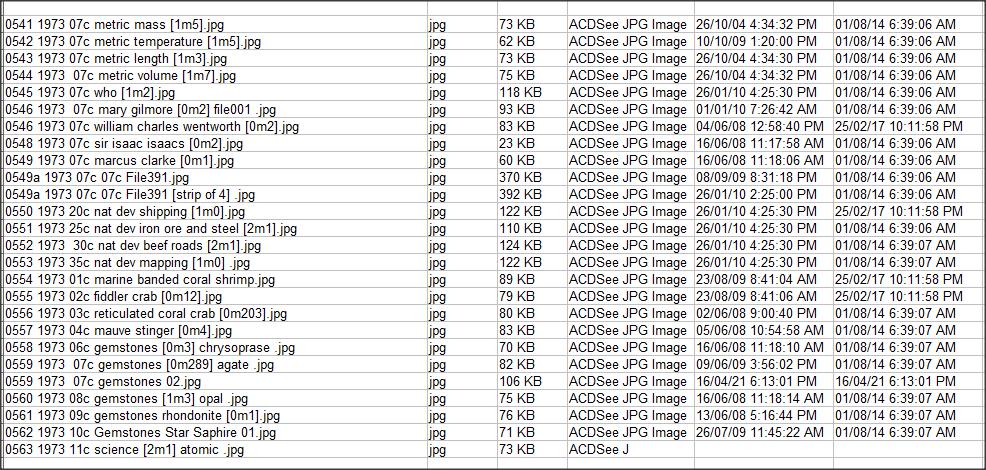
Generate a File listing
(If you have blank images as part of a "Want List")
If your naming convention includes "surcharges" eg See every Chinese stamp with a surcharge
same with "Opt"
Thematic : Search Global for say "Owls"
(My collection >400,000 stamps takes about 3 seconds)
Then print out a File listing
The XYPlorer Top bar
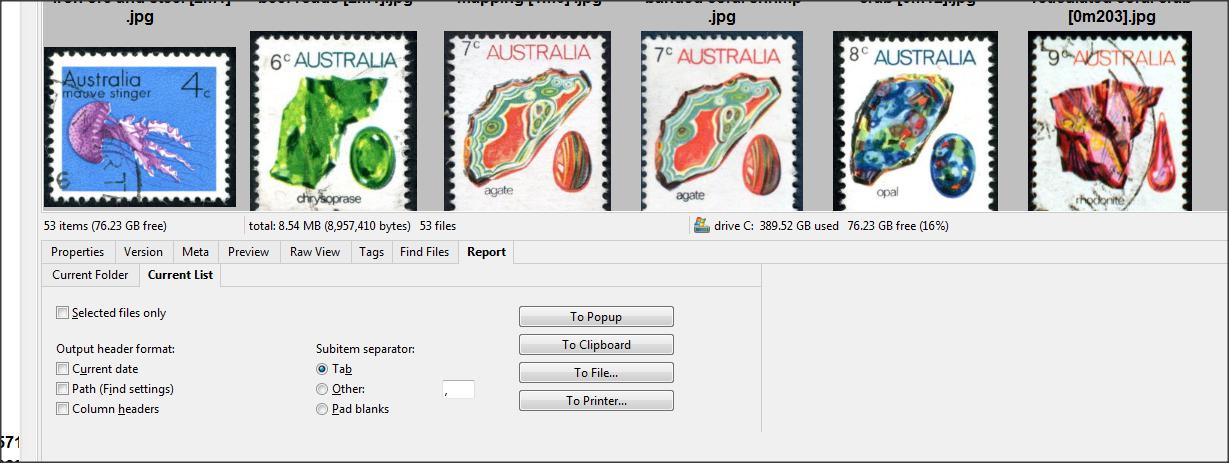
Window / (tick) show Info panel / Reports / Current List / Selected Files only.
Example My Australia "1973" stamps
shows when Image was first created, then date it was last "Modified"
Info Panel.
1973 Aust Stamps





 Posted 02/20/2023 8:38 pm