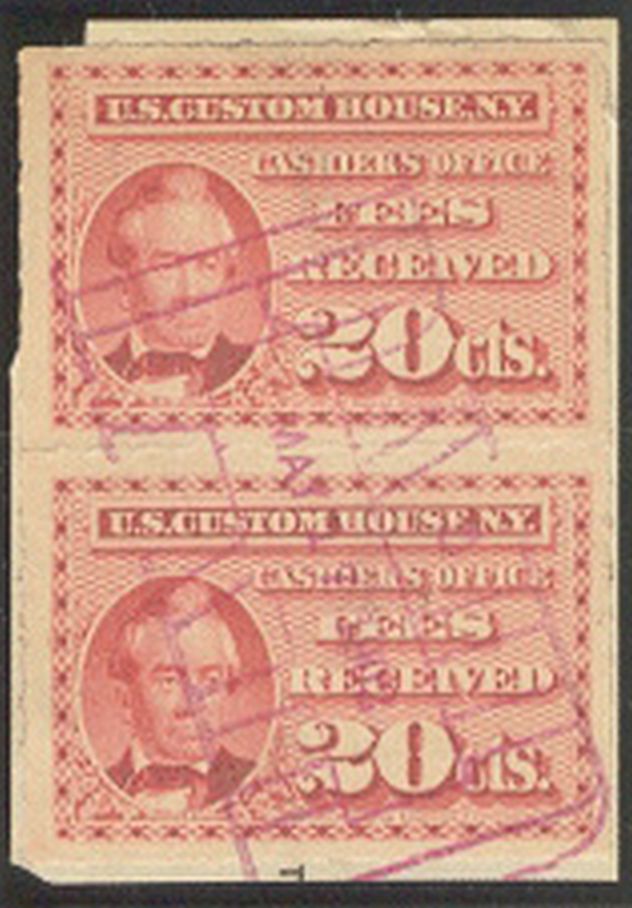
I'm working on a new census web page, and have run into a situation where the only image I have of an item is so tiny, that it is relatively useless from a detail perspective. It's only 158 pixels wide by 227 pixels tall:
So I thought this was a good opportunity to test the burgeoning number of "free" generative AI upscalers to see if any of them are worth a hoot compared to just doing an upscale in Photoshop.
Note: Were I to use an AI-generated image on my web page, I would do two things: 1. The image would be clearly marked as AI-generated, and 2. the original source image would also be provided.
Some of these results may be improvable once you go past the free tier to a paid plan, and/or digging deep into the settings/parameters, but I wanted to test what they can do "quick & dirty". So no paid options, and only using preconfigured settings sets.
Don Denman (R.I.P.) had touted Topaz Gigapixel, and while they are still a contender in the space, they have unfortunately changed their pricing model. Instead of a one-time license purchase, it is now solely a subscription-based model, and an expensive one... unless you sail the seven seas.
Most of the results are pretty awful, either blowing out the background details or making insane leaps to "fill in the gaps". What you end up with are stamps that look like they were painted by Salvador Dali... in other words, not viable in the least.
Also look at the difference in colors produced by the different upscalers.
1. Original image.
2. Adobe Photoshop built-in upsampling.
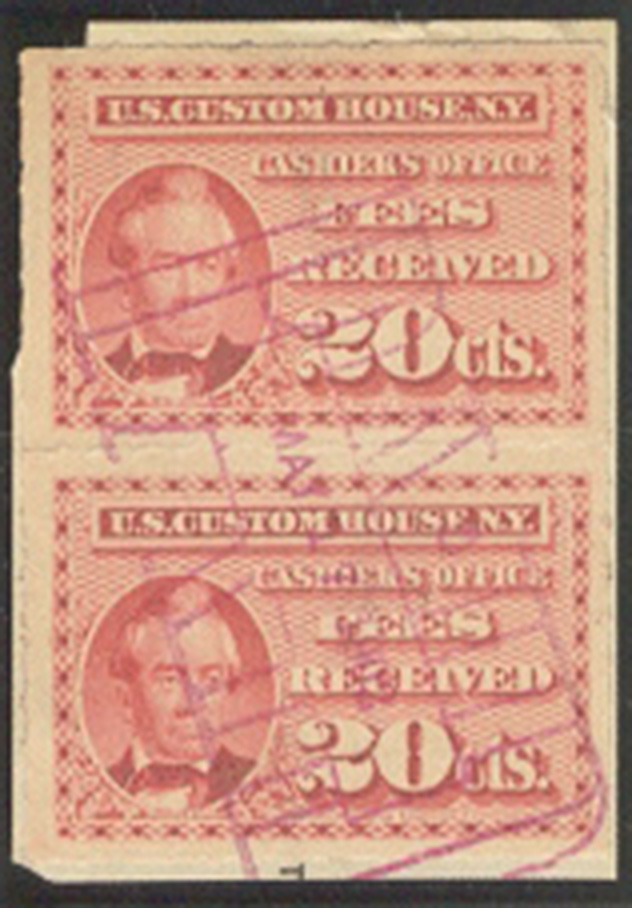
3. Adobe's Generative AI.
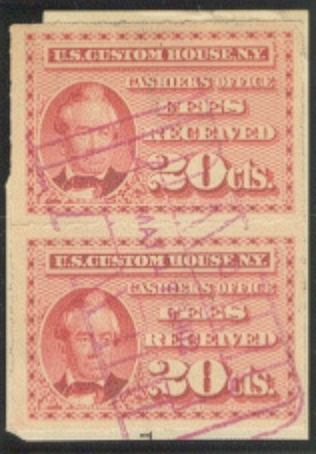
4.
https://ai.nero.com/image-upscaler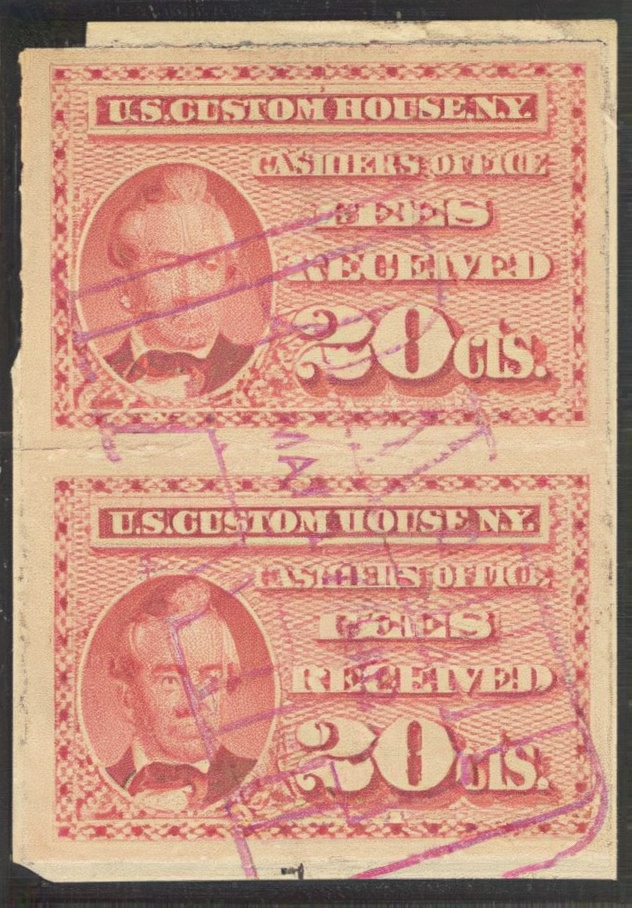
5.
https://upscayl.org/ (digital art settings)
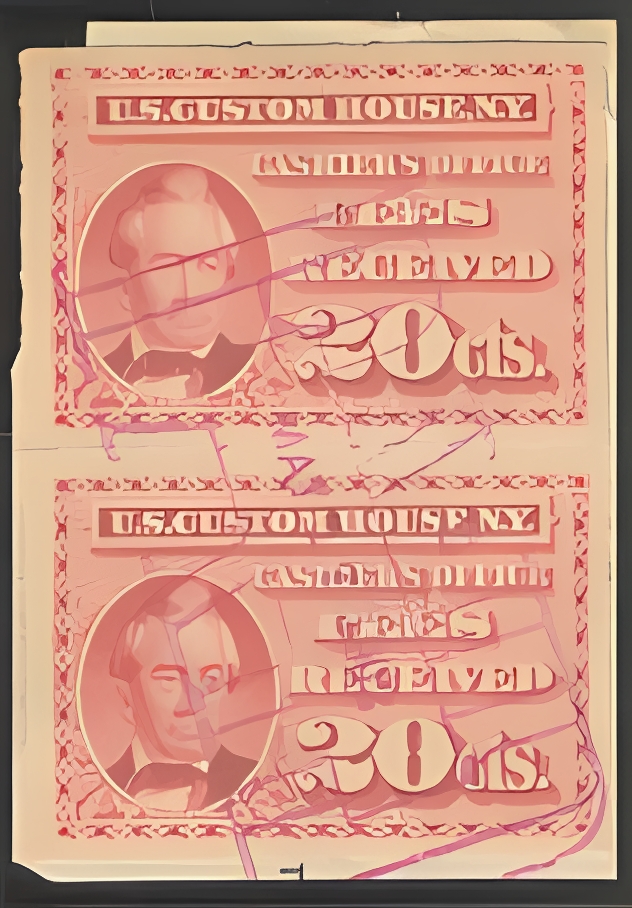
6.
https://upscayl.org/ (standard settings)
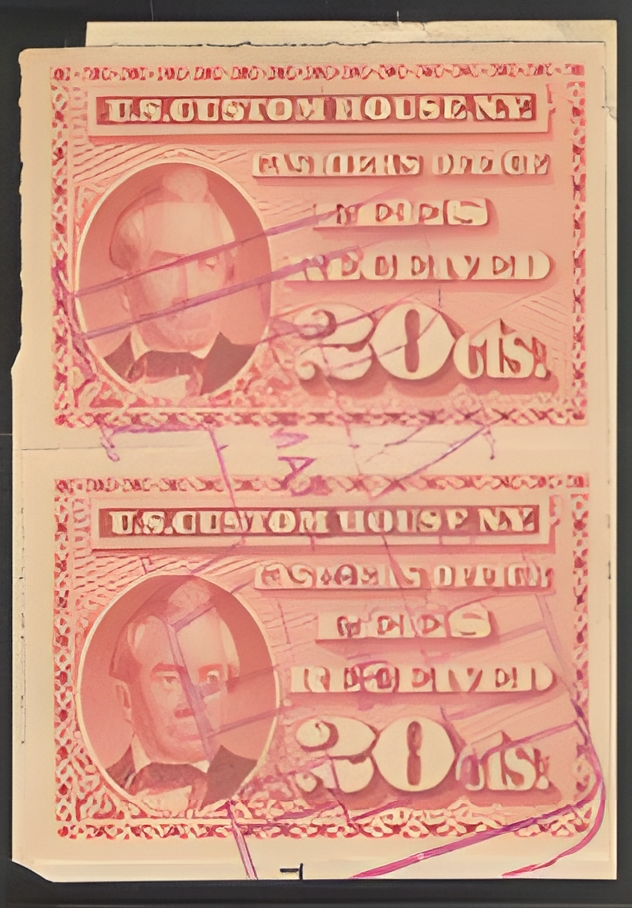
7.
https://upscayl.org/ (ultrasharp settings)
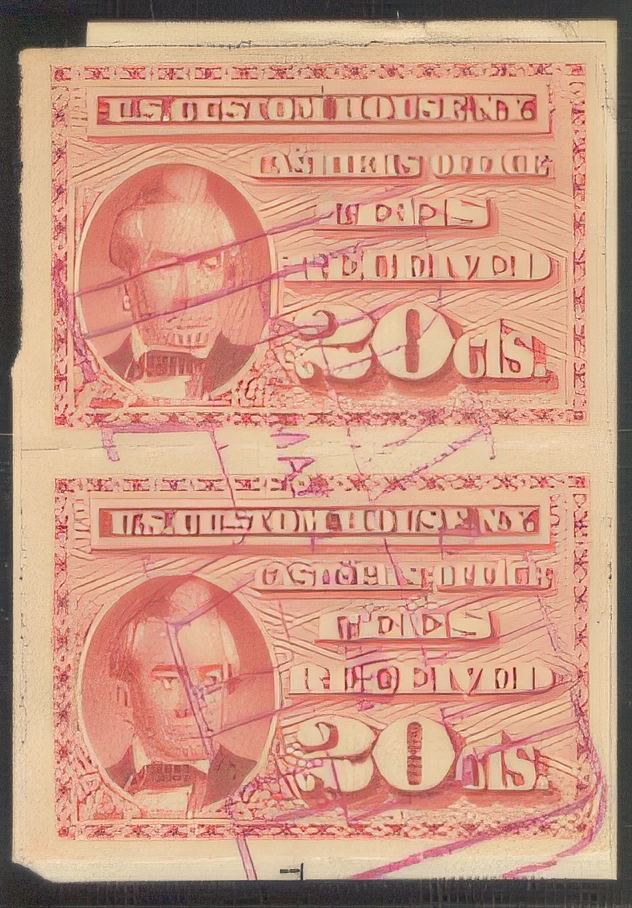
8.
https://upscayl.org/ (high fidelity settings)
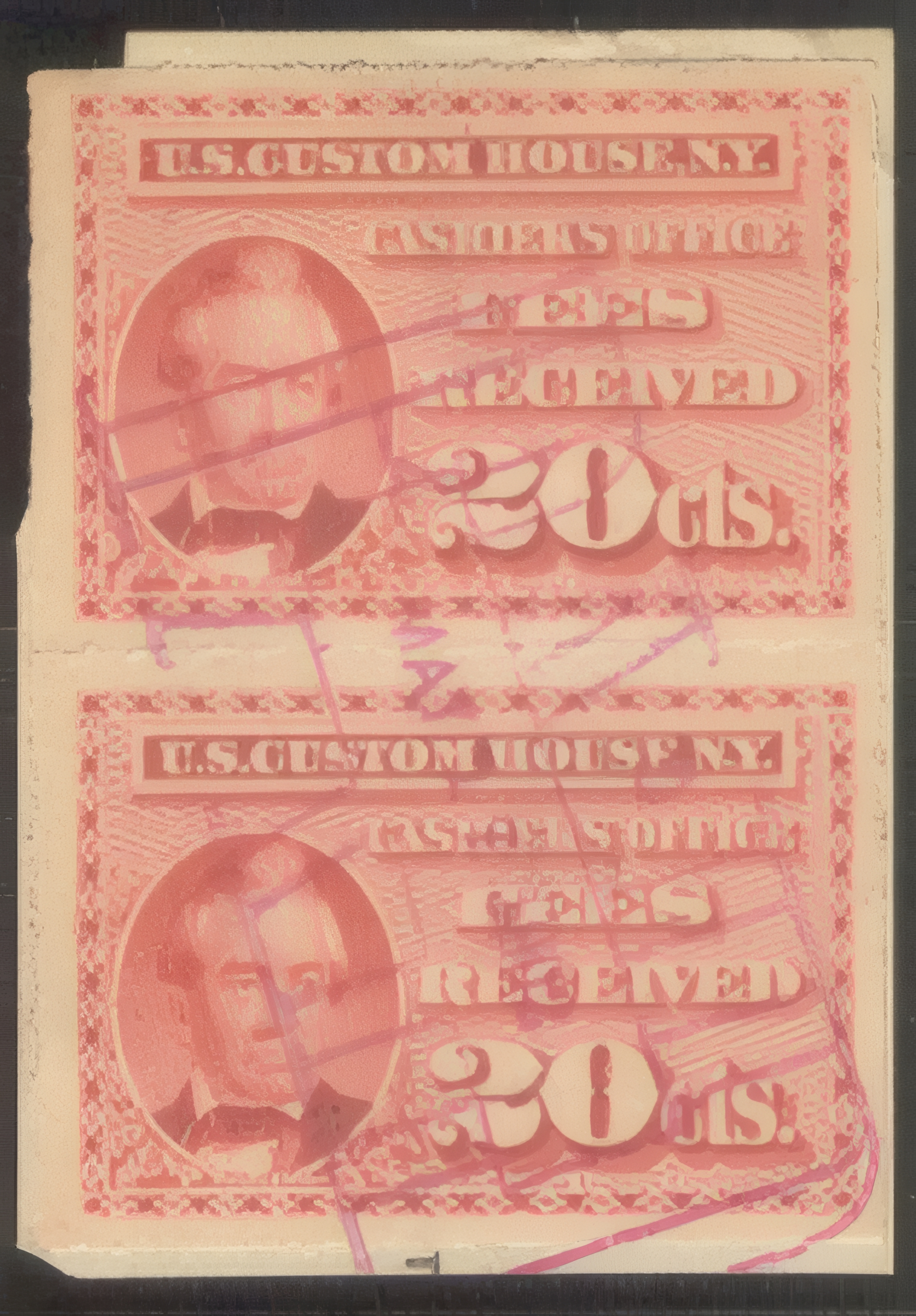
9.
https://imgupscaler.ai/ (beta setting)
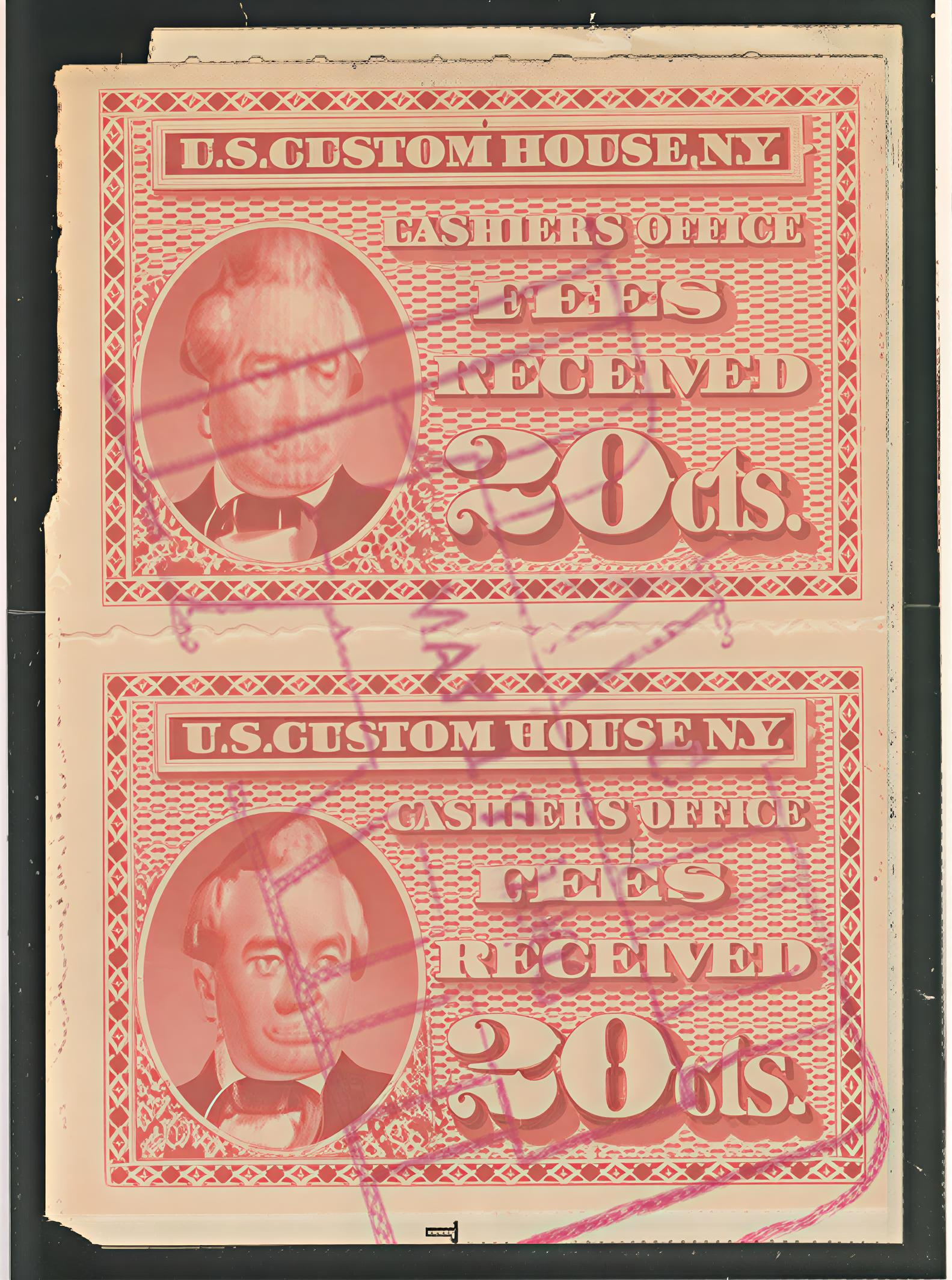
10.
https://imgupscaler.ai/ (business setting)
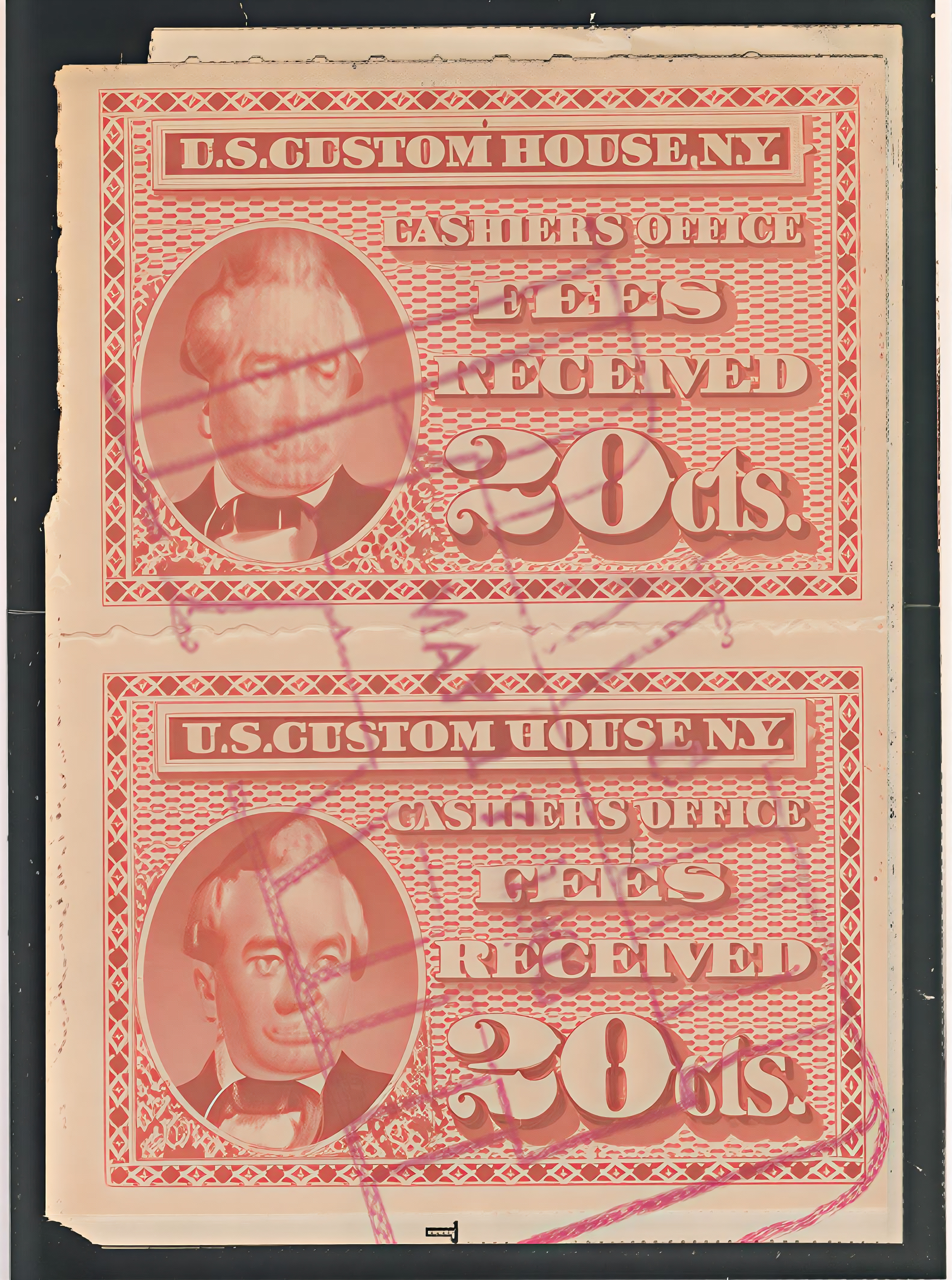
11. Topaz Labs
https://app.topazlabs.com/enhance/upscale (low-res setting)
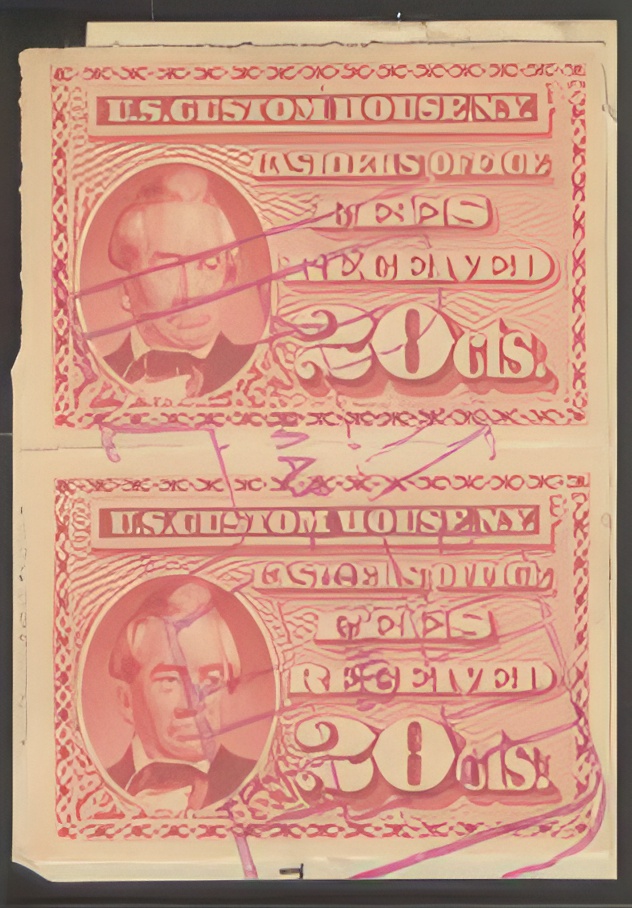
12. PixelBin
https://upscale.media/upload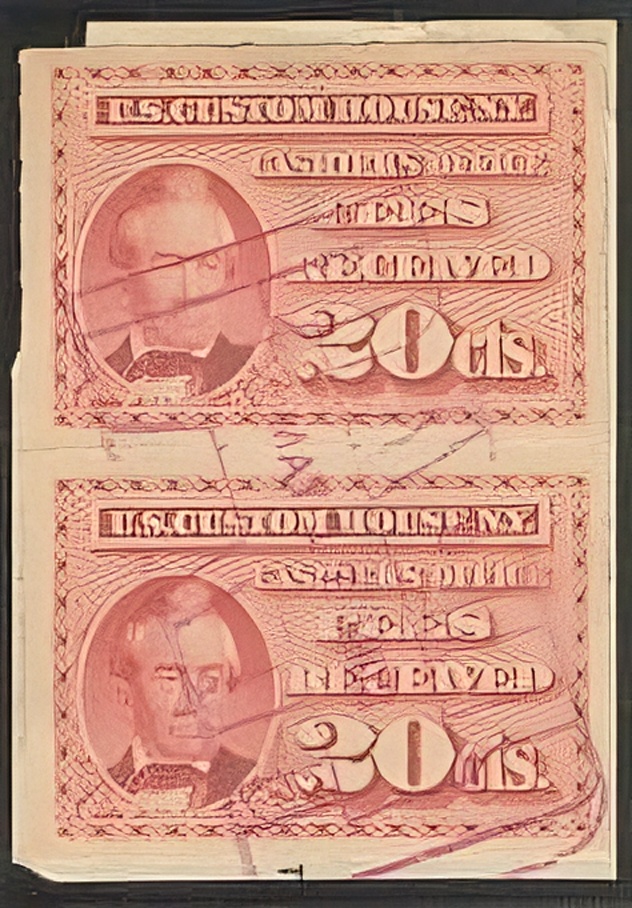
All of the above are completely unacceptable. However, there is one that IMO is surprisingly good given the data it had to work with. It still has issues (e.g., look at the mouth of the portrait in the top stamp vs. the bottom), but IMO the results are far superior to the above.
13.
https://imgupscaler.ai/ (V2 Pro setting)
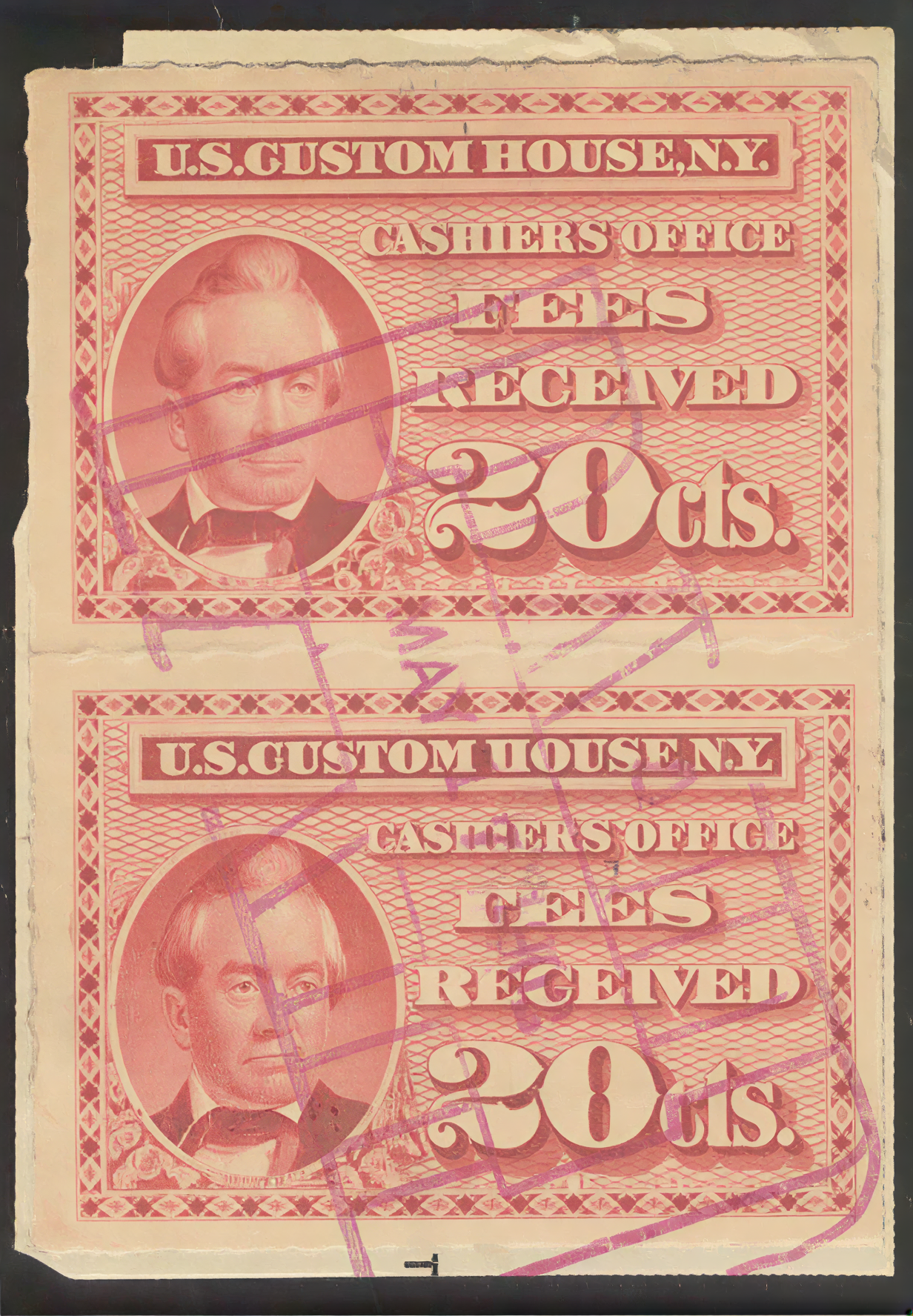
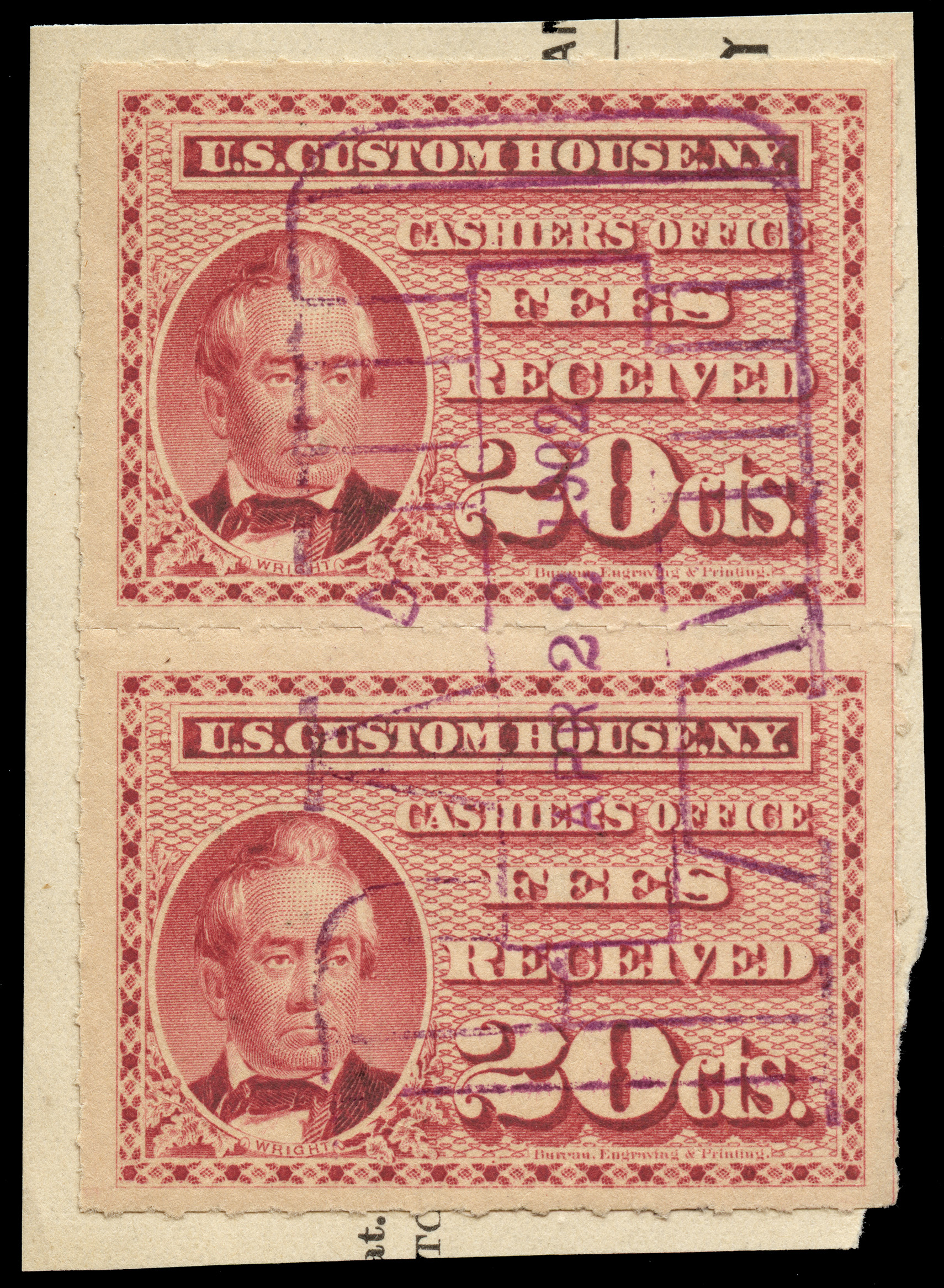
Compare this to an actual high-res scan (different multiple, as I don't have access to the one this thread is about). When compared next to one another, the mistakes jump out. The background ornaments aren't quite right and the microprinting under the portrait and the BEP imprint don't come through... which isn't surprising given the resolution of the original.
Side-by-side:
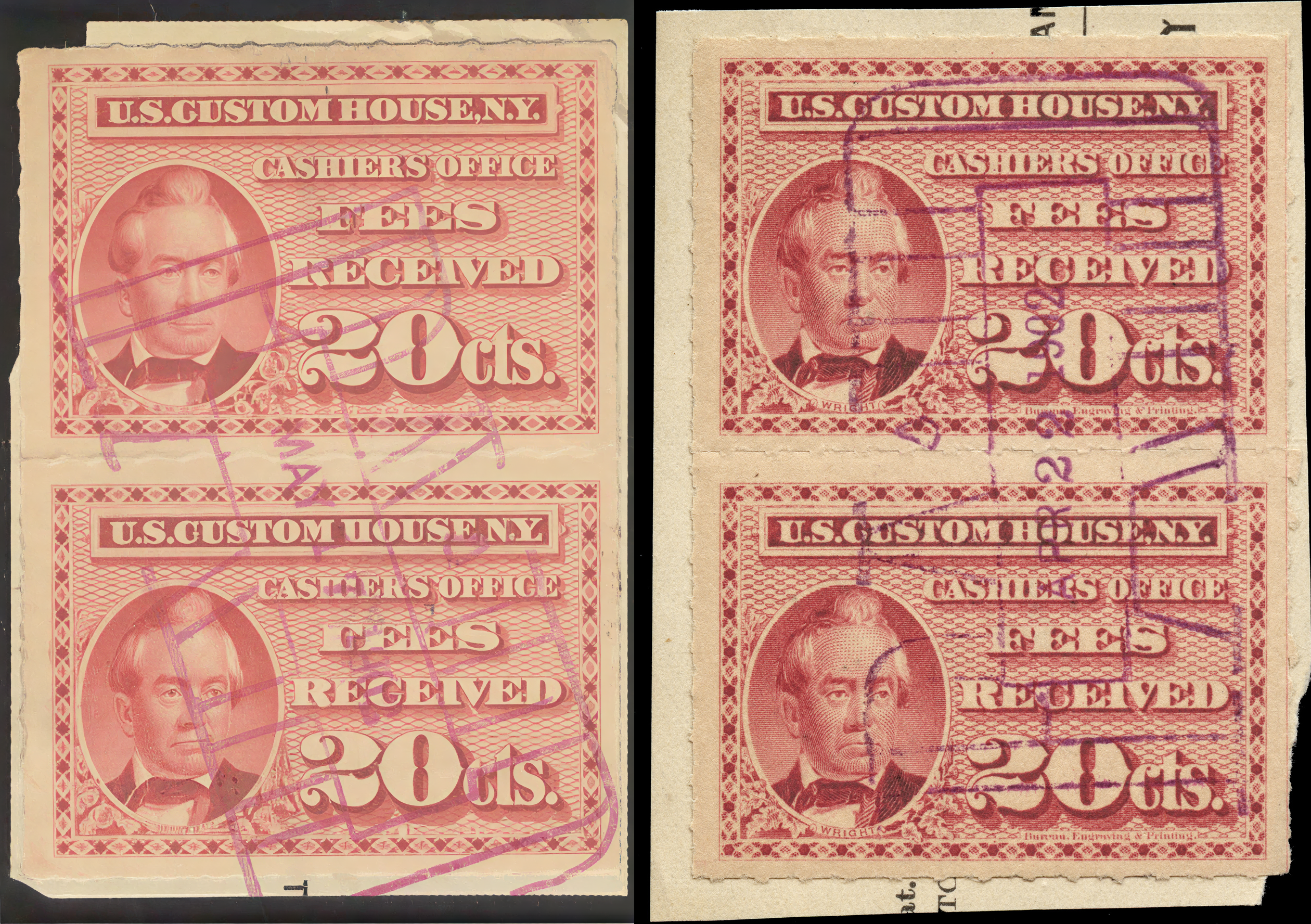
Far from flawless, but I'm actually impressed at what ImgUpscaler could pull out of the original image. A few generations down the line and who knows what will happen, especially if the AI pulls in context from online image data in addition to what can be gleaned from the source image.





 Posted 12/21/2025 12:32 pm