I think I found a bug in the updated Upload Image tool. Specifically, a code path that hasn't been updated to use the new Upload Image tool.
From the Upload Another Image screen, I clicked on the "Upload File" button
before actually choosing any filename (silly me).
From that mistake, I got the expected "Filenames must not be blank" error screen.
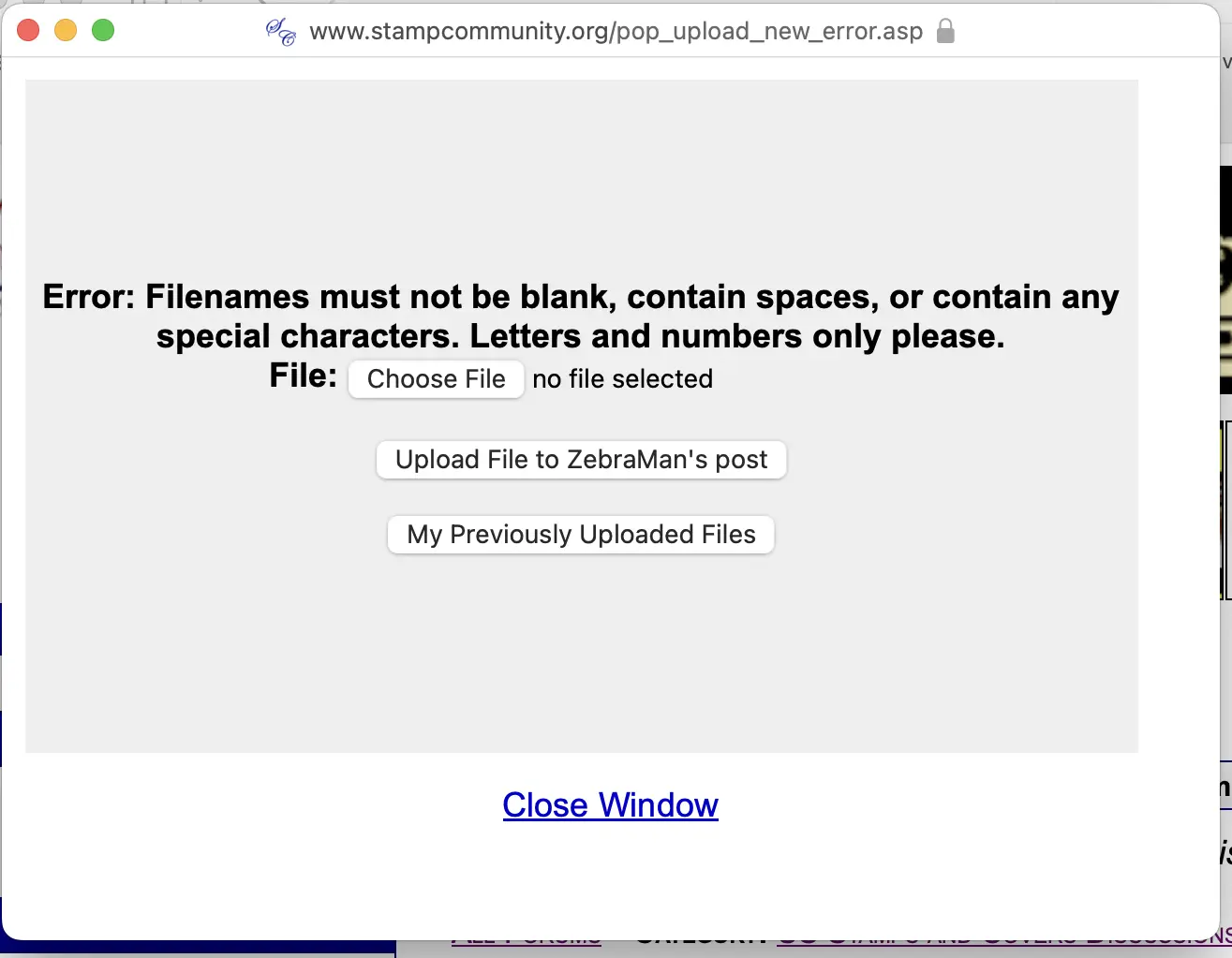
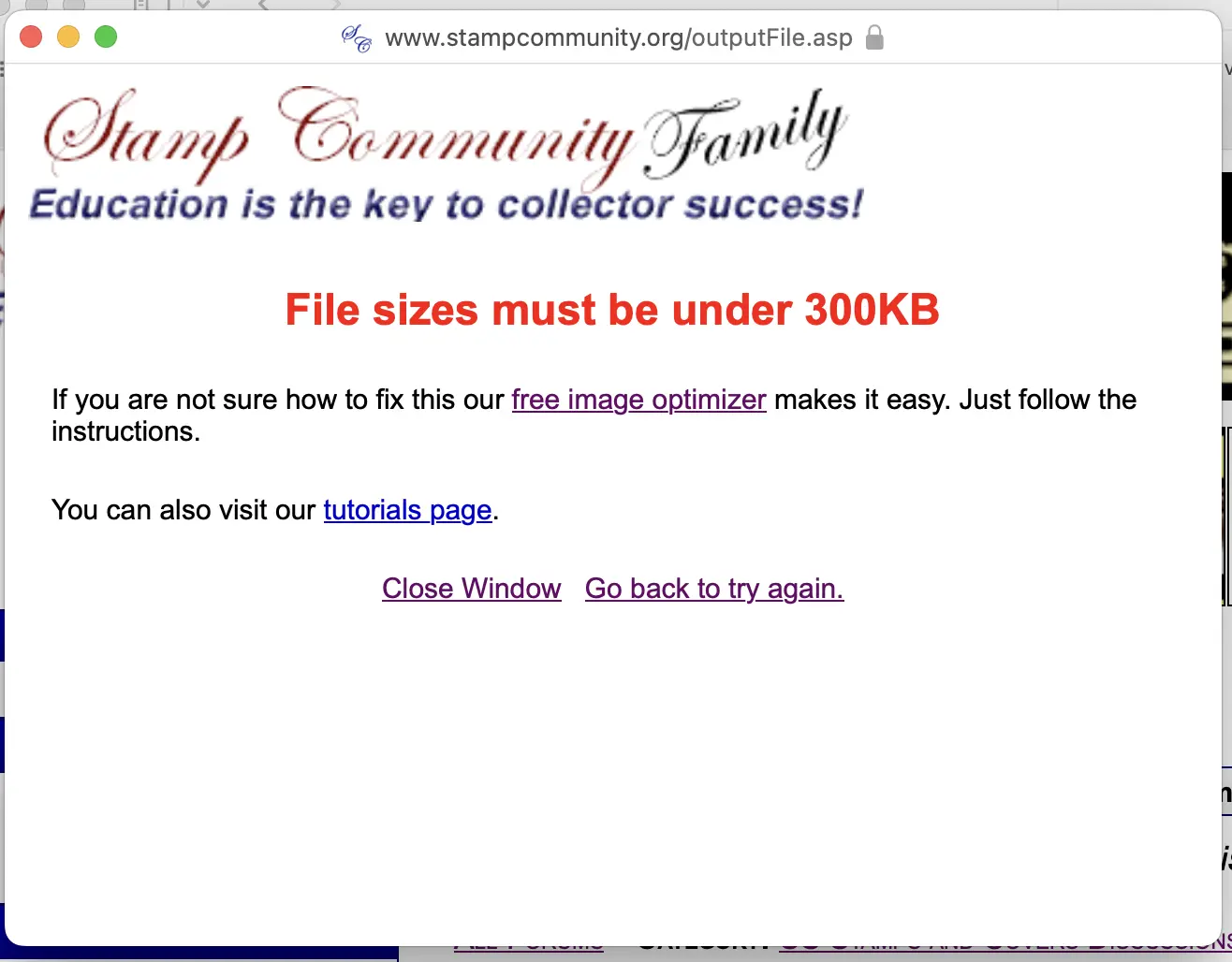
Then from that screen, I clicked "Choose File" and selected the desired image file which was 466K and I got this error message "File sizes must be under 300K". I thought that this shouldn't happen with the new Upload Image tool.
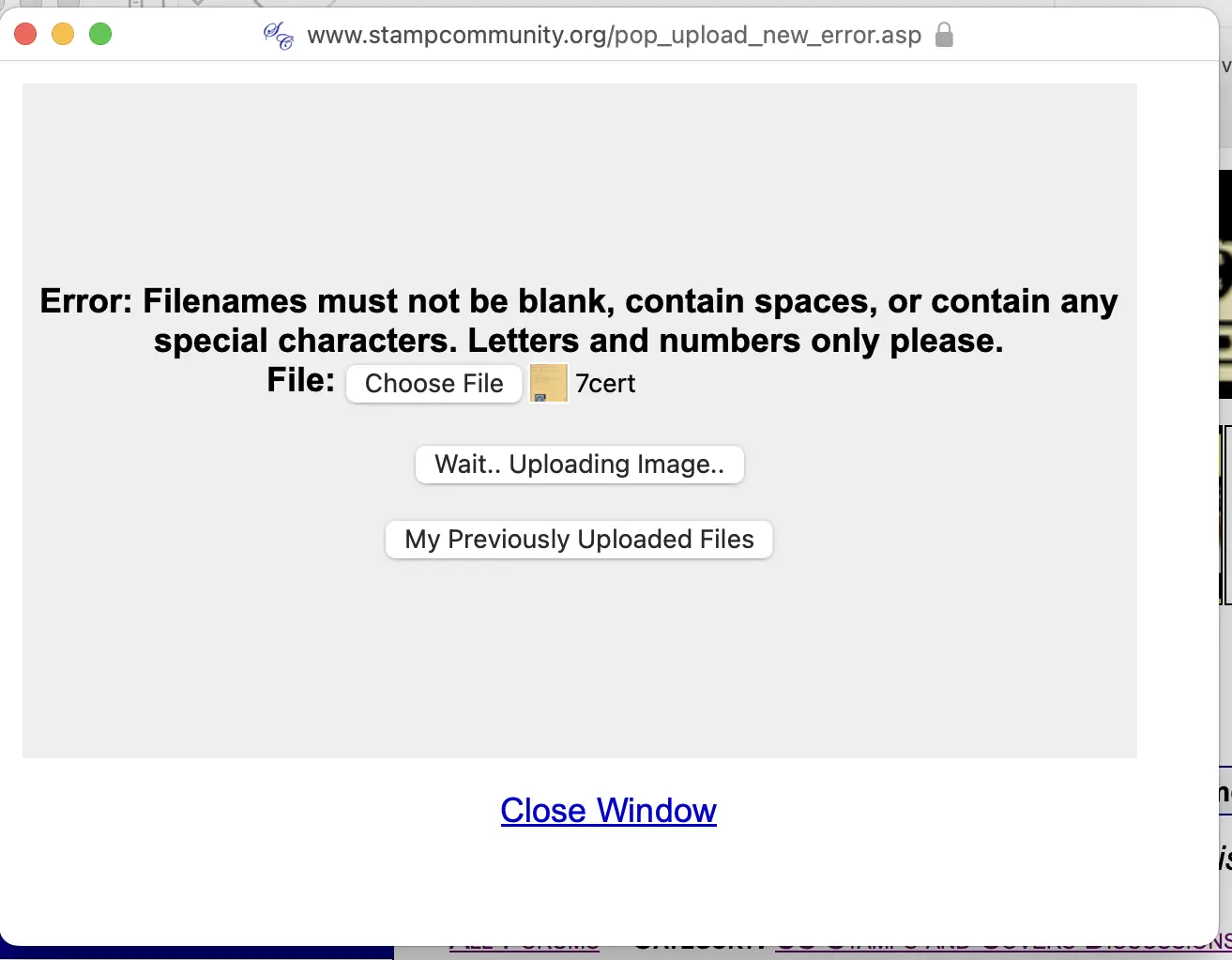
Furthermore, when selecting a smaller image from the error screen (225K), the button text said "Wait.. Uploading Image.." processing for seemingly forever. I know it can take longer than before to process an image, but this seemed like a very long time for a smallish file so I gave up and went back to the main screen.
I was able to successfully upload the earlier 466K image using the main upload image screen.
fyi... It feels like this error screen hasn't been modified to support the new Upload Image tool.





 Posted 03/13/2026 01:08 am


