| Author |
 Replies: 23 / Views: 2,983 Replies: 23 / Views: 2,983 |
|
Pillar Of The Community
United States
2963 Posts |
|
|
|
There's a 100k size limit on pictures. I have no issue resizing them, but it can really detract from the intended view. I checked the size of some other posts here and there are some in the 500k range. How can I post larger pix?
Brian
|
|
Send note to Staff
|
|
|
|
|
Pillar Of The Community
United States
6667 Posts |
|
|
Use a hosting site such as photobucket. Accounts are free for the basic stuff which you can upload 100's of high resolution scans to then post the img. file here for viewing. |
Send note to Staff 
|
|
|
Pillar Of The Community
United States
5894 Posts |
|
|
Hi Brian. This image is 99.77 kb (it just squeaks under the bar). 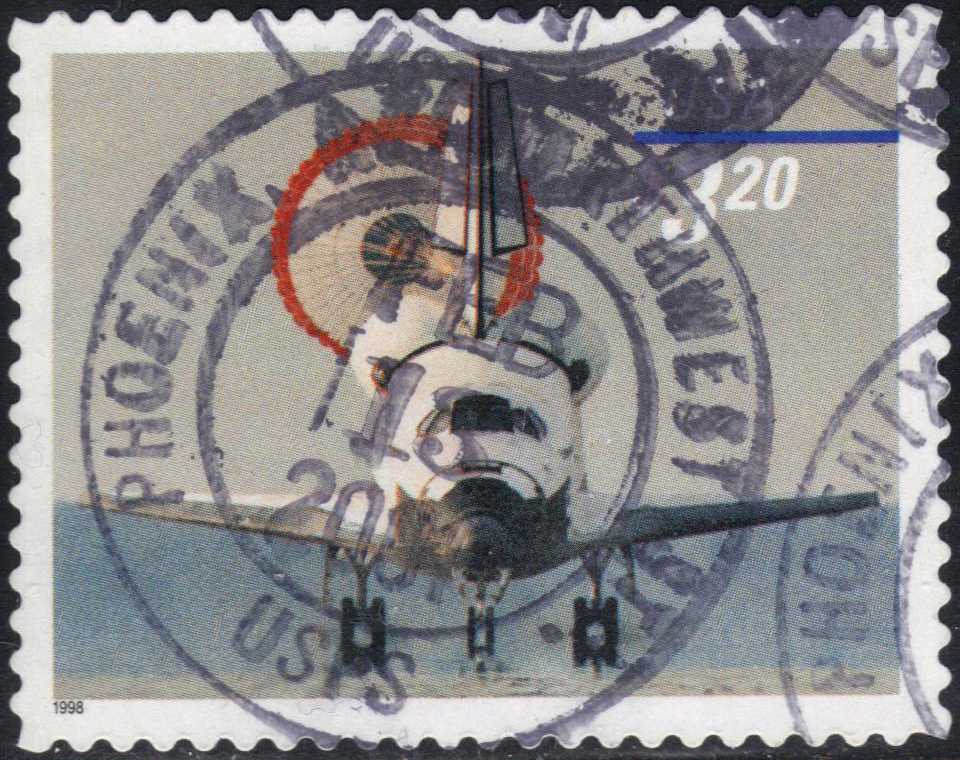 I use GIMP ( http://www.gimp.org/) to prepare my scans for posting. I scan at a decent resolution (either 300 or 600 DPI). This stamp above was scanned at 600dpi. I crop the stamp as tightly as I can. I save the stamp with reduced fidelity (quality), but since the scan itself is of such high quality, it does not lose it's sharpness substantially. I usually do not save an image with less than 50% of fidelity to the original image. Hope this helps. |
|
Send note to Staff
|
|
|
Forum Dad

USA
2059 Posts |
|
|
Quote:
There's a 100k size limit on pictures. I have no issue resizing them, but it can really detract from the intended view. I checked the size of some other posts here and there are some in the 500k range. How can I post larger pix? No offense intended but 100K is way overkill for stamps, I took some photos of some ancient coins today.... 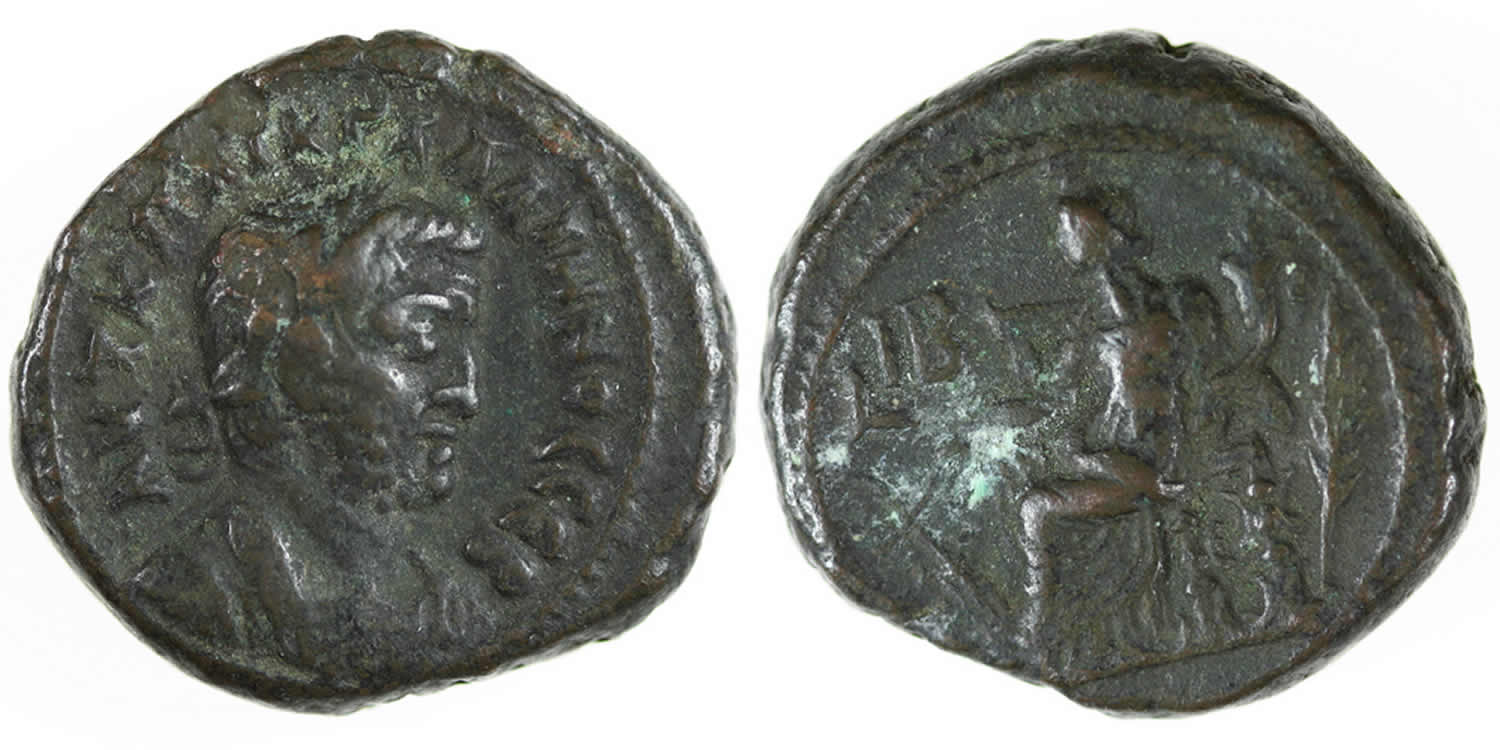 98.8K and it's beautiful and 1500px across. Honestly you shouldn't need more than 50K for awesome stamp images. |
|
Send note to Staff
|
|
|
|
Bedrock Of The Community
United States
12128 Posts |
|
|
Quite awhile ago someone on SCF put me into a link for a VSO Image Resizer. It's a free shareware program and works well in reducing the image to manageable size for the constraints of this forum. Especially useful if you're trying to scan a cover which has a lot of white space; I've had 600K jpg file reduced to less than 70K using this product. |
|
Send note to Staff
|
|
|
Pillar Of The Community
United States
2963 Posts |
|
|
I don't own a scanner. The images I post are either from the online auction listing or from my digital camera. My camera photos are usually in the 2-3MB range. You could probably sum up my comments by saying that I'm lazy. I don't want to have to spend time reducing, checking the size on disc, reducing, checking, and so on. I'll give those editors mentioned in this thread a shot ... |
|
Send note to Staff
|
|
|
Locked
190 Posts |
|
|
Quote:
You could probably sum up my comments by saying that I'm lazy. I don't want to have to spend time reducing, checking the size on disc, reducing, checking, and so on. So what your saying is that it's easier to incredibly burden someone else's disk space. Exactly why there's a limit here. |
|
Send note to Staff
|
|
|
Pillar Of The Community
United States
2963 Posts |
|
|
Locked
190 Posts |
|
|
Pillar Of The Community
United States
2547 Posts |
|
|
Pillar Of The Community
United States
2963 Posts |
|
|
Thank you Russ and others who have offered helpful advice! As I stated previously, I will give em a shot!
Brian |
|
Send note to Staff
|
|
|
Pillar Of The Community
United States
2963 Posts |
|
|
Quick assessment of the 3 image resizing programs suggested ...
1) MS powertoys. Unfortunately, does not work on Windows 7 x64. I could not locate a 64b version.
2) GIMP. Requires a Computer Science degree to operate. Probably a very powerful tool, but just too complicated.
3)VSO Image Resizer. The winner! Amazing utility that will allow you to choose the size of the file or files you want to create. No guessing on whether or not you got it right.
Thanks to all who offered their advise!
Brian |
|
Send note to Staff
|
|
|
Moderator
United States
4788 Posts |
|
|
Quote:
bobby131313: 98.8K and it's beautiful and 1500px across Just to clarify -- what resolution/dpi are your scans? I'm assuming 72/75 for "web" publishing. I think a lot of folks here are attempting to scan at 300 and 600 dpi -- which gives them a huge filesize. KirkS |
|
Send note to Staff
|
|
|
Valued Member
United States
333 Posts |
|
|
Brian,
The MS Paint Program works great for making the file size smaller (under the 100 limit for posting scanned files). I just open the scan or picture with Paint and click on the word "Image" (located on toolbar - top of page) then click on resize/skew and put 50 in first box and 50 in next box and hit enter (if I wanted to reduce size by half). It reduces the file size without distorting it but make sure both horizontal and vertical % are the same amount.
Lucky |
|
Send note to Staff
|
|
|
Pillar Of The Community
United States
2963 Posts |
|
|
Just to clarify, Windows 7 does not have MS paint. The only built-in editing tool in Windows 7 is some called "Snip" which will allow you to crop a photo. |
|
Send note to Staff
|
|
|
Pillar Of The Community
United States
5894 Posts |
|
|
Indeed, I just made the picture above ridiculously large just to show what can be done with 100k. A guy just has to show off from time to time.  |
|
Send note to Staff
|
|
|
Replies: 23 / Views: 2,983 |
|




 Posted 03/27/2011 4:27 pm


