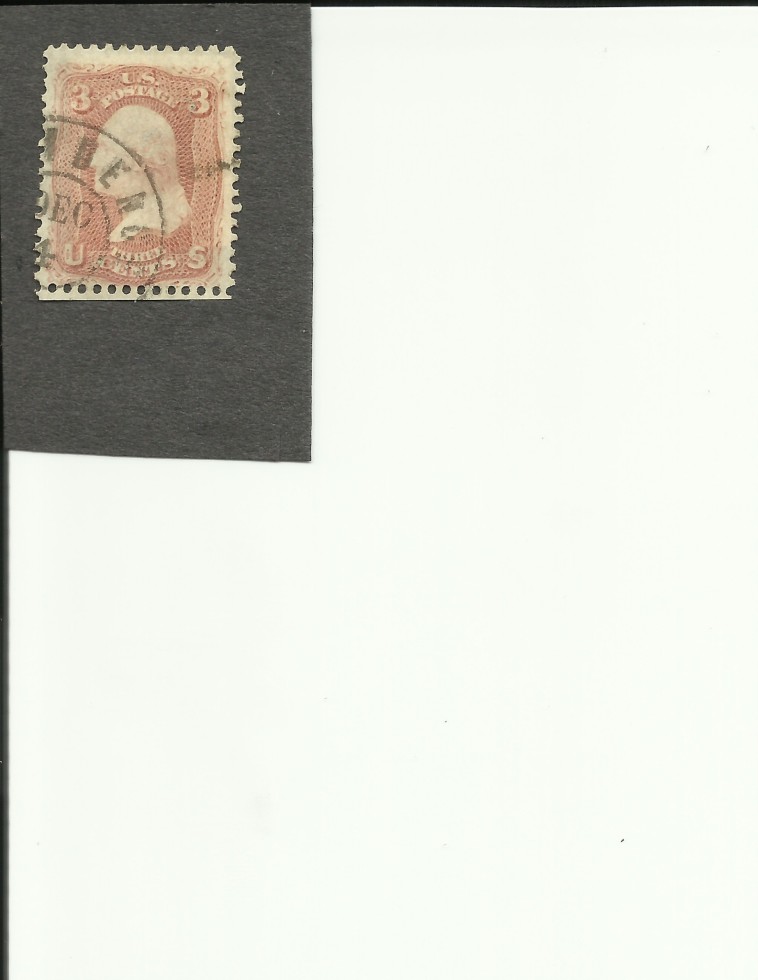
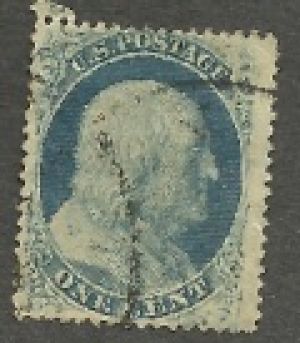
It is kind of blurry so not really good enough I wouldn't think.
Try cropping down the picture to remove the extra blank space all around the stamps before you put it through the optimizer to reduce the actual file space-on-disc size.
If this is a scan then that will work. If this is a photo from a camera then you need a tripod perhaps.
The only one that might be identifiable is the first one which is most probably a Scott's #65, unless of course it has a Grill. You would need to check the back of the Stamp. The others will require better close up / High resolution scans to positively identify.
Try letting your scanner use its own auto settings to scan. Then use the forums image optimizer or use photobucket. Both of these ways will reduce the image to fit and you do not need to adjust your scanner every time.
Try this after scanning, right click and reopen the file using paint, select image then stretch/skew and finally adjust the size % up/down & save the file until the file size < 100K.
A well regulated Militia, being necessary to the security of a free State, the right of the people to keep and bear Arms, shall not be infringed. (The exact & entire wording of the 2nd Amendment to the U.S. Constitution)
My scanner an HP has no editing tools whatsoever. I'm using irfanview also. My windows 7 doesn't like new programs to be downloaded. I feel I'll have this figured out before sept. LOL Thanks all for trying to help me out. I'll show you my latest venture. By the way..I tried to scan back of previous stamp and no grill is evident,
If you are using an HP Scanner I have found the HP solution center software very user friendly and for the most part I'm very happy with my HP scanner as it allows for scans like this
I think somewhere you said that you were missing the software that came with the scanner. You can download the new driver software, which should include some editing software, from HP dot com or do a Google search for the model number of your scanner.
Some older solution senter software should still work even. I use an older software for an older model of Windows that says it will not work but I just go in myself to the CD and copy it over and install it without using all the fancy user friendly installing software. Works just fine. Better than the newer stuff I think.
Disclaimer: While a tremendous amount of effort goes into ensuring the accuracy of the information contained in this site, Stamp Community assumes no liability for errors. Copyright 2005 - 2026 Stamp Community Family - All rights reserved worldwide. Use of any images or content on this website without prior written permission of Stamp Community or the original lender is strictly prohibited. Privacy Policy / Terms of UseAdvertise Here





 Posted 08/24/2011 05:29 am