LONEDAN and WetGlaswegian,
Just a tip about posting images.
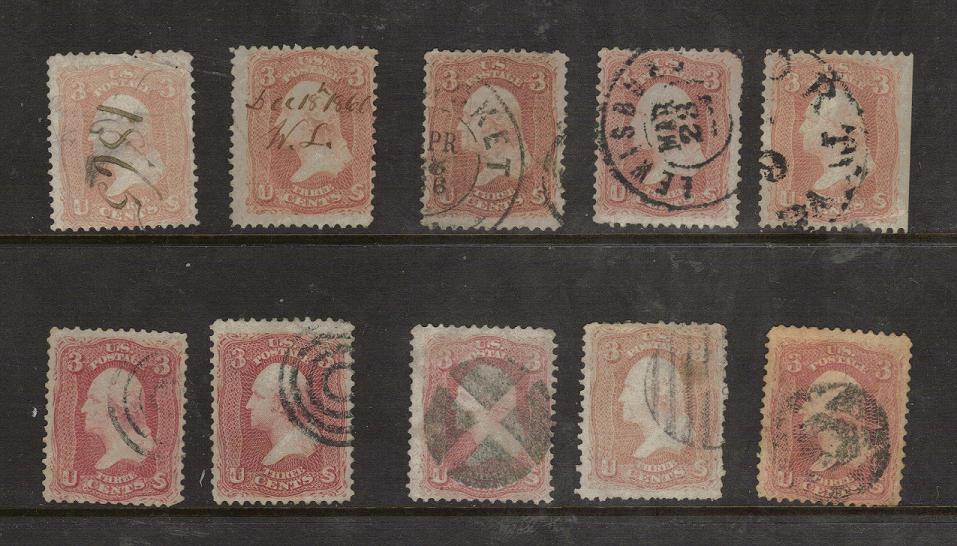
If you would like to have your images appear directly in your posts (instead of linked),
then you need to edit the text which is inserted into your post after you upload them.
It is really quite simple.
Just remove all the text around the URL of the picture, and them enclose it in a pair of image tags.
The URL is the text that begins with 'http://' and ends with '.jpg'.
An opening image tag is '[
img]' and a closing image tag is '[
/img]'.
Note the closing image tag has a slash in it.
So when you are done, the edited text should look like this:
[
img]
https://www.stampcommunity.org/uplo..._hahhaha.jpg[
/img]
which will display like this:

It's great to have you both on the forum.
best regards,
Tom





 Posted 11/15/2008 3:57 pm




 I agree totally with you lonedan. I've just finished sorting some of my older US and found some really neat cancels when my computer and scanner start talking to each other again I'll post some.


