| Author |
 Replies: 45 / Views: 6,312 Replies: 45 / Views: 6,312 |
|
|
|
Moderator

United States
12330 Posts |
|
|
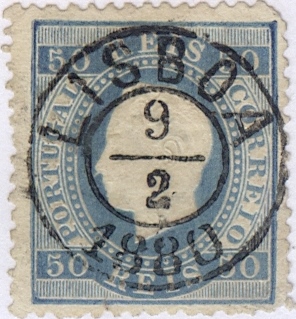
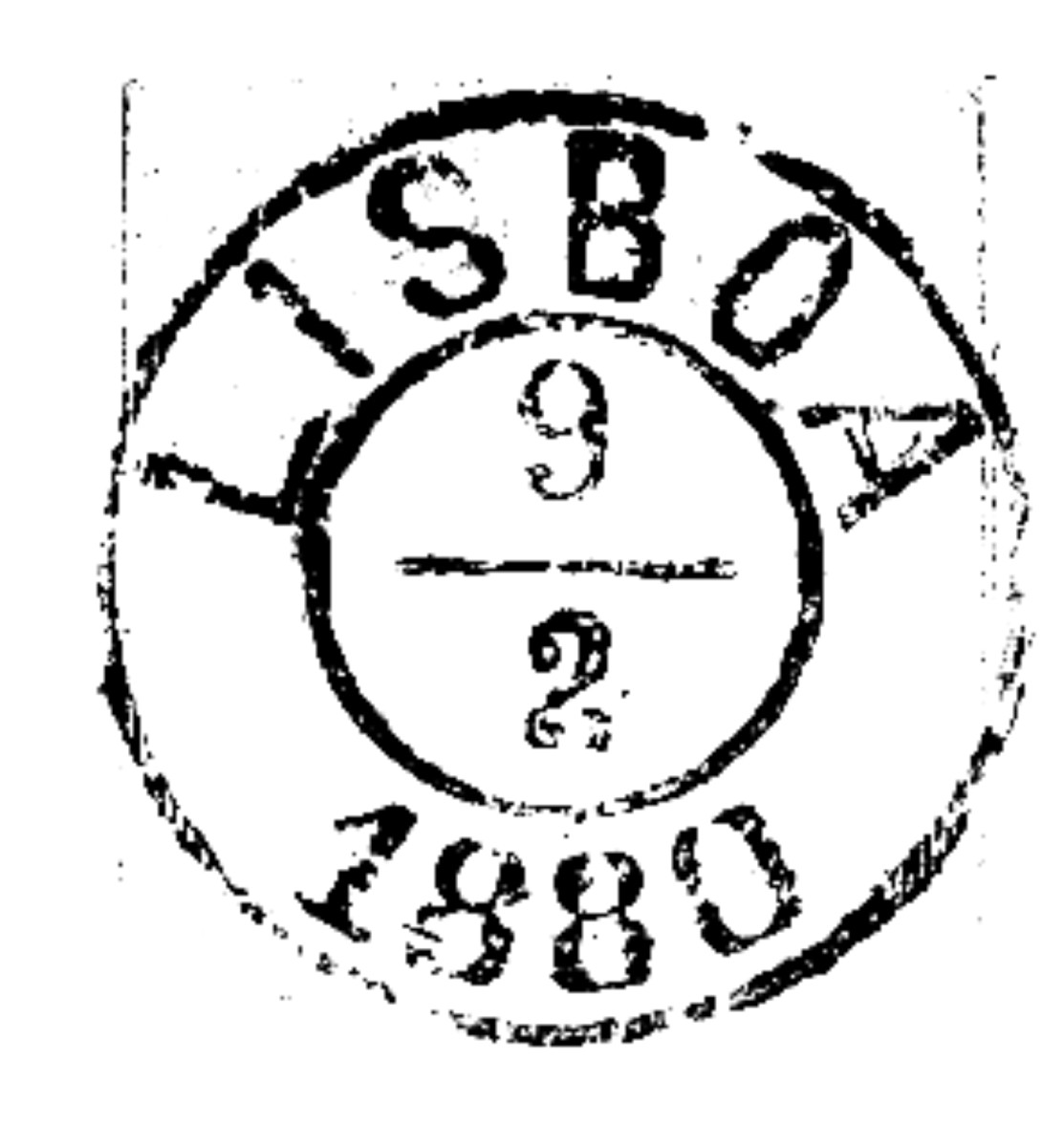
I import the scan as a bitmap. I have never liked the auto-trace routine so rather than use it I instead hand-trace the cancel using various techniques. I often draw either a square or circle and then 'convert to curves'. This then allows me to add/move additional 'points' using the 'shape tool'.
This gives me an exact duplication of the actual cancel on my stamp. The problem with this is that the stamp cancel may have extraneous ink (i.e. the person who cancelled the stamp 'rolled' or over-inked the canceller). But this was intended just for my little collection, it is not like I want to publish a reference book on cancels.
And yes, I got lazy (and am not feeling that well right now) and reused a few rather than redraw them. I guess once again I shouldn't be posting anything. Sorry for the confusion.
Don |
Send note to Staff 
|
| Edited by 51studebaker - 03/11/2015 6:15 pm |
|
|
Rest in Peace
7742 Posts |
|
|
Don you twit..Post your A** off as much as you health will allow..I enjoy every one of your posts and threads..
Robert |
|
Send note to Staff
|
|
|
Pillar Of The Community
United States
672 Posts |
|
|
Don
I'm with wert. Post your A** off. Not everyone knows your situation and I don't believe you'd want them to treat you any differently if they did.
Wert how did you delete the background colors ?? |
|
Send note to Staff
|
|
|
Rest in Peace
7742 Posts |
|
|
Pillar Of The Community
6366 Posts |
|
|
Don, Wert, Since I opened a can of worms I should re-state and clarify: My initial and sole question was how the tracings were made, and then stressing my belief in the importance of accuracy in a second post made before Don was able to provide a reply to the first. To be candid, (and you would already know this) accuracy to detail is important as seen in the discussion threads all over this board on topics from engraving flaws to ebay lot descriptions. So yes, I like your presentation format and always like to see more scans of material posted. Yes, post your *** off. That said, there are several advantages of a less manipulated image, one being less work, another is the ability to compare similar scans by overlapping them. As a tangent story, I have been frustrated by the inaccuracy of some RPO tracings in the MPOS catalogs, (tracings supplied by many people over many years with differing abilities) where some tracings add details not clearly visible in the original, showing complete rims which actually have pieces broken-out or damaged, not showing the killer, etc. An accurate illustration in the literature would have saved me considerable time. Good to have other softwares suggested too. Just my 2 cents worth, and my last word on this thread. -John |
|
Send note to Staff
|
|
|
Pillar Of The Community
United States
1947 Posts |
|
|
Rest in Peace
7742 Posts |
|
|
Quote:
Wert, I was referring to the other cancel Sorry, I thought you were referring to mine..I will keep my mouth shut..  Robert |
|
Send note to Staff
|
|
|
Pillar Of The Community
Norway
1661 Posts |
|
|
Rest in Peace
7742 Posts |
|
|
You are welcome Blaamand...It does a lot more..It can straighten out a crooked scan...Crop... enhance picture brightness...adjust colours like you have done and more.
There are tons of software programs I have put out the people on the forum, and I gave them Windows links even though I dont use windows...Check past posts to find them.
I only use open source software...Because they are FREE
Robert |
|
Send note to Staff
|
|
|
Moderator
United States
12330 Posts |
|
|
I intentionally used CorelDraw and developed vector images because I knew I wanted to resize them. Resizing bitmaps is always a crap shoot, often resulting in less than ideal images.
I considered scanning at 100% and doing bitmaps but I found that by scanning at much higher resolution I got more details and better quality. So I scanned at 1200 dpi, imported into Corel. That makes the stamp about the size of the entire page and hand tracing the finer details easy. I ended up with a huge trace of the cancel but since it is vector, I can resize it to any size without loss of ANY detail. That simply is not possible with bitmaps.
Don
|
|
Send note to Staff
|
|
|
Rest in Peace
7742 Posts |
|
|
Don...Have you ever tried " PIMAGIZER"...It can resize a picture in "pixels" or in "percentages"...It can also increase the size if the picture is too small..It is what I have been using for a long time..Great, fast, fool proof..And it FREEI think I finally found a link for you Windows users..Give it a try. Robert http://free-pc-optimizer.en.softonic.com/download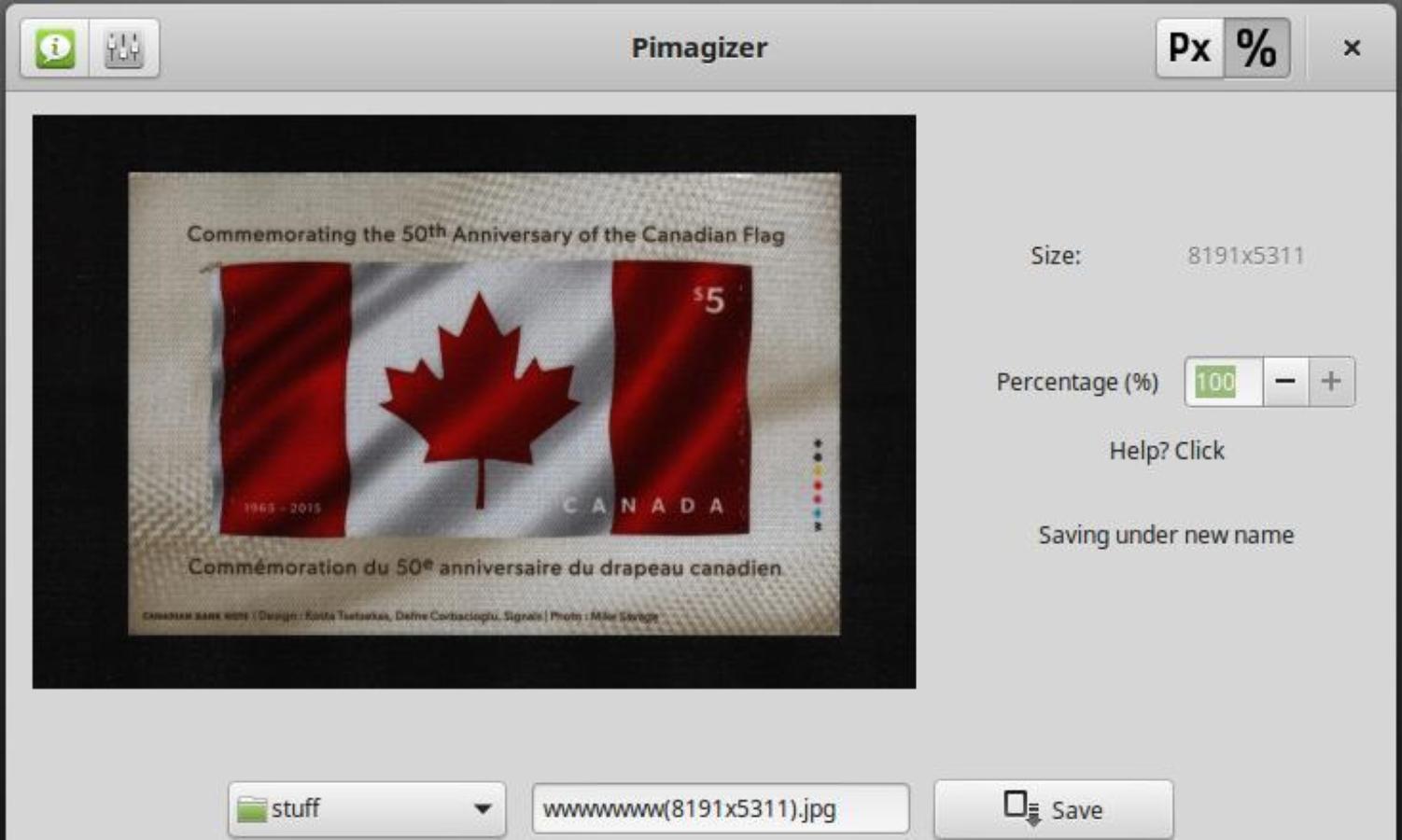 |
|
Send note to Staff
|
| Edited by wert - 03/12/2015 1:45 pm |
|
|
Moderator
United States
12330 Posts |
|
|
Robert,
You may not understand the difference between a bitmap and a vector image. Bitmaps simply cannot be resized without lose of information, no matter what app you use.
Bitmaps are pixels, just like an older CRT t.v. set. If you zoom I enough you will finally get to the pixel level. Now imagine a single slanted line drawn in a bitmap program. If you resize it enough (in either direction) you will immediately notice that it becomes 'stair stepped'. You can apply a aliasing algorithm and smooth it out but again, you are relying upon a piece of software that will manipulate the image to make it look better to your eye. (Read as original image information is manipulated even further at the cost of detail.)
A vector image is math. When you draw a slant line it is actually a set of X, Y type coordinates and he computer then 'connects' the two points. When you resize this, it simply changes the coordinates. No image data is lost at all.
This is why may professional industries which rely upon digital images use only vector format. For example architects and all other mechanical drawings are always vector. Ditto for the entire gaming industry. Bitmaps just have too many drawbacks.
Vector apps (like CorelDraw, Adobe Illustrator, Acad, TrueSpace, 3dMax) are expensive and harder to learn. But they give superior results.
Don
|
|
Send note to Staff
|
| Edited by 51studebaker - 03/12/2015 12:25 pm |
|
|
Rest in Peace
7742 Posts |
|
|
Don...I pimagized a JPG and a BMP of the same stamp and looks like to me, we lost nothing.... Left side is the BMP and the right side is the JPG...But you must be right...  The BMP was originally 10.1 mb in size Don. Robert 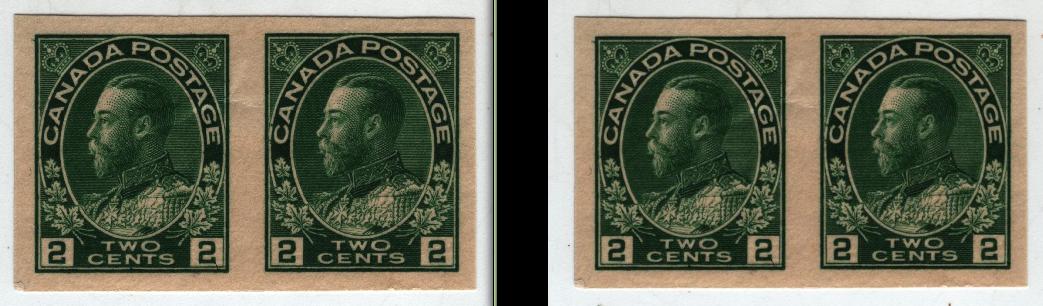 Here are some FREE vector programs I use.. Xara Xtreme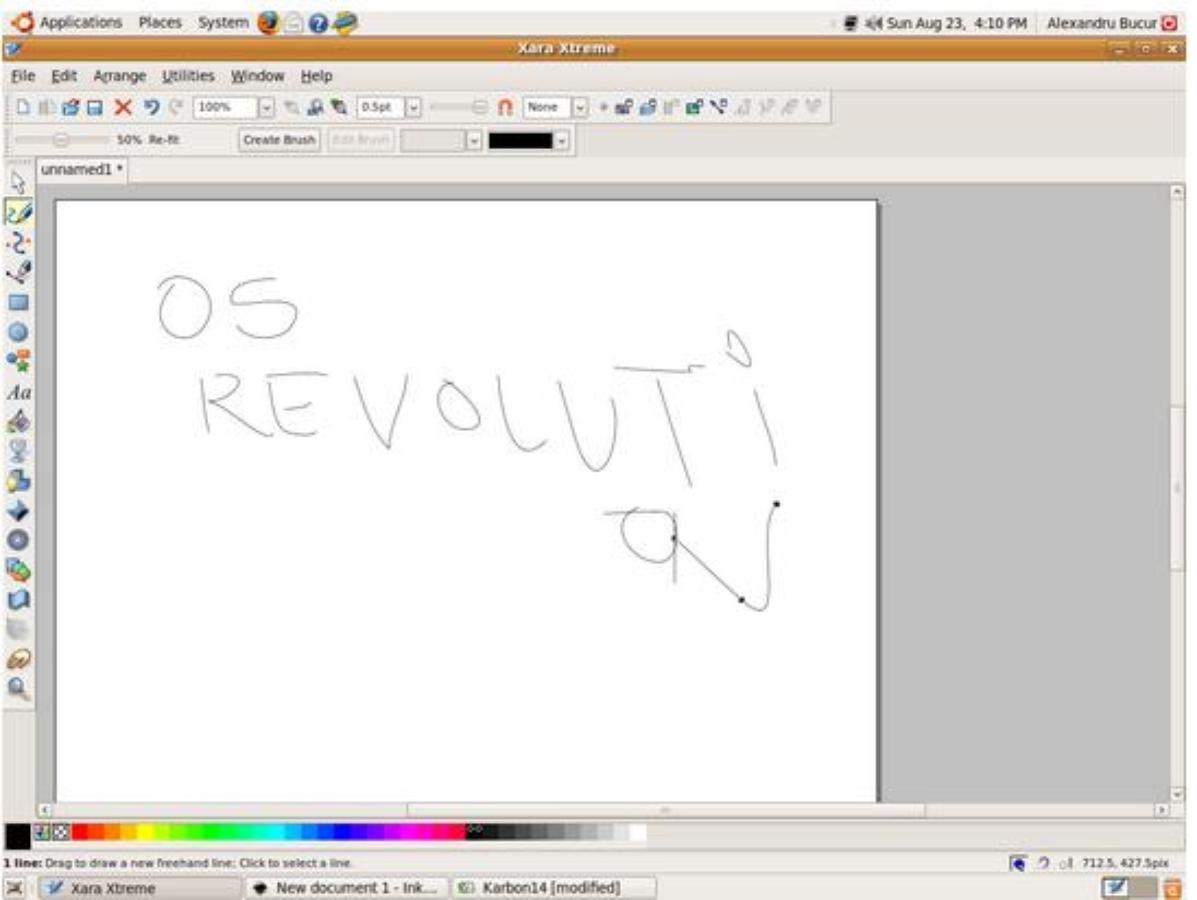 Inkscape Inkscape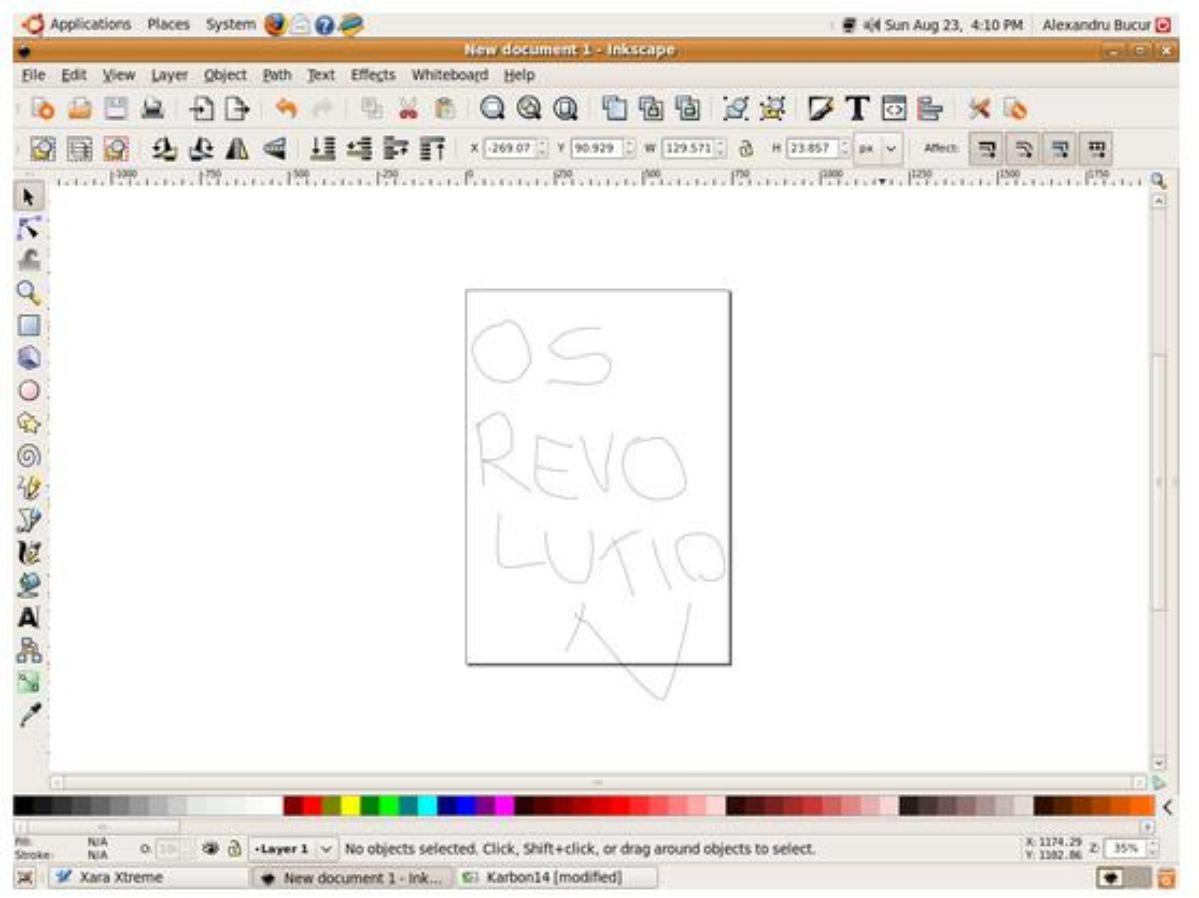 |
|
Send note to Staff
|
| Edited by wert - 03/12/2015 1:45 pm |
|
|
Moderator
United States
12330 Posts |
|
|
Rest in Peace
7742 Posts |
|
|
Replies: 45 / Views: 6,312 |
|




 Posted 03/11/2015 6:12 pm