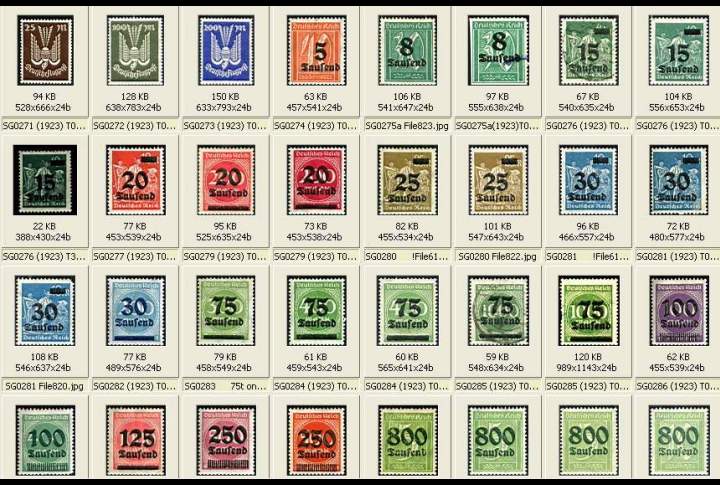
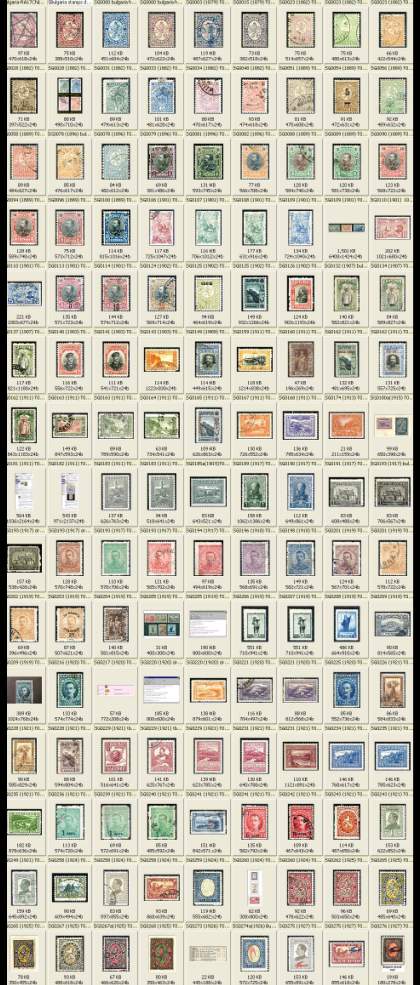
Wow! Cynical, I employ nearly the identical system!
Well let's see if we can offer some help.

Here's a few things I do, for speed and agility,
you probably are aware of them, but just incase not.
Take whatever you will.
1. I use spaces not underscores, I find that time consuming.
2. Bulk re naming:
work from the thumbnail view
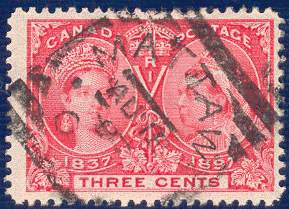
Let's say you have 2000 stamps for Canada, and you want to isolate the squared circles.
1a: If you want to have a separate folder
Make a new folder "squared circle" or whatever
go to you canada folder, thumbnail view
click on all the squared circles, and "copy" them
to the new folder-done
2a: If you want to remain with just one folder
and rename, then once again click on the squared circles
(lets assume theres 50)
Hit F2
then type *[squared circle] or, *[sqd cir]
All your examples will retain their file names with
[sqd circ] appended.
Practice on say 2 images first.
An asterisk after the text appends to the beginning
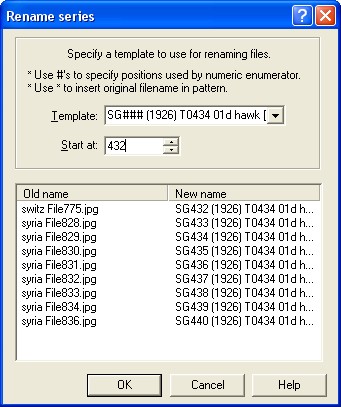
I use this for bulk typing of catalogue numbers in
stamp sets
Say SG#### (1927) T1234 20c General Franco [0m1] .jpg
set the first cat number
ACDSee will ask you what number for first ####
On a set of say 20 you have the names entered
all you have to do is change the currency values.
In view / details you can copy a length of text
go to another stamp, find the entry point
and right click paste, to enter say [sqrd circ]
to random issues you may have missed.
very little typing involved
I'll kick around and see if I can find the plug ins
the contact list plug in is powerful and useful.





 Posted 08/15/2012 2:37 pm