I've tried just about every magnifier under the sun for hunting varieties... loupes, lighted handheld magnifiers, portable digital cameras, portable video magnifiers... you name it.
While some come close to being usable, they invariably become tiring for extended usage. Small optical view dimensions means lots of squinting... which gets old real quick.
I've used a flatbed scanner, but that is VERY slow to go through many stamps.
Enter the world of low-vision aids, specifically desktop magnifiers. These are designed for people who have severe eyesight disabilities. They usually involve a video camera mounted to a stand, connected to a monitor (used to be CRT but now LCD). They usually have many levels of mgnification, different color display modes, including full color, b&w, positive, negative, yellow-on-blue, etc. They usually have built-in lighting as well, adjustable pivotable monitor arm, and a movable platform so you can pan across printed material.
They are INSANELY expensive new, usually in the US$2,000-3,000 range. However, they decrease in value dramatically on the used market, and can freqently be found on
ebay for US$400-1,000, depending on age and feature set.
NOTE: You would not want to buy one internationally, only in your home country, as they are very bulky and heavy. Even domestically they run US$50-100 to ship.
Here is the
ebay category I used to search for them:
http://www.ebay.com/sch/Low-Vision-...skc=50&rt=ncProbably the biggest current manufacturer, at least in the U.S., is Enhanced Vision, who has a pretty large range of models:
http://www.enhancedvision.com/I picked up one with a 22" LCD monitor for US$500. It really is the cat's meow for flyspecking.
It has two overhead lamps which can be turned on or off, with adjustable brightness control. 16 levels of magnification ranging from 2.7x to 78x, according to the documentation. The document table works like a charm. It slides in all directions (front-to back and side-to-side) like butter, making it very easy to pan across items at all levels of magnification. The table can be locked in any position.
The particular model I have also allows it to be used as a computer monitor. When the unit is turned on, it is a standalone magnifier; when turned off, it automatically switches to a separate video input allowing display from your computer, so it can double as a second monitor.
Unfortunately, there is not screen-capture facility, as it is a standalone device.
Newer models also feature high-definition cameras (although from what I can tell the standard camera is sufficient), or the ability to split screen between video camera and external computer signal. These newer models rarely appear on
ebay, and even when they do they are quite pricey. In the global scheme of things, they are probably overkill for a hobbyist's needs.
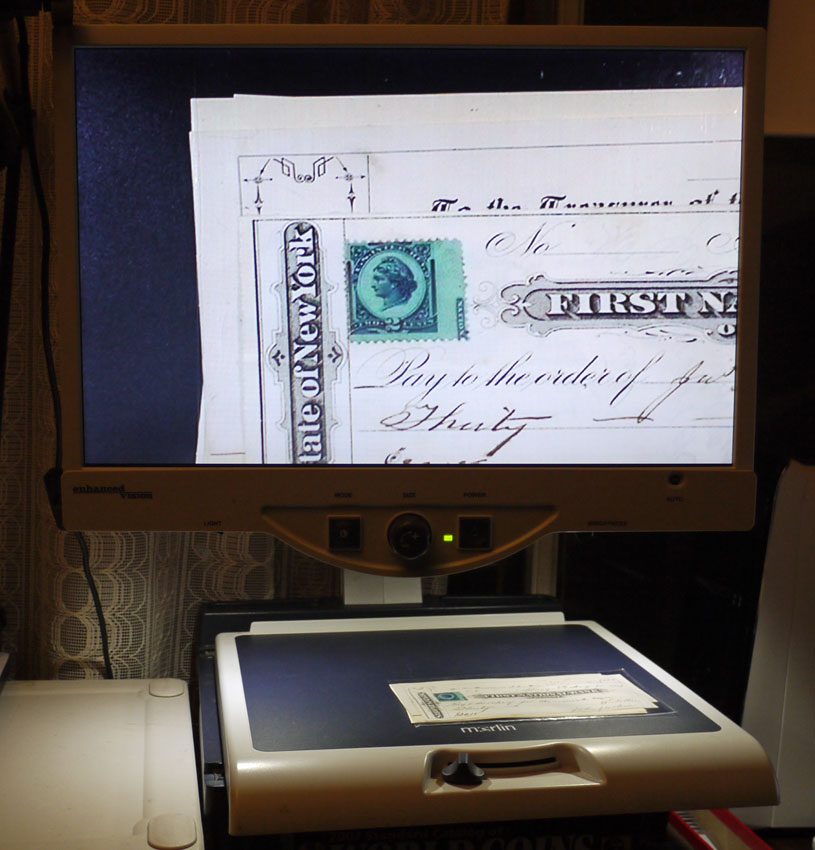
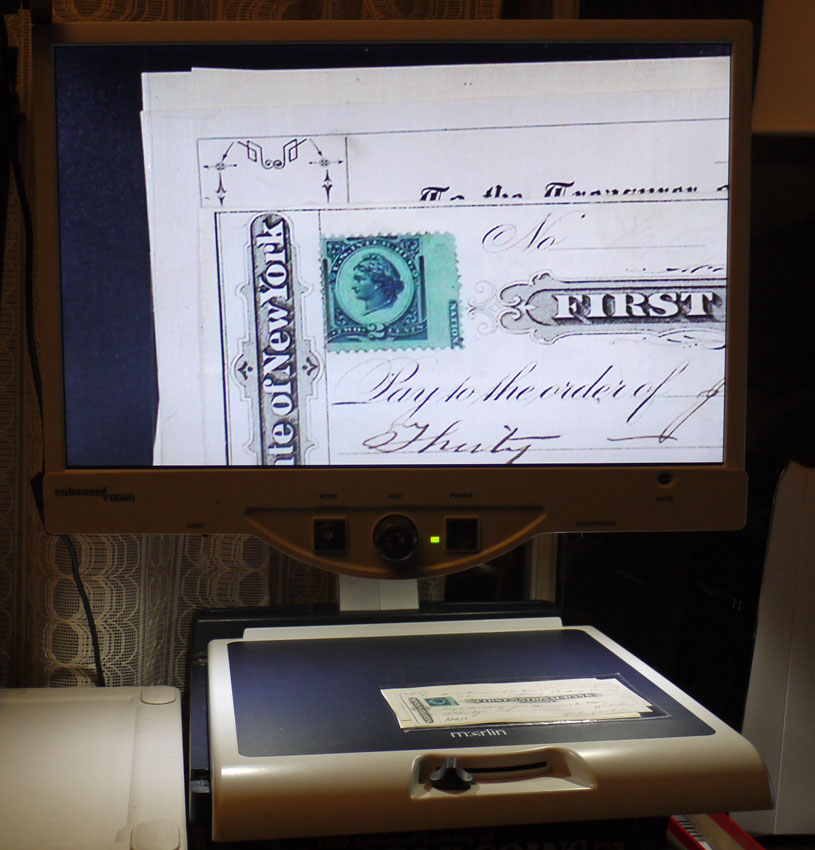
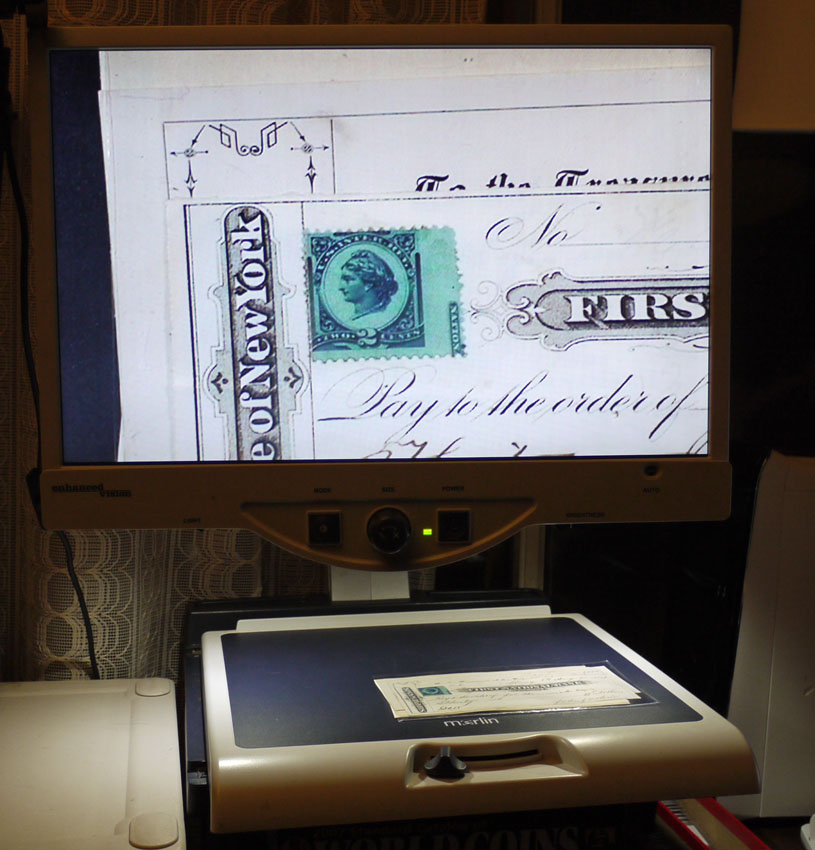
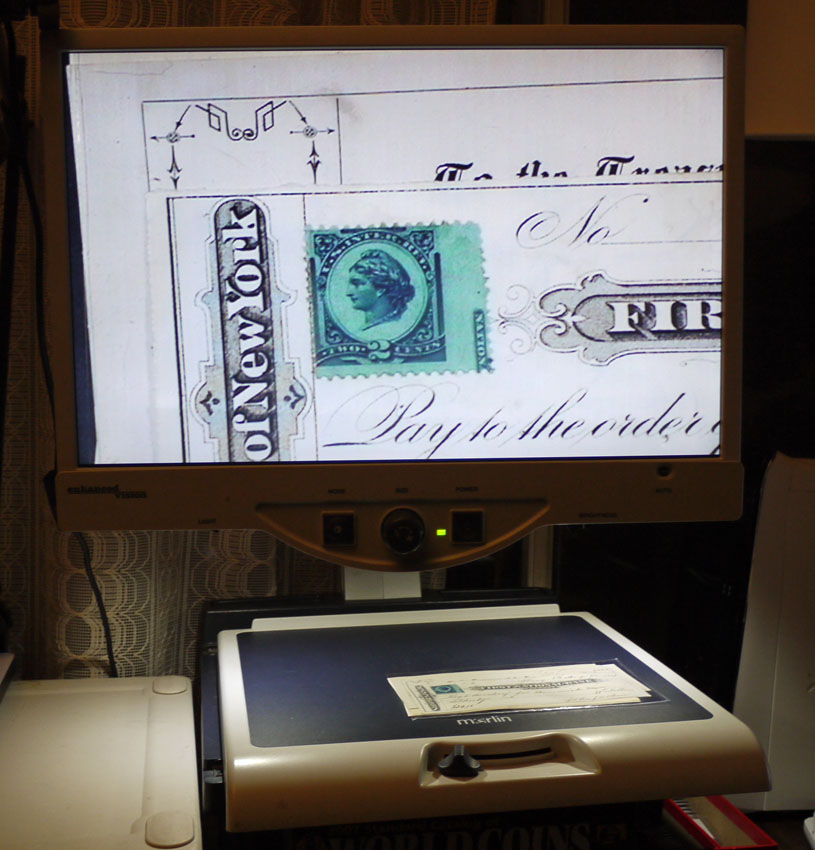
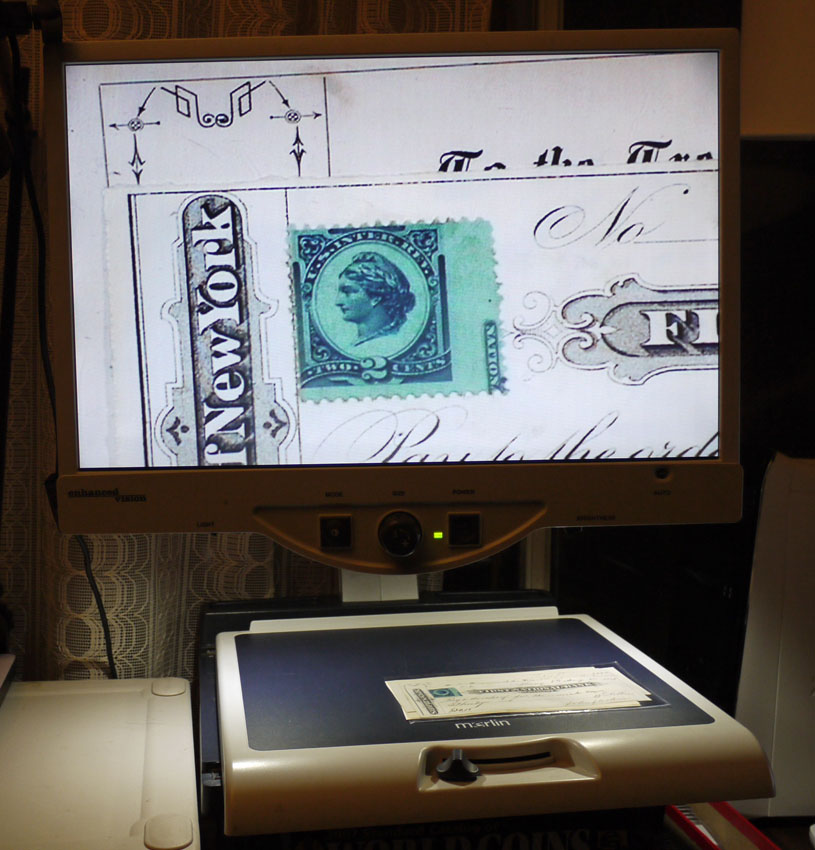
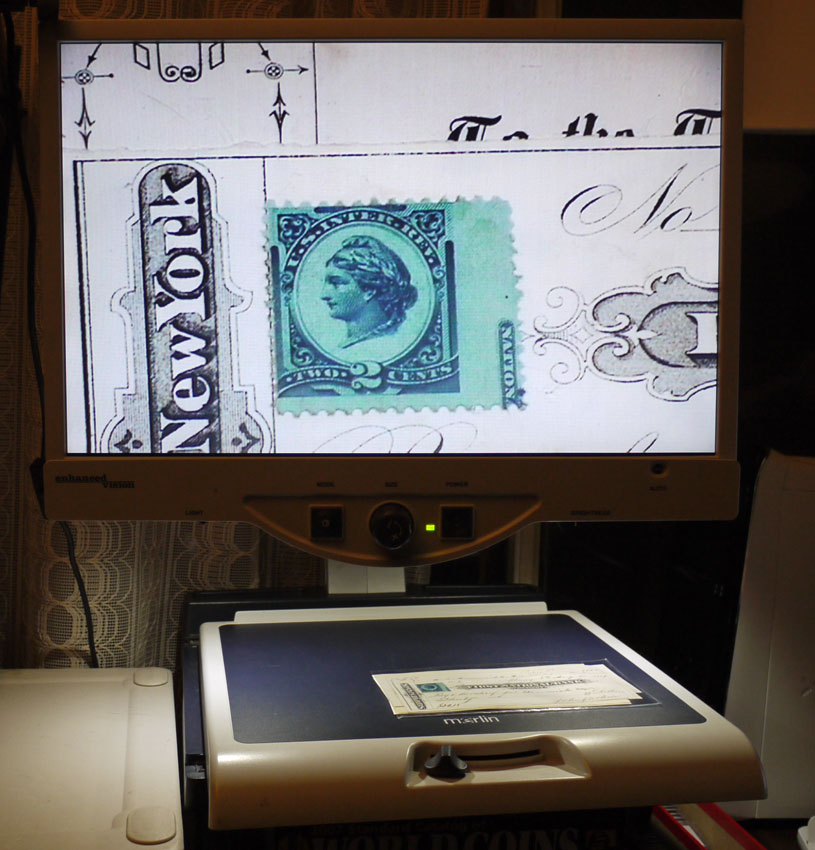
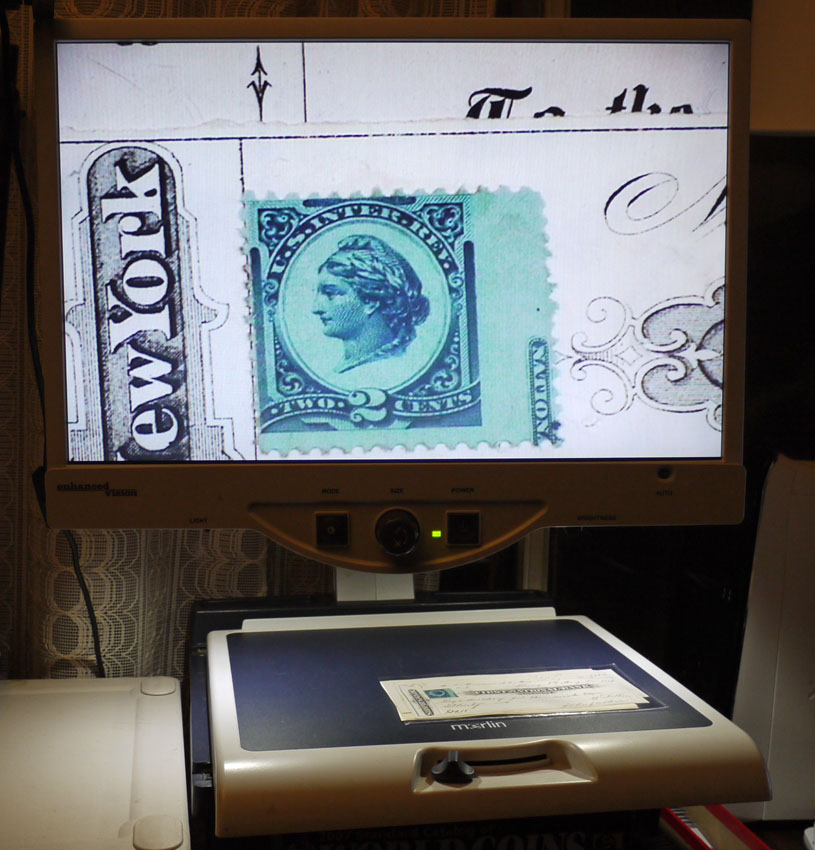
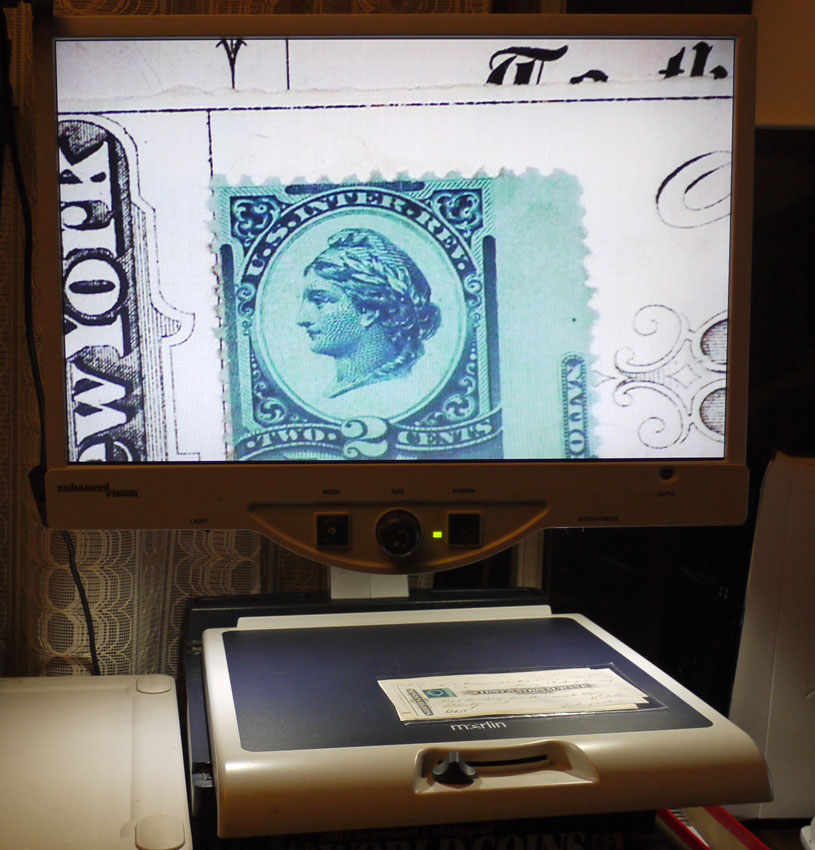
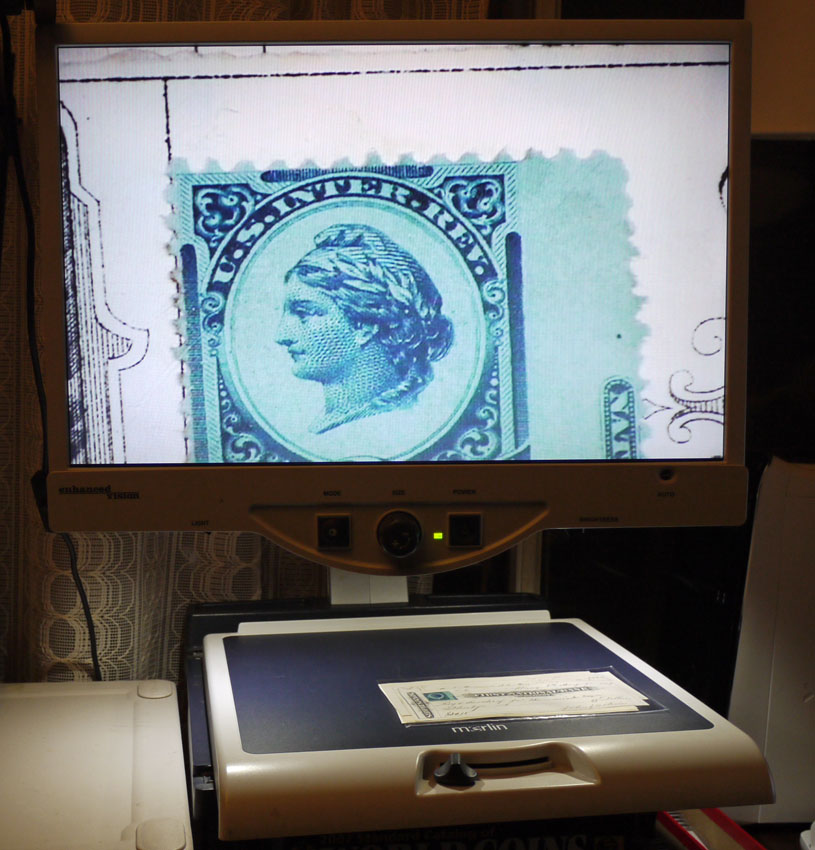
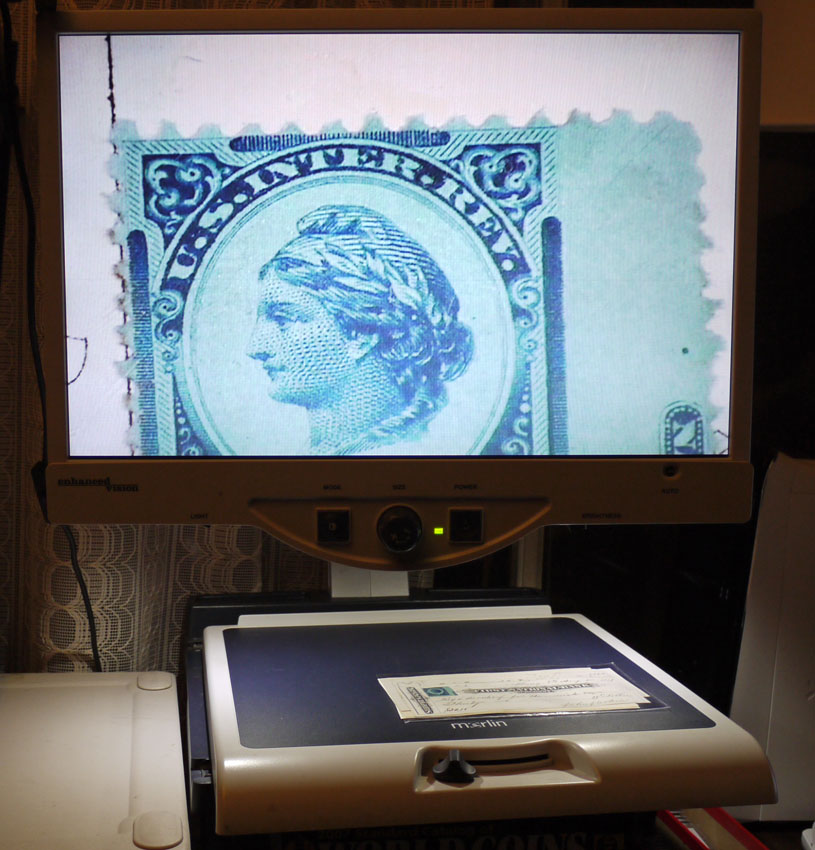
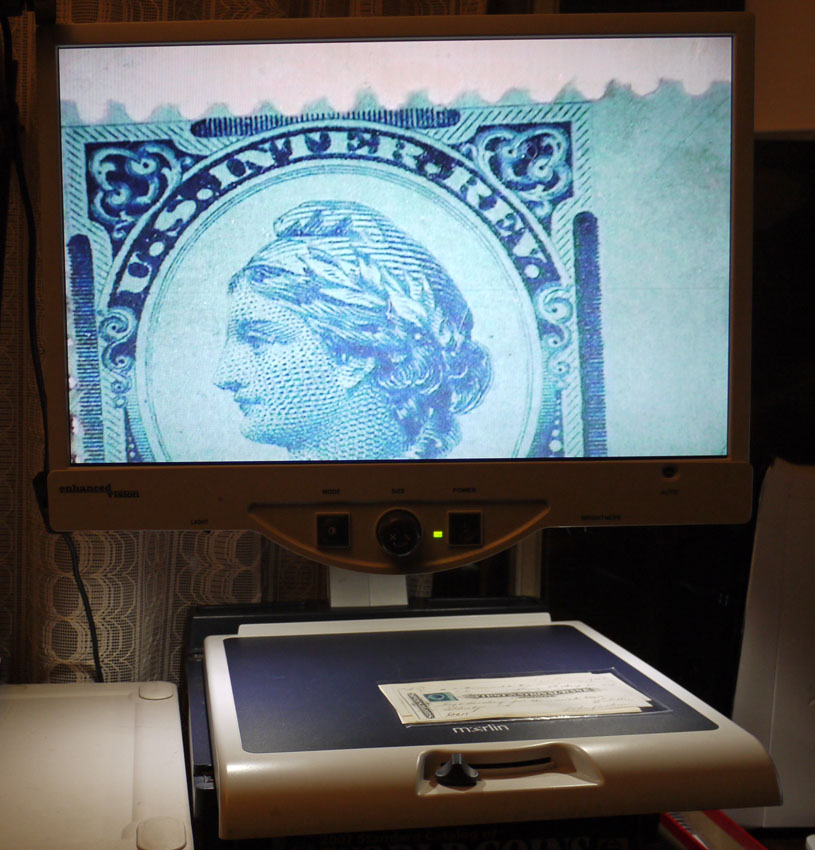
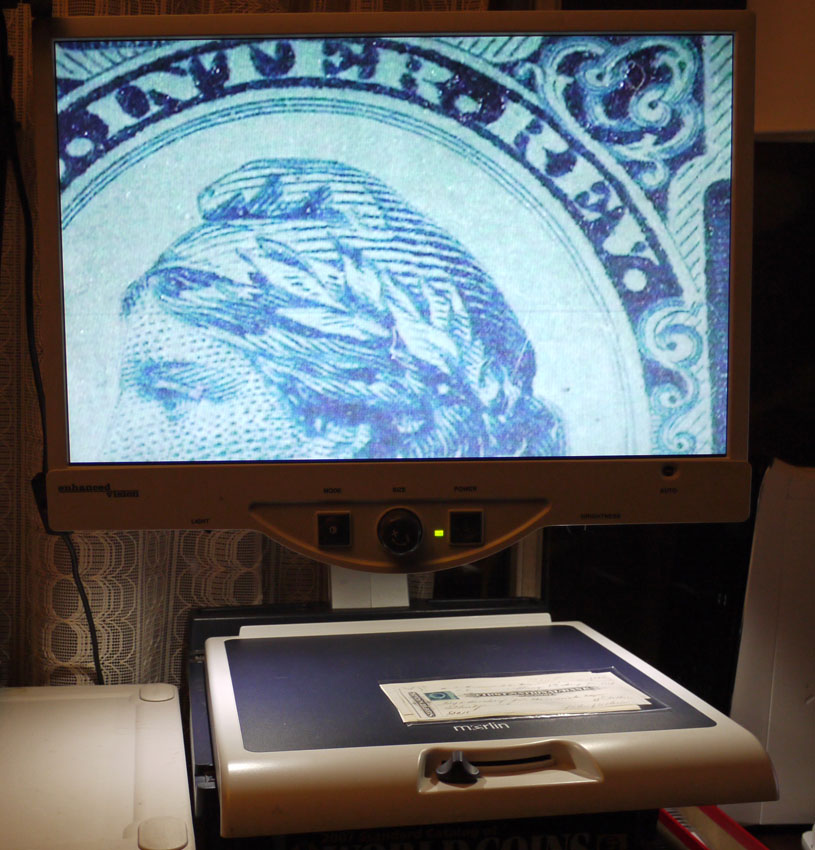
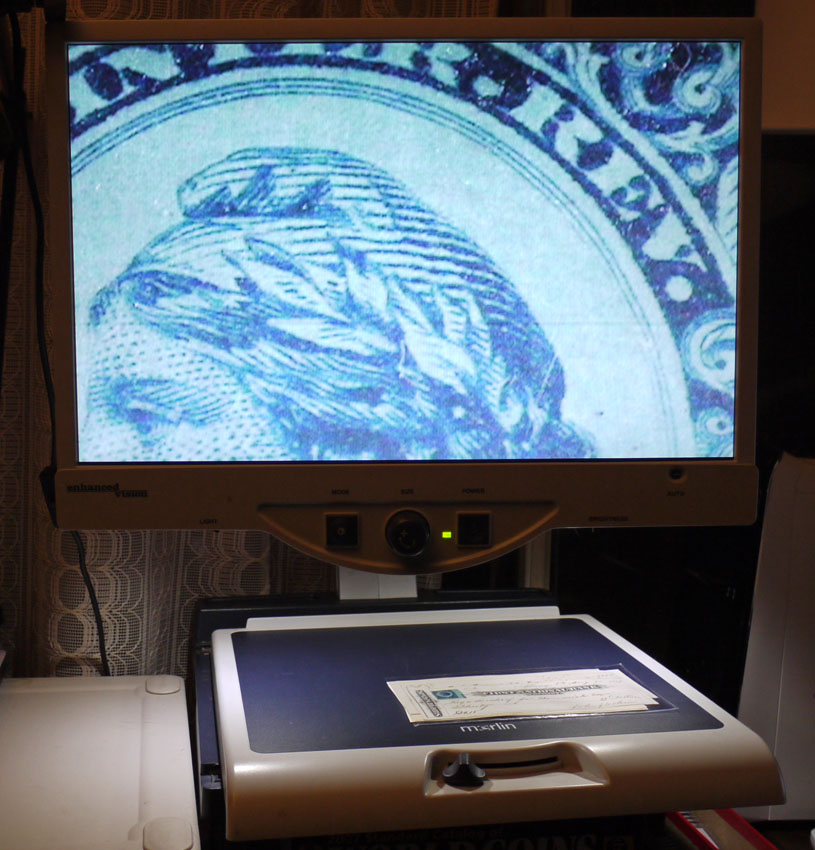
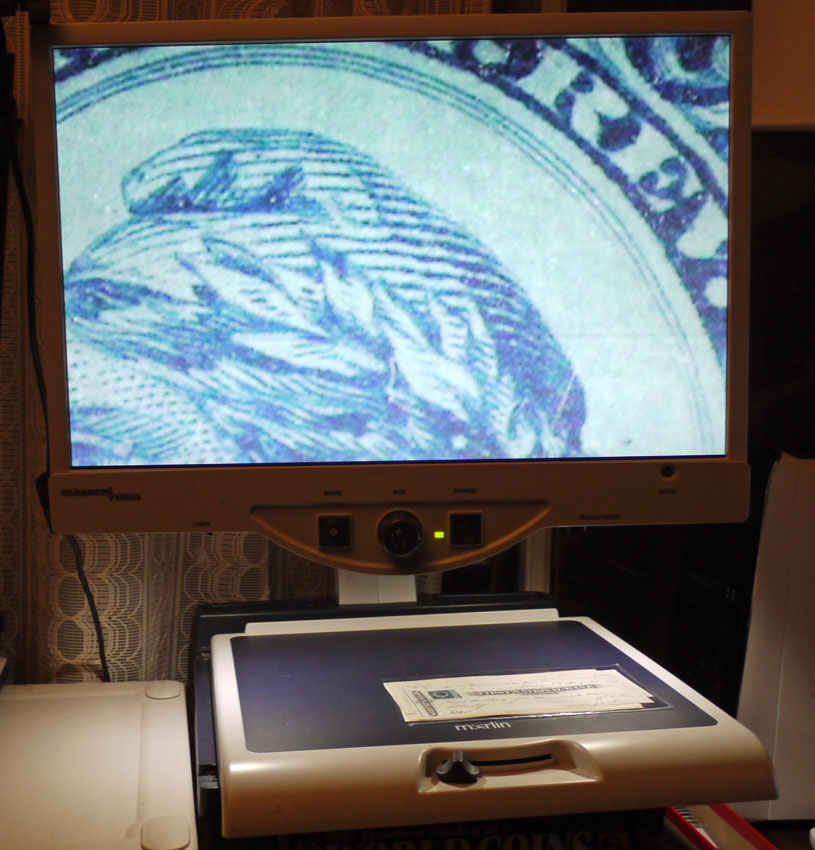
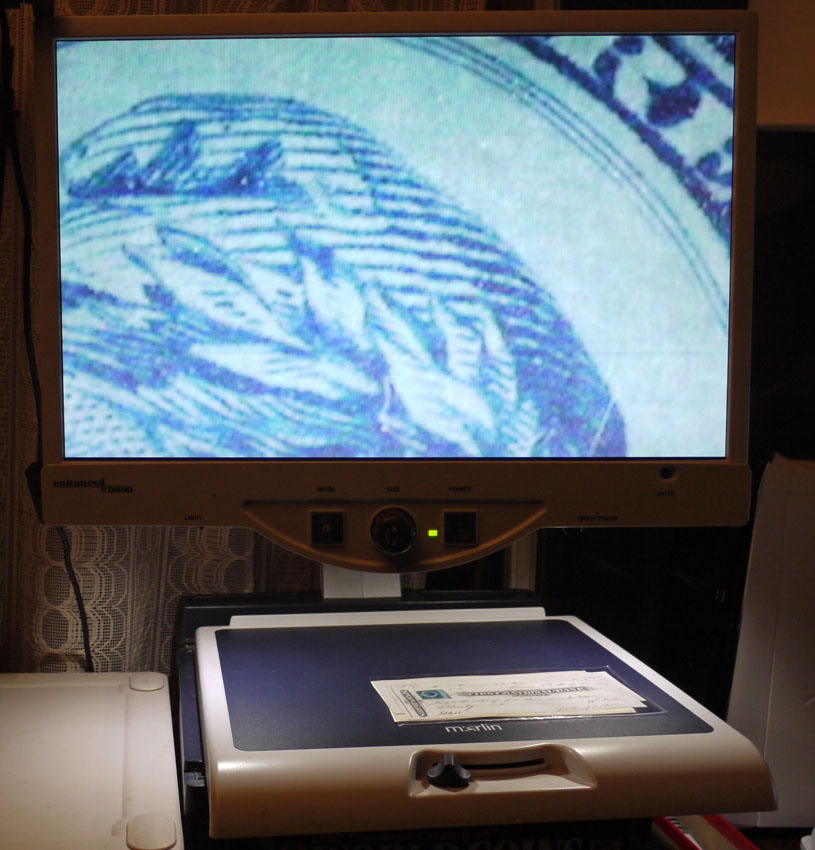
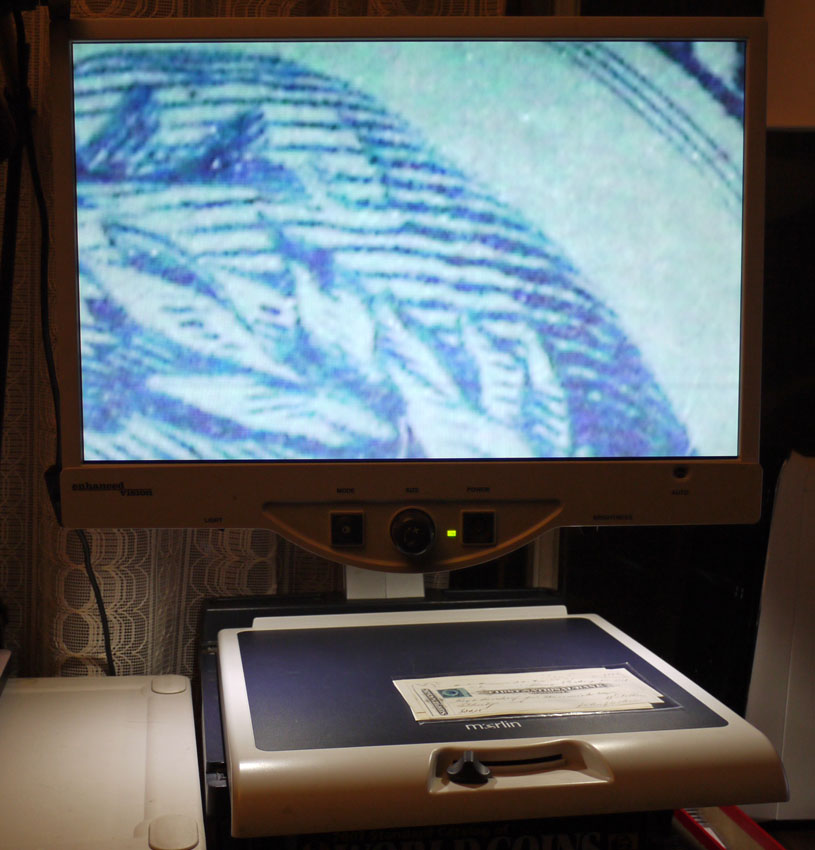
The pictures below show the 16 different levels of magnification, from least to most. I find settings 11-13 to be the most useful and the most crisp.





 Posted 03/09/2013 11:33 pm





