| Author |
 Replies: 32 / Views: 8,096 Replies: 32 / Views: 8,096 |
|
Valued Member
Canada
228 Posts |
|
|
|
I know the topic of scanning has come up a few times on the forum and there is always a bunch of interest. So I thought I would let you know that I just added a blog post on this topic to my FlySpecker.com site. I am letting you know this because a scanner that I have had success with and recommend in the blog post is on sale at Best Buy in Canada for only one more day.
I invite you to read the post and head over to the Best Buy site if you are interested in the inexpensive (about $80) Canon scanner I recommend.
Happy Canada Day!
|
|
Send note to Staff
|
|
|
|
|
|
Rest in Peace
7742 Posts |
|
|
Scott..Nice scans buddy...
I use my USB microscope for close in details..Works better for me, but I am hunting now for a new scanner..My old one only goes to 2400 DPI..Need something around 9600 DPI to do better scans.
BTW..When are you accepting flyspecking from ALL stamps, or is that way too much to handle..?
Robert |
Send note to Staff 
|
| Edited by wert - 07/01/2015 9:41 pm |
|
|
Rest in Peace
7742 Posts |
|
|
FANTASTIC SITE...Scott add a link again to your site for others who dont know about it yet
Robert |
|
Send note to Staff
|
|
|
Pillar Of The Community
United States
728 Posts |
|
|
Scott's web page is http://flyspecker.com/ and is a great reference tool in the development. He is adding new material to it as time permits. I have added it to my favorites list. Keep up the good work Scott. |
|
Send note to Staff
|
|
|
Valued Member
Canada
228 Posts |
|
|
Moderator

United States
12330 Posts |
|
|
Scott,
Good job on the site.
I would add that it is critical that the scanner lid ALWAYS be closed. Your blog mention holding down the stamp but the critical reason is that the prevents ambient light from being detected by, and compensate for, the scanner. Scan a stamp with the lid on and off to see the delta, it is usually significantly different. (Depends a bit on the light levels in the room.)
Scanner manufacturers, calibrate, and optimize scanners with the lids closed. If ambient light didn't matter, manufacturers certainly would save money and not include a lid!
Don
|
|
Send note to Staff
|
|
|
Valued Member
United States
34 Posts |
|
|
Well I agree on the CLOSED scanner lid; once in a while however I leave the lid open for large documents. Anyway, here's are three scans with the lid closed ======================= 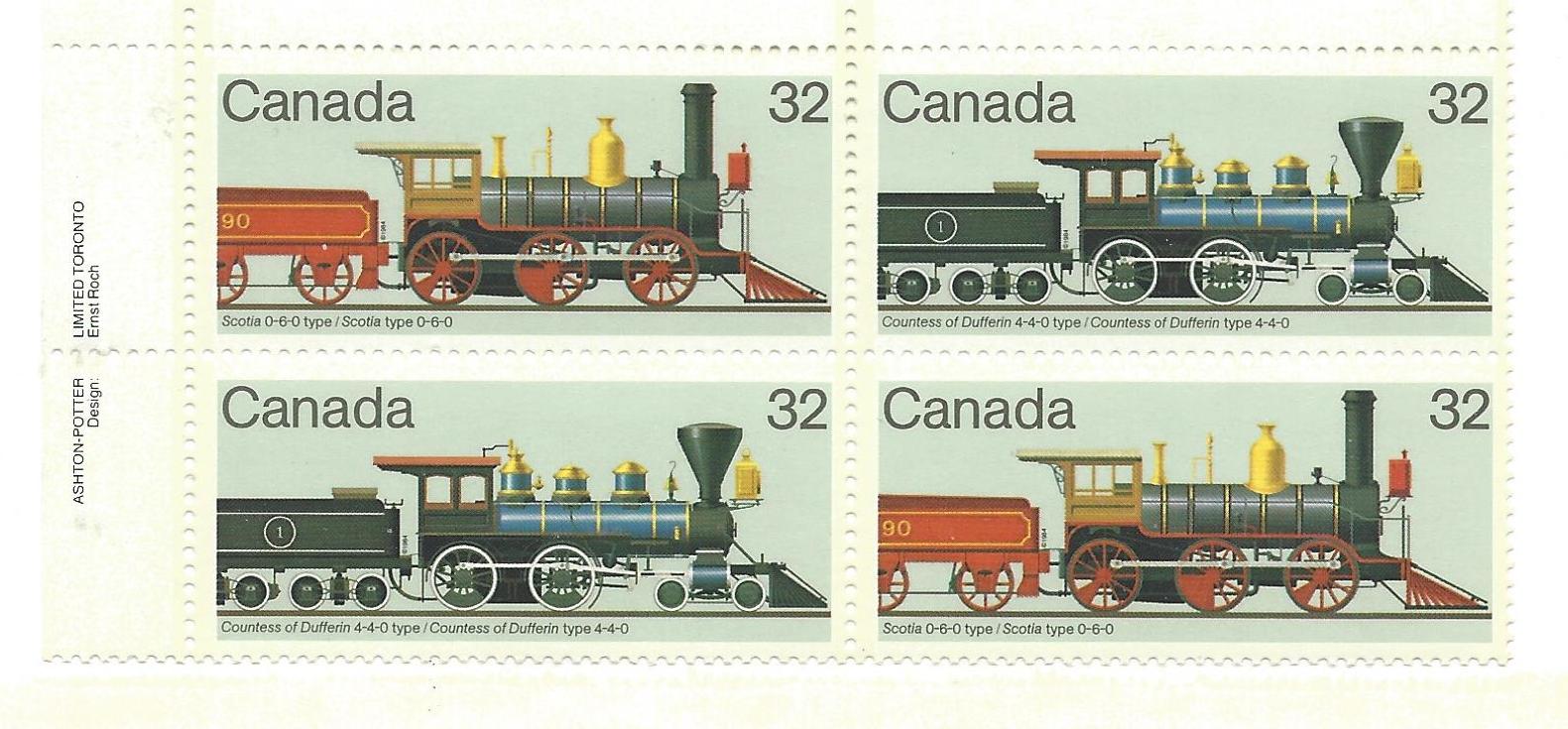 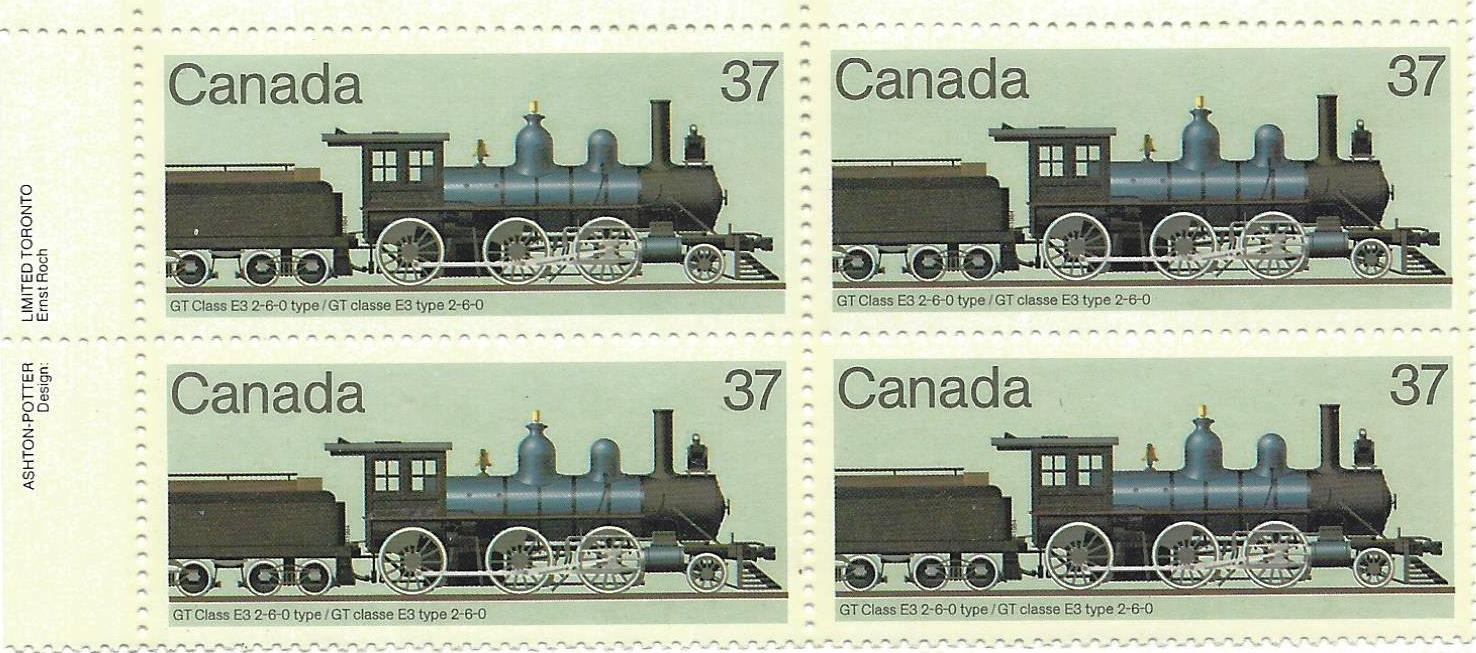 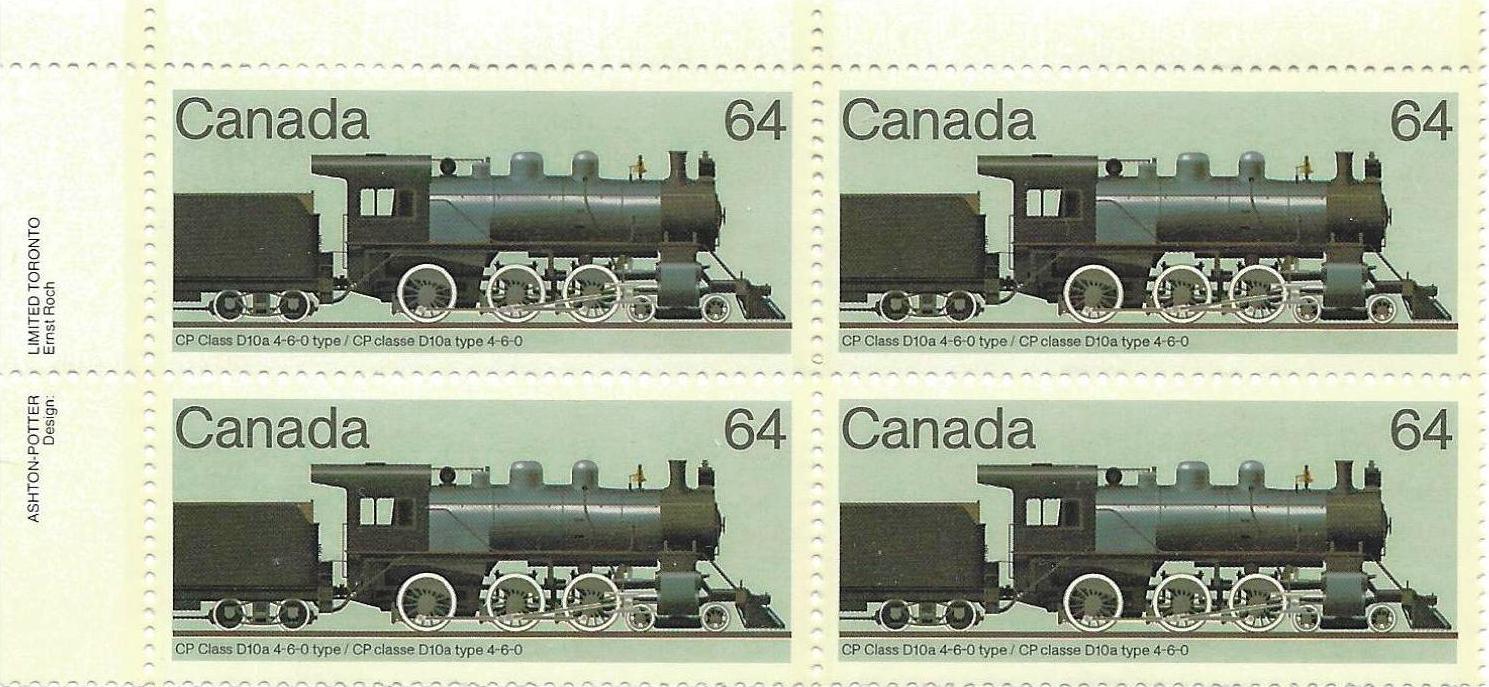 =================== Here's one with the lid OPEN 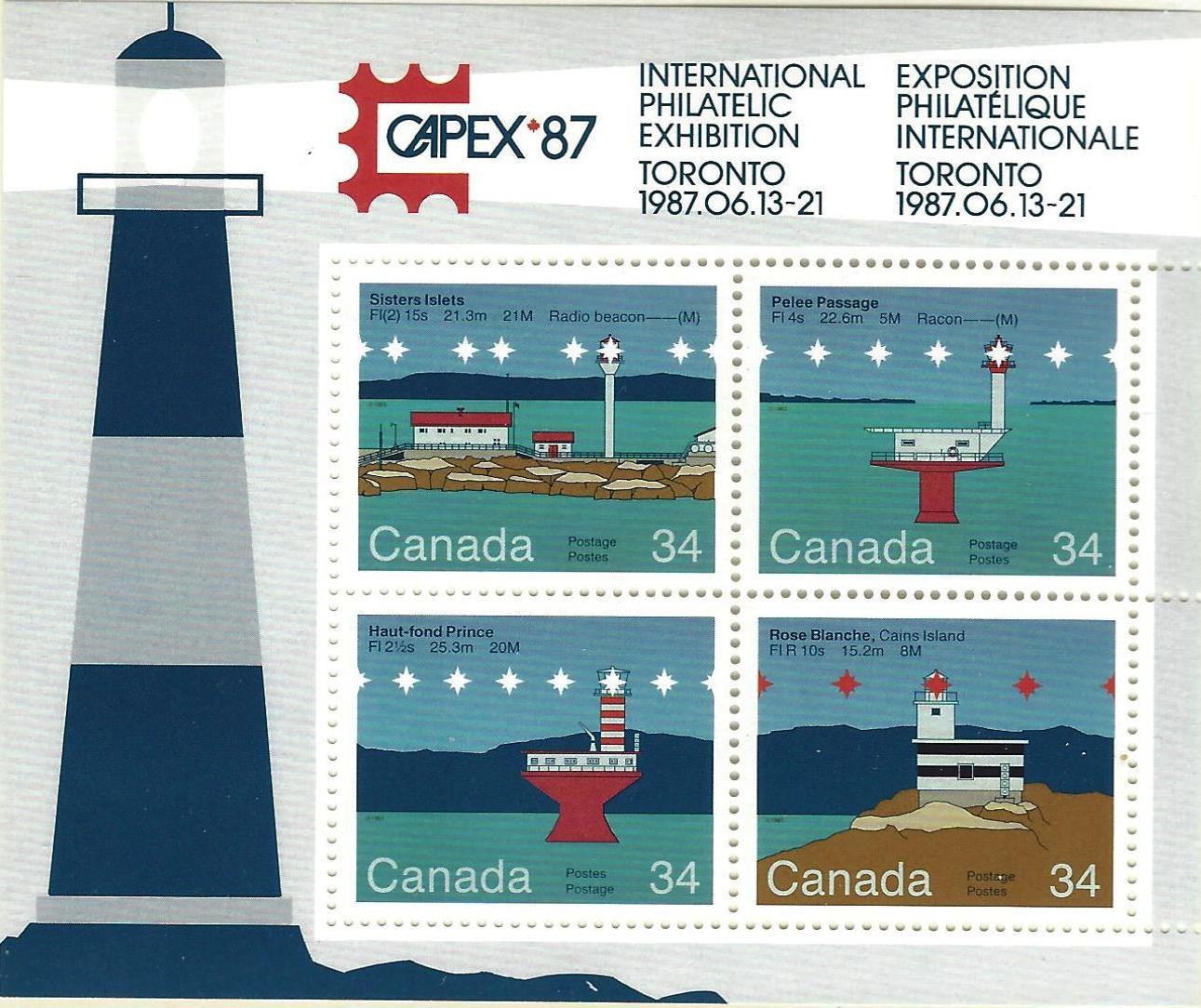 |
|
Send note to Staff
|
|
|
Valued Member
United States
34 Posts |
|
|
Pillar Of The Community
United States
6486 Posts |
|
|
Isolated images with lid open or closed don't really tell us anything. Showing the same item scanned open vs. closed would.
That said, it depends on the scanner and the software used as to what happens when the lid is open vs. closed. Personally, from a purely mechanical/operational perspective, I find it faster and easier to scan with the lid open. Of course, this doesn't work if the scanner software is making algorthmic adjustments based on ambient light, and more annoyingly the selected area to scan (try it: with most scanning software, you will get hugely varying results of brightness and color depending on how large or small an area around the item in question is selected).
So what I do is disable all of the algorithmic processing, which I can do with Hamrick VueScan, whereas you cannot turn it off with most software bundled with the scanner. Lid up or lid down, black paper, white paper, gray paper background, VueScan doesn't alter the scan results by averaging/optimizing the selected scan area. It just scans at its baseline settings and applies whatever adjustment you have applied in the profile, nothing else. |
|
Send note to Staff
|
|
|
|
Moderator
United States
12330 Posts |
|
|
Pillar Of The Community
Canada
1449 Posts |
|
|
Scott's blog link does not work  Thanks Don for Stampsmarter's scan write-up....even I could understand it  Rene |
|
Send note to Staff
|
|
|
Rest in Peace
7742 Posts |
|
|
Don..Went to stampsmarter and took one of my stamps..Scanned it and lightened one up...as though it were say newer..Ran it through your program..Can you tell me what I am looking at.. Thanks, Robert 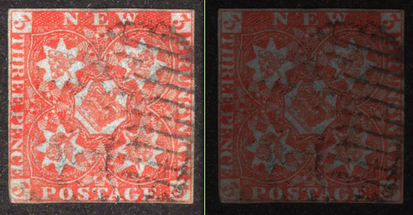 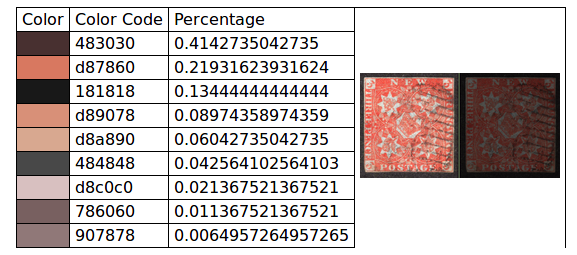 This is how I classify colours with a number. Left stamp "colour name:#DA5447" 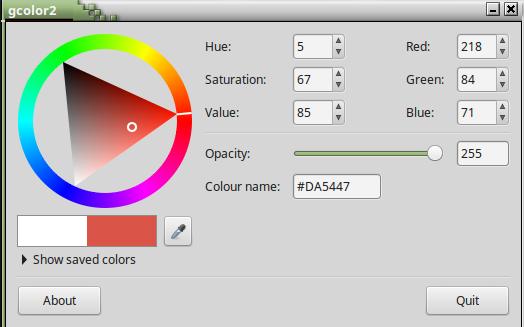 Right stamp "colour name: # 511C17" 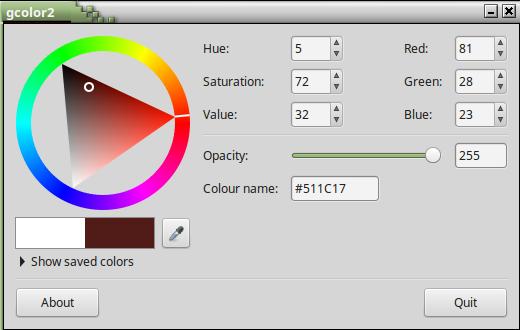 WISH THERE WAS A STANDARD ON COLOUR CLASSIFICATION. |
|
Send note to Staff
|
|
|
Valued Member
Canada
228 Posts |
|
|
For those who are interested, the correct link to my blog post about scanning stamps is: http://flyspecker.com/post004.htmlI have recommended the Canon CanoScan LiDE 220 to several of my stamp friends who contribute to my site and they have been very pleased with their purchase. |
|
Send note to Staff
|
|
|
|
Rest in Peace
7742 Posts |
|
|
Hi Scottamer i also use a Canon, but go one step further and use a image manipulation program to get more detail...The bottom stamp is worked on to enhance the right stamp in your right up..Helps for better detail..Just saying. Robert 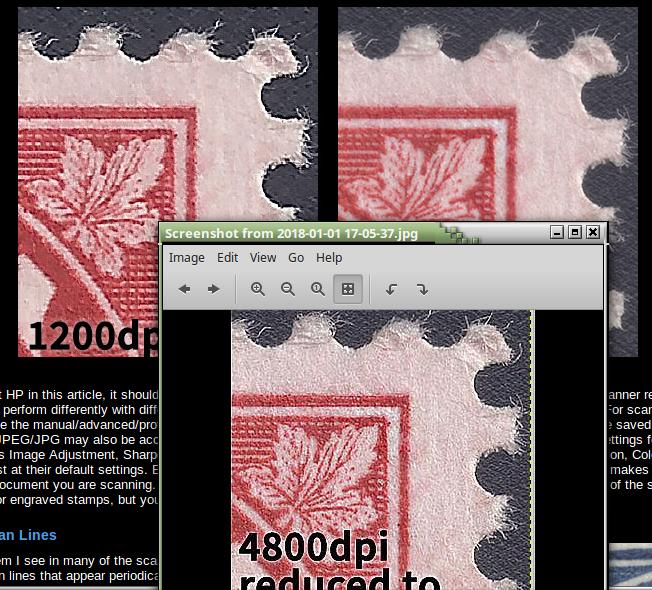 |
|
Send note to Staff
|
|
|
Valued Member
Canada
228 Posts |
|
|
Hi Robert,
Analysing the accuracy and usefulness of a scan is certainly very subjective. However, as a professional in the treatment of scanned images, I would say that your enhanced scan is definitely less accurate and any new details revealed there are more from enhanced grain in the paper than actual details in the inking of the stamp. The fluid lines in the leaf that express the engraver's artistic treatment are completely lost in the enhanced scan where they become disjointed pixels mixed with artificially enhanced paper features.
Don't get me wrong, subtle sharpening of scans done with professional image software will usually improve them and is done for almost all professional print publication. Colour manipulation can also help to differentiate between stamp ink and cancellation marks. However harsh sharpening of scans has never, in my opinion, improved the level of detail or clarity of the engraved design. |
|
Send note to Staff
|
|
|
|
Moderator
United States
12330 Posts |
|
|
I dislike the use of image processing especially if the processing is adding data to the image (removing data, such as splitting channels is typically not an issue). In additional to the sharpening issue that Scottamer mentions, there is also an abundancy of over-saturated images found online.
It is as if some folks do not realize that when they manipulate images they are optimizing the image based upon how it looks only on their own monitor.
Don |
|
Send note to Staff
|
|
|
Replies: 32 / Views: 8,096 |
|




 Posted 07/01/2015 8:58 pm