Kingstonstamper,You've got the basic idea correctly. Make sure that you do it in a black watermarking tray, bottom of a black ashtray, on a black piece of glass, etc.
The gum won't be hurt if you just let it dry in the tray or whatever you choose to use. You can gently use tongs and remove it from the tray and then place it on something like a paper towel to dry it faster. Watermarking fluid penetrates paper, but does not "wet" gum nor the paper of the stamp or something like a paper towel.
Treat it as gently as you would when dry when using tongs, and you will have no damage even when soaked in a watermarking fluid.
----------------
Stampalotapus,RetroReveal.org may be the same site that I was looking for earlier in this thread. I'll get a chance to confirm that later.
----------------
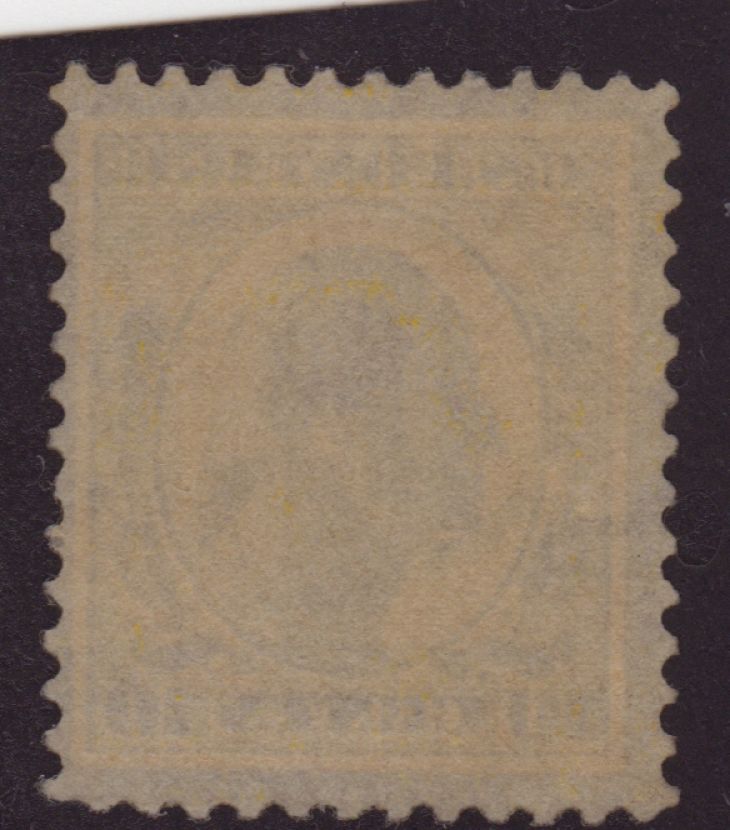
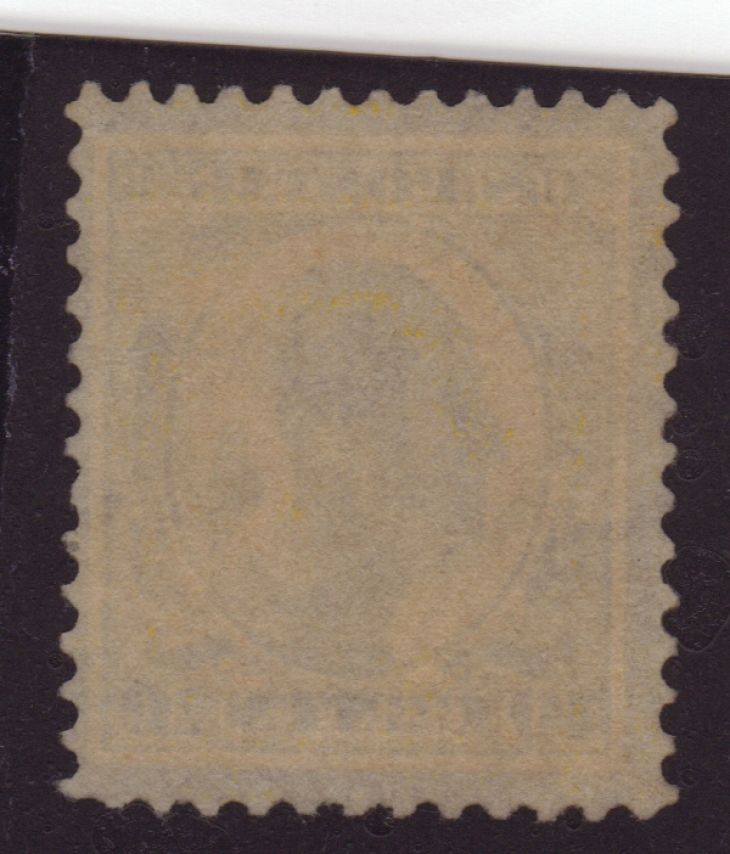
Luke,I got your sRGB full scans via email. Their color levels are more "correct", but they still are not as good as I hoped for. Here's your earlier Ronsonol scan next to my #416 Ronsonol scan from earlier in the thread. I did adjust the "levels" of your scan to bring out more contrast:
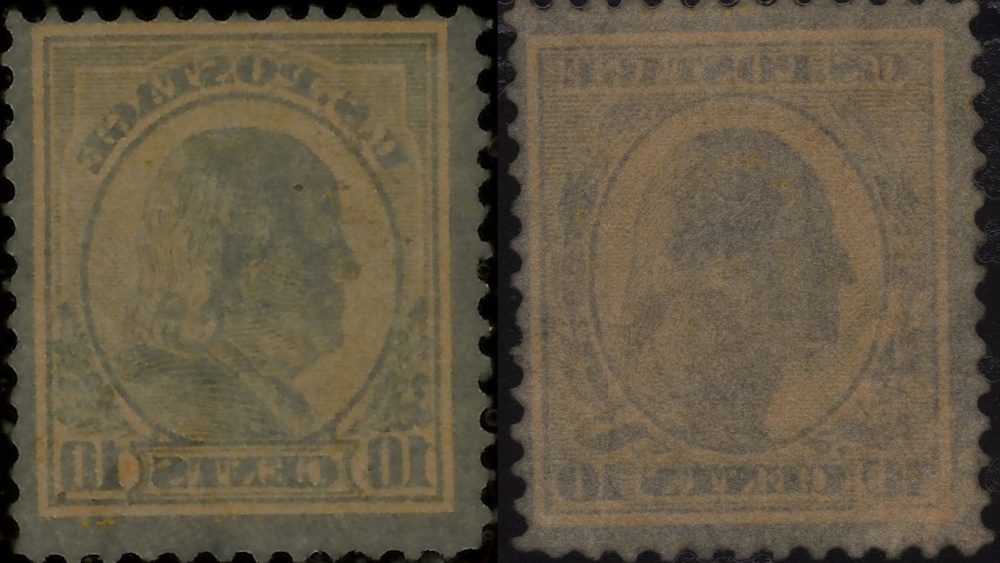
Note how your scan (and all of your others) has uninked paper color that is similar to the design areas. My image has very clear contrast between paper color and the design ink. Maybe yours has gum? Maybe your scanner's light source is different? Maybe you need to use much more watermarking fluid? Maybe your scanner setting are still not optimal? We can work on figuring out why in further email messages.
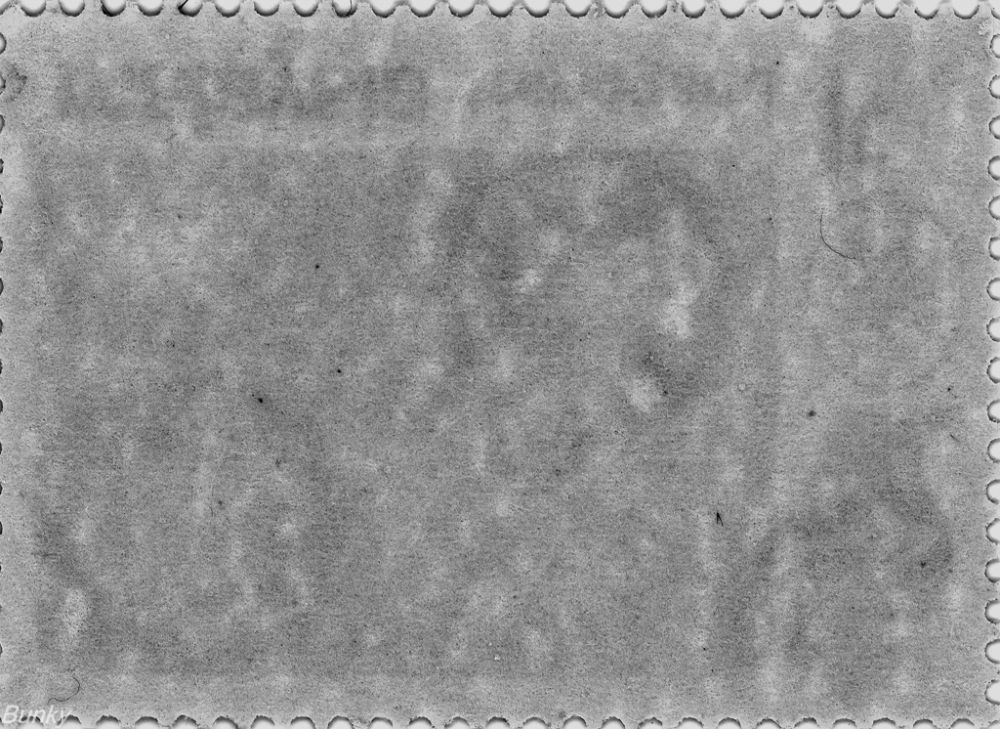
The red arrows on this image point to areas that could be portions of a Single Line watermark:
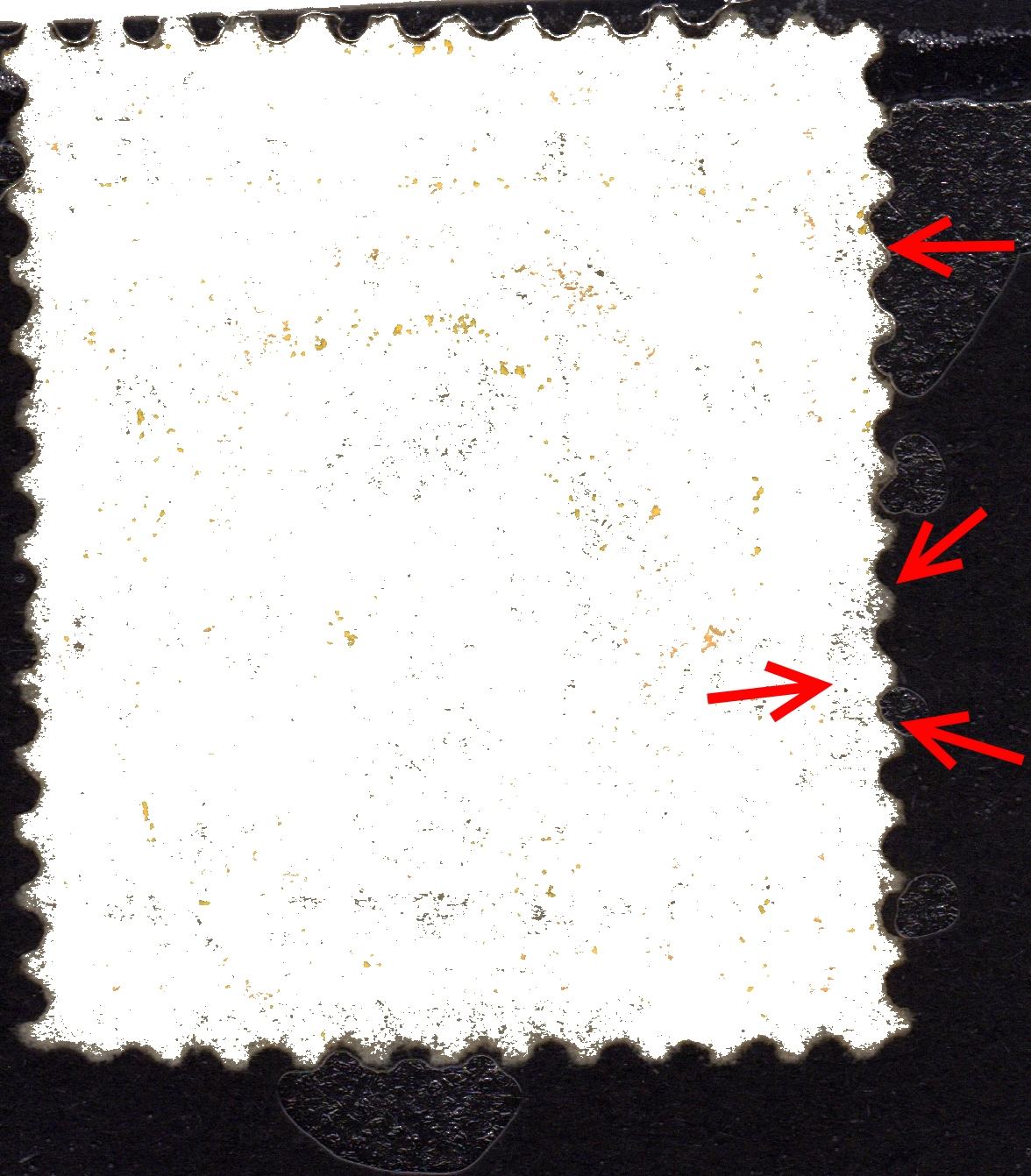
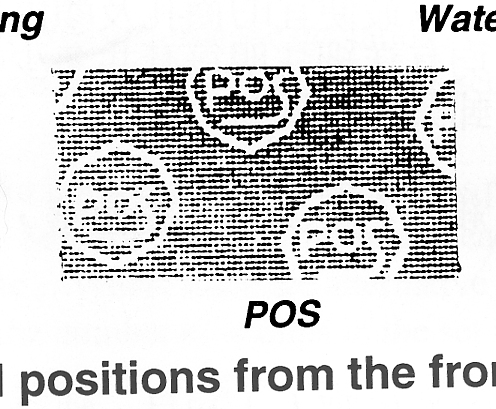
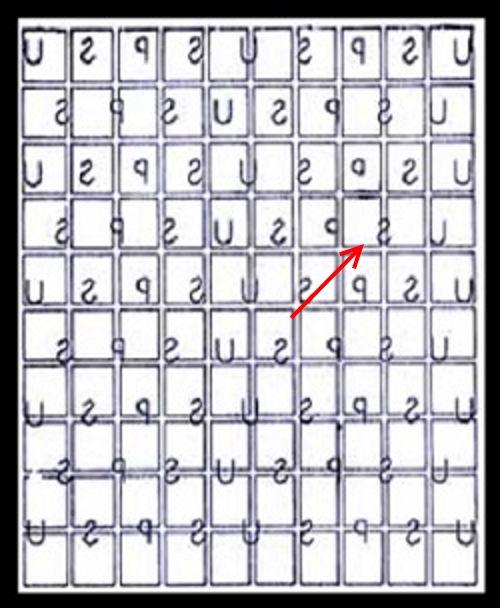
There are way too many variables for me to be sure, but that is my best educated guess given only wet scans of the back of your stamp. With the information that I do have, it appears to be a Single Line watermark "S" similar to this position:
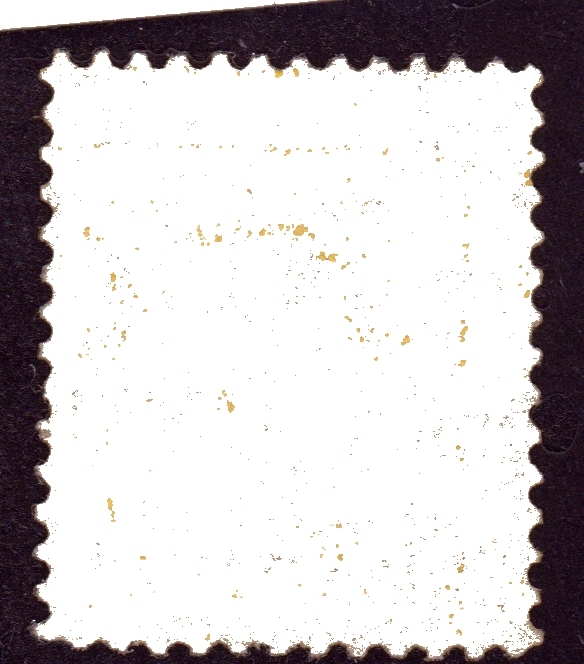
This should conservatively depict the ink offset on the back of your stamp:
As for sRGB vs. "Monitor sRGB", the "Monitor sRGB" one was probably created when you performed a Windows "Calibrate Display". Windows has a "Wizard" tool that does help even without color calibration hardware. Or maybe you did at one time use color calibration hardware.
Regardless of how that color profile came to be, your "less wet" Clarity scan allows us to see the H in oval cancel on the front of the stamp quite clearly:
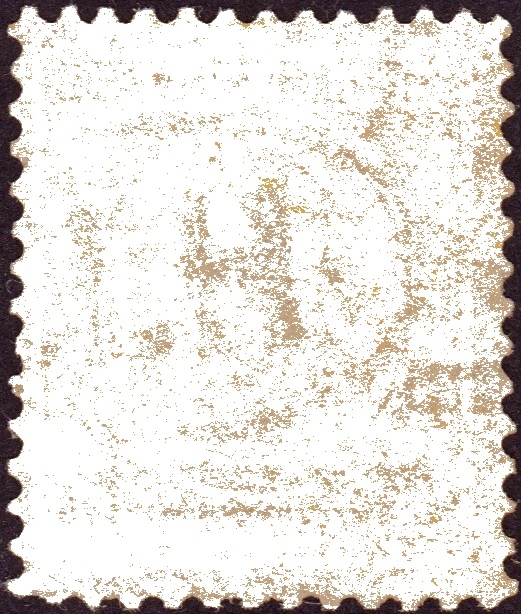
I'm actually amazed that your "Less Wet" Clarity fluid scan so clearly shows the cancel on the front. I'm starting to think that Clarity is unsuitable for general wet scanning. However, it could serve a good purpose for advanced watermark detection techniques such as creating an image mask to help eliminate cancels from contaminating other wet scanning watermarking data. Clarity fluid might have too high of an index of refraction. So far, Ronsonol seems superior for general wet scanning watermark detection.
Overall, there is obviously a need to better detail wet scanning technique through further experimentation.
For the next step in experimentation, please post dry scans of the front and back of your stamp. 600 dpi is sufficient. I'm enjoying trying to advance these methods of analysis!





 Posted 08/22/2015 8:32 pm