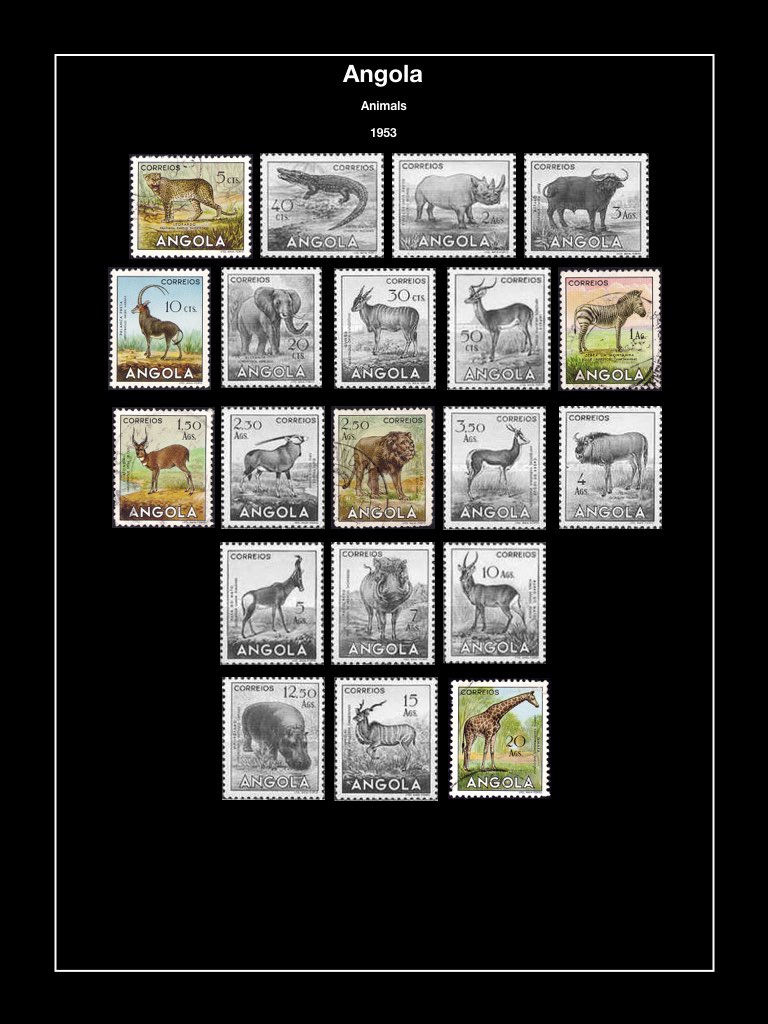
Vario with small label is a very simple way to arrange a collection, you don't need to purchase mounts, stamps can be re-arranged. But we know Vario are not that easy to turn when you want to look at your stamps pages by pages.
But here a very simple trick, you scan the pages and place them in folders by country
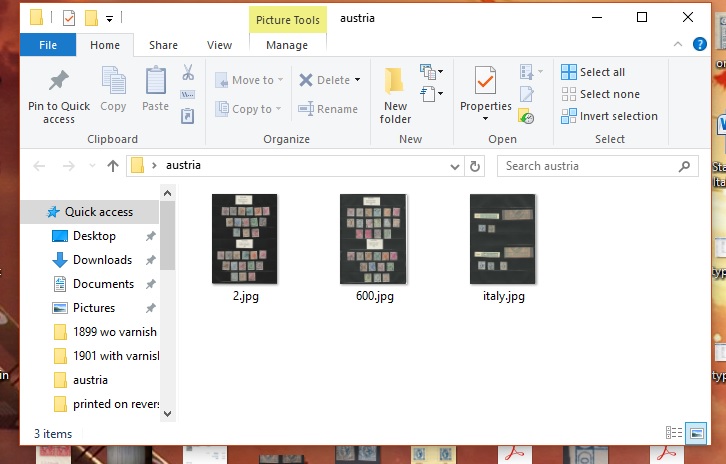
then you open them with your Windows Photo Viewer and you turn the pages like if it was in an album
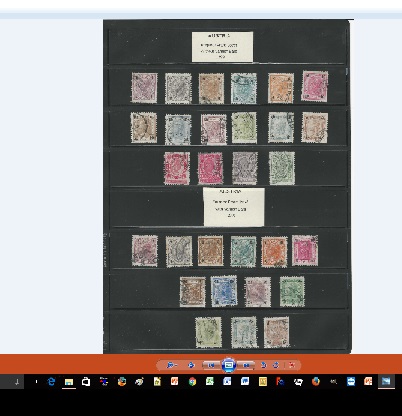
You can zoom on any stamp if you want, this is why I used 600dpi
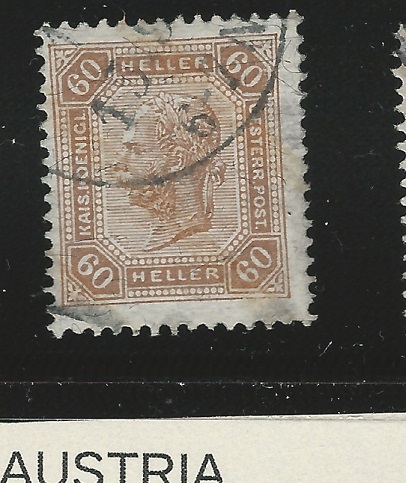
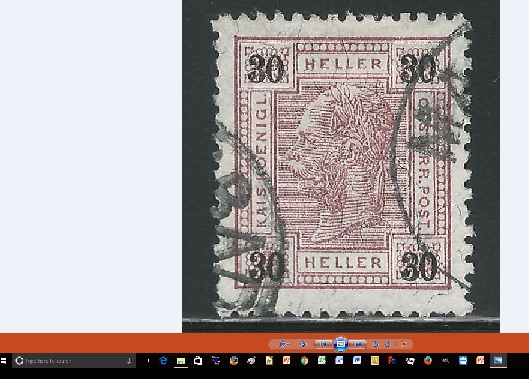
But let say you want more detail for some stamp , you can scan the page at 1200dpi , then crop each stamps one by one and save them in a separated folder, then you simply reduce the full page at 50% that will give you a good resolution for the full page and still capable to zoom





 Posted 06/24/2017 10:18 am