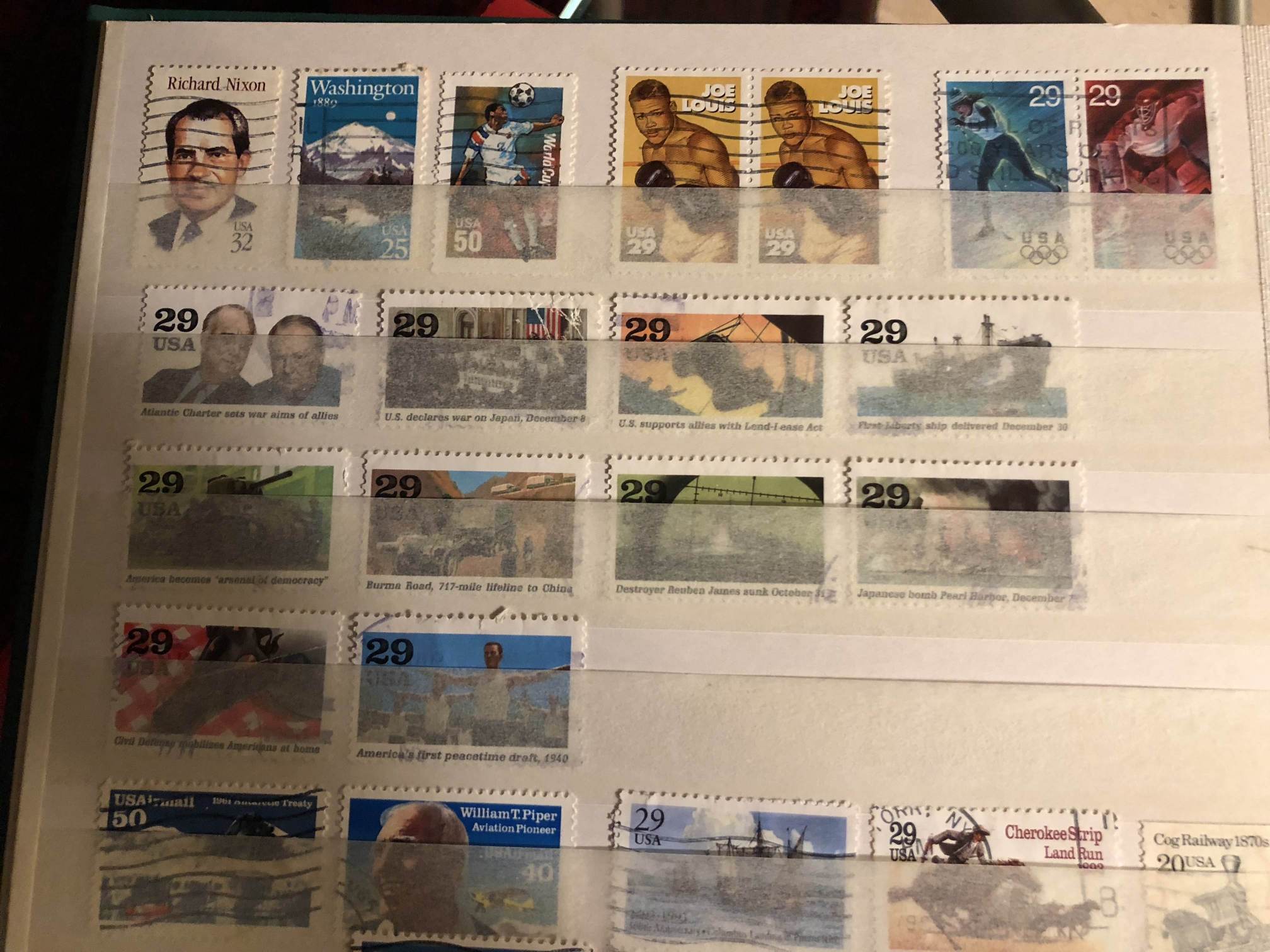
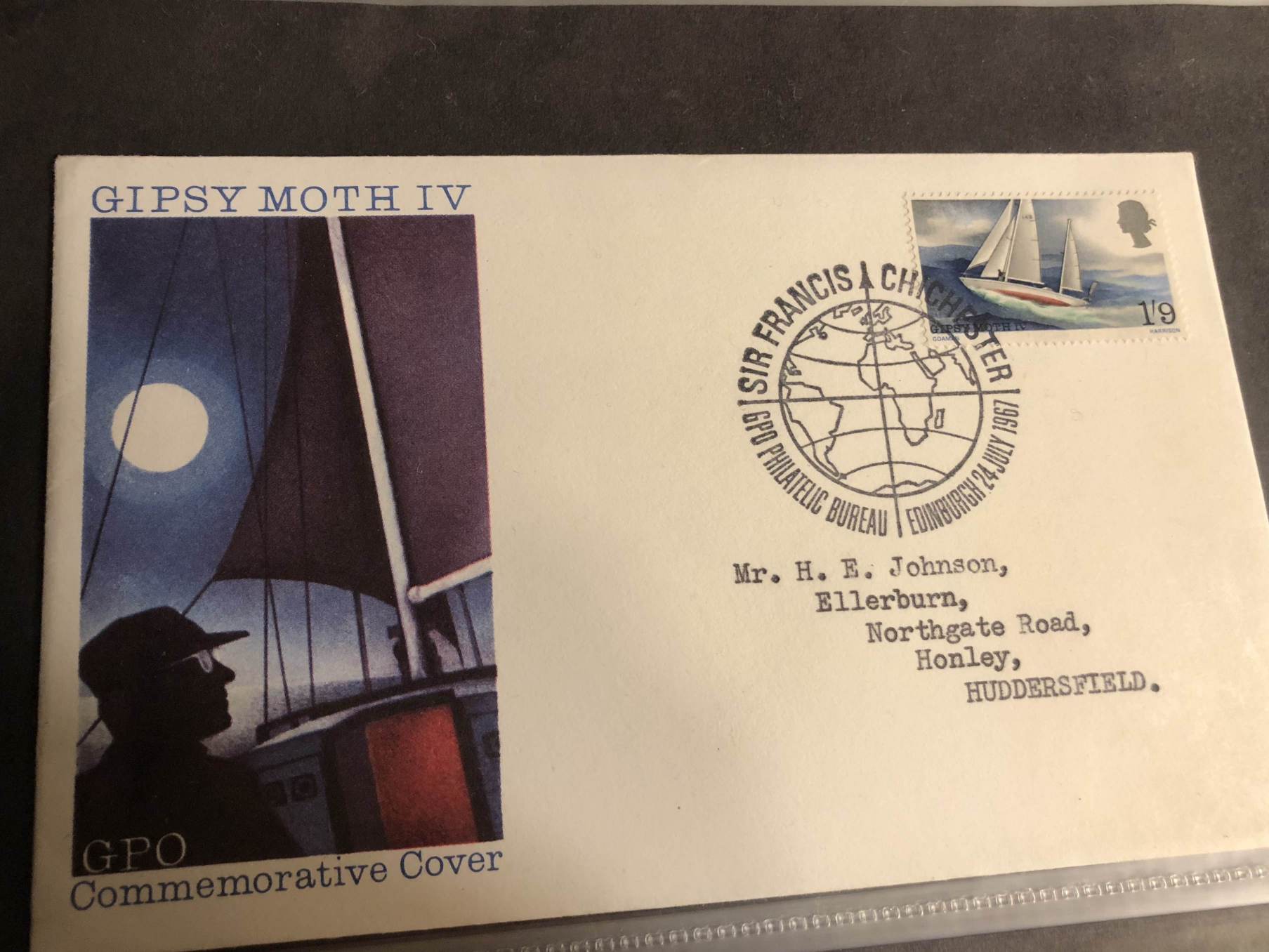
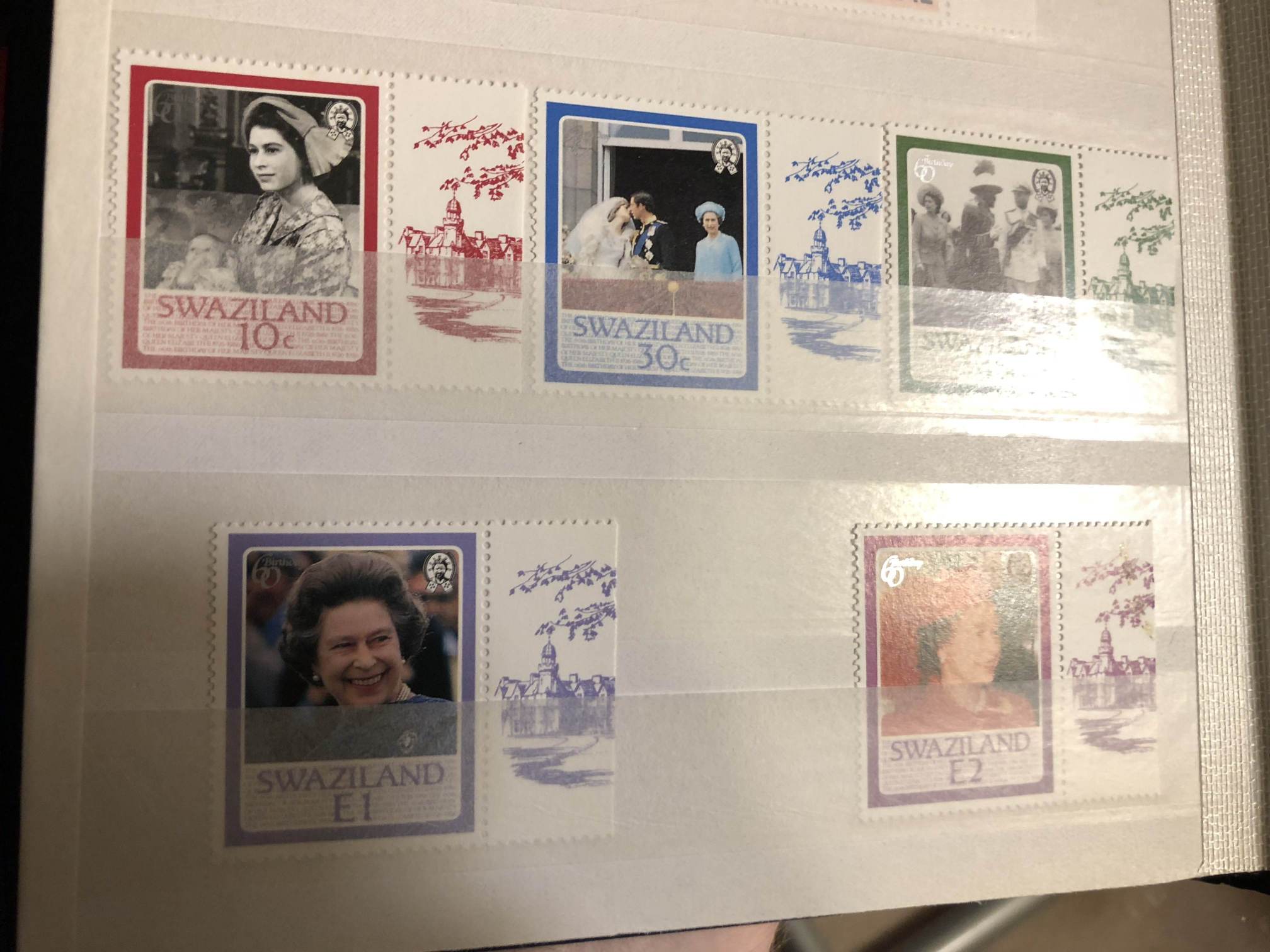
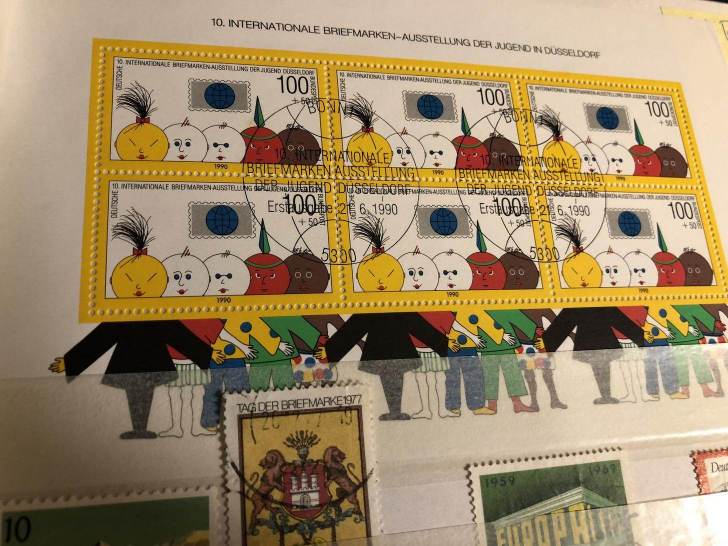
I couldn't upload the pictures, nor paste the link in full. So if you just copy and paste the link into a browser and replace the "<dot>" with "." (ie, a dot!) then it will work - you will see it becomes ".com"
Sorry if that is circumventing forum rules, but I tried uploading pics for like an hour - just normal iPhone pictures but wouldn't work, and the cropping tool dodn't work either
Disclaimer: While a tremendous amount of effort goes into ensuring the accuracy of the information contained in this site, Stamp Community assumes no liability for errors. Copyright 2005 - 2026 Stamp Community Family - All rights reserved worldwide. Use of any images or content on this website without prior written permission of Stamp Community or the original lender is strictly prohibited. Privacy Policy / Terms of UseAdvertise Here





 Posted 12/25/2017 12:11 pm