Stamp Community Family of Web Sites
Thousands of stamps, consistently graded, competitively priced and hundreds of in-depth blog posts to read


Stamp Community Forum
 
Username:
Password:
Save Password
Forgot your Password?

This page may contain links that result in small commissions to keep this free site up and running.

Welcome Guest! Registering and/or logging in will remove the anchor (bottom) ads. It's Free!

Any Members Use Picasa?

 
To participate in the forum you must log in or register.
Author Previous TopicReplies: 9 / Views: 1,005Next Topic  
Bedrock Of The Community
Australia
38679 Posts
Posted 04/27/2019   3:47 pm  Show Profile Bookmark this topic Add rod222 to your friends list Get a Link to this Message
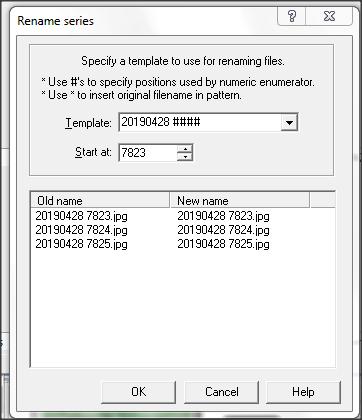
If so, is it possible to de activate "F2" ? (Batch rename)

I find this really dangerous, it can rename 100 files or whatever without asking confirmation. (F2 is a well used edit button in ACDSee)

Or, is there a similar EASY use software that is similar I can try?

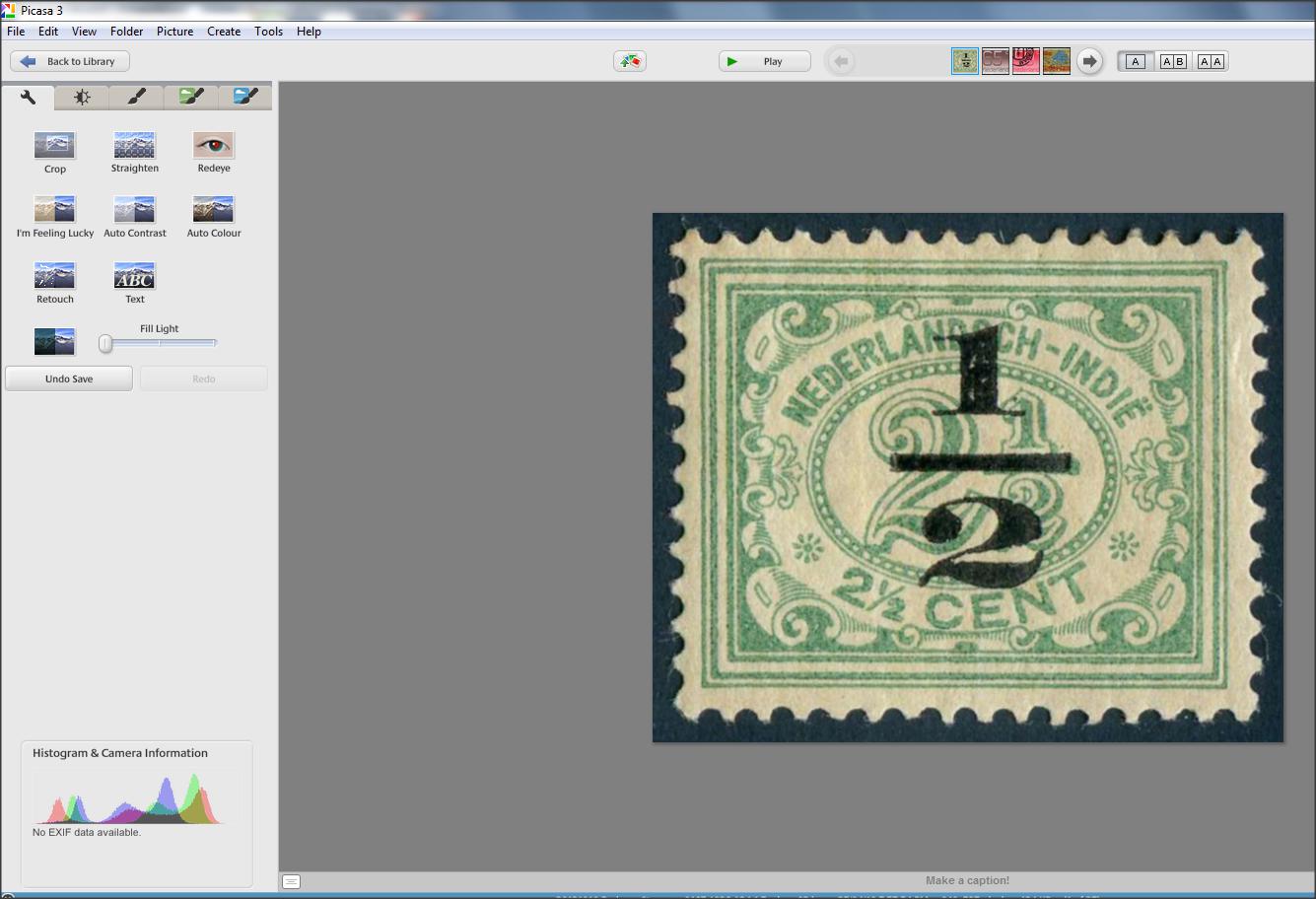
I find PICASA great for just 1 folder, my working folder, I can easily "fine tune" deskew images, ephemera, cut squares etc, rotate on the fly.
Not interested in Irfanview.

Is there a Picasa users forum at all?
Thanks.

Send note to Staff

Pillar Of The Community
United States
978 Posts
Posted 04/28/2019   06:33 am  Show Profile Bookmark this reply Add jbcev80 to your friends list  Get a Link to this Reply
G'Day Rodney

Don't know about Picassa but Googling you can check out this info:

https://www.google.com/search?sourc....717jU777B7Q

I could write something special for you if you want. Just give me a list of the features you desire. I have access to open software that could be modified.

Jerry B
Send note to Staff  Go to Top of Page
Bedrock Of The Community
Australia
38679 Posts
Posted 04/28/2019   06:44 am  Show Profile Bookmark this reply Add rod222 to your friends list  Get a Link to this Reply
Thanks for responding Jerry,
I think my best route is to ditch Picasa, imagine being in my US folder,
and it suddenly renames 2000 stamps. Yikes.

ACDSee renames beautifully with F2


What Picasa had, that ACDSee lacked was a 1 click feather Rotate, and 1 click crop, that was so important to my speed.
I don't know of any other (simple) program that offers that.

Cheers and thanks for the offer.
Send note to Staff  Go to Top of Page
Pillar Of The Community
United States
978 Posts
Posted 04/28/2019   07:32 am  Show Profile Bookmark this reply Add jbcev80 to your friends list  Get a Link to this Reply
Hi Rodney

I see that Picasa has been "retired"


Quote:
Picasa is a discontinued image organizer and image viewer for organizing and editing digital photos, plus an integrated photo-sharing website, originally created by a company named Lifescape in 2002. In July 2004, Google acquired Picasa from Lifescape and began offering it as freeware.


Therefore, if something goes "bump" I doubt if you get any help. I think it is wise to scrap it and use your old standby ACDSee.

I don't know what you mean by feather rotate (Aussie term?).

I searched for "acdsee plugins download" and the link is:
https://www.google.com/search?ei=iI....GhWWH9h55uk
You might find something useful.

Jerry B

Send note to Staff  Go to Top of Page
Pillar Of The Community
United States
978 Posts
Posted 04/28/2019   07:42 am  Show Profile Bookmark this reply Add jbcev80 to your friends list  Get a Link to this Reply
Hi Rodney

I looked around and found this on Shortcut World:
https://shortcutworld.com/ACDSee-Pr...ee_Shortcuts

It is close to one "click", it is multi finger Two fingers for Ctrl-Alt and one for an arrow.

Note: ShortcutWorld is a pretty useful site for finding key combinations that some applications don't, or won't, tell you.

Jerry B
Send note to Staff  Go to Top of Page
Moderator
Learn More...
United States
12330 Posts
Posted 04/28/2019   08:00 am  Show Profile Bookmark this reply Add 51studebaker to your friends list  Get a Link to this Reply
The constant forward evolution of technology makes holding on to older, legacy software extremely difficult.

In my company, we developed products using a variety of software over the years. And since the products we designed and placed into the marketplace often lasted for decades, I was faced with the challenge of how to archive the software and desktop environments used by the development engineers. (Once or twice a year Engineering was asked to go back and re-open an older development effort to add a new feature, make a change, or test something. So we had to be able to 'go back' to our original development software and hardware configurations.)

If I left all the desktop computers in front of the engineers over time, updates would be made, new software would get installed, and/or new devices would be added. All of these changes would ruin any chance at re-establishing an original development environment from a previous time. This meant that simply archiving a disk image was not good enough; trying to restore a 10 year disk image onto different computer hardware was not feasible (nor an accurate rebuild of the original development machine).

So our solution was to preserve and archive the entire computer. At the end of each development cycle, I would purchase new computers for each engineer and retire their existing computer. The retired development computers were stored in a special secure room. I paid IT people to occasionally power them up and make sure they stayed in good working order. These computers were never allowed back on the company network; this ensured that they would never try to updated themselves and removed any security risks.

This is the only way I know how to maintain old software; you have to archive the entire computer. Mate the software with the hardware and freeze the whole thing in time. So if collectors wish to continue to use old software, I would recommend 'retiring' the computer and not allowing it to be online. Buy a new computer for using online daily, installing new software, etc. Only use the 'retired' computer to access the old software when it is needed.
Don
Send note to Staff  Go to Top of Page
Bedrock Of The Community
Australia
38679 Posts
Posted 04/28/2019   08:13 am  Show Profile Bookmark this reply Add rod222 to your friends list  Get a Link to this Reply
Interesting read Don, thanks for taking the time to write that. Appreciated.
I was aware Picasa was no longer supported, but it is OK to still use it
(as you say, while we can)


Quote:
I don't know what you mean by feather rotate (Aussie term?).


Jerry,
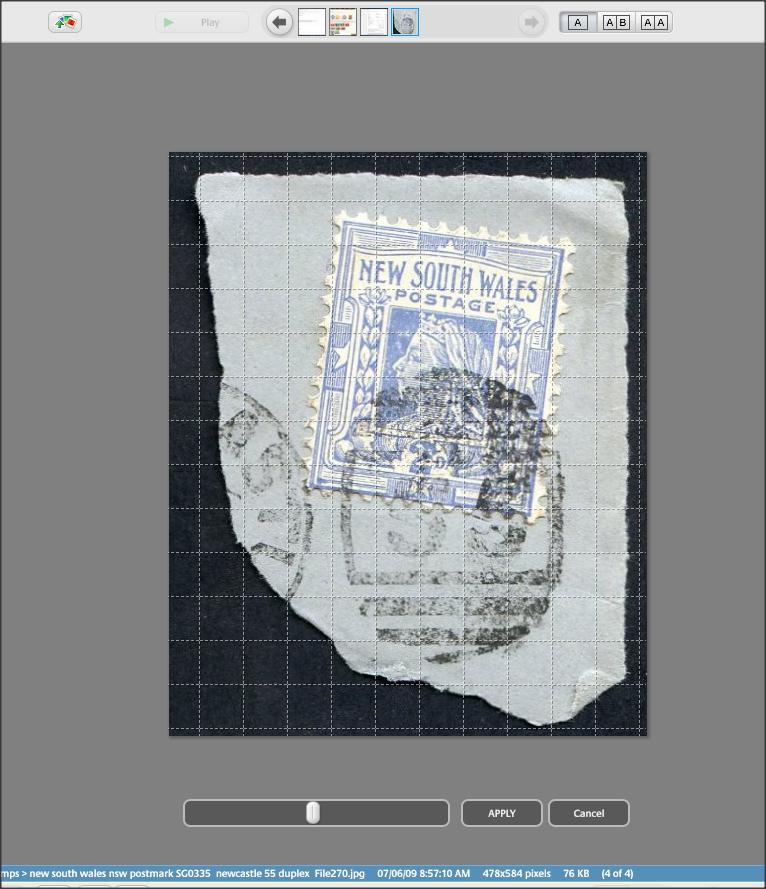
here is a scan, when a piece of ephemera is oddly shaped, then "Stampfix" no longer can handle the deskew.

So Picasa can "feather" the rotation via a sliding knob, brilliant!

Remember I am doing 100-200 stamps a day, and if stamps are rough,
elongated perfs etc, then auto deskewing does not work.
Picasa was brilliant as a solution.

I'll check your links. Ta mate.

(As an aside, I am a new user of "XYPlorer" which is fabulous, but very involved, I'll contact the builders and see if they have a sliding rotate option)
Send note to Staff  Go to Top of Page
Edited by rod222 - 04/28/2019 08:17 am
Pillar Of The Community
United States
2941 Posts
Posted 04/28/2019   08:40 am  Show Profile Bookmark this reply Add PostmasterGS to your friends list  Get a Link to this Reply
Rod,

WRT this:


Quote:
"Stampfix" no longer can handle the deskew.


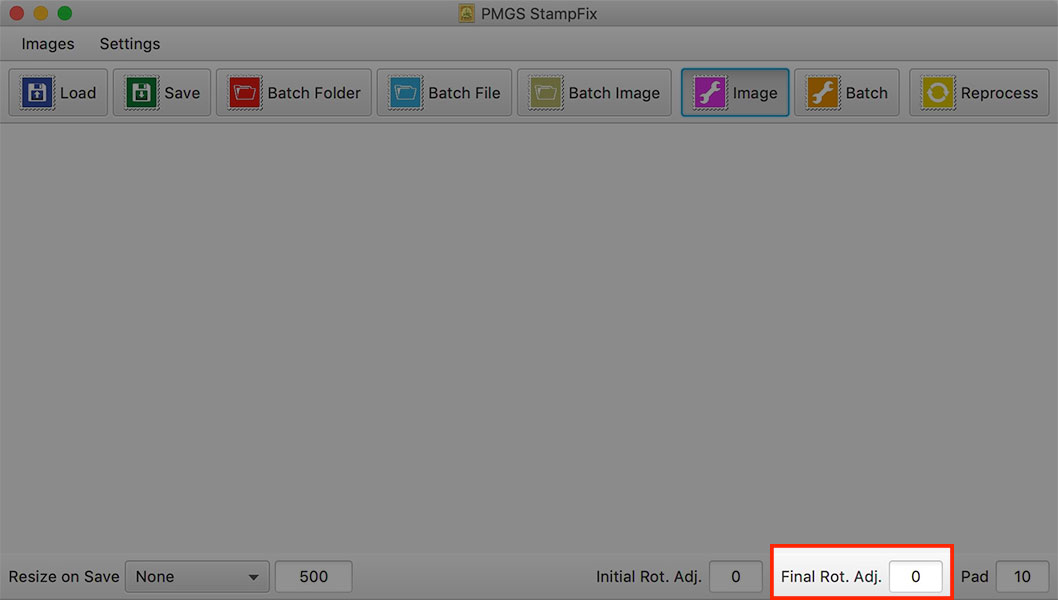
StampFix does have the option to manually fine-tune the rotation after the auto-deskew. It's a number not a knob/slider, but if you use a low number (.1 or .2), it will nudge.
Send note to Staff  Go to Top of Page
Presenting the GermanStamps.net Collection - Germany, Colonies, & Occupied Territories, 1872-1945
Pillar Of The Community
United States
978 Posts
Posted 04/28/2019   11:50 am  Show Profile Bookmark this reply Add jbcev80 to your friends list  Get a Link to this Reply
Hi Don

Once again we have different philosophies. The average user cannot afford to buy a new computer every time software changes. At least MS did something right with the X86 folder for legacy software.

The way technology is advancing the software companies should follow a mainframe approach. Every time a new version of software was released it was imperative that it be downward compatible. The same banking software that was developed in the 1990's is still being used. It was patched to no end, and eventually rewritten, but still works on all client computers. The PC to mainframe interface was also designed using this approach.

I believe I once said that today's developers do not get instruction into software development methodologies. I worked as a consultant for IBM and I had to take classes before working on any project. Also, in my Masters program I got development methodology classes.

Too bad we cannot sit down and have a face to face discussion. I agree with you on a lot of points, but I think you are missing the education factor.

Jerry B
Send note to Staff  Go to Top of Page
Bedrock Of The Community
Australia
38679 Posts
Posted 04/28/2019   2:32 pm  Show Profile Bookmark this reply Add rod222 to your friends list  Get a Link to this Reply
Hi Postmaster, thank you.
Stampfix continues to surprise, I'll try it on tomorrow's batches.

Send note to Staff  Go to Top of Page
  Previous TopicReplies: 9 / Views: 1,005Next Topic  
 
To participate in the forum you must log in or register.

Go to Top of Page

Disclaimer: While a tremendous amount of effort goes into ensuring the accuracy of the information contained in this site, Stamp Community assumes no liability for errors. Copyright 2005 - 2026 Stamp Community Family - All rights reserved worldwide. Use of any images or content on this website without prior written permission of Stamp Community or the original lender is strictly prohibited.
Privacy Policy / Terms of Use    Advertise Here
Stamp Community Forum © 2007 - 2026 Stamp Community Forums
It took 0.17 seconds to lick this stamp. Powered By: Snitz Forums 2000 Version 3.4.05