I now have the SG Australia digital catalogue. It's operation is not too successful. I like digital catalogues mainly because the pages can be enlarged to a size that I can read easily. Screen real estate is not an issue as I have two computers with three screens on my desk.
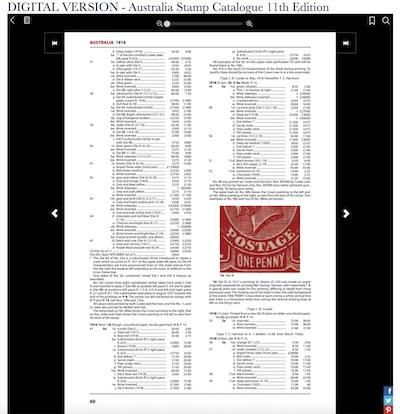
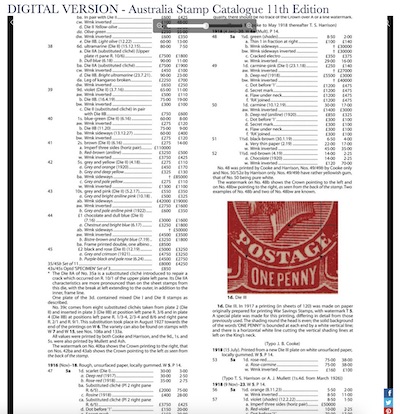
The problem I have run into with SG catalogues is that if I expand the size of a page image, it runs off the screen at the top and bottom. The first image below is as the catalogue comes up initially, filling the frame in the web browser. The second image shows to page at its maximum size. {both images are quite fuzzy on purpose.) Now I can't find any way of scrolling the page down so that I can read the top of the page (or down and bottom). At full magnification, the sides of the readable text remain within the frame. I have contacted SG on this problem but, other than passing my information on to their Publications department, there has been no help yet.
Now, down in the bottom right hand of the frame it says that the server app is "Powered by PaperLit", as per the following:

I took a look at PaperLit.com but I saw no help there. I did find out that LIT-format files are a Microsoft invention for book reader files, but they can only be read devices with a Microsoft operating system. So, assuming that the PaperLit application on SG's server processes LIT-format files, is my problem on the Mac a lack of the appropriate keys (normally available om Microsoft-powered devices).
It would be good to hear if any other Mac users have this problem.





 Posted 03/05/2020 1:27 pm


