| Author |
 Replies: 11 / Views: 862 Replies: 11 / Views: 862 |
|
|
Pillar Of The Community
United States
1112 Posts |
|
|
|
Hi everyone. I just started looking at the Stamp Smarter site and all I can say is... WOW! What an incredible resource. Many thanks to Don and all others who contribute to that site.
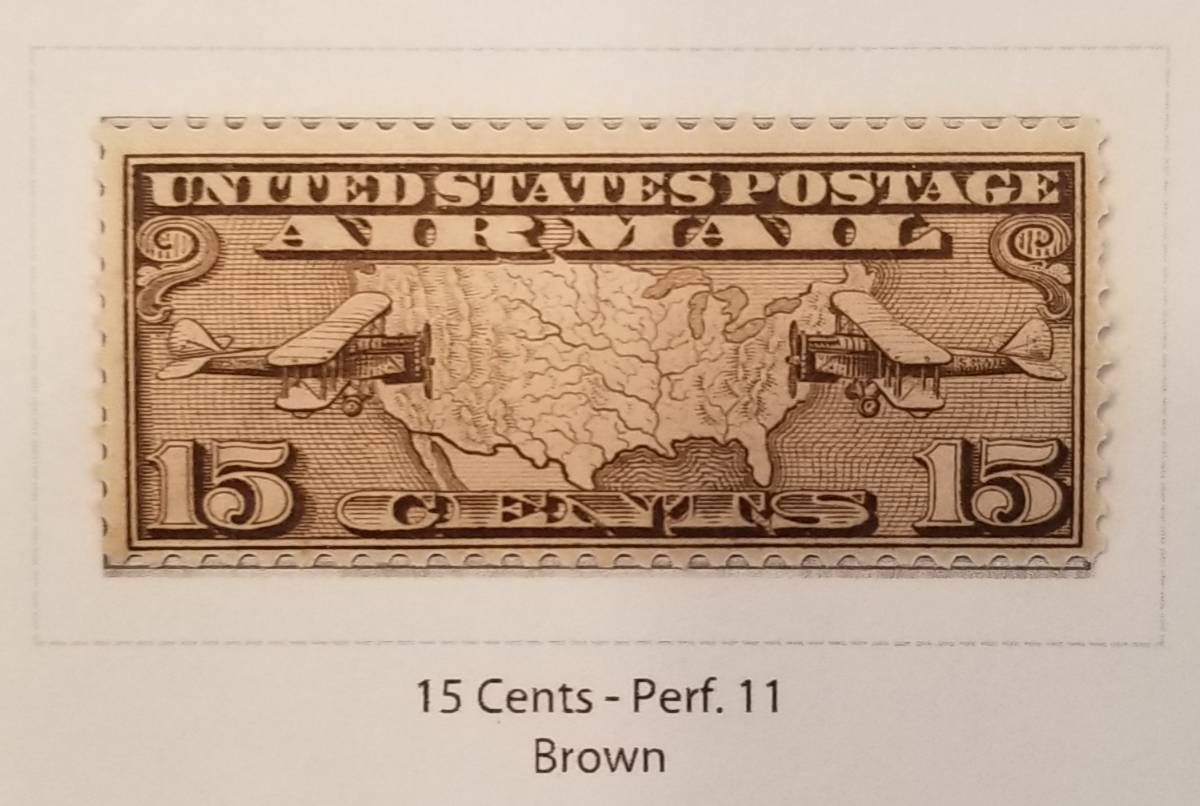
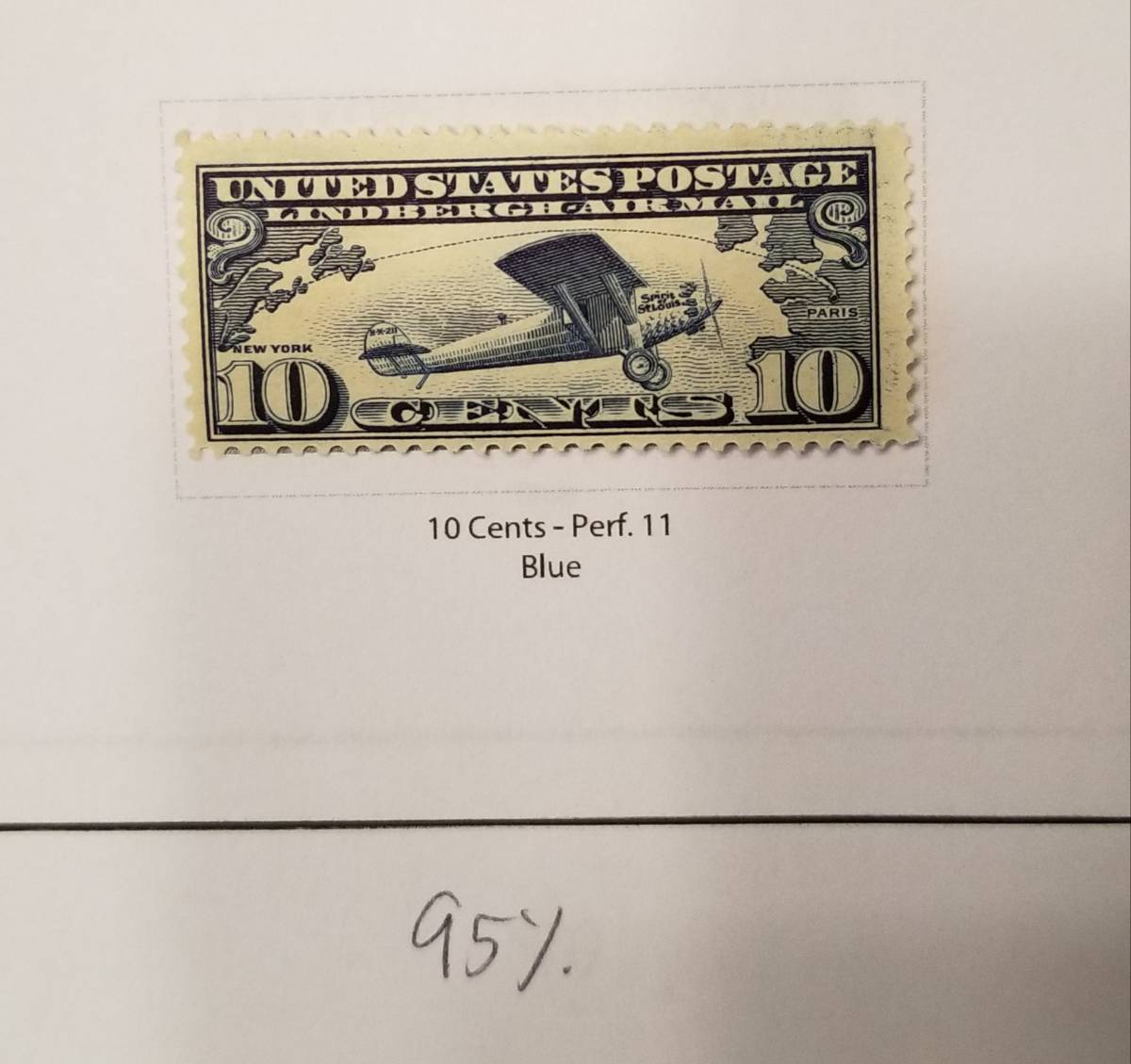
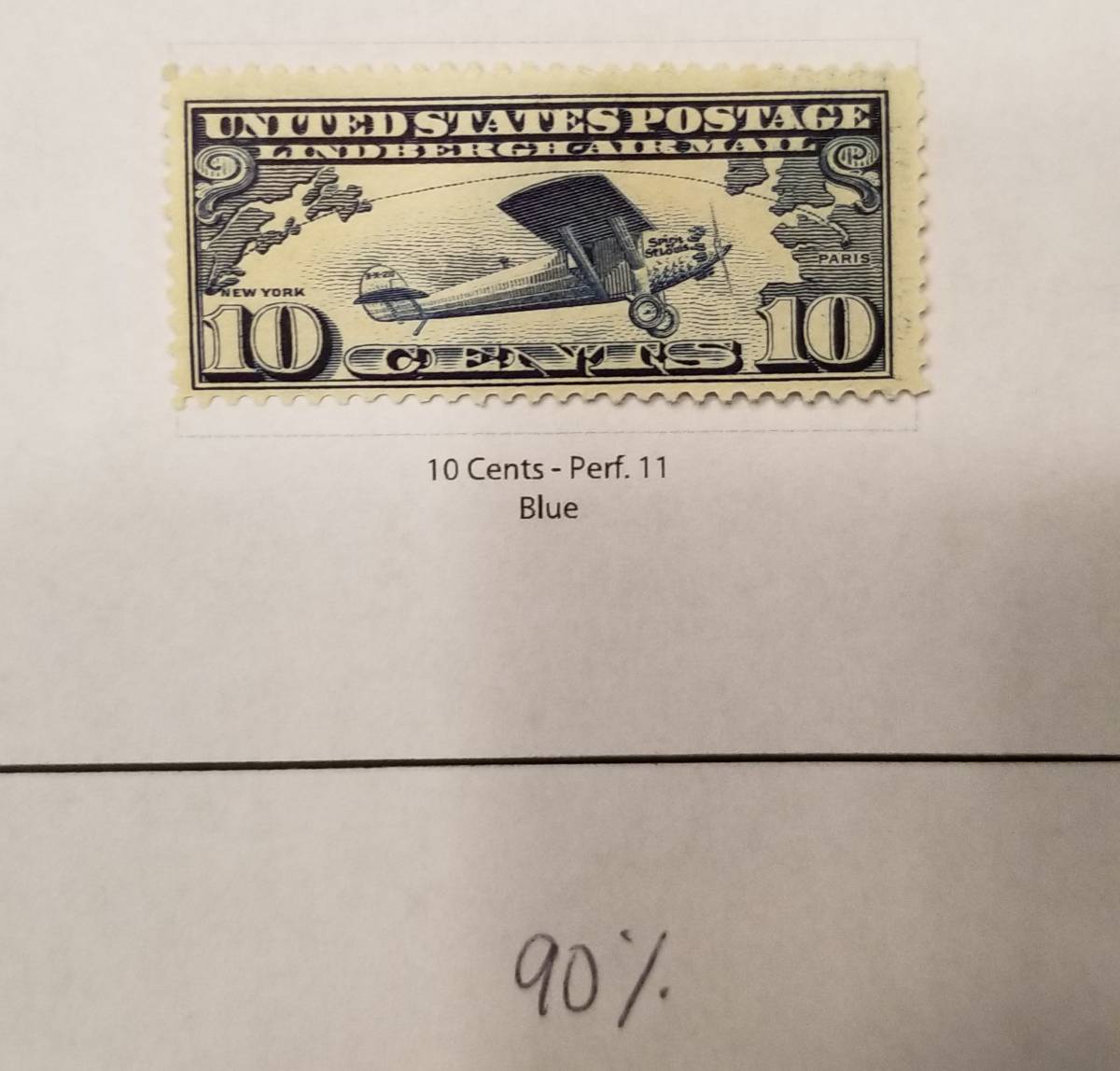
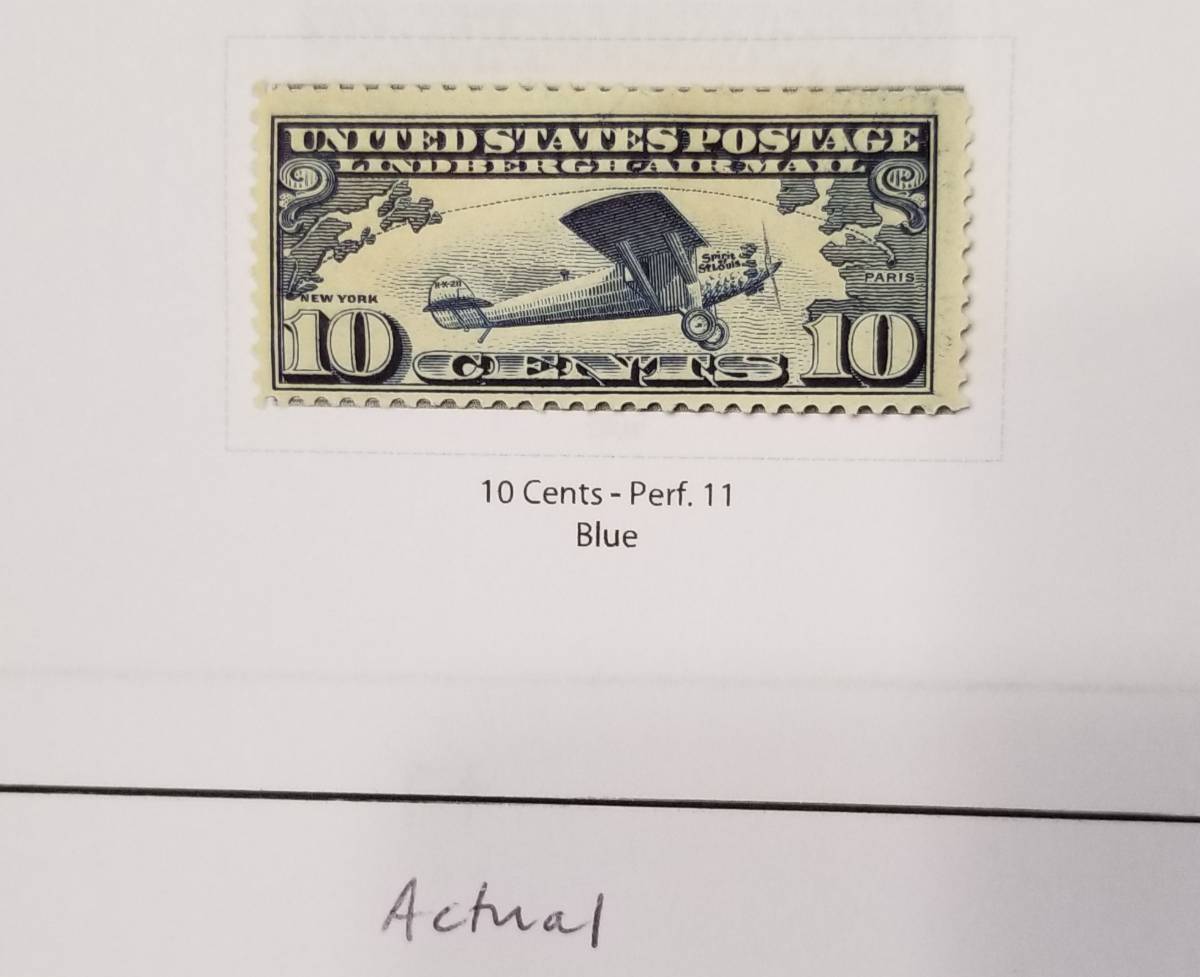
Just poking around the site I noticed that U.S. album pages are provided. These are very nice looking pages. I printed page 1 of the AIR MAIL section trying to determine if I would use these pages as part of my remounting project. The problem I ran into is that the image of the stamps that are part of the page sometimes show through the clear mount around the edges of the mounted stamps. The images in many cases are larger than the stamp itself. Anyone else notice this or does everyone use black mounts? Perhaps if I scaled down the pages to say 95 or 90 percent, I could get away with using these pages.
Update: Scaling down is a no-go. The images at 90 percent are now small enough to be covered by the stamps, but the frames are now too small.
|
|
Send note to Staff
|
| Edited by NicholasC - 03/09/2021 12:12 pm |
|
|
|
|
Moderator

United States
12330 Posts |
|
|
 Are there certain pages that you are seeing this on? Here is page one with stamps shown covering the images. I did notice that the height of the images are close to the actual stamp height (but does not exceed it), the widths have a bit more tolerance. It may be that the mount is not allowing the stamp to be centered and that the tight height tolerance has the stamp falling below the image bottom and revealing the top edge of the image? Don |
Send note to Staff 
|
|
|
Pillar Of The Community
United States
1112 Posts |
|
|
Pillar Of The Community
United States
1112 Posts |
|
|
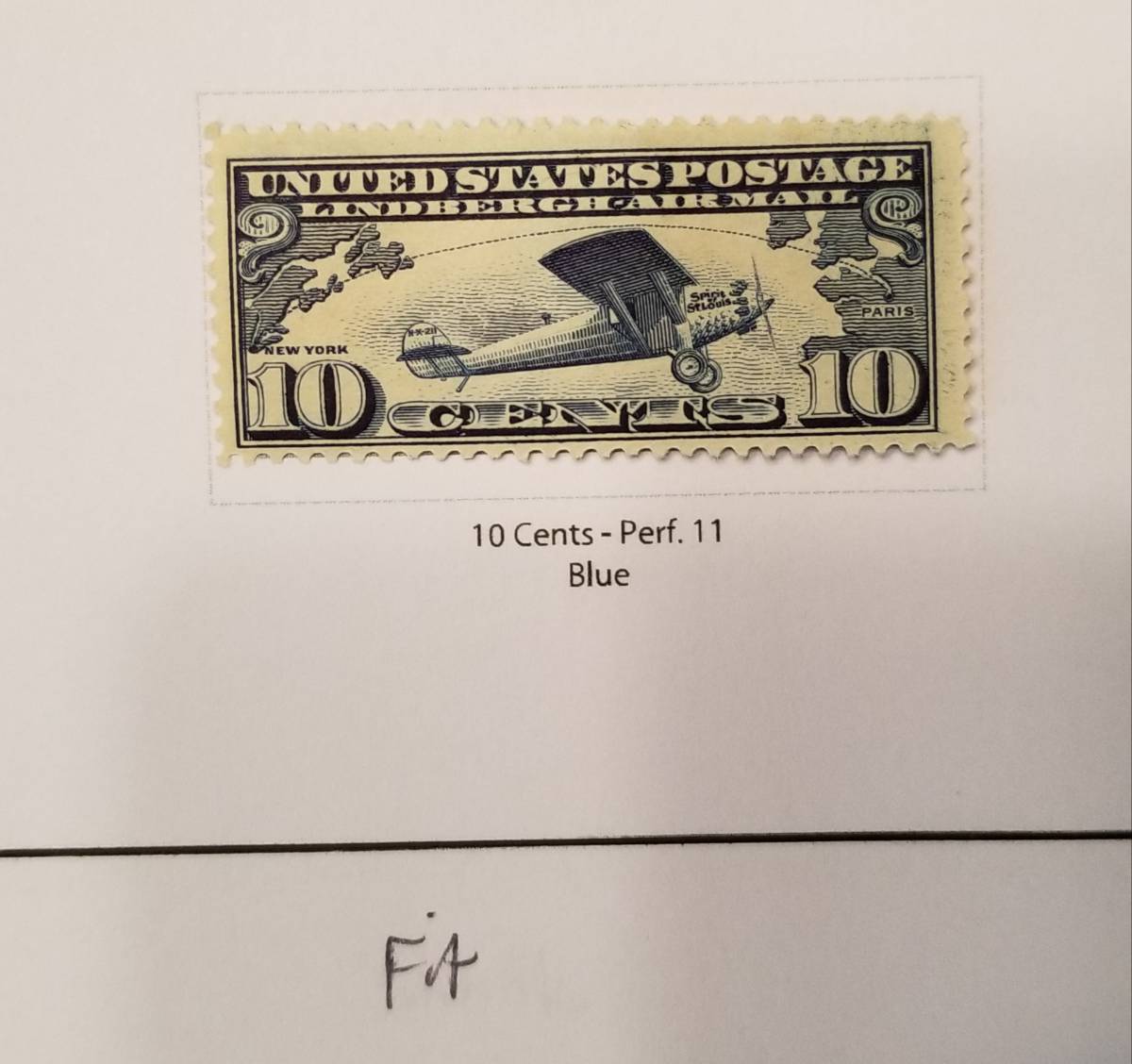
Not the best picture, but you can clearly see the image peeking out on top and bottom.  |
|
Send note to Staff
|
|
|
Pillar Of The Community
United States
1112 Posts |
|
|
Moderator
United States
12330 Posts |
|
|
Pillar Of The Community
United States
1112 Posts |
|
|
Adobe Acrobat Reader DC. Version 21.001.20142. That is the latest version.
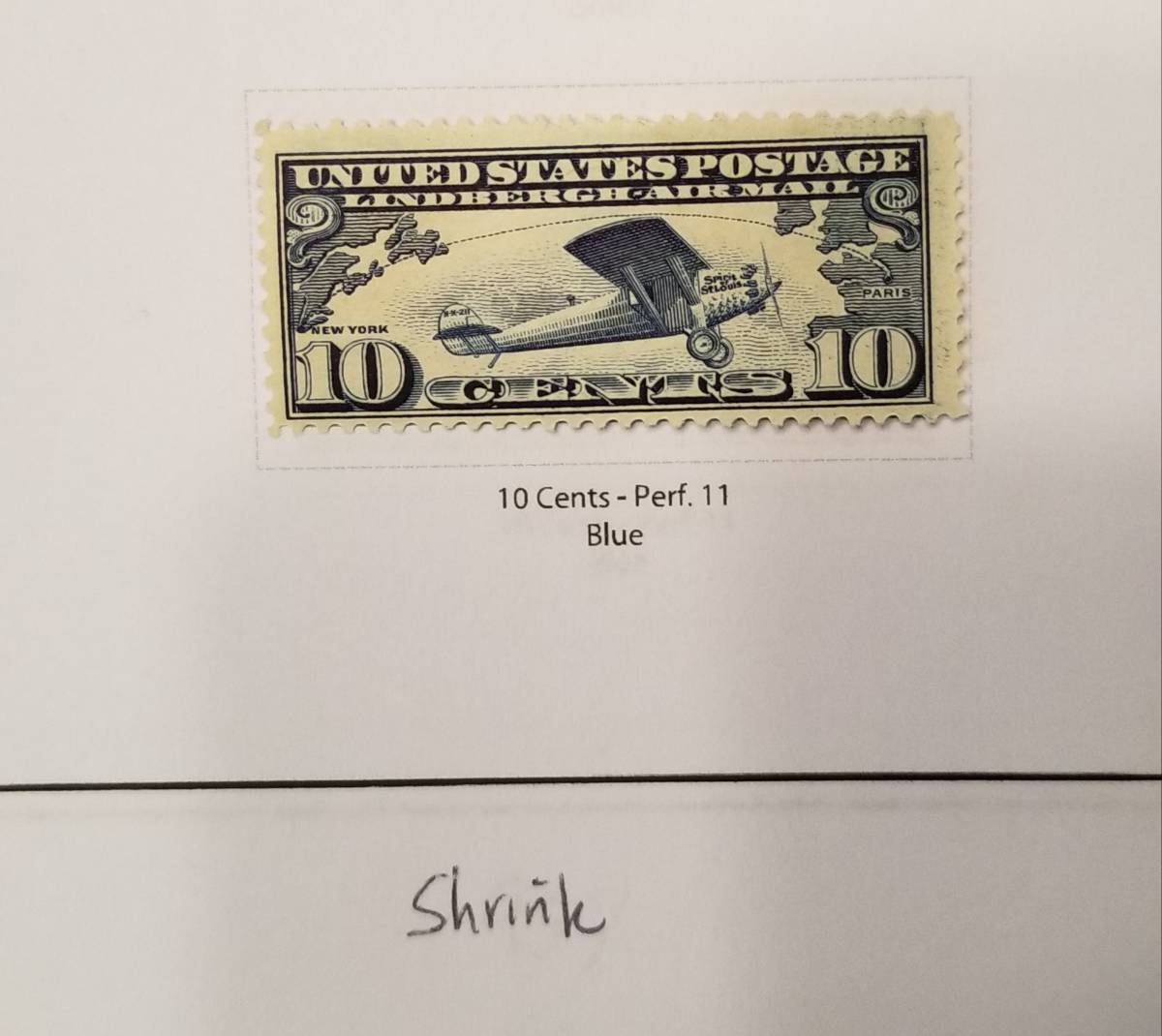
I normally print actual size. Printing with fit or shrink will scale down similar to 90 percent scale, but then boxes are wrong size again. |
|
Send note to Staff
|
| Edited by NicholasC - 03/09/2021 1:01 pm |
|
|
Moderator
United States
12330 Posts |
|
|
Have you tried changing the page scale in the 'Print' dialog box to 'Shrink to Printable Area'?  You should also be able to change the page scale in your printer or 'Advanced' printer dialog box and almost any size.  Don |
|
Send note to Staff
|
|
|
Pillar Of The Community
United States
1112 Posts |
|
|
Moderator
United States
12330 Posts |
|
|
No worries. Printing PDF are a pain, the PDF specification is all about making sure that the page layout 'looks' the same across any platform. As such, it scales to the display/printer margins and of course there are countless numbers of printers/print drivers.
I can revisit all the pages to resize the images but it will take me several days, please try fiddling with the print scaling first.
Thanks
Don
|
|
Send note to Staff
|
|
|
Pillar Of The Community
United States
1112 Posts |
|
|
Pillar Of The Community
United States
1112 Posts |
|
|
Here are settings pages from my printer. Every printer is a bit different I guess, but I can still ask for fit, shrink, and custom.   I think the frame sizes are important for showing a consistent border around the stamp. They seem to be good when I print with Actual page size. Although the large images are nice, reducing the image sizes by I'm thinking 2mm on each side will still give a nice image in the frame for reference, but will definitely be smaller than the stamp design so that nothing peeks out when a stamp is mounted. I have created some of my own pages and I create frames that are 4mm wider and 4mm taller than the stamp itself (which includes the perforations). I do this so that the mounts I cut cover the all the frame edges nicely and give a consistent border. Nick |
|
Send note to Staff
|
| Edited by NicholasC - 03/09/2021 5:49 pm |
|
| |
Replies: 11 / Views: 862 |
|




 Posted 03/09/2021 11:25 am