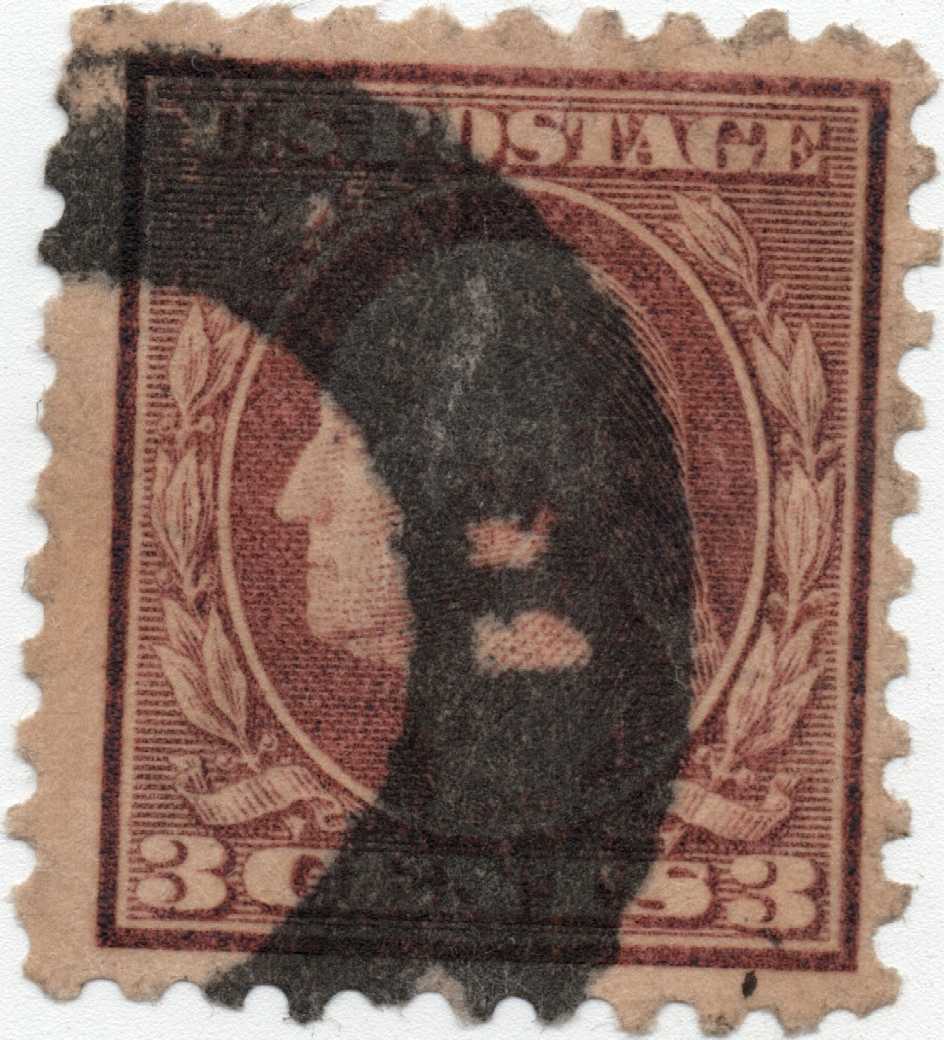
Quote:
every time I put a picture on I'm told the quality is not good enough, but when I try to put a high resolution scanned picture on it says it's too big?
Sounds about right. Best I can suggest is put an image up to meet the 300 KB limit. Then if certain details are needed just run a close up of the area in question.
One thing to look out for is when saving the image it may save bigger than shown in the image optimizer. That can be handled by unsaving the image, changing the image quality from 70 to a lower number then changing it back to 70, click save image and then the down load arrow.That should keep the size consistent with what shows in the optimizer.
A second trick to get an image to fit by size is to save and download, then click the
Click to open file picker or drag and drop images here button go to your downloads and select the image you just created which ends as "-scfopt" and repeat the optimization. The most I needed to re-optimize is twice producing and image name ending "-scfopt-scfopt-scfopt"
Of course this is only a suggestion and you were given the link to the image FAQs and process in a post above.
That all said, the image quality for your OP photo does not need to be top quality as you are showing a color, not image fine detail.





 Posted 06/05/2022 5:57 pm