Thanks for your input bk80
Quote:
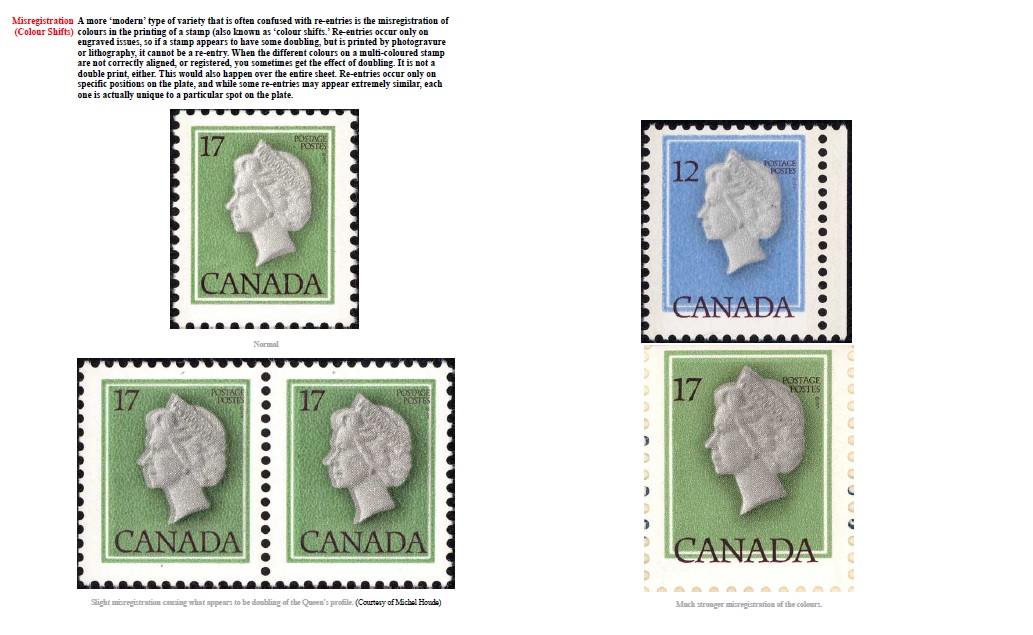
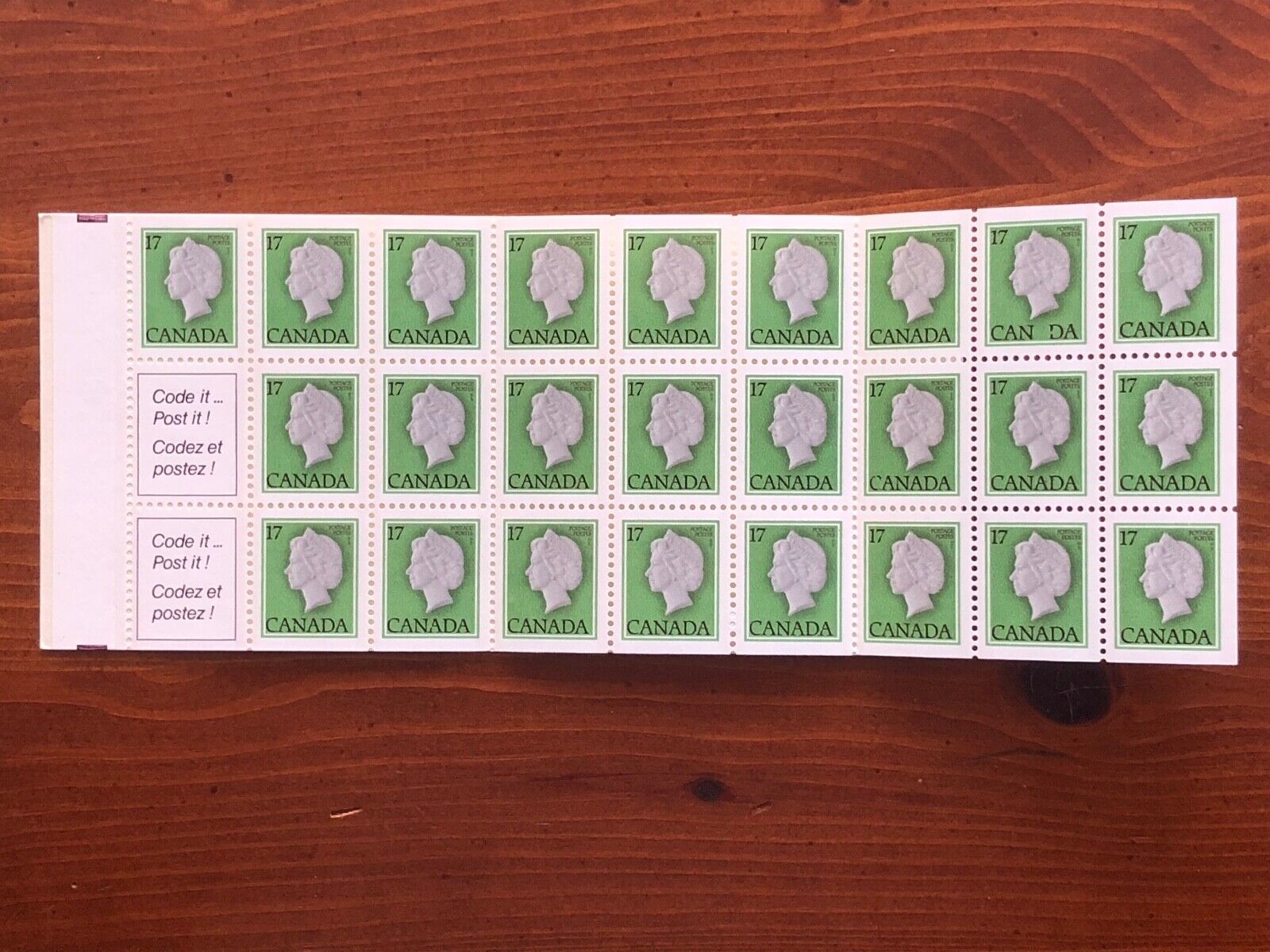
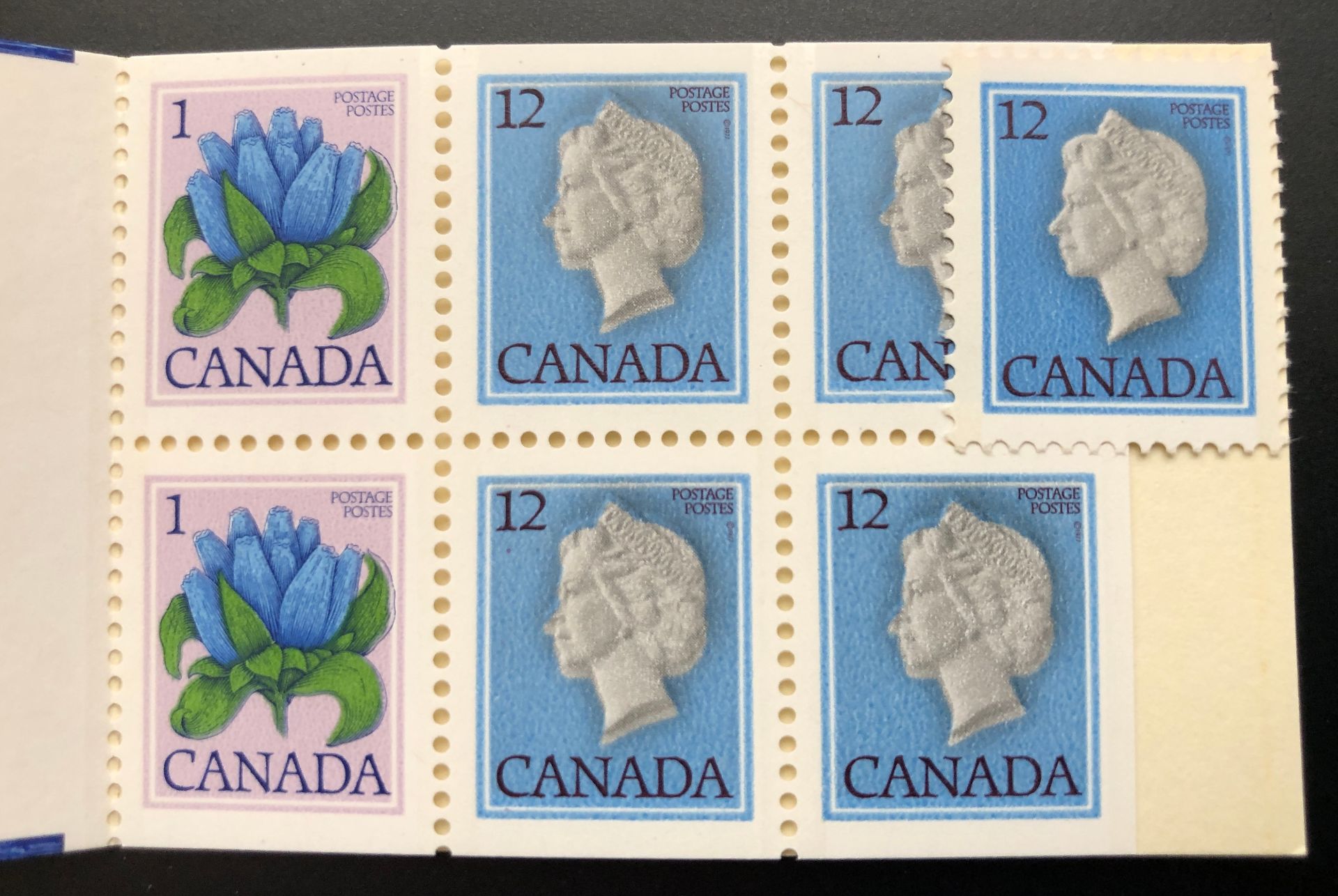
As thee paper moves through the press it first encounters the grey cylinder that only prints the grey of the face and the background around the face (that is the photogravure part 1) then as the paper keeps moving through the press it encounters the second cylinder that is supposed to add the red colour and to register it exactly onto the previously printed grey. (that is the photogravure part 2) When you look at that great picture you supplied, it is evident that the registration of colours has gone a bit off. Gray being the first and red being the next colour. Look at the top of the tiara to see. It is under the red. So the red colour is mis-registered until the printers notice and fix it. The offset is so small that it is not worth throwing out a whole run of booklets. Then as the paper still continues it meets the cylinder that will print the engraved portions. (Black lettering and the cutting guides you see on the tab on the left hand side.) This is done from the same cylinder that can handle 3 colours on the same cylendar at the same time.
So here you have three chances of getting some mis-registrations.
But a couple of things don't line up.
You mention that a red photogravure colour was printed after the grey and then
black lettering from the engraved cylinder.
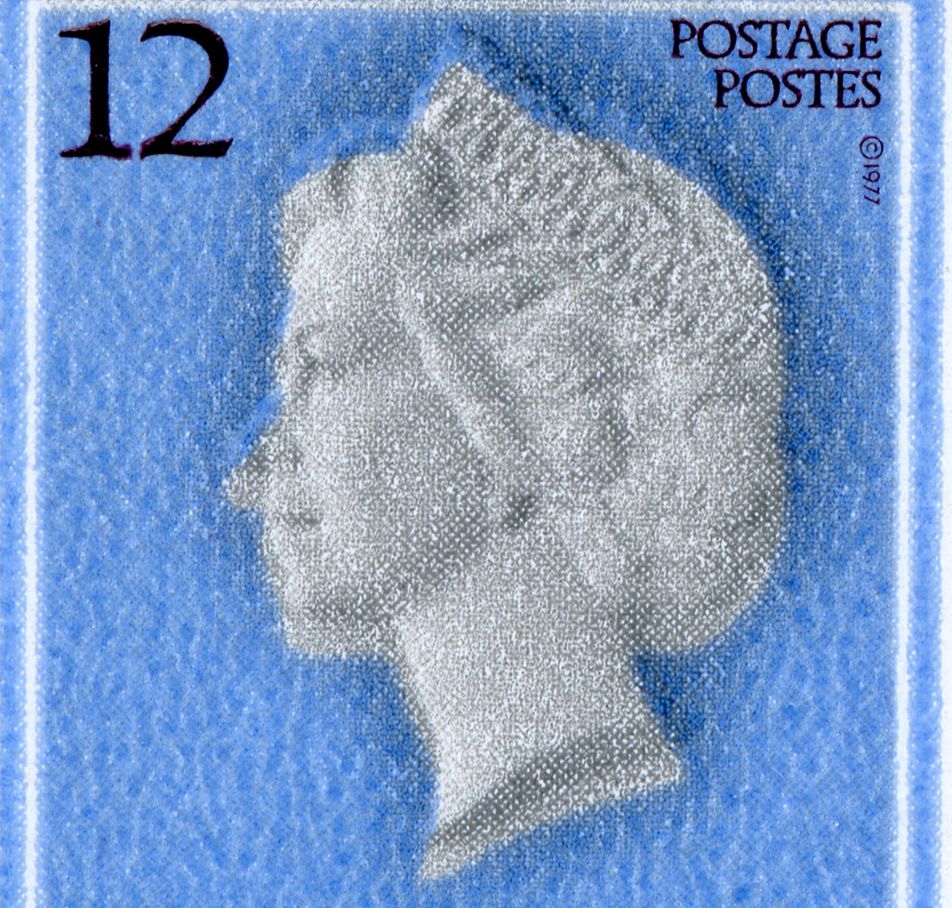
I see a light blue background and a grey cameo both photogravure and
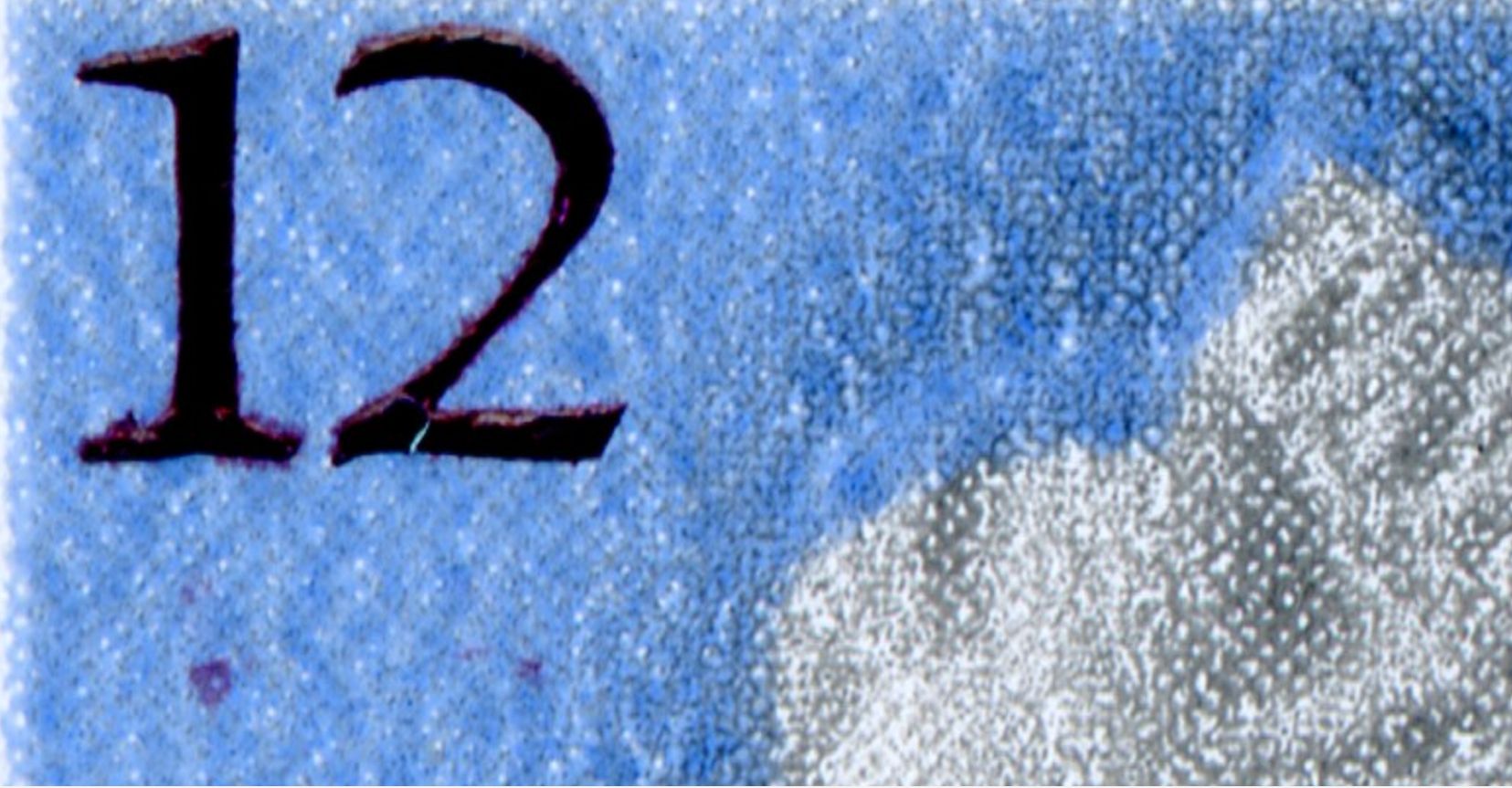
a dark maroon engraved portion for the lettering.
For the 1c gentian I see a pinkish background,light blue gentian and green leaves
all printed photogravure.
Also a dark blue engraved colour for the lettering and the outlines of the gentian.
So we have 4 photogravure inks used and 2 engraved inks.
Then you have to add the tagging which was usually printed via photogravure.
All on one pass through the press.
The dark shading surrounding the Queen's head I believe is just the grey
colour printed over the blue which makes it look darker than the grey printed over the white paper.





 Posted 02/12/2024 4:12 pm