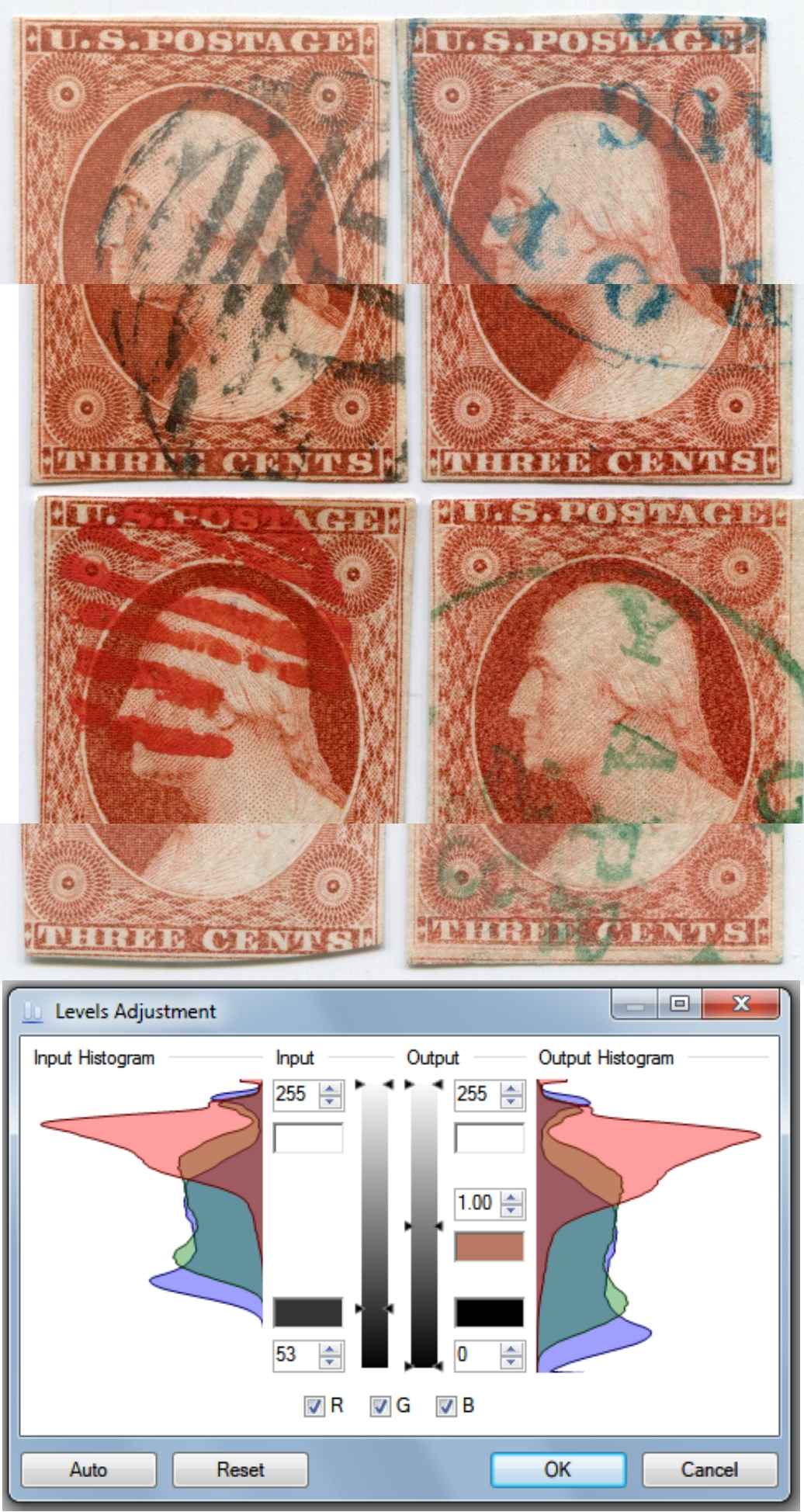
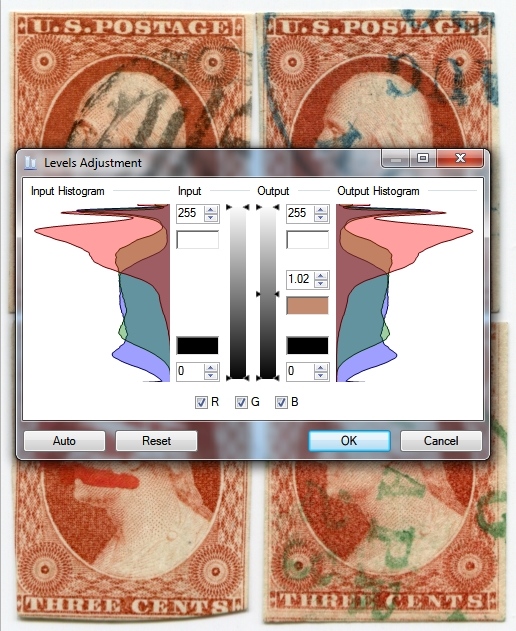
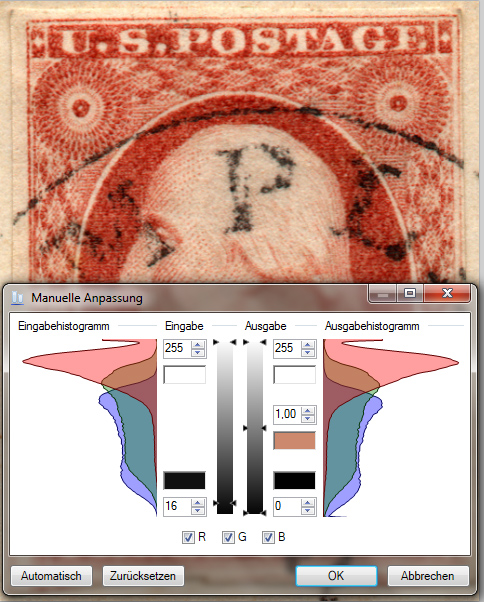
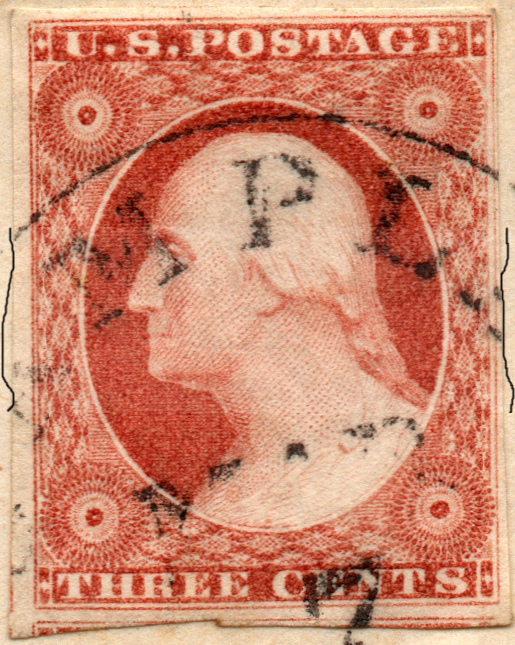
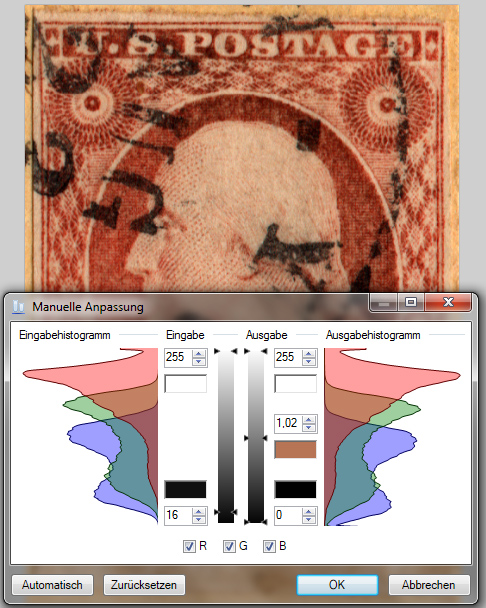
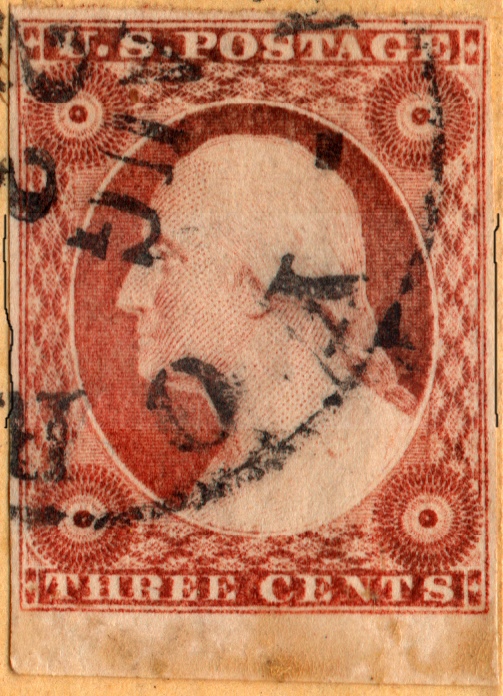
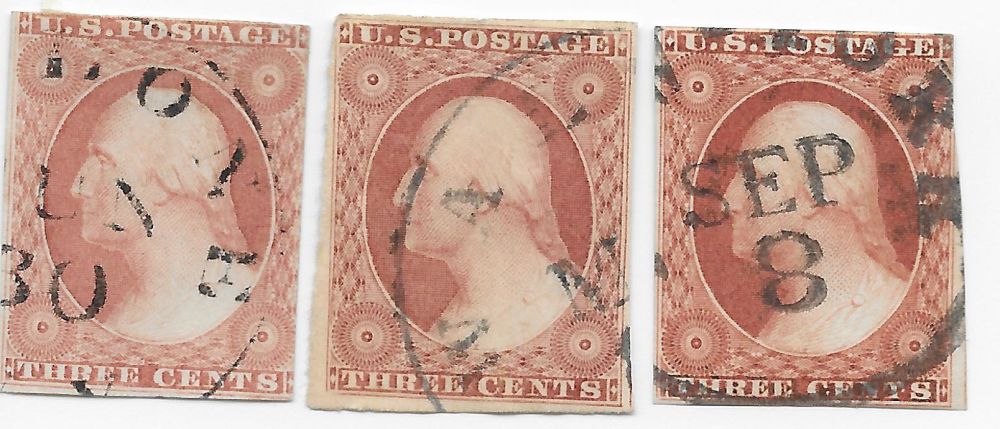
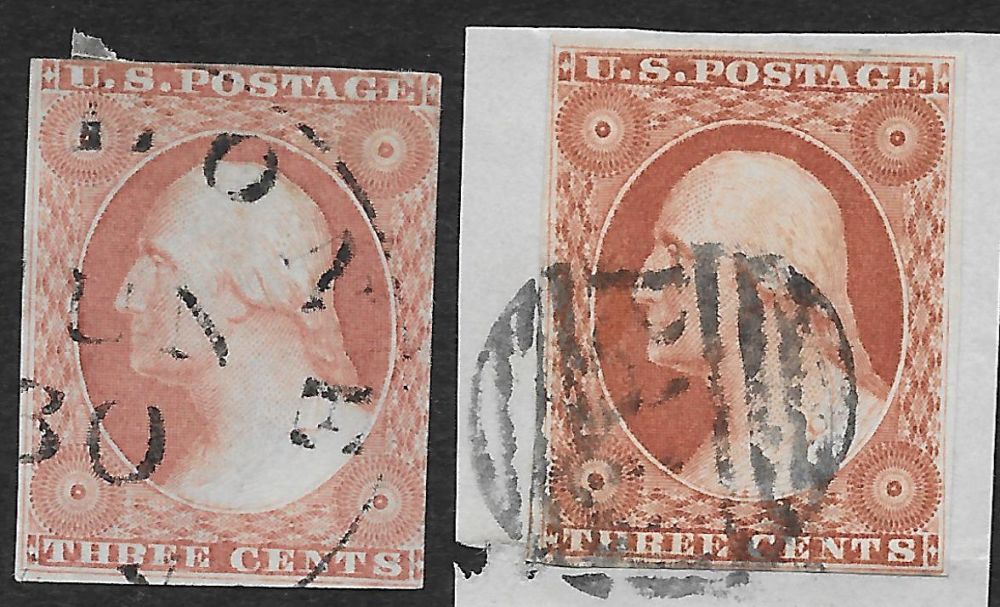
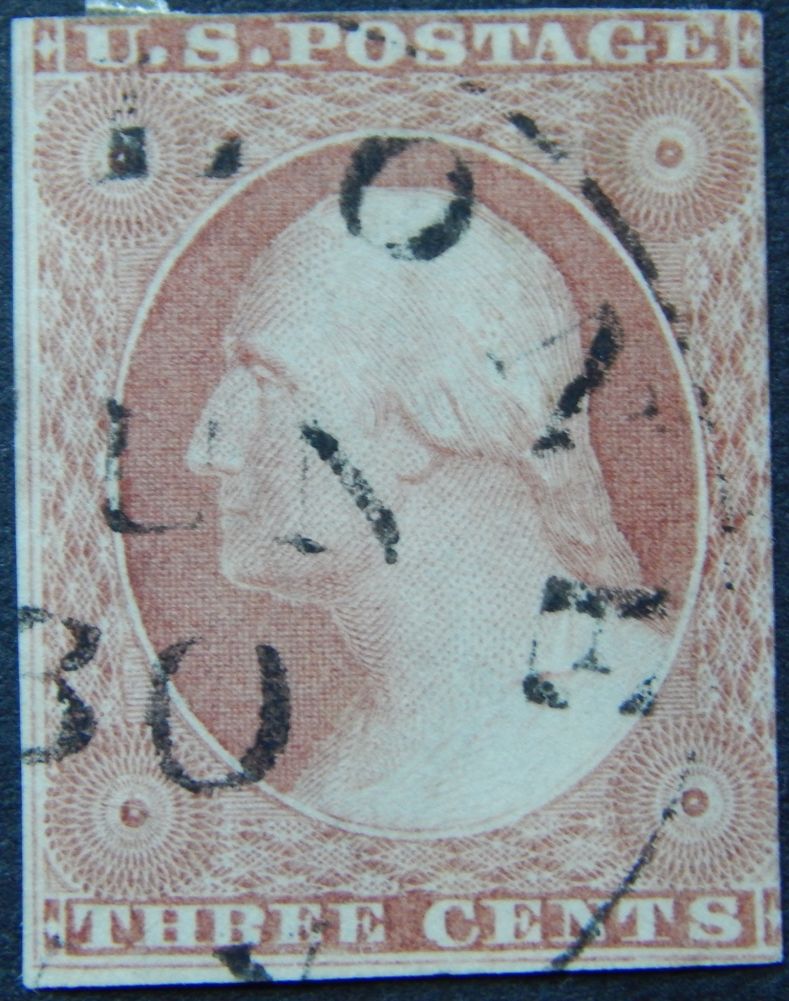
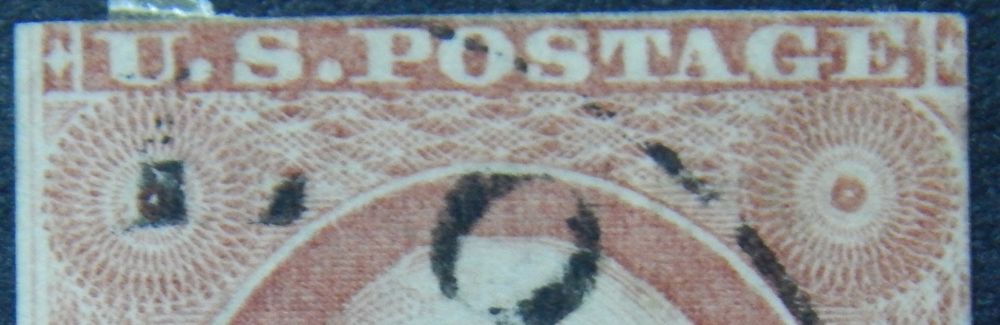
dittrich,The language barrier makes it difficult to understand exactly what you are trying to communicate, but it seems that you have set your scanner for sRGB and have learned how to set levels. Very good. It is most important that you set levels so your image looks like the stamp you have physically in your hand.
---------------------------
Don,I do recognize that output (monitor) issues can be important, but they are relatively insignificant to the issues at hand. Comparing physical stamps to displayed images on a monitor is never going to be accurate.
Comparing images that are not necessarily accurate in terms of having well adjusted levels nor with making sure no color information is lost has so far proved to be sufficient for basic color identification over the Internet. This thread is an example that proves it. Improving image accuracy by ensuring no color information is lost and setting well adjusted levels will only improve what is already working.
As for the difference between 24-bit (8-bit per RGB channel) and 32 bit images, I cannot see how that will affect computer based comparisons. 24-bit images do well in terms of representing colors on a monitor which is already at the limit that the human eye can perceive.
Ambient light sources do affect how we perceive color shades on a monitor screen. Your observation is accurate. However the color differences on one screen between two stamps are still relatively accurate. You observed a difficulty in color shade differentiation which can eliminated by not comparing color differences on a monitor outdoors where sunlight makes it difficult.
I agree with your hypothesis that observing colors presented on a monitor is affected due to perception being affected because of a black or white background. I explored this with my images on previous threads where I removed the uninked paper areas and presented them on a neutral grey background.
Things such as color metamerism and other deficiencies of scanners can be mitigated if they present as problems. So far I have not found them to be an issue.
I recently replied to Classic Coins with an email describing my current understanding of the consumer computing equipment driven color categorization and my efforts towards advancing their utilization. I included pertinent parts of it in another SCF thread:
https://goscf.com/t/46437It will hopefully help you better understand what I am trying to achieve. To remind you of a concept that we previously discussed, both the left and right side of every stamp that you view on your monitor are still the same color regardless of any inaccuracies in display settings and monitor abilities.
Calibrating a scanner not only correctly positions the levels on a black and white scale such as the "levels" discussed in this thread, it also affects the color accuracy by adjusting a scanner's output to be linear. Here is a typical consumer scanner's color accuracy before calibration:
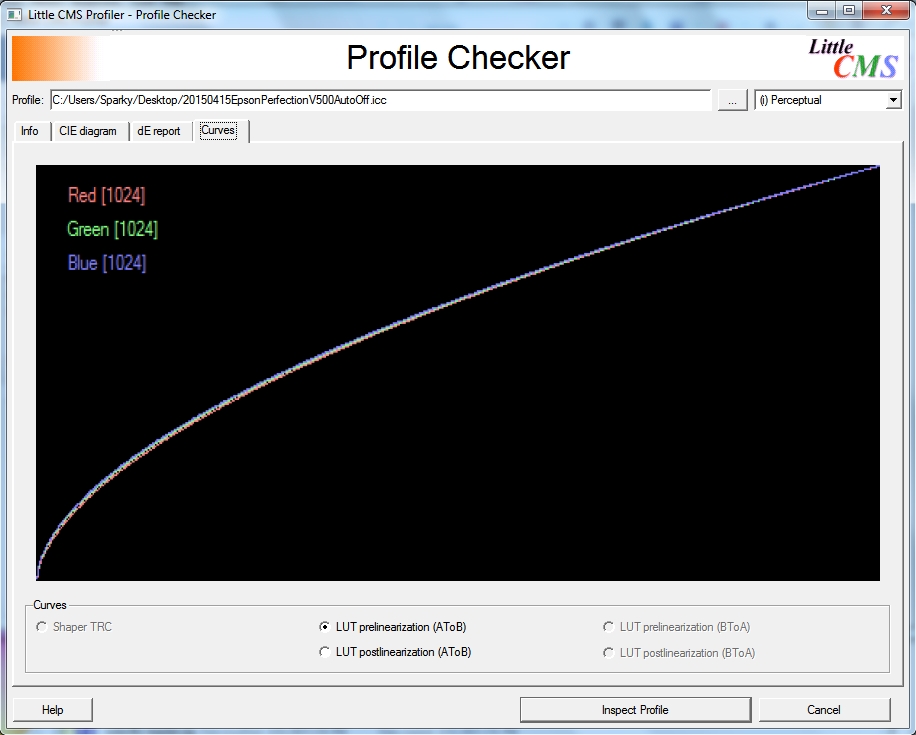
The plot doesn't have a scale to help understand the extent of the issue, but here is what the output plot looks like after calibration:
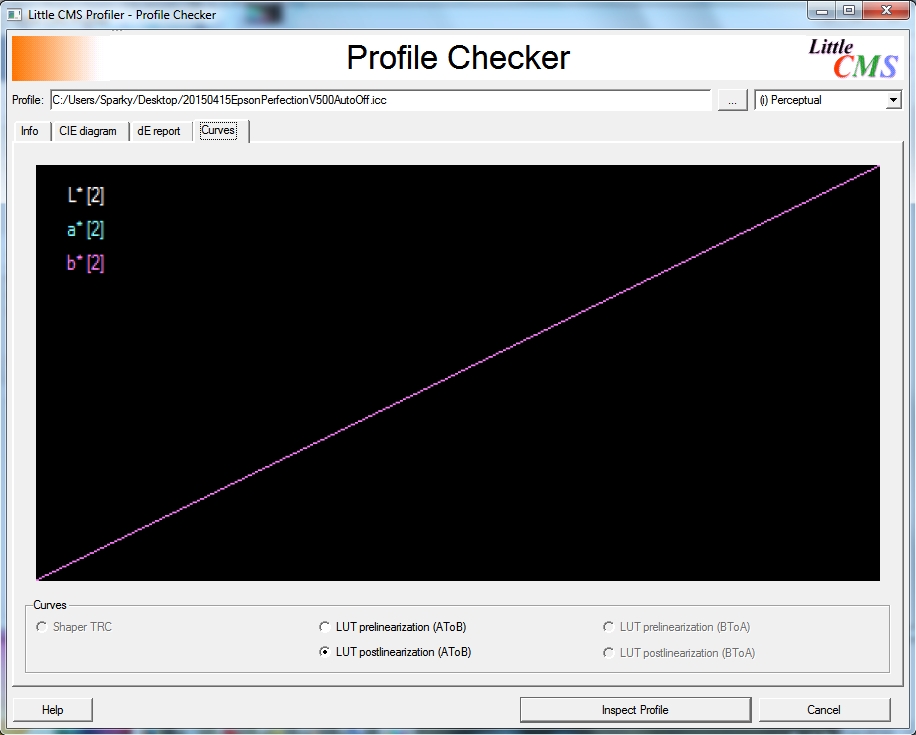
Here is a diagram where calibration changes are represented by small yellow lines at the points:
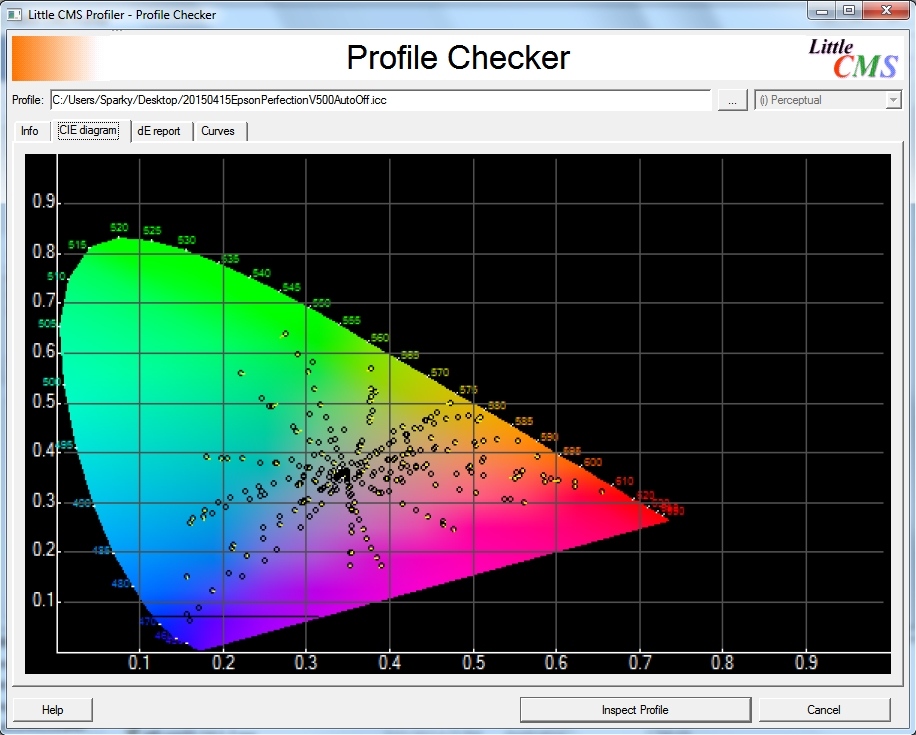
That diagram is the result of calibrating ray.mac's already pretty accurate scanner. My reason for including it is to detail the level of accuracy that I am striving for.
Yes, monitor accuracy is an issue. However it is irrelevant to the analysis types that I am advocating. Please reread my previous posts concerning these issues.
Regardless of our disagreements, I thank you for your input.





 Posted 11/02/2015 5:05 pm