| Author |
 Replies: 23 / Views: 4,236 Replies: 23 / Views: 4,236 |
|
Valued Member
Indonesia
22 Posts |
|
|
|
|
Pillar Of The Community
United States
937 Posts |
|
|
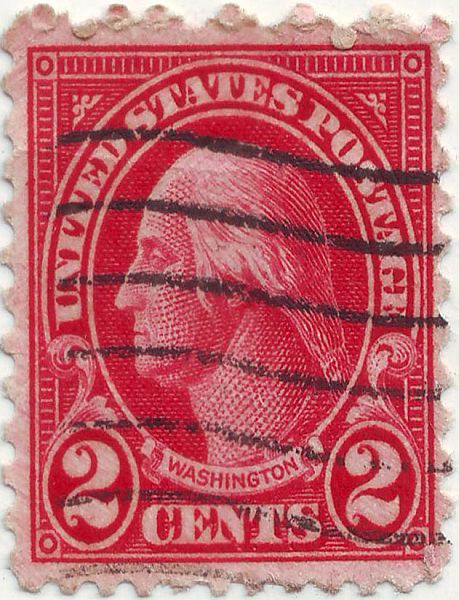
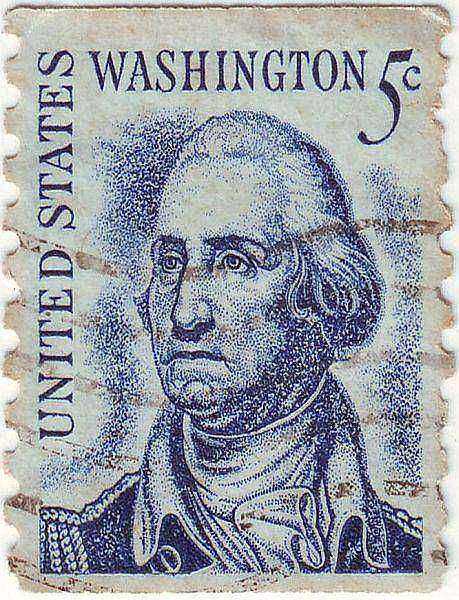
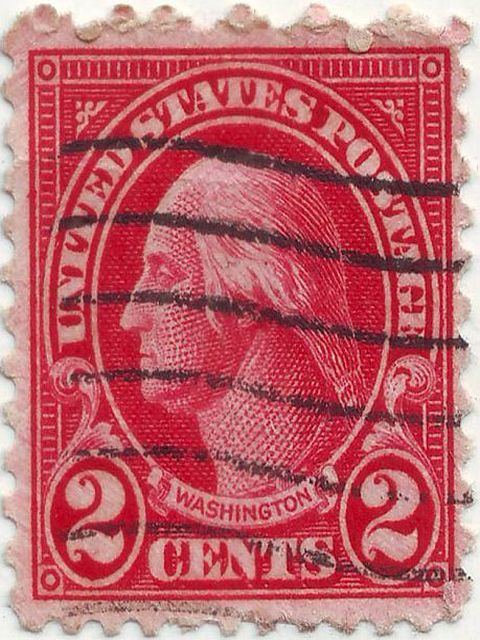
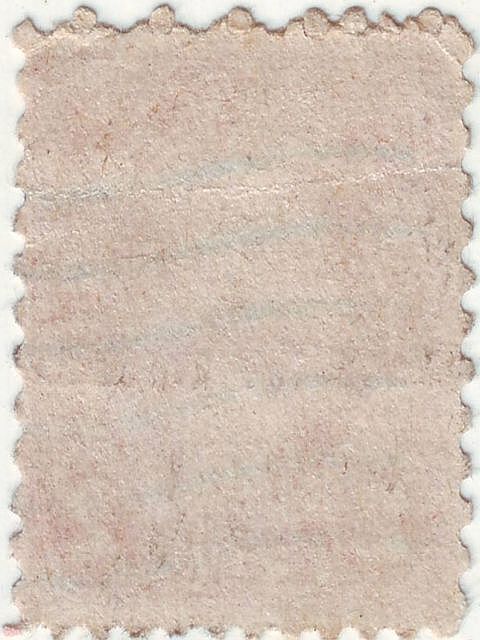
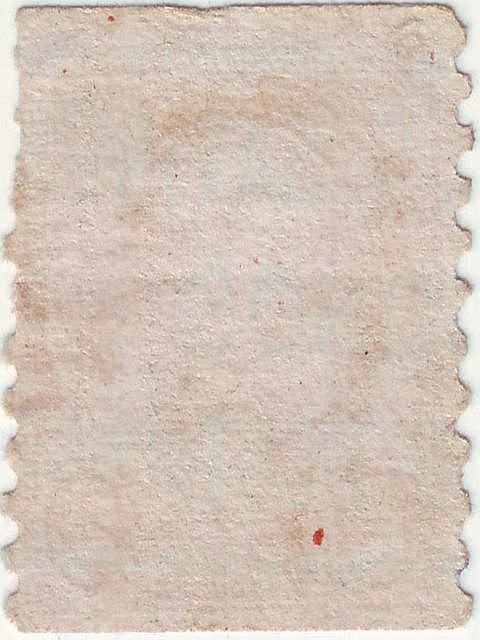
Your scans look like something went wrong. They have shrunk horizontally.
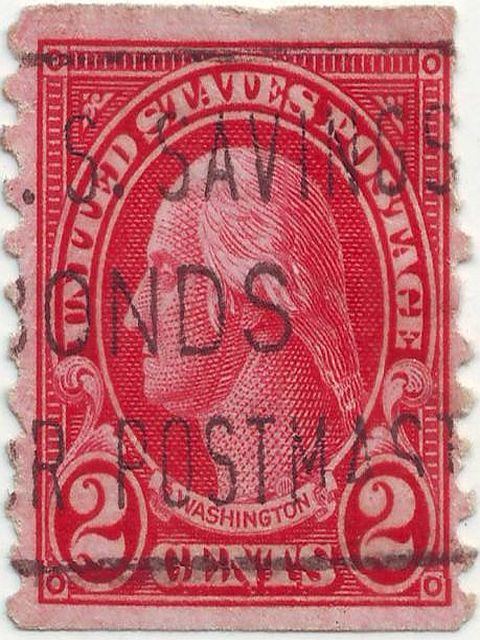
Please try to re-upload both and also scan and upload the back of the 2c red Washington stamp.
You're doing much better. Please try again.
|
Send note to Staff 
|
|
|
Pillar Of The Community
United States
1756 Posts |
|
|
Indeed, he's doing much better...
The aspect ratio really is not significant
in these scans... they are large and clear
and easy to critique... I think they're
both sufficient for ID purposes... |
|
Send note to Staff
|
|
|
Pillar Of The Community
United States
937 Posts |
|
|
disi, very true. I wanted him/her to upload a scan of the back of the 2c based on what Partime said in the last post: "In fact, it appears that your last stamp, the 2c Washington, appears to be stuck to another just behind it. You may want to check."
My asking for re-uploads of the fronts is merely an exercise in becoming familiar with image handling and uploading skills. Not necessary in this case, but still a good skill to improve.
hanafi, you're doing well. Please keep trying. |
|
Send note to Staff
|
|
|
Valued Member
Indonesia
22 Posts |
|
|
Pillar Of The Community
United States
937 Posts |
|
|
hanafi, you are getting better with each try. Please post a scan of the back of the 2c red Washington stamp.
You are very welcome. I enjoy helping you. |
|
Send note to Staff
|
|
|
Valued Member
Indonesia
22 Posts |
|
|
Thanks disi123, I enjoy with this image handling things which is new to me while hunting.
Ya , DNA .., I am working on it.. |
|
Send note to Staff
|
|
|
Pillar Of The Community
United States
937 Posts |
|
|
Valued Member
Indonesia
22 Posts |
|
|
Pillar Of The Community
United States
1614 Posts |
|
|
hanafi, your aspect ratio is off on your scans causing the size to appear squished. When you are resizing the image, depending on what software you are using, there should be a box stating something like "keep aspect ratio" or something like that. make sure it is checked. It is so the verticle size will stay even with the horizontal size when you adjust one of them. |
|
Send note to Staff
|
| Edited by Mike33 - 10/18/2014 05:35 am |
|
|
Valued Member
Indonesia
22 Posts |
|
|
@mike33 : I have already adjust the aspect ratio to 4:3 ,and it is checked on "Preserved aspect ratio "checkbox.Could you tell me what is the ratio should be?
thanks |
|
Send note to Staff
|
|
|
Pillar Of The Community
United States
1614 Posts |
|
|
Pillar Of The Community
United States
1614 Posts |
|
|
4:3 ratio is probably what's causing it. turn that setting off
let us know what the other options there are besides 4:3. That's a video setting, not a photo setting
|
|
Send note to Staff
|
| Edited by Mike33 - 10/18/2014 06:45 am |
|
|
Valued Member
Indonesia
22 Posts |
|
|
Pillar Of The Community
United States
1614 Posts |
|
|
set your width:height to 1:1 - it needs to be equal to not get that squooshy look
|
|
Send note to Staff
|
|
|
Valued Member
Indonesia
22 Posts |
|
|
Replies: 23 / Views: 4,236 |
|



 Posted 10/17/2014 9:39 pm