| Author |
 Replies: 11 / Views: 1,720 Replies: 11 / Views: 1,720 |
|
|
Pillar Of The Community
United States
4523 Posts |
|
|
|
|
Pillar Of The Community
United States
772 Posts |
|
|
Pillar Of The Community
United States
4523 Posts |
|
|
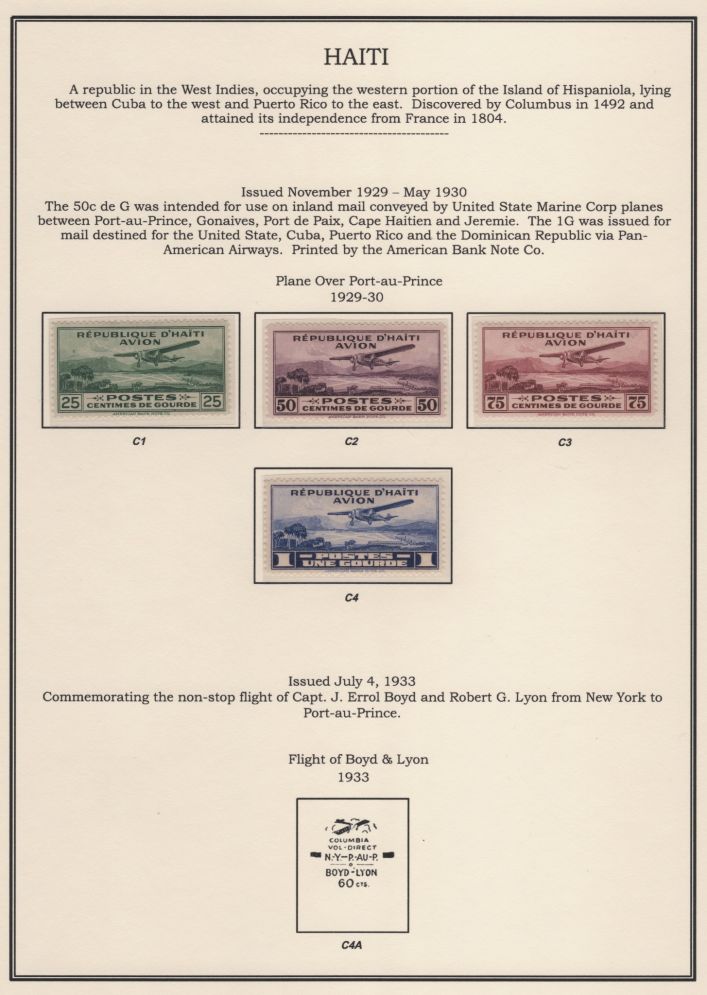
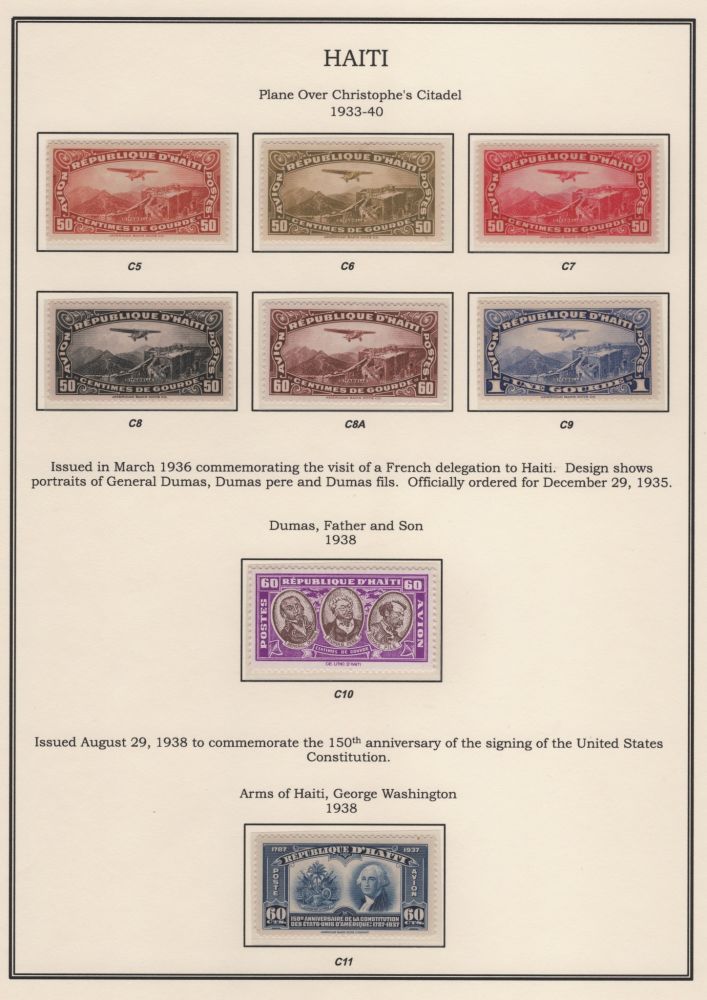
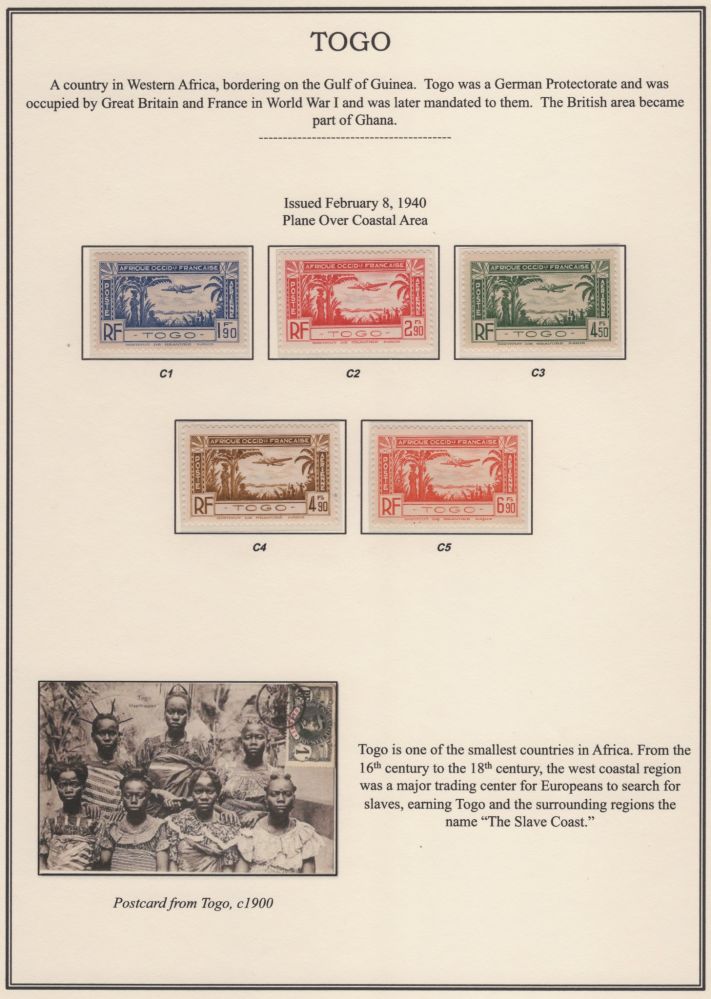
Thanks. The Palo layout is great but I am looking for print your own like Steiner. My current thinking is just replacing the pre-QE2 material since SG and Scott parallel each other after WWII. |
Send note to Staff 
|
Al |
|
|
Pillar Of The Community
United States
2115 Posts |
|
|
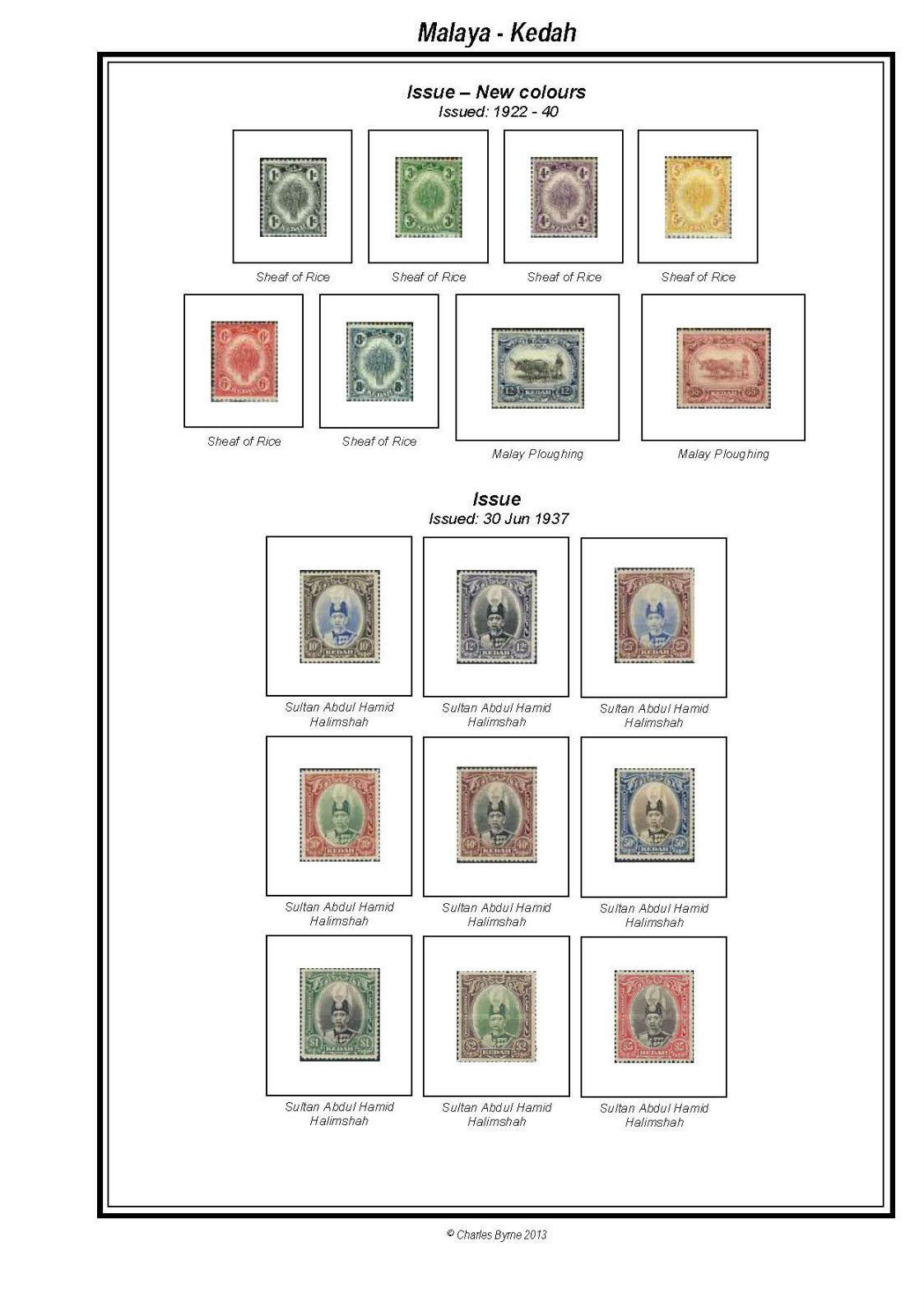
I share the interest of the OP in that I also would like to find good source for something like this. The recurring issue is that all the page programs seem to be A4 format. Understandable as this is the standard outside North America. My printer is supposed to be able to process pages A4 size but I can never get the settings right. The margins come out wrong and the printing isn't centered correctly.
I bought one of these CDs some time ago. I won't say for sure that it is the same vendor but what I got sure looks the same. When I had difficulties I tried contacting the seller and got no reply. It was just a few bucks and I didn't persue it. It would be nice if these vendors offered versions without the damned frame lines. That is usually the major issue in converting A4 to letter size. |
|
Send note to Staff
|
|
|
Pillar Of The Community
United States
772 Posts |
|
|
Ok, how about just modifying your Steiner pages to match the SG format? |
|
Send note to Staff
|
|
|
Pillar Of The Community

United States
3046 Posts |
|
|
Palo pages are Steiner pages cleaned up and made pretty. Bill Steiner confirmed with me that Palo has a license for his pages. I think newer Palo supplements are made by Palo, since they have supplements that Steiner doesn't have available yet.
Modifying Steiner pages is hard, since they're PDFs. You can kinda fiddle with them using Libreoffice, but the centering of text gets all wonky. I'm sure you can do a better job in Adobe Acrobat, but then you're out $700. |
|
Send note to Staff
|
|
|
|
Pillar Of The Community
United Kingdom
8636 Posts |
|
|
Why not just embrace quadrille, a ruler and a pen? Or quadrille and some Hawid mounts? |
|
Send note to Staff
|
|
|
Pillar Of The Community
United States
772 Posts |
|
|
Pillar Of The Community
United States
4523 Posts |
|
|
I have Acrobat 8 but my version does not convert to ppt but there are online free converters that seem to work quite well. |
|
Send note to Staff
|
Al |
|
|
Pillar Of The Community
United States
4523 Posts |
|
|
This is a screen shot using SmallPDF online PDF to Power Point (PPTX) converter. As you can see the frames are preserved and text is in an editable box. 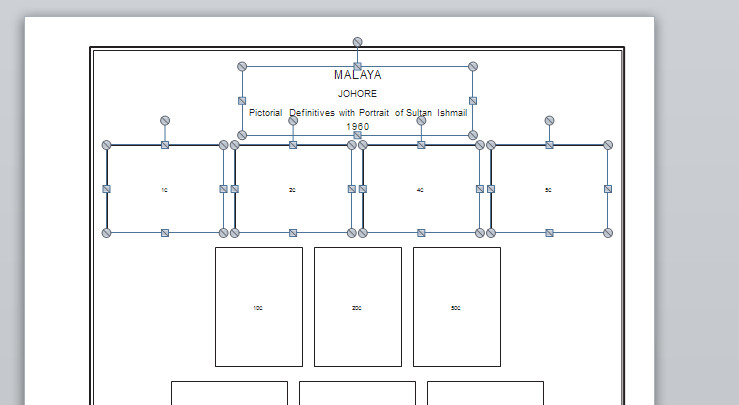 The one thing I have been trying to do is find a way to substitute the font in an already created PDF. For example, Steiner's files used Helvetica but my PDF's use Arial MT. I do not have Helvetica but what I want to do is just tell Acrobat to use another font. |
|
Send note to Staff
|
Al |
| Edited by angore - 03/26/2017 07:24 am |
|
|
Pillar Of The Community
United States
772 Posts |
|
|
You may be able to do that with Acrobat Pro, not sure, but can't do that kind of global change after converted to PowerPoint.
|
|
Send note to Staff
|
|
|
Pillar Of The Community
United States
4523 Posts |
|
|
I have not seen the option in Acrobat Pro either and after a lot of internet search it does not seem to allow document font substitution where you can replace the Adobe substituted fonts for others. Now I know if you use a font that does not have very close metrics you will end up with a mess. |
|
Send note to Staff
|
Al |
| Edited by angore - 03/26/2017 08:58 am |
|
| |
Replies: 11 / Views: 1,720 |
|




 Posted 03/25/2017 08:11 am