| Author |
 Replies: 20 / Views: 2,563 Replies: 20 / Views: 2,563 |
|
Rest in Peace
7742 Posts |
|
|
Hi guys I have seen many, many donuts on lots of stamps, but never on the gum side only..haha What would cause this on this Newfoundland Scott 179... Robert 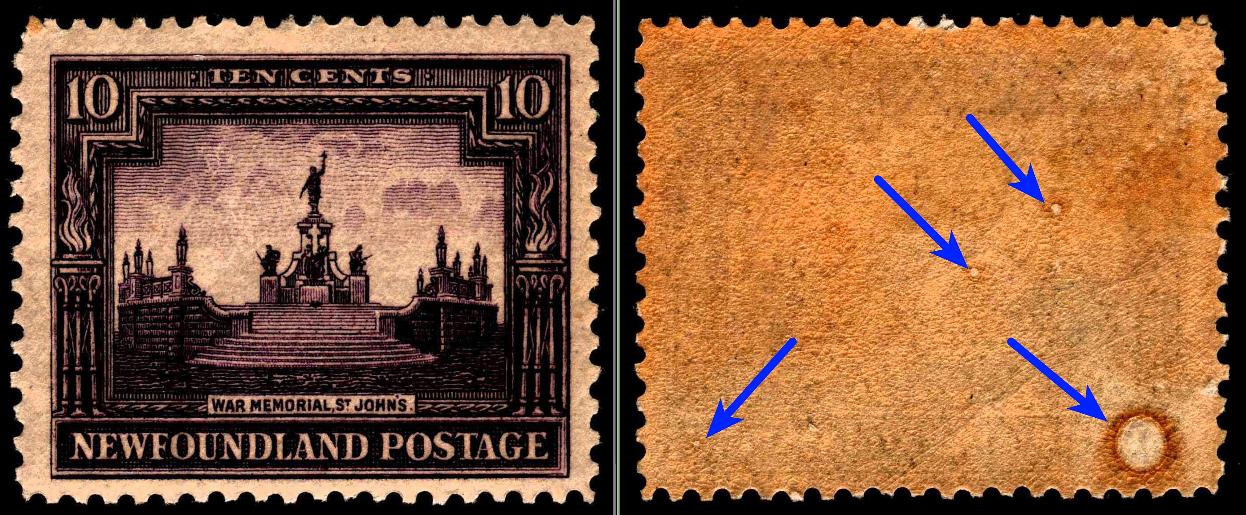 |
|
Send note to Staff
|
|
|
|
|
Moderator

United States
12330 Posts |
|
|
Hi Robert!
Bad storage over the years? What is going on with your images? (They appear dark and muddled on my screen.)
Don |
Send note to Staff 
|
|
|
Rest in Peace
7742 Posts |
|
|
Sorry Don..Scanner getting older...Are my scans really bad..?
When I look at my post..They seem good to me..?
Robert |
|
Send note to Staff
|
|
|
Moderator
United States
12330 Posts |
|
|
Here is a 600 dpi scan, no image enhancements, from my scanner 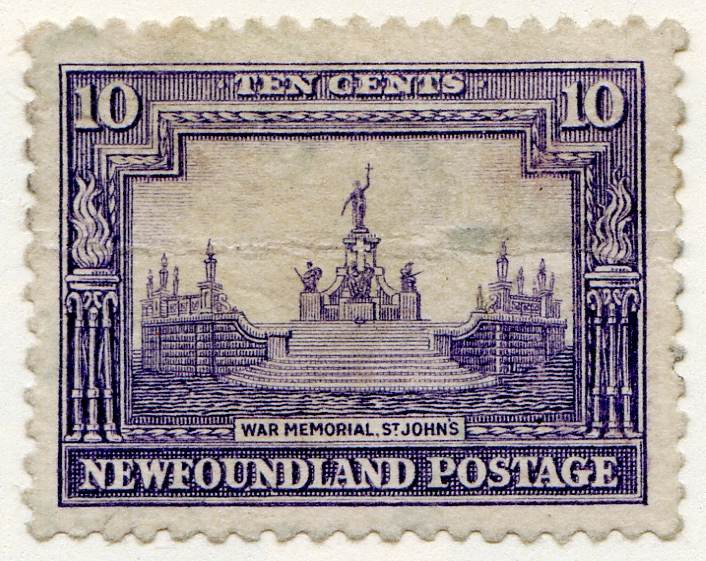 Wow, my stamp is an awful copy but hopefully it demonstrates the image differences. Don |
|
Send note to Staff
|
|
|
Rest in Peace
7742 Posts |
|
|
Sorry to bug you Don..Made some adjustments..Is the left or right stamp better.. Or are both bad..? Robert 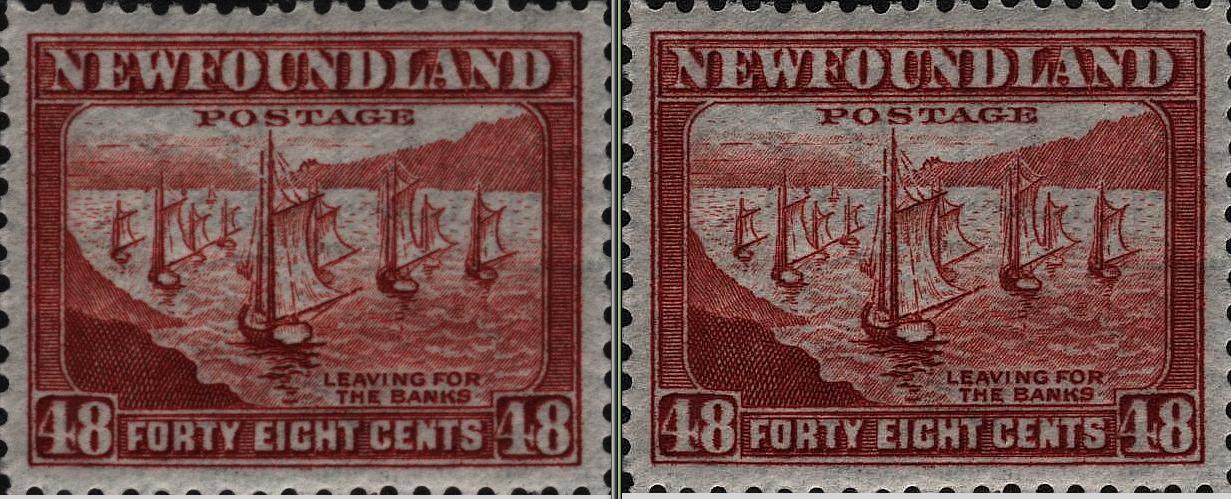 |
|
Send note to Staff
|
|
|
Moderator
United States
12330 Posts |
|
|
One on right looks like it has been sharpened but the darkness and graininess is still visible. Have you tried calibrating the scanner? There should have been a calibration sheet in the box when you purchased it or you should be able to download one. I would try that first. How old and/or how many scans has this scanner seen?
If the scanner is more than 8 years old, has seen high usage, or suffered a drop (like during shipping) it could be that the light bar has lost some of its brightness. That would make the scans dark.
Don
|
|
Send note to Staff
|
|
|
Pillar Of The Community
United States
8956 Posts |
|
|
Robert, your scans have been dark or quite some time. I have tried to point that out to you at times.
Peter |
|
Send note to Staff
|
|
|
Rest in Peace
7742 Posts |
|
|
Peter4522...So sad Don..One last chance (because my scanner IS more than 8 years old Robert 600 DPI...........................................................600 DPI with enhancement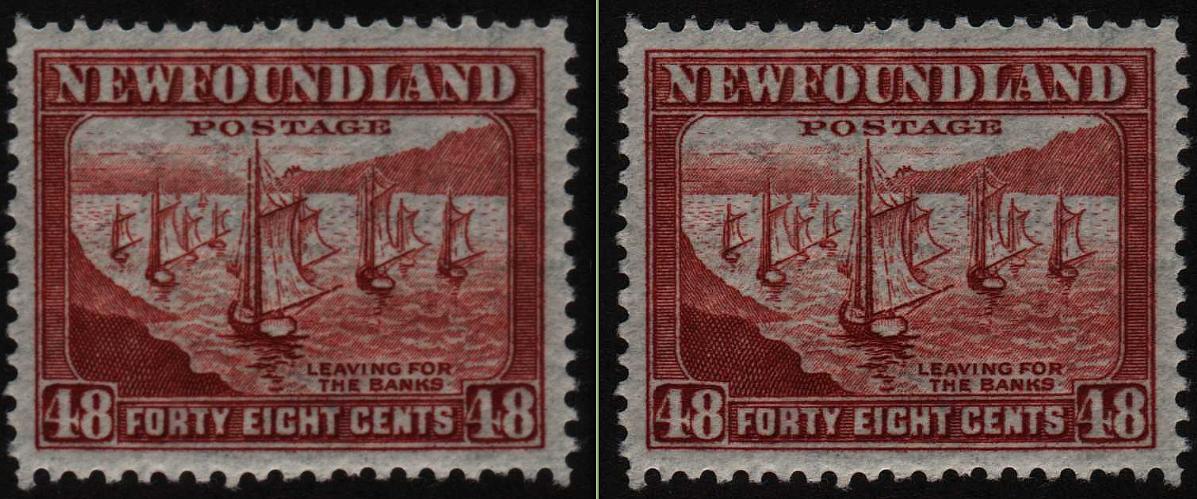 |
|
Send note to Staff
|
|
|
Pillar Of The Community
Canada
1401 Posts |
|
|
Pillar Of The Community
Canada
1449 Posts |
|
|
I agree, Robert, they are dark.....for example the New Brunswick orange # 7 shown a few days ago......looked reddish to me.....sorry ....not your fault.....scanner !!! LOL example of one of my NB7s: 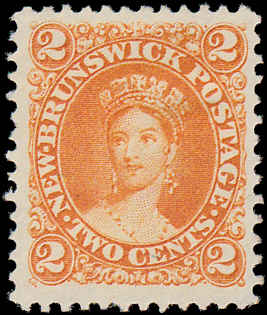 |
|
Send note to Staff
|
|
|
Rest in Peace
7742 Posts |
|
|
Hi Rene Here is the stamps taken from my cell..Does it look brighter than my scans..? Robert 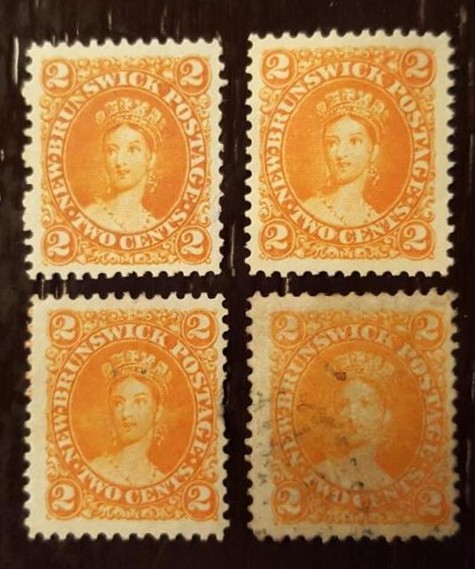 |
|
Send note to Staff
|
|
|
Pillar Of The Community
Canada
1449 Posts |
|
|
wert (Robert) I have my NB 7 and NB7c in front of me and a witness (my wife !!).......3 of yours look like NB7s and the right lower stamp looks like my 7c.....these colors look more like reality than the scans you posted earlier....my opinion since I do not own a bunch of 7s !! On scans, they look alike as you said but scans are scans !They both need more contrast to present the "reality" of my stamps Rene 7 and 7c scans, no tweeking ! 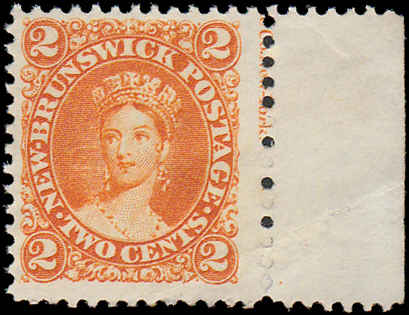 |
|
Send note to Staff
|
| Edited by Renden - 02/17/2018 7:10 pm |
|
|
Moderator
United States
12330 Posts |
|
|
Robert,
As a speccer, a good scanner is one of your most important tools. I realize they are a significant investment but I am betting that you would really get your money's worth out of a new scanner. (Especially since you enjoy working with graphics.)
Don |
|
Send note to Staff
|
|
|
Pillar Of The Community
Canada
1449 Posts |
|
|
Don, I think I need one also - what do you recommend (cheap but OK !!!)
Rene |
|
Send note to Staff
|
|
|
Pillar Of The Community
United States
8956 Posts |
|
|
Robert, the four yellow stamps that you posted look indeed much brighter than the original posted 179.
Peter |
|
Send note to Staff
|
|
|
Pillar Of The Community
Canada
1449 Posts |
|
|
Peter,
same impression given to Robert. My scans need a little more contrast as I compare to the real stamps
Rene |
|
Send note to Staff
|
|
|
Replies: 20 / Views: 2,563 |
|




 Posted 02/17/2018 2:34 pm


