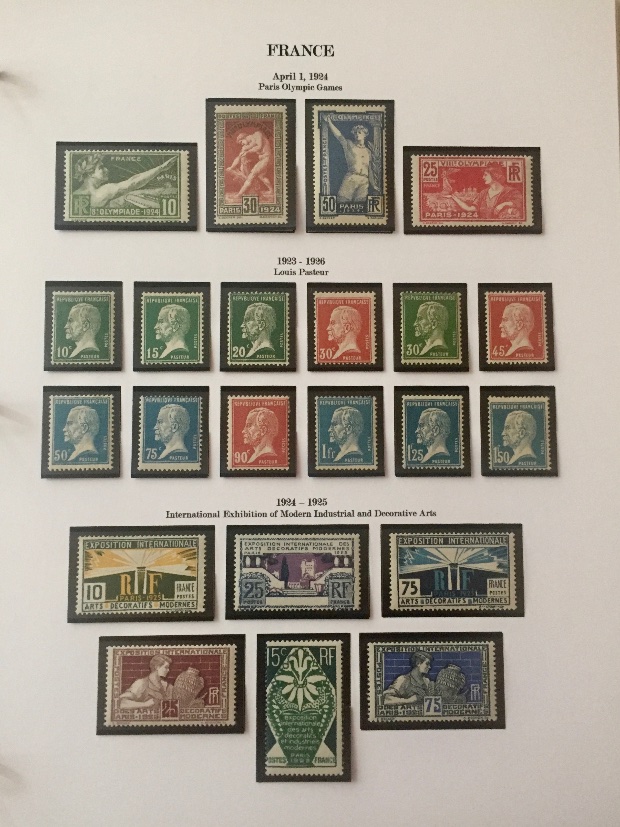
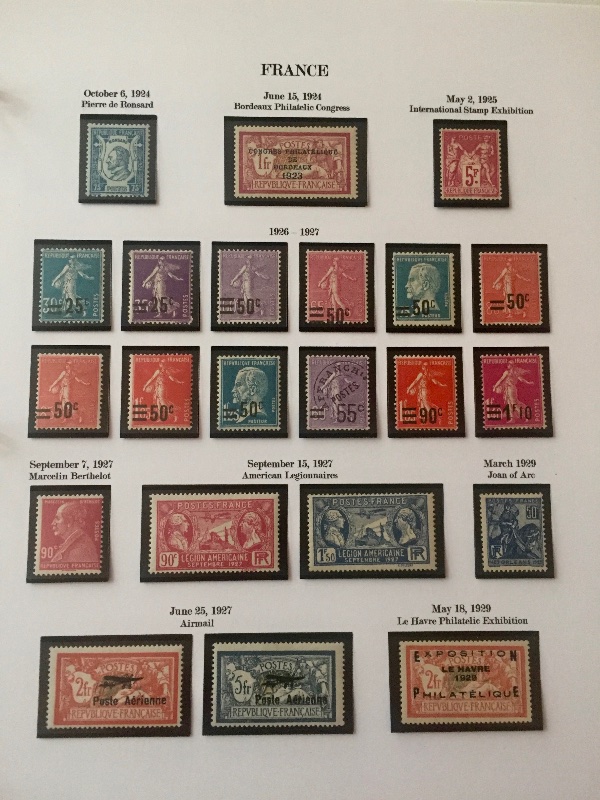
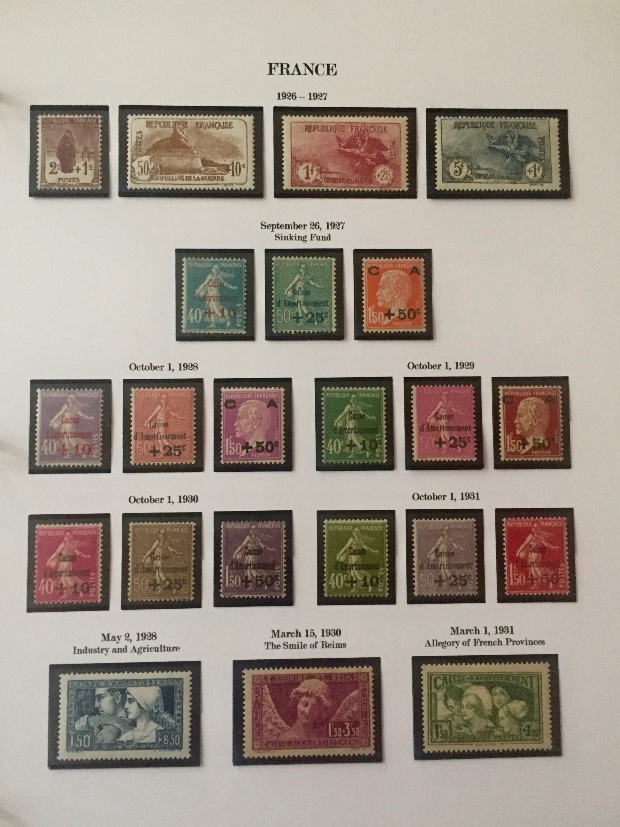
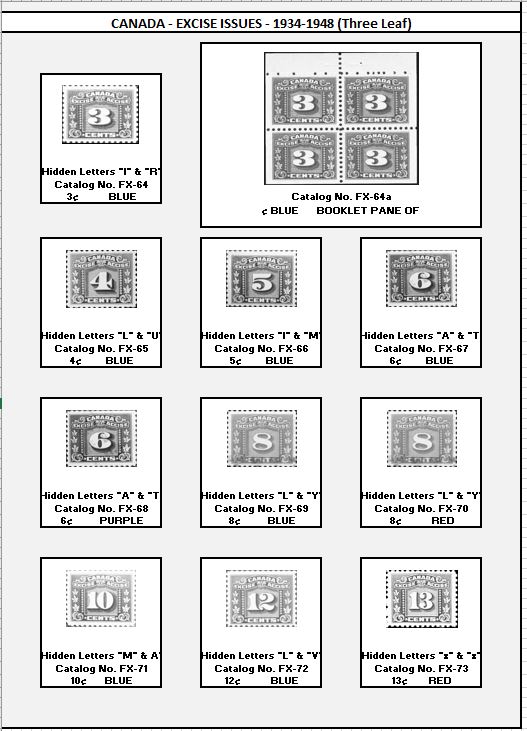
BwanaBob: It's really easy.

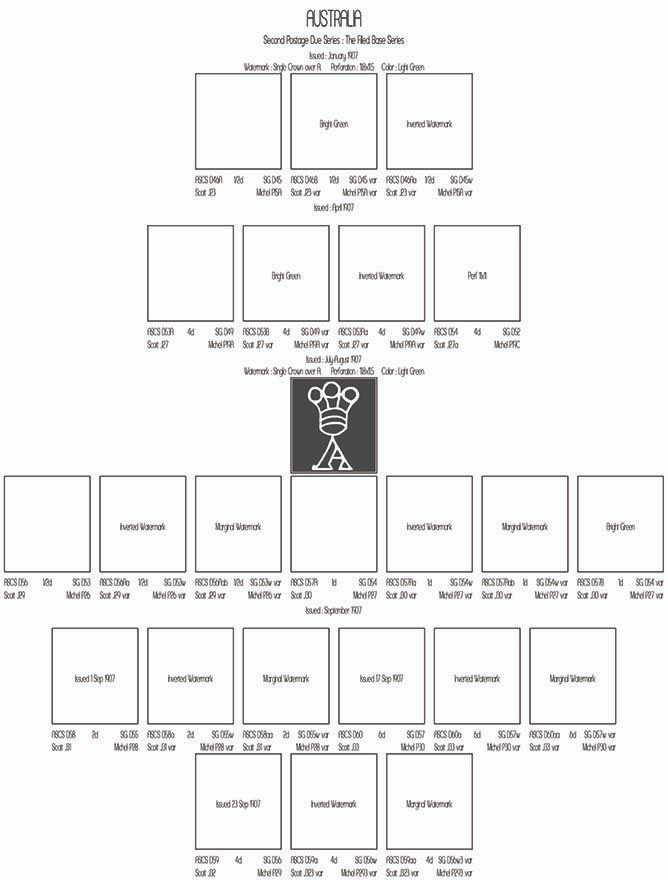
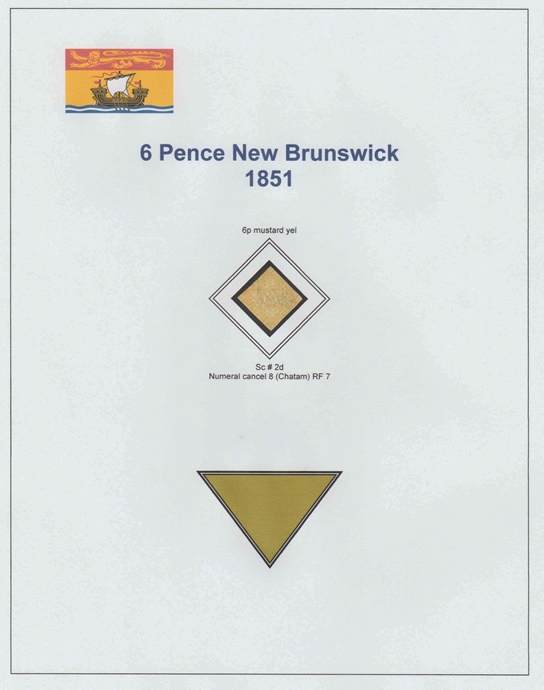
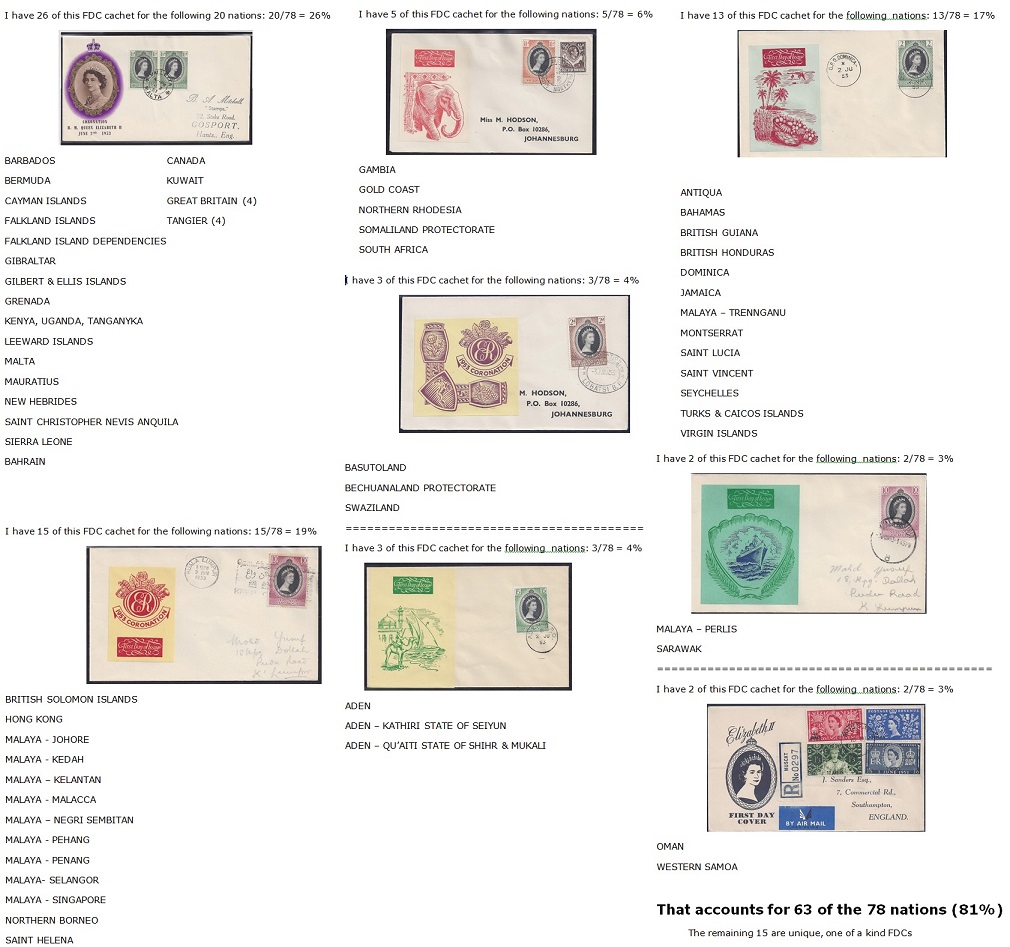
Use the PAGE_TEXT_CENTRE command, like this...The text will auto-wrap if there's too much for the page width.
PAGE_START # page -31-
ROW_START_FS (HN 6 0.1 6.0)
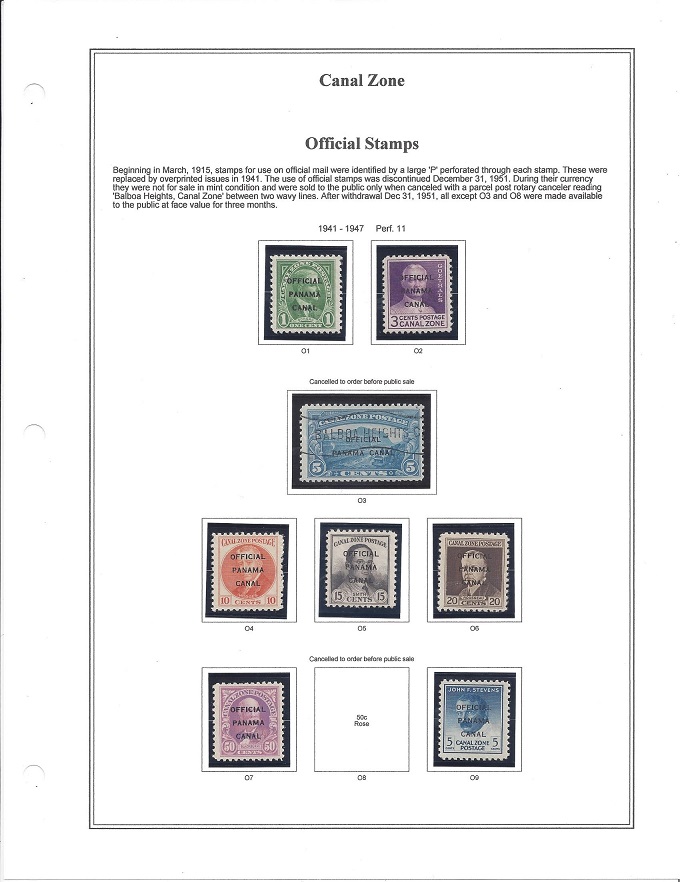
PAGE_TEXT_CENTRE (TB 16 "Official Stamps")
PAGE_TEXT (HN 8 "Beginning in March, 1915, stamps for use on official mail were identified by a large 'P' perforated through each stamp. These were replaced by overprinted issues in 1941. The use of official stamps was discontinued December 31, 1951. During their currency they were not for sale in mint condition and were sold to the public only when canceled with a parcel post rotary canceler reading 'Balboa Heights, Canal Zone' between two wavy lines. After withdrawal Dec 31, 1951, all except O3 and O8 were made available to the public at face value for three months." 4.0)
STAMP_ADD_BLANK (5.0 5.0)
ROW_START_FS (HN 6 0.1 6.0)
PAGE_TEXT_CENTRE_VSPACE (HN 8 "1941 - 1947 Perf. 11" 3.0)
ROW_START_FS (HN 6 0.1 6.0)
You have several options for placing text on a page. You are not limited to just within, below, or above the frames. If you want more information, let's take it off the forum. Use the forum email to send me a message me and include your private email address along with your questions.





 Posted 03/10/2018 10:21 am