I simply use Word because I am used to it.
Go to Insert.
Select Shapes.
Select a rectangle.
Right click on the rectangle.
Select Format Shape.
Select Fill, and click on No Fill.
You should have a black rectangle on your page.
Right click on it again and select Format Shape.
You should now have the ability to size the rectangle to a specific size. I add 4mm to the height of the stamp, and 5mm to the width for the black box.
Most of my tax stamps are the same size for the series, so once I get the first one, I can just copy and paste as many as I need for the page. I like white space and so do not squish everything together.
Be aware there is Album Page software available here in SCF, but I have not used it.
I print with my LaserJet on 110 pound card.
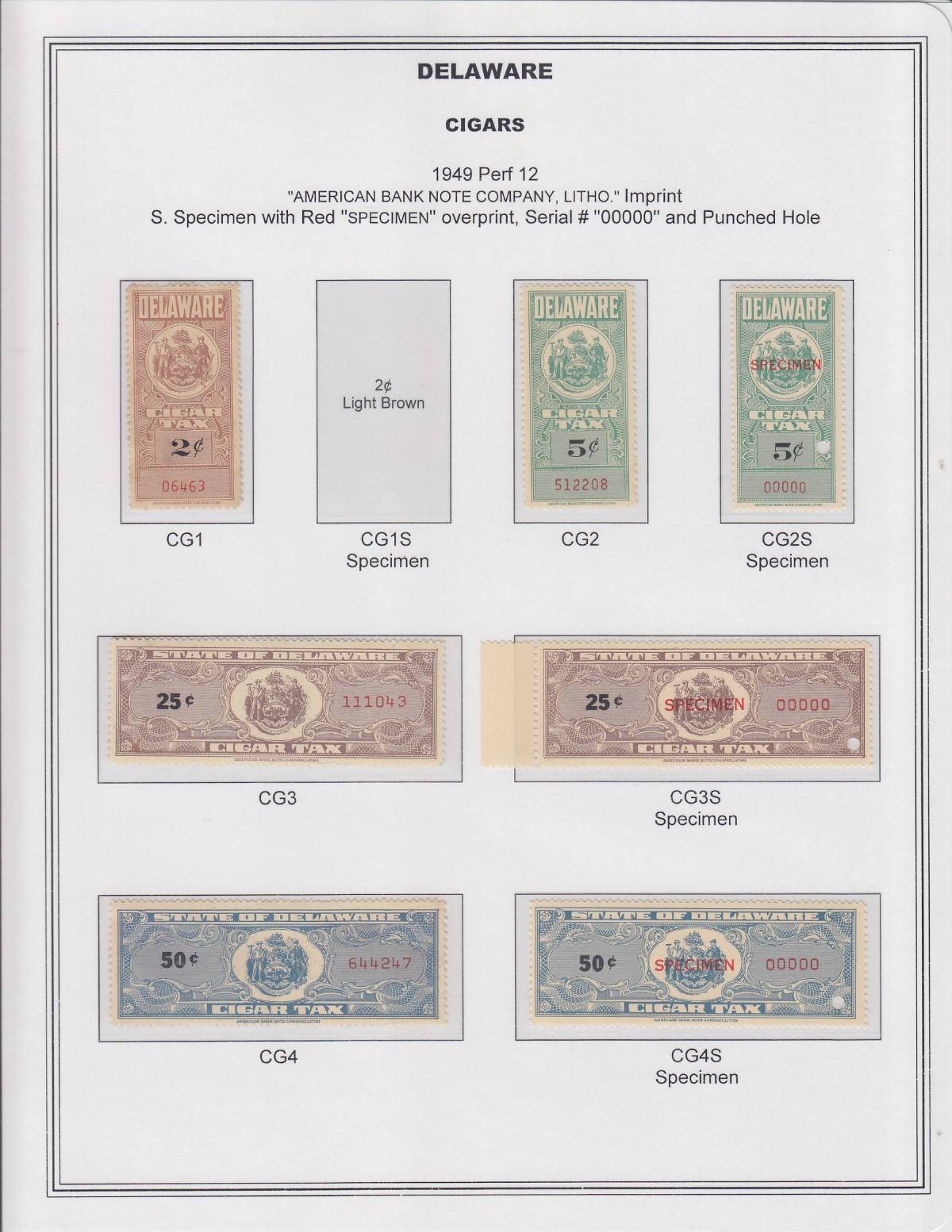
Here is an example of one of my pages for Delaware Cigar tax stamps:





 Posted 10/12/2020 4:19 pm


