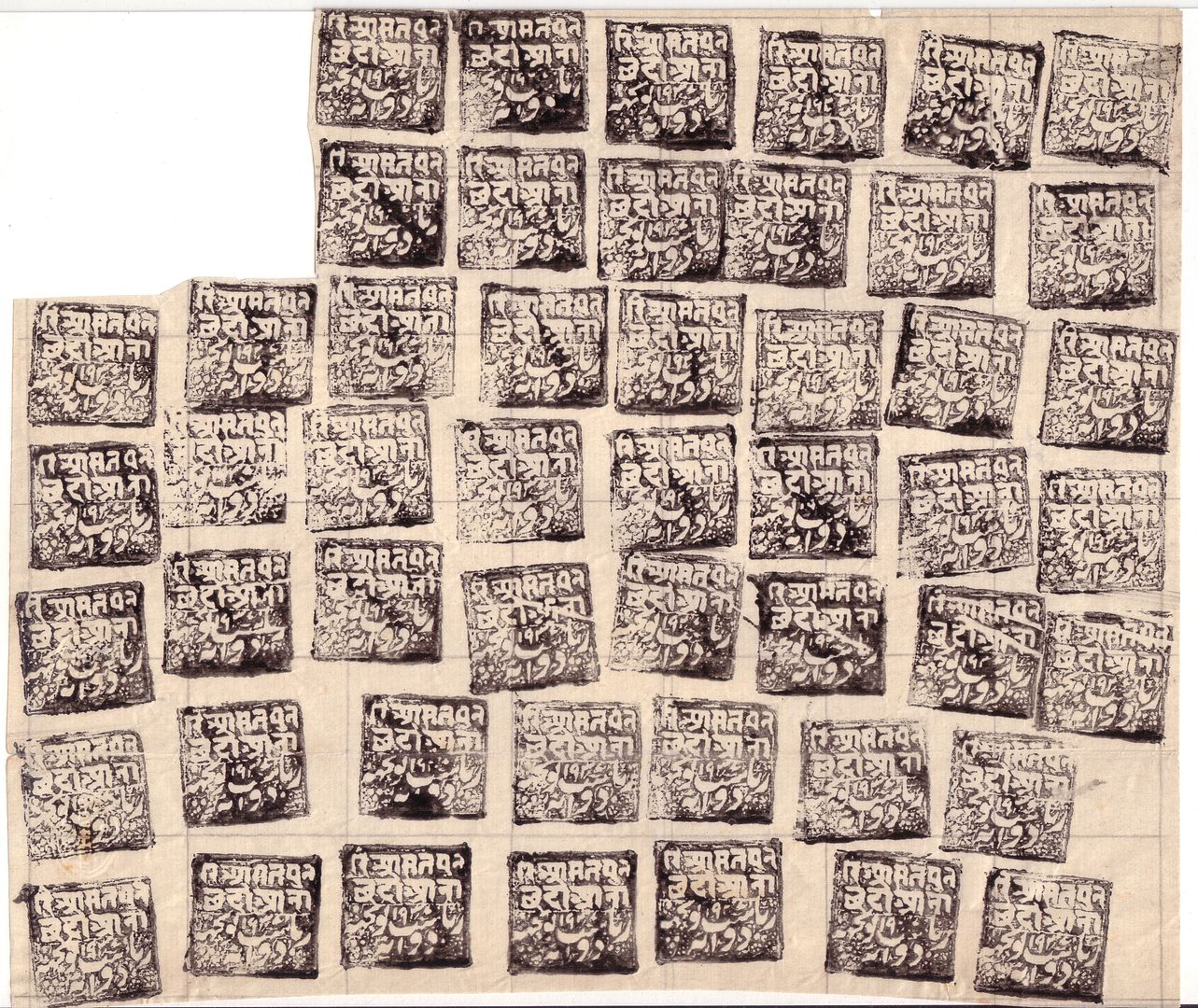
Sorry guy's I've tried several things to show stamps images. I think you would really like to see some of my stamps, but "no can do". I haven't mastered the technique. I try to send images but they are to big for Stamp Community. I have to get under 90 Kb. please help.
Hello Dale. If you are using any version of Windows you will find an application called Windows Paint. Search for mspaint.exe - in the last three versions it has been in the system32 folder. Once you have scanned your picture open it in MS Paint and select "Image" and "Resize/Skew". The default is 100% horiz. and 100% vert. Select the percentage you want to reduce in both (there is no aspect-lock in MS Paint). It's a very limited application but it's free and does the job.
Setting the scanner at 300 dpi and scan mode at color(autocrop) and going down to 150 or 75 dpi with larger pieces nearly always works for me, except sometimes the autocrop doesn't crop completely, then I go the Gimp (freeware) and use their transform tool---crop-- to manually crop.
Disclaimer: While a tremendous amount of effort goes into ensuring the accuracy of the information contained in this site, Stamp Community assumes no liability for errors. Copyright 2005 - 2026 Stamp Community Family - All rights reserved worldwide. Use of any images or content on this website without prior written permission of Stamp Community or the original lender is strictly prohibited. Privacy Policy / Terms of UseAdvertise Here





 Posted 03/11/2011 6:05 pm