Tina !
It is not an emergency. It's fun learning.
What make of scanner do you have ??
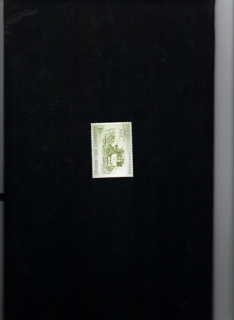
In all the programmes I know or have seen you can review the item to be scanned before the actual scanning. Before clicking on 'scan' take your mouse to the edge of the sheet where you placed the stamp and there are some dotted lines. Go to the middle or the corners [depending on programme], left click on the mouse and drag those dotted lines as close to the edge of the stamps as you can leaving only a tiny black border around the item for better presentation.
As I said depending on the programme/make of scanner, you can drag two lines if starting from the corners; i.e. If starting from the left bottom corner you will drag the left and bottom lines...then go to the top right corner to drag the other two. If starting from the middle of the line, then you will need to make 4 adjustments .
In some programmes you can resize also and this can be done at the same time. For single stamps you can resize to 150%.
When these dotted lines are close around the stamp then you can click on scan.
I hope this helps. If not, I can call you and talk you through it.

Good luck
Londonbus1





 Posted 04/07/2009 01:06 am


 emergency.jpg


