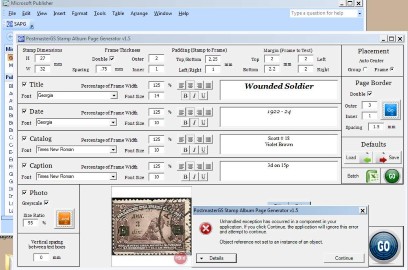
I'm been working on a major update to my Stamp Album Page Generator, and I think it's ready to go public.
REQUEST -- I NEED FEEDBACK! If you note any bugs, have any criticisms/suggestions, or requests for new features, please don't hesitate to let me know. This thing is a non-stop work in progress!
Requirements -- Microsoft Publisher; Microsoft Excel (if using the batch feature)
Installation requirements & known issues -- See the enclosed instructions.
What's new -- The SAPG is now a Publisher add-in, so it works with any Publisher document, new or existing. The previous version only worked in the document that the macro was built into. This allows it to be used with any album pages you've already built rather than just new pages from scratch.
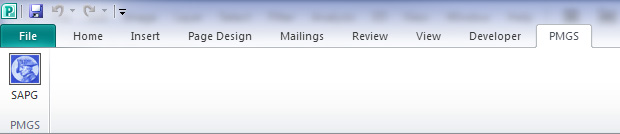
What it does and how it worksAfter installing the program, you'll see a new tab in Publisher with a button that launches the add-in.
This is the add-in screen.
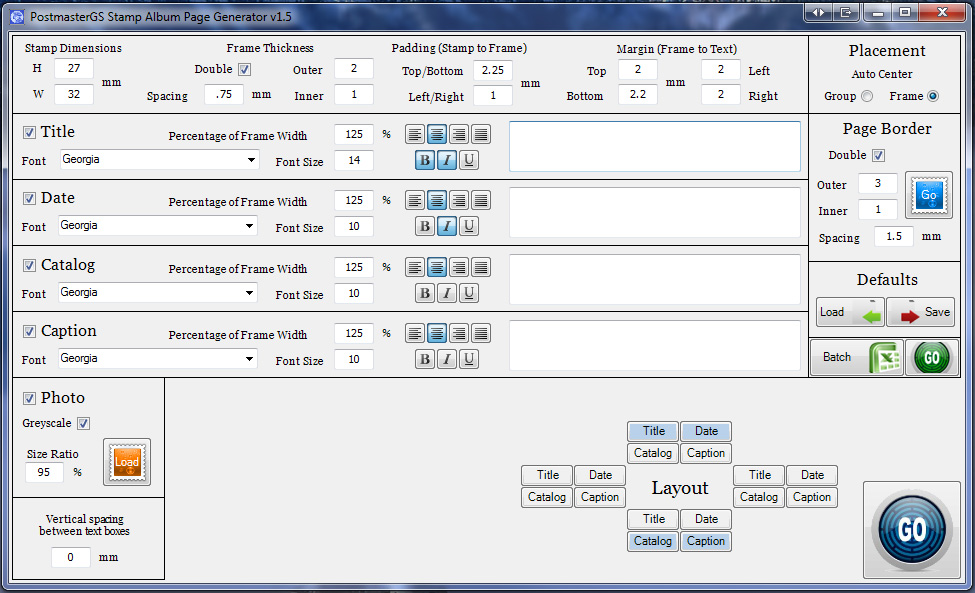
You can fill it with the data you want to include with your stamp on the page. You can set the size of the stamp, the style of frame, and whether you want to include a color or grayscale photo. There are four text boxes available for you to use, with each having customizable font, font size, font style, alignment, and positioning in relation to the frame.
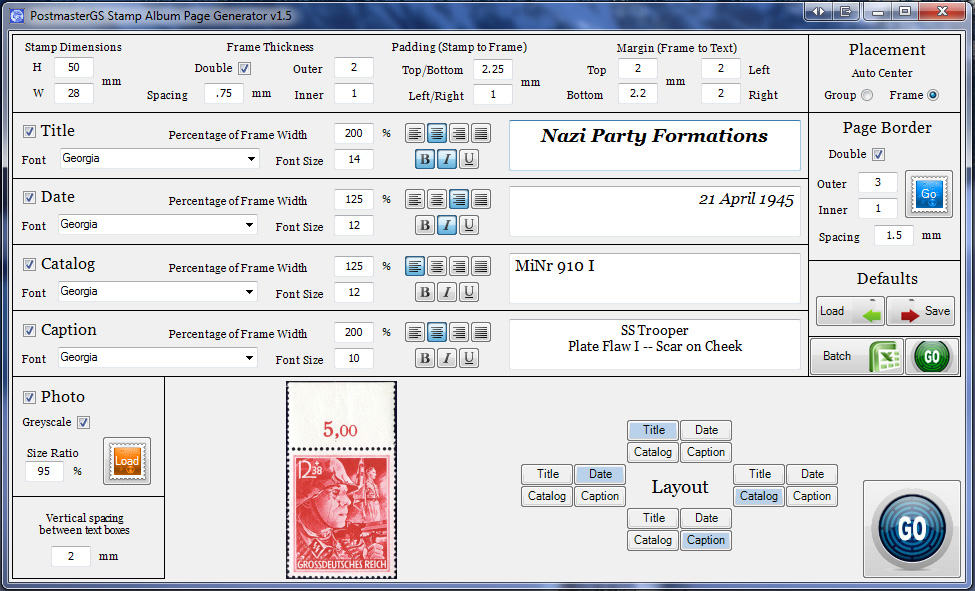
Here's a sample of some stamp data entered into the form before hitting "GO". And here's the result when you hit "GO".
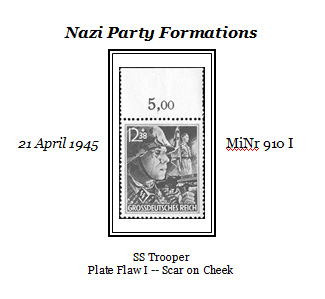
The end result is grouped so you can easily reposition it.
In addition, there is a batch generation feature which uses Excel. By clicking the Batch button, you get an Excel spreadsheet where you can enter (and save) the data on as many stamps as you'd like. You can create new tabs, so you can have a tab for each area you might collect.
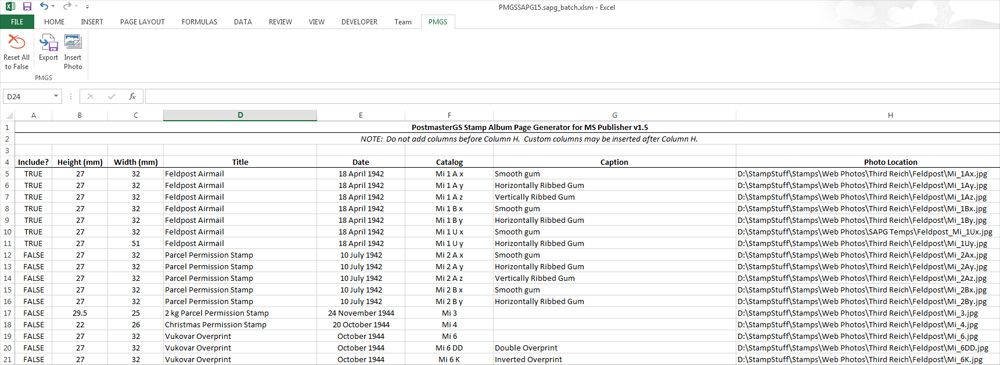
To tell the program which stamps to include in the batch processing, you change the first column to "TRUE" and hit the Export button on the tab in the ribbon bar.
Then, back in the Publisher add-in, you hit the green "GO" button, and get this result.
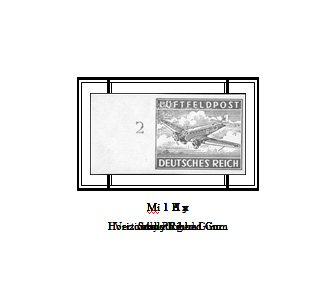
Each line in the Excel spreadsheet with "TRUE" selected has produced a separate stamp entry. Each entry is grouped for easy dragging, and when they're dragged apart, this is the end result.
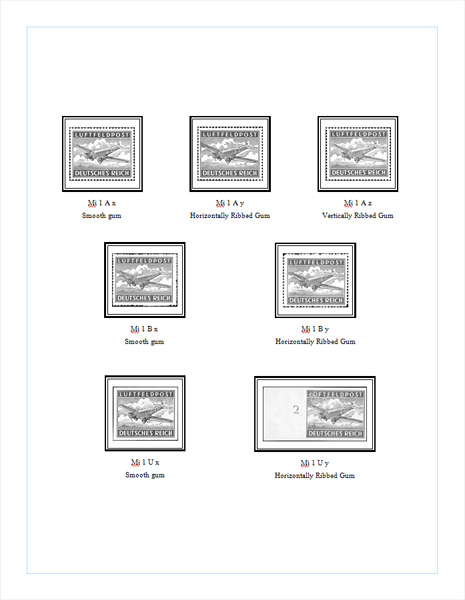
With this version, I've also added the ability to generate a simple page border. I hope to add more border options in the next version.
Enjoy. Let me know how it's working for you and let's see some pages!
Edit: Links to old version removed due to update (see below).





 Posted 03/16/2013 12:53 am