Rusty - I concur. I was truly surprised when I got up this morn and saw the response. Score 1 for the developer.
I reinstalled Comic Sans. The developer said the next version upgrade will do away with Comic Sans and use Helvetica Neue.
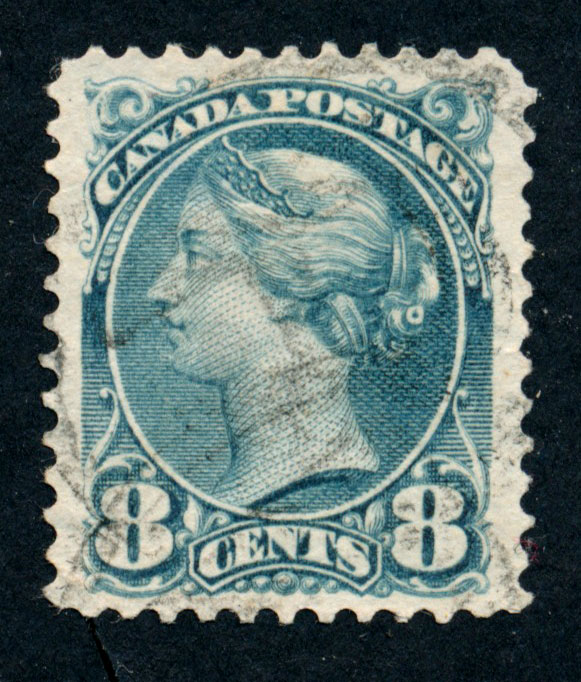
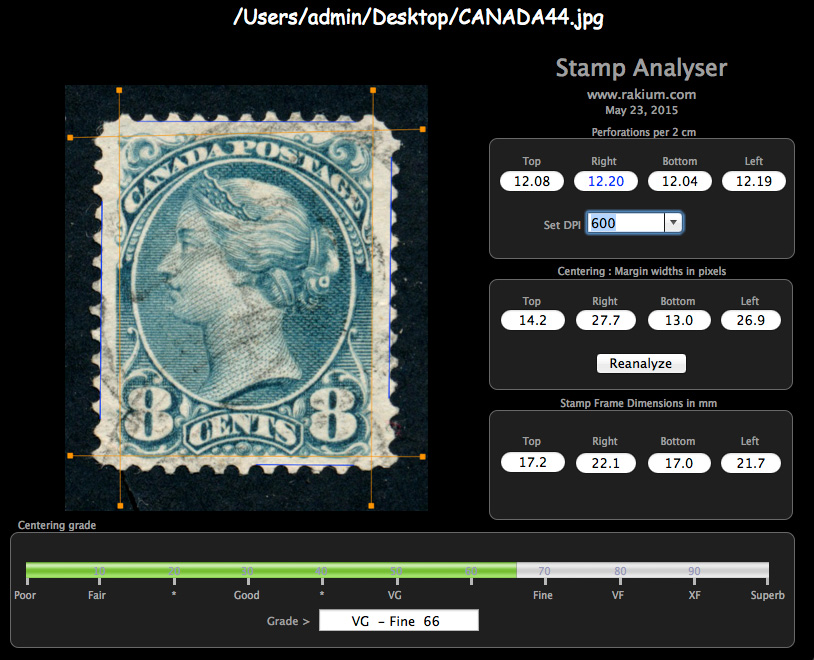
with that completed, Stamp analyser opened right up. Since perking the small queens always gives me trouble, I thought I would try it on a known stamp #44. I was able to scan at a decent size, 600 dpi. This is the highest dpi the software handles I believe. Setting Stamp Analyser software to 600 dpi it seems to have accurately measured my #44's perfs.
I like this software because it easily documents the margin and perforation numbers and may be a plus, say if you want to include an evaluation like this in an
ebay listing. It will certainly help me sort out my small queens.
Here is the scan I started with:
Here's a screenshot of the scan loaded into Stamp Analyser. It was a simple drag-n-drop:
You can elect to print a "certificate". I need to figure out how I can fix the title. On my mac I elected to save this page as a pdf.
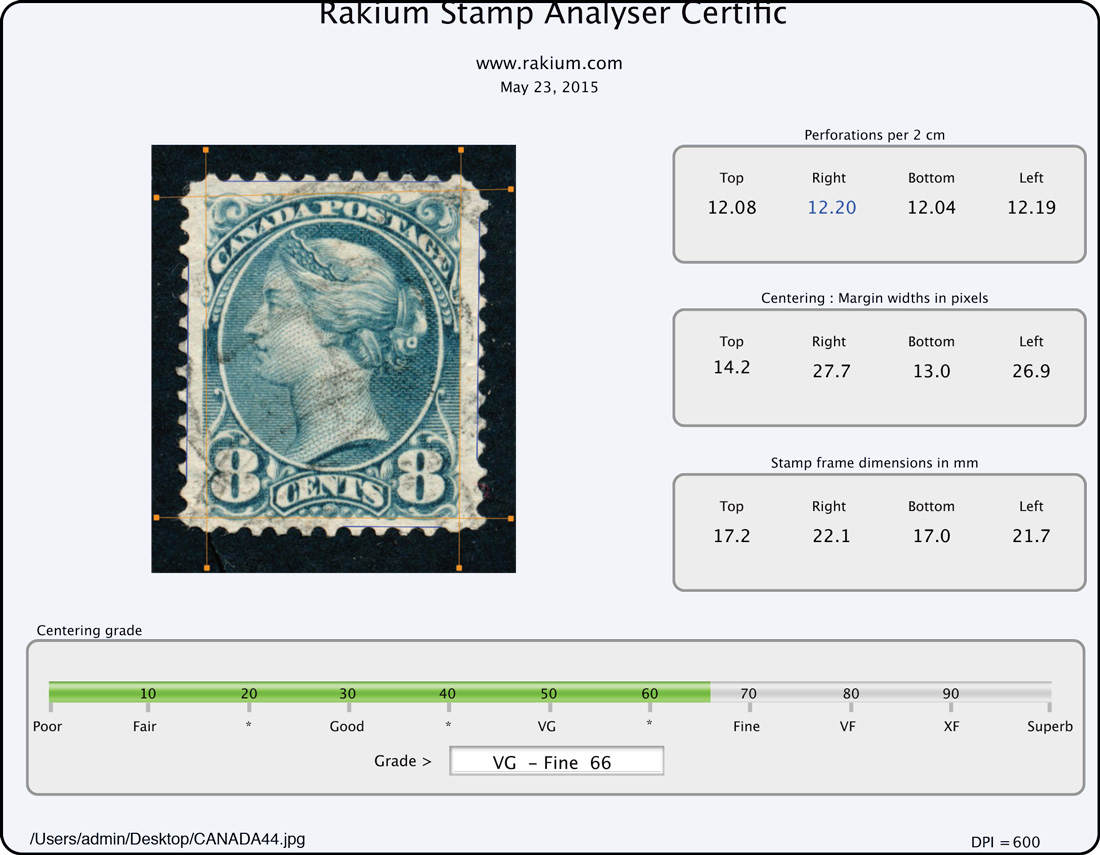
This is a simple tool without a lot of bells and whistles. It seems to have worked well on this stamp. I'll post more small queens as I go through them.





 Posted 05/22/2015 6:51 pm


 There's not enough customer service like that these days.


