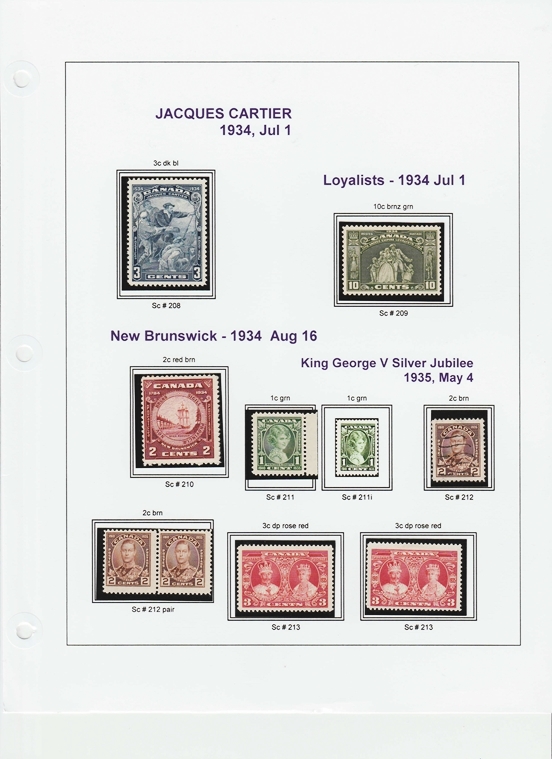
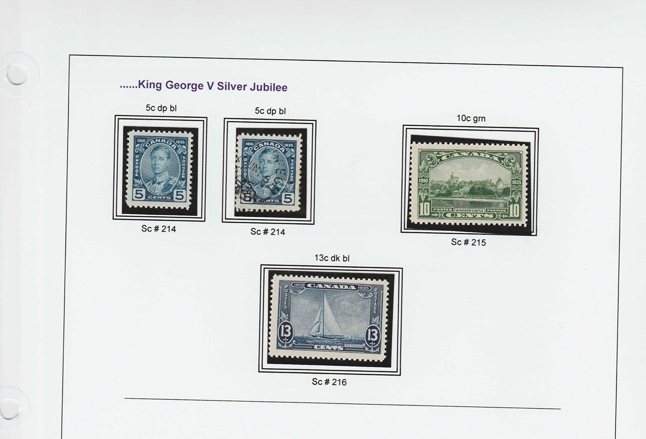
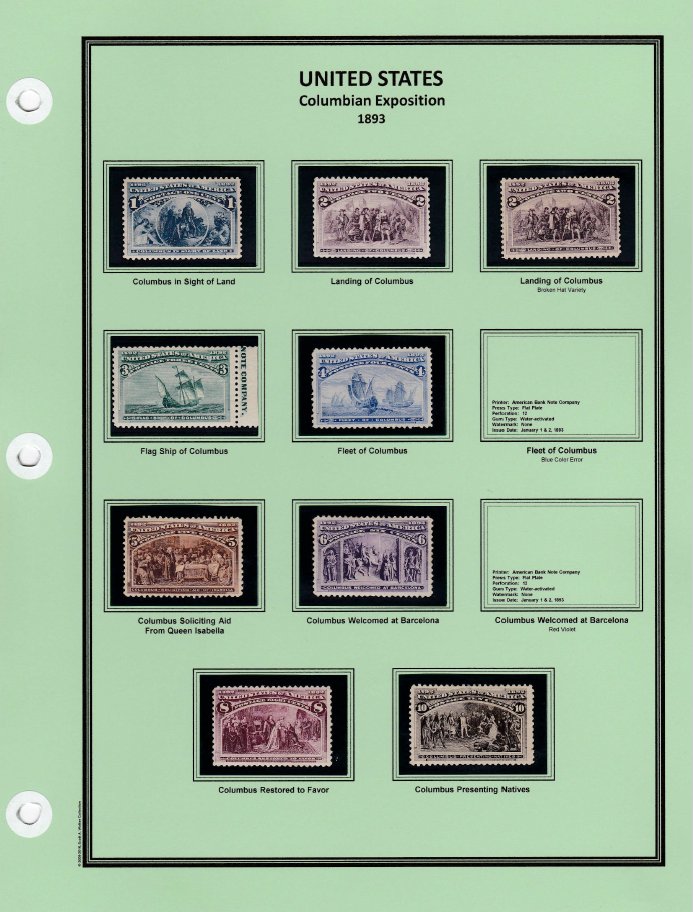
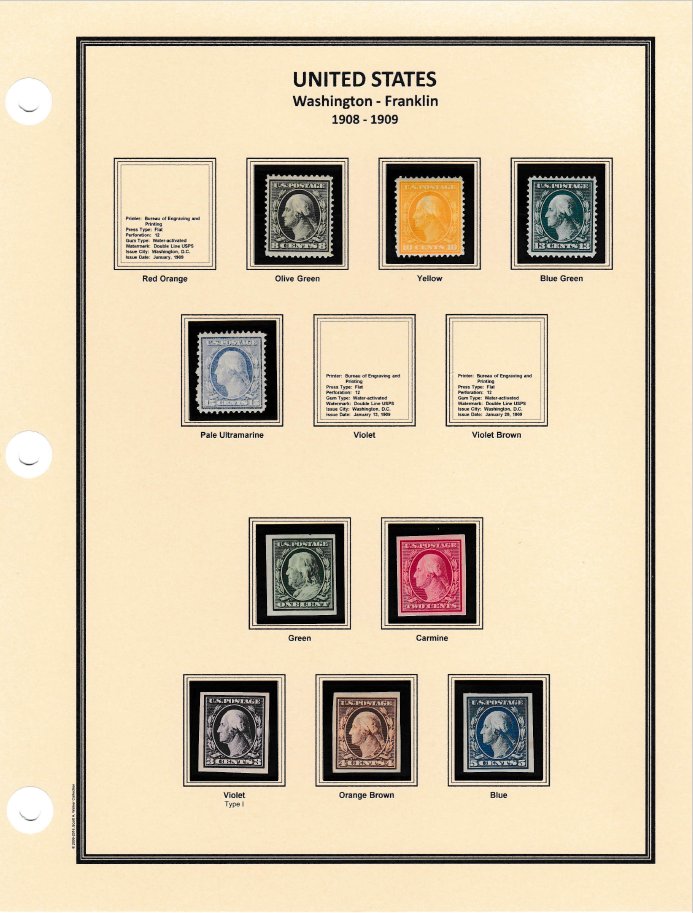
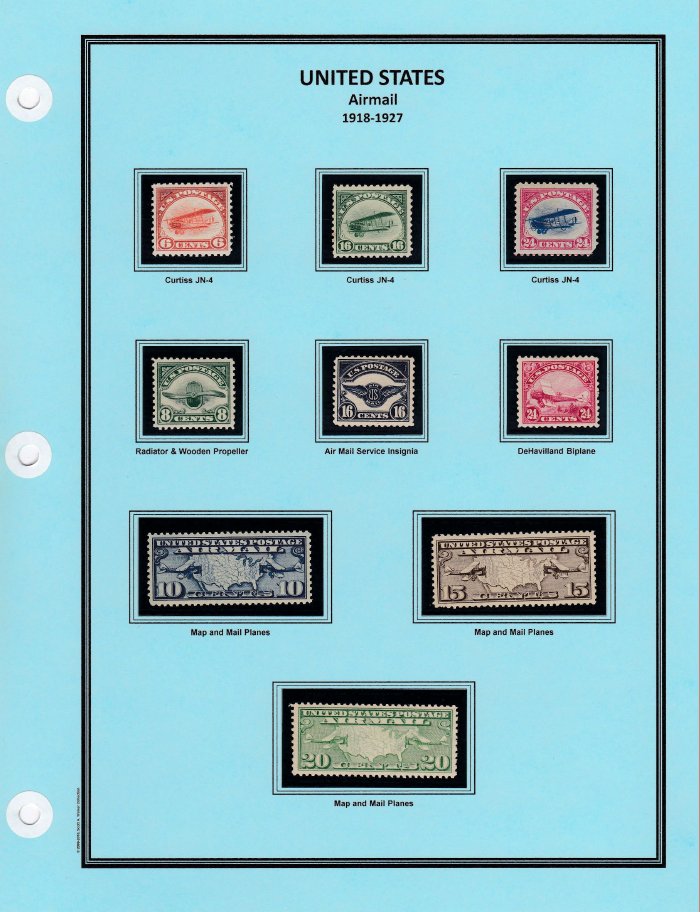
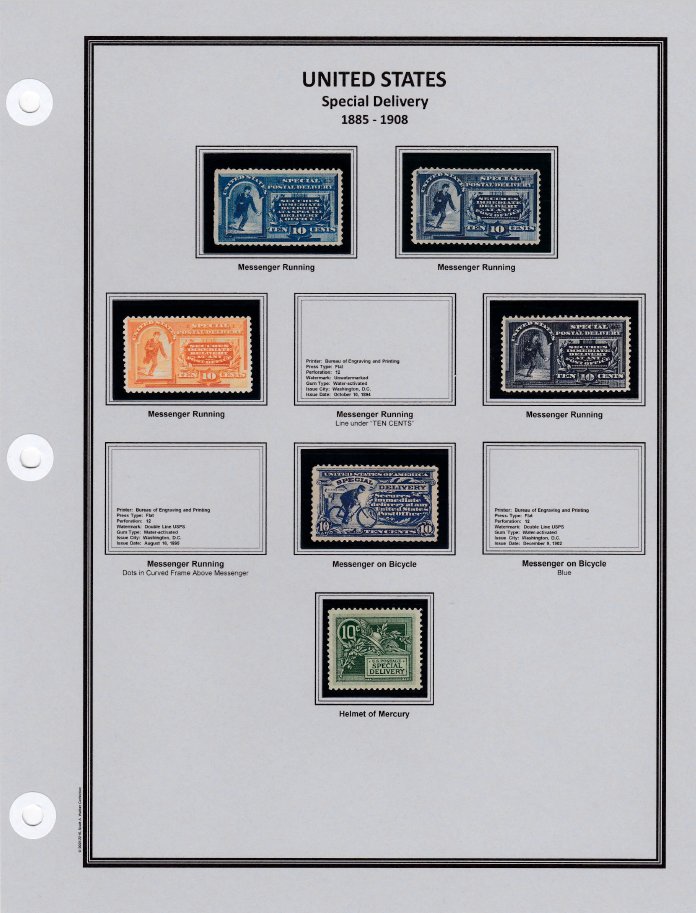
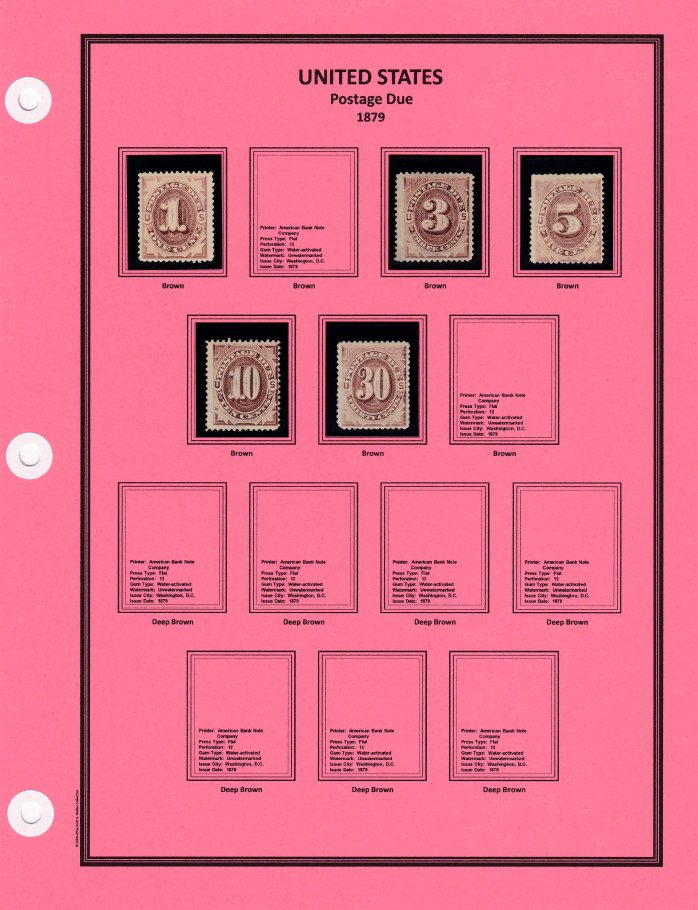
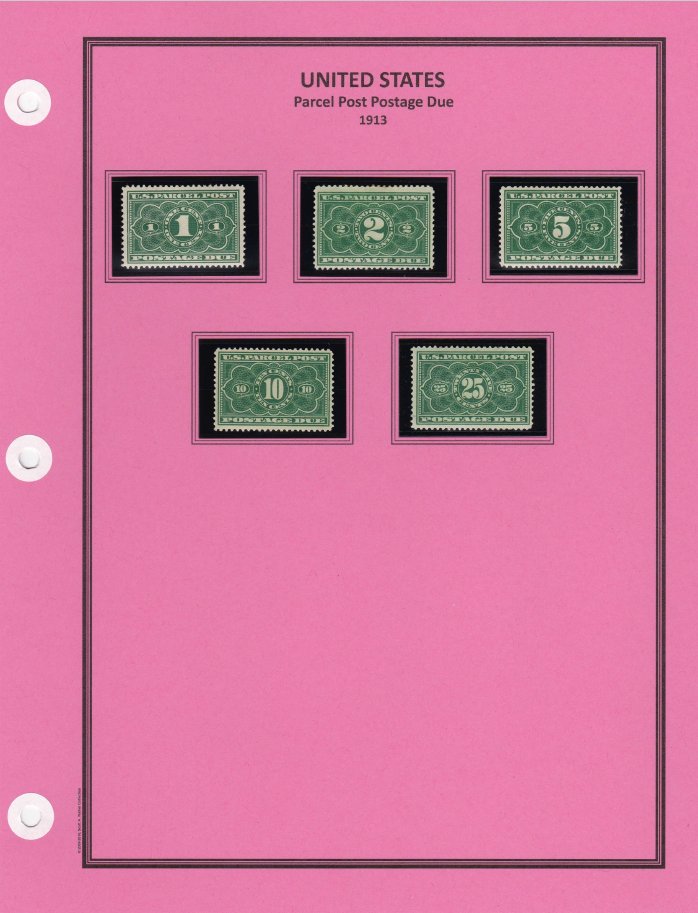
For my pages, I design them with PowerPoint which has worked extremely well for me. I use 110lb cardstock in colors based on category, three hole punch with paper reinforcements (plastic tended to shed adhesive on the posts of my binders), and ShowGard for everything. The pages are printed with a Canon MG7720 inkjet printer. I prefer that to laser printers as the print from the later will come off with age.
I do not use Scott numbers, but do include relevant information on the bottom part of each space such as printer, press type, watermark, tagging, issue city, and issue date. By keeping the info on the bottom half of the space, I can lift the ShowGard and view the information for the issue.
Blaamand - thank you, it took a bit of time (actually years) to develop the concept of the pages. I started off with PNC (plate number coil pages) about 15-20 years ago...they are a lot less sophisticated. I've added an example of those pages here.
I've just been reading this topic from the start and am not sure if you ever get what you were first looking for? If not, I'm sure I can rustle something up for for you if you give me a couple of weeks.
I would use the Australian page I pictured in https://goscf.com/t/57656&whichpage=2. I could include a red Country name in the title block, a black border and a light grey quadrille. If you want other colours in any or all of these places, that can easily be accomodated. You will need to specify A4 or US Letter sized pages. I would supply as a PDF.
I've just been reading this topic from the start and am not sure if you ever get what you were first looking for. If not, I'm sure I can rustle something up for for you if you give me a couple of weeks.
I would use the Australian page I pictured in https://goscf.com/t/57656&whichpage=2. I could include a red Country name in the title block, a black border and a light grey quadrille. If you want other colours in any or all of these places, that can easily be accomodated. You will need to specify A4 or US Letter sized pages. I would supply as a PDF.
I have recently added a Youtube video tutorial for AlbumEasy the free album creation software. Hopefully this will ease the learning curve for anyone having trouble getting started.
Being my first video ever, the first few minutes are a bit hesitant, but I think that improves if you soldier on.
I'm also using AlbumEasy for my Canal Zone pages. It is a moderately easy learning curve, especially if you start by using the sample pages included in the software. Plus, it's a free download!
I downloaded Bill Weston's excellent pages from the same site (see "Downloads") for Canal Zone and then modified the stamp border sizes (default set for actual stamp dimensions + 2mm) to accommodate my use of Scott Mounts.
I also developed a page for the Canal Zone coil pairs.
Back to the program....I still have more modifications and extra pages to make.
clivel I downloaded the AlbumEasy program. Great stuff. Been thinking about making a "virtual" collection online and this will work perfectly since the pages save in PDF, which can quite easily be converted in Adobe into html for web pages.
(I find the program easy to use, but then I have lots of experience with modding computer games that use very similar Unicode file structures for files, so to me it's a similar process to the game modding I have been doing for several years)
Disclaimer: While a tremendous amount of effort goes into ensuring the accuracy of the information contained in this site, Stamp Community assumes no liability for errors. Copyright 2005 - 2026 Stamp Community Family - All rights reserved worldwide. Use of any images or content on this website without prior written permission of Stamp Community or the original lender is strictly prohibited. Privacy Policy / Terms of UseAdvertise Here





 Posted 11/07/2017 7:32 pm







 )
)


