If you click on your profile name, you will open your profile.
There is a line that says 'View all uploaded images.' Click on it and you get thumbnails of your uploaded images. Below the images are the links. There, also, is a button 'Copy to Clipboard.' Clicking on it allows you to paste the link in your post.
The expected format would be
[ img ]uploaded/Mrkyle/20240318_122553_image-scfopt.jpg[ /img ]
Without the spaces shown between the brackets above.

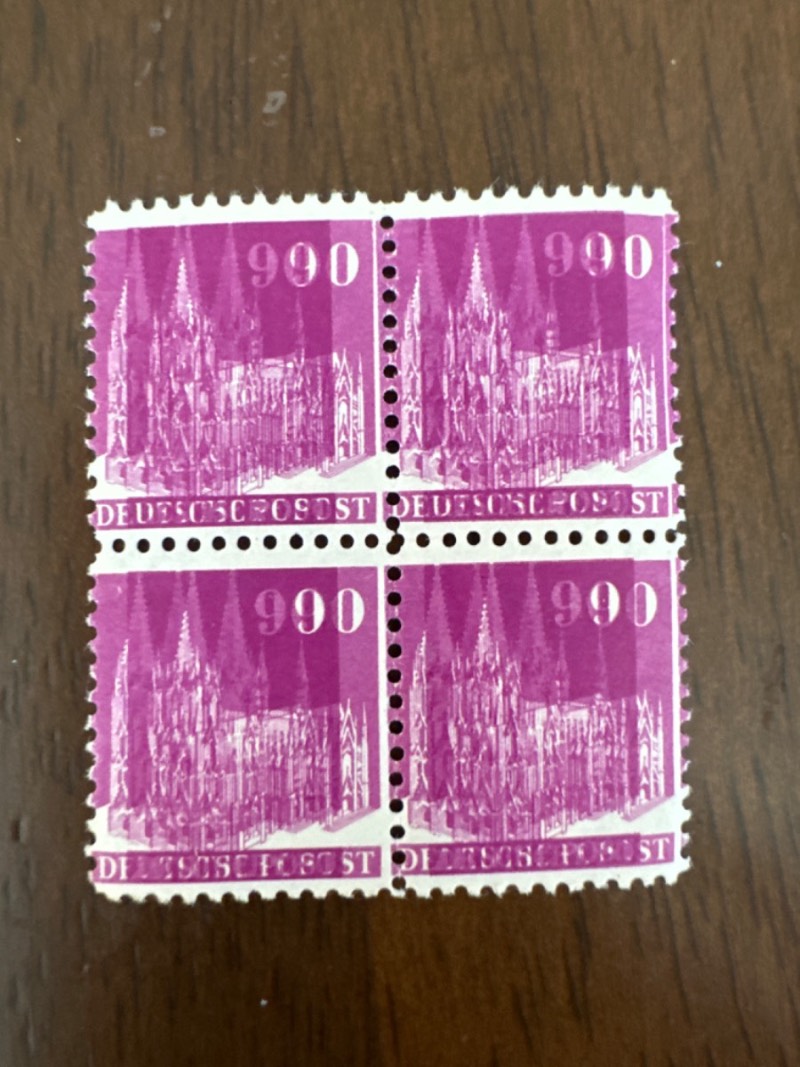
Of course, this only works if you, actually, managed to upload the image.
Above symbol suggests you did not, or the name is different.
Edit: Now it works.





 Posted 03/18/2024 12:26 pm